
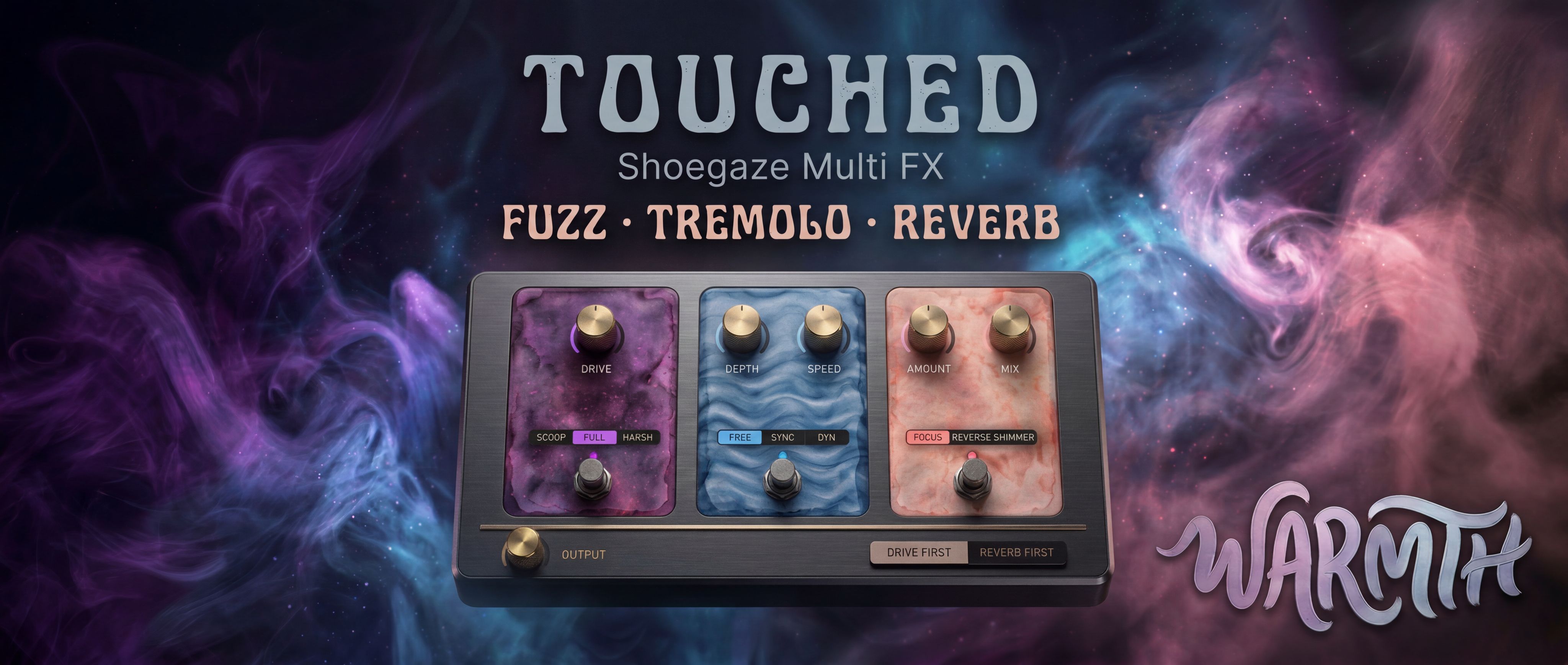
Thank you for purchasing Touched - Shoegaze Multi-FX.
Download
Please download the plugin files directly from KVR Audio Marketplace. You will need to download the file for your platform, then unzip it.
Installation
Extract the downloaded archive for your platform, then copy the plugin file to the appropriate folder:
WINDOWS
VST3: C:\Program Files\Common Files\VST3\
CLAP: C:\Program Files\Common Files\CLAP\.
macOS
VST3: ~/Library/Audio/Plug-Ins/VST3/
AU: ~/Library/Audio/Plug-Ins/Components/
CLAP: ~/Library/Audio/Plug-Ins/CLAP/.
If Mac OS says the file you have installed is damaged, please open Terminal, and run this command:
For VST3:sudo xattr -r -d com.apple.quarantine ~/Library/Audio/Plug-Ins/VST3/*.
For CLAP:sudo xattr -r -d com.apple.quarantine ~/Library/Audio/Plug-Ins/CLAP/*.
For AU:sudo xattr -r -d com.apple.quarantine ~/Library/Audio/Plug-Ins/Components/*.
LINUX
VST3: ~/.vst3/
CLAP: ~/.clap/.
Restart your DAW and rescan plugins after copying.
For support, please use our support email.

Please log in to join the discussion
Submit: News, Plugins, Hosts & Apps | Advertise @ KVR | Developer Account | About KVR / Contact Us | Privacy Statement | Sell @ KVR | KVR Marketplace Terms & Conditions
© KVR Audio, Inc. 2000-2026

