Log InCreate An Account
  1. Plugins
  2. »
  3. Reactorcore
  4. »
  5. Whisper Batch Transcriber
  6. »
  7. Details

Whisper Batch Transcriber

Speech Transcription by Reactorcore
MyKVRFAVORITE2WANT3
Whisper Batch Transcriber
Whisper Batch Transcriber Whisper Batch Transcriber Whisper Batch Transcriber
Whisper Batch Transcriber by Reactorcore is a Software Application for Windows. It functions as a Standalone Application.
Product
Version
2.0
OS: Windows 7 or newer
Graphics Card with atleast 2GB of VRAM, ideally 6GB of VRAM or more.
Atleast 3 GB of disk space.
(typical mid-range gaming computer with Windows will work)
Other
Stand-Alone Utility / Application
Sample Formats
Loads and/or Saves
AAC, FLAC, M4A, MP3, OGG, WAV
Copy Protection
None
Open Source
Free (Public Domain)
Important Note
This program is slow to start up! It may take 5-15 minutes before its fully loaded and you see the main menu, mainly due to the underlying Whisper model that is about 1.5GB in size that needs 2-6GB of VRAM to process the files. The transcription process is also relatively slow (1 minute of audio = ~1-5 minutes to transcribe, but depends on how powerful your computer is so it may be faster or slower). You might be able to browse the web while it transcribes your audios in the background, but probably don't play graphics intensive video games while this program runs.

MyKVR: Groups, Versions, ...

4 KVR members have added Whisper Batch Transcriber to 2 MyKVR groups 5 times.

Download KVR Studio Manager (FREE)

Not In Your MY KVR Groups
(or group limitation prevents versioning)
+2 in private groups

KVR Rank

Overall: 23754   18653

30-Day: 27868; 7-Day: 21150; Yesterday: 20723

Whisper Batch Transcriber

Automatically convert all of your voice recordings into clean, organized, neat text files.

It's fully automated, unlimited, using state-of-the-art speech-to-text technology. Works 100% offline on your computer, privately.

Convert speeches, podcasts, webinars, monologues, storytellings and other audio speech into a formatted .txt file. Here's what a sample output looks like from a generated .mp3 file:


There are many different types of text that can be used just to fill space.
Some of this text is about how people are treated unfairly in the world.
People want to be free and have control over their own information, but it's not always easy.
There are laws and rules that are supposed to protect people's rights, but they're not always followed.
Ultimately, the goal is to be able to live our lives freely and make our own choices without being controlled or judged..


Usually it's one sentence per line, with a capitalized first letter and period at the end. Easy to read.

How to Use:

  1. Put your audio files into the folder called: put your audio files here.
  2. Run the transcriber by double-clicking: whisper_transcriber.py.
  3. The transcriptions will be saved as .txt files inside: output_transcripts.

That's all! Easy as pie.

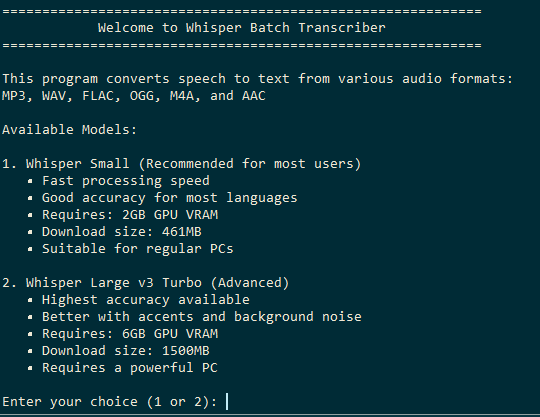
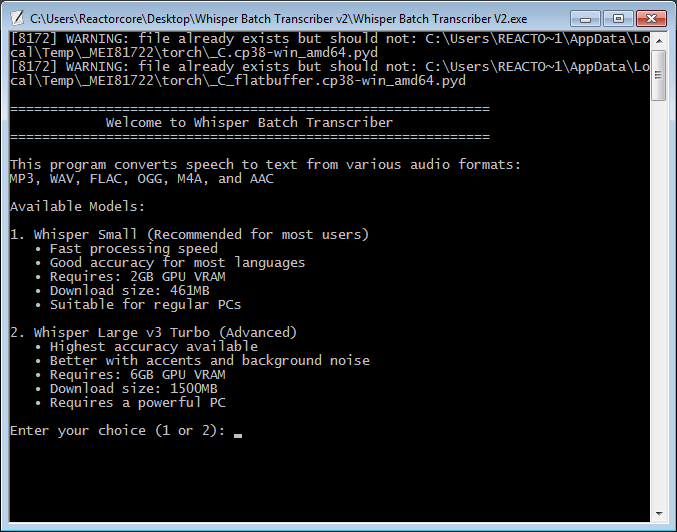
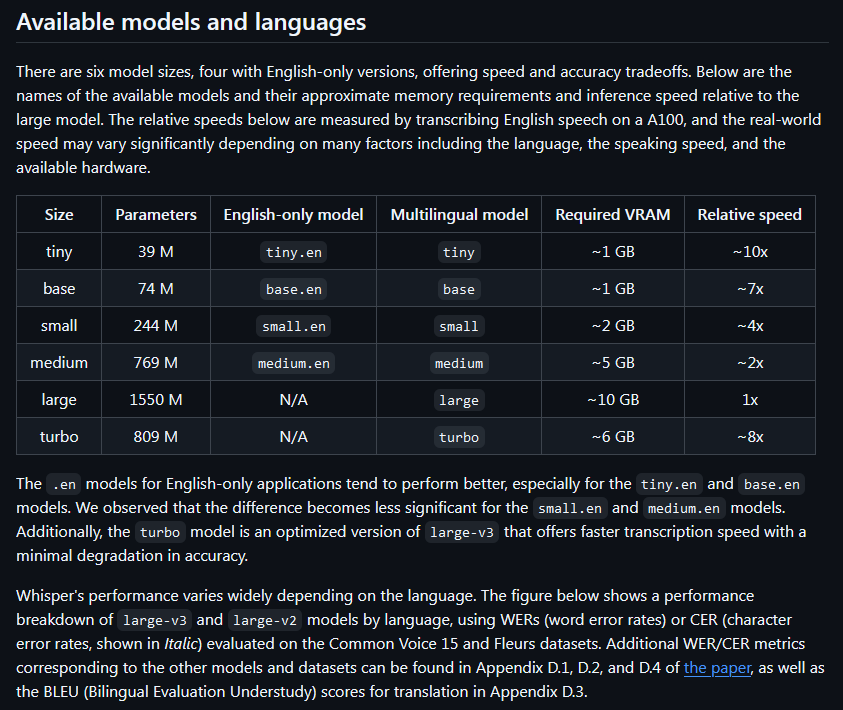
You can choose between two Whisper AI models:

  • Small_en - requires 2GB of VRAM, 96% accuracy.
  • Large_v3_Turbo - requires 6GB of VRAM, 99,8% accuracy.

The results with both models are REALLY GOOD. They're relatively similar in speed, so if you do have a powerful enough computer to run Large_v3_turbo, then always use that.

Both models are pre-included in the package, so you don't have to download them separately.

Latest User Reviews

Average user rating of 0.00 from 0 reviews

Products similar to Whisper Batch Transcriber...

Comments & Discussion for Reactorcore Whisper Batch Transcriber

Discussion
Discussion: Active

Please log in to join the discussion

Log In To KVR Audio
