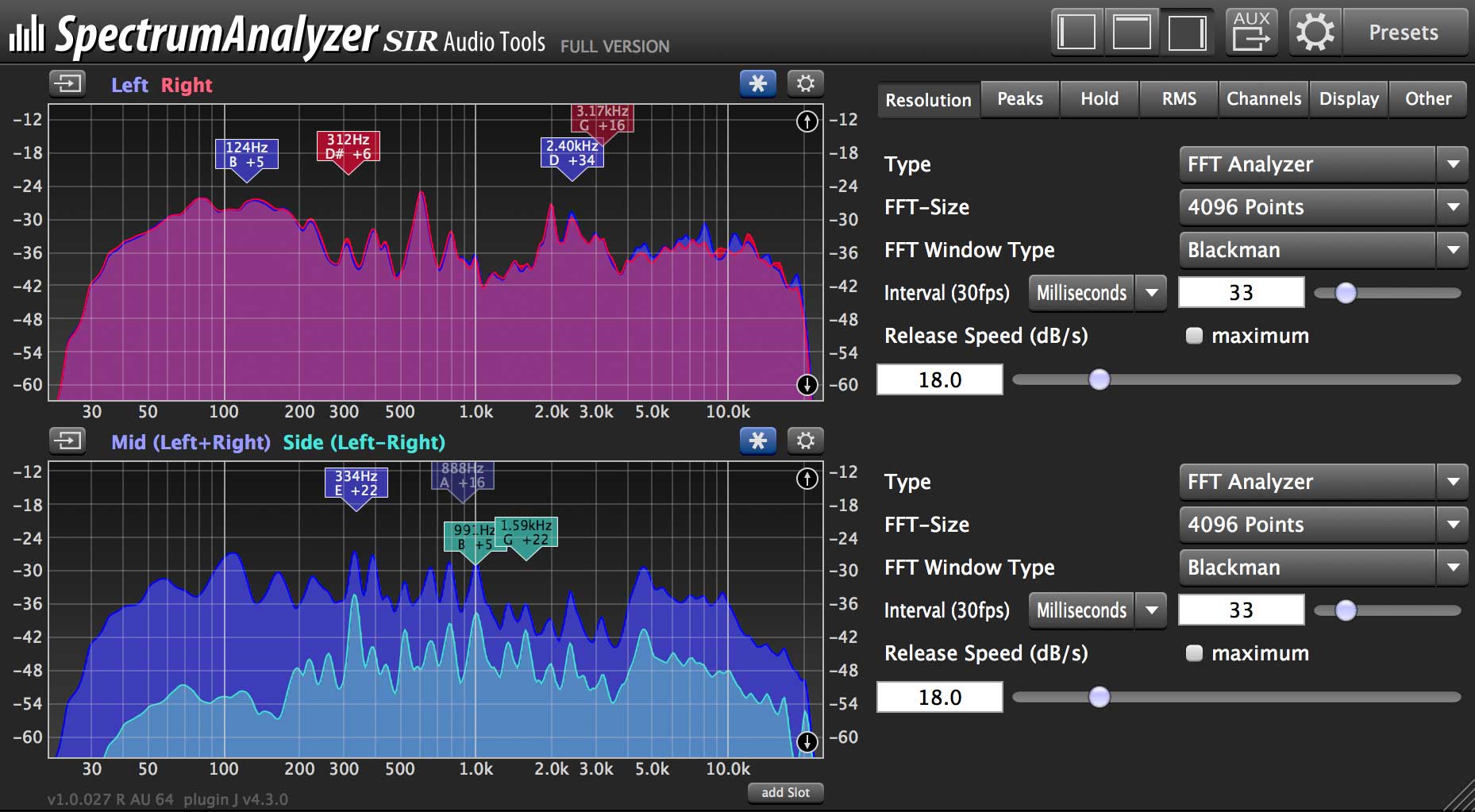
I find this function to be extremely useful.
I often use MAutoDynamicEQ, MEqualizerLP, MSpectralDynamics but I just can't find how to turn this function on on their graph areas. Is this an option that's there but I can not find it, or this function is only available in MMultiAnalyzer?
I know that as soon as I grab an EQ band than this function is there but as a previous Fabfilter user I'm used to this "hovering" function, I think they implemented this function really well.
If this has not yet been added to other Melda plugins (like EQs with analysis/display graphs) would it be possible to add this function? Ideally it should be optional to switch it on or off.
+
(In Fabfilter's Pro Q EQ if you move/hover the mouse cursor on the display area, the frequency under the mouse cursor is shown in the frequency scale at the bottom of the display.

Also, if the piano display is enabled, the key under the mouse cursor is highlighted.

You can turn this feature on or off by clicking Show Frequency On Hover in the Help menu of Pro Q.)