Ableton Live 11

Audio Plugin Hosts and other audio software applications discussion
Post Reply New Topic
RELATED
PRODUCTS
Live

Post

InLight-Tone wrote: Wed Nov 11, 2020 1:41 amI have ZERO interest in probability and randomness, I want my music to do EXACTLY what I tell it to each time it plays. I sometimes think randomness is for people who can't make decisions...
Definitely! You're probably also smarter, more handsome and have bigger d**k than those of us who use randomness and probability :smack:
Music tech enthusiast
DAW, VST & hardware hoarder
My "music": https://soundcloud.com/antic604

Post

InLight-Tone wrote: Wed Nov 11, 2020 1:41 am I have ZERO interest in probability and randomness, I want my music to do EXACTLY what I tell it to each time it plays. I sometimes think randomness is for people who can't make decisions...
I really have hard time to make decisions... and let randomness take decisions for me scares me even more :o

Post

Jolaff wrote: Wed Nov 11, 2020 1:51 amI really have hard time to make decisions... and let randomness take decisions for me scares me even more :o
The opposite is true. You let the chance & probability to take the decision for you - either you bounce MIDI or audio and use that, or you let it be (slightly) different every time and you accept it. Obviously you won't do this for main melody or chord progressions, but small incidental stuff? It's perfect for it.
Music tech enthusiast
DAW, VST & hardware hoarder
My "music": https://soundcloud.com/antic604

Post

Windows 10 only, heh at least I wont have to worry about upgrading for a while then. :D

Post

InLight-Tone wrote: Wed Nov 11, 2020 1:41 am I have ZERO interest in probability and randomness, I want my music to do EXACTLY what I tell it to each time it plays. I sometimes think randomness is for people who can't make decisions...
Tell that to a drummer :dog:
ABEFLGMOPPRRST :phones:

Post

InLight-Tone wrote: Wed Nov 11, 2020 1:41 am I have ZERO interest in probability and randomness, I want my music to do EXACTLY what I tell it to each time it plays. I sometimes think randomness is for people who can't make decisions...
You do know though that you don't HAVE to use those random tools, that you don't sign a contract with Ableton stipulating that when you get Live you have to use them, don't you?

... :lol:

Post

antic604 wrote: Tue Nov 10, 2020 10:14 pm
Dalle wrote: Tue Nov 10, 2020 10:08 pmHmm I always thought Live was very efficient with space.
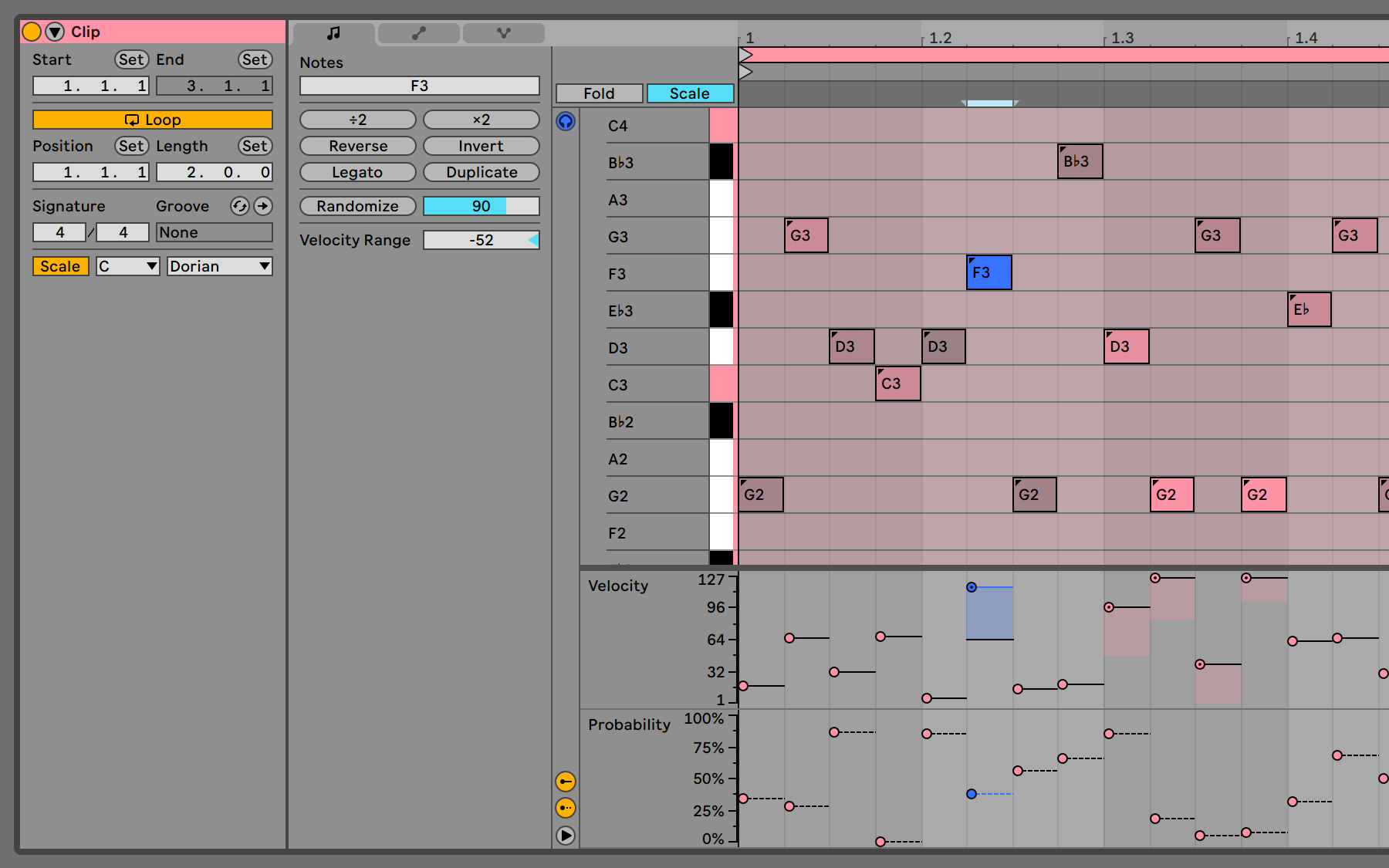
I'm talking about new clip properties panels, that suddenly got 2x wider with lots of wasted space below:

Image

Compared to v10 (notice next actions panel is not even visible above!!!):

Image
Why weren't they able to make use of that stupid blank area for new feature?....

Post

Jolaff wrote: Wed Nov 11, 2020 1:51 am
InLight-Tone wrote: Wed Nov 11, 2020 1:41 am I have ZERO interest in probability and randomness, I want my music to do EXACTLY what I tell it to each time it plays. I sometimes think randomness is for people who can't make decisions...
I really have hard time to make decisions... and let randomness take decisions for me scares me even more :o
You don’t have to use it to play or not play notes though, you can set it to play velocity within a given range which makes a repeating phrase more interesting to the ear even if you only set the range to a variation of -5/+5 out of the usual 127.

Are you safe?
"For now… a bit like a fish on the floor"
https://tidal.com/artist/33798849

Post

Interesting post at abe forum. I remember someone talked about similar thing in kvr too?
Considering that one of the main features of Ableton Live 11 is MBE, and the primary controller that utilizes MBE is ROLI, I would like to address an important recent development I have discovered. I work at a major music retailer, and sold a last generation ROLI controller to a customer. They returned it as broken, and was told by ROLI that they do not support any sort of repair to any devices.... (go their forum to read full)

Post

A question for all those who eagerly are waiting for a Push 3. What exactly are you missing from Push 2?
Neon City for u-he Repro - 80s pop & Synthwave soundbank
HARDWARE SAMPLER FANATIC - Akai S1100/S950/Z8 - Casio FZ20m - Emu Emax I - Ensoniq ASR10/EPS

Post

tooneba wrote: Wed Nov 11, 2020 4:22 am
antic604 wrote: Tue Nov 10, 2020 10:14 pm
Dalle wrote: Tue Nov 10, 2020 10:08 pmHmm I always thought Live was very efficient with space.
I'm talking about new clip properties panels, that suddenly got 2x wider with lots of wasted space below:

Image

Compared to v10 (notice next actions panel is not even visible above!!!):

Image
Why weren't they able to make use of that stupid blank area for new feature?....
don't know if it's really wider, they combined things differently, but you can now easily collapse the loop column in a quit nice way. so all good for me.

Post

antic604 wrote: Wed Nov 11, 2020 12:04 am
Dalle wrote: Tue Nov 10, 2020 10:08 pmHmm I always thought Live was very efficient with space. Bitwig has that huge top bar that I couldn't figure out how to hide. To that I tried too hard, I just don't like the interface : p
Your reply made me really curious why we both see this differently, so I made a comparison - both 11 beta and 3.3 beta running on a 1080p screen with 125% scaling (that's how I "work").

As you can see, the top portion of the screen taken by controls is similar, because although you can press F11 and go full-screen with Live you're gonna lose access to drop-down menus, whereas this isn't the case with Bitwig as all controls are already there when full-screen.
I always use Live in full screen. I very rarely need the dropdown menus, and when I do I just mouse over to the top of the screen and they slide over. The way the top bar in Bitwig takes space really bothers me. I always feel claustrophobic in Bitwig, whereas Live feels nice and clean and I can hide what I don’t want to see.

Of course this is all just preference! I want to like Bitwig but I’m so used to Live it feels wrong.

Post

The pop up browser in bitwig saves a lot of space for me, I would like to see something like this in Live, it’s so logical
X32 Desk, i9 PC, S88MK3, S1, BWS, Live + PUSH 3, Osmose, RedShift 6 Pro3, Tempera, Syntakt, Digitone II, OP1-F, OPXY, Eurorack, TD27 Drums, Guitars, Basses, Amps and of course lots of pedals!

Post

Jolaff wrote: Wed Nov 11, 2020 1:35 am
Jolaff wrote: Wed Nov 11, 2020 1:26 am
Rivanni wrote: Wed Nov 11, 2020 1:08 am
jackmazzotti wrote: Tue Nov 10, 2020 6:26 pm I would like to have midi control over opening and closing plugin windows.
You can now key/midi map the wrench icon to do just that.
Just that worth the upgrade :lol:
oh, but it is specific to the plugin you set the key command ...not the one in selected channel :scared:
Cmd (Ctrl) + shift P ? Not a single key nor midi remote but it kind of works

Post

Rivanni wrote: Wed Nov 11, 2020 1:08 am
jackmazzotti wrote: Tue Nov 10, 2020 6:26 pm I would like to have midi control over opening and closing plugin windows.
You can now key/midi map the wrench icon to do just that.
:clap: hell yes!
Always Read the Manual!

Post Reply

Return to “Hosts & Applications (Sequencers, DAWs, Audio Editors, etc.)”