


machinesworking wrote: Thu May 06, 2021 9:08 pm...I would bet that messes with multiple record armed setups as well...
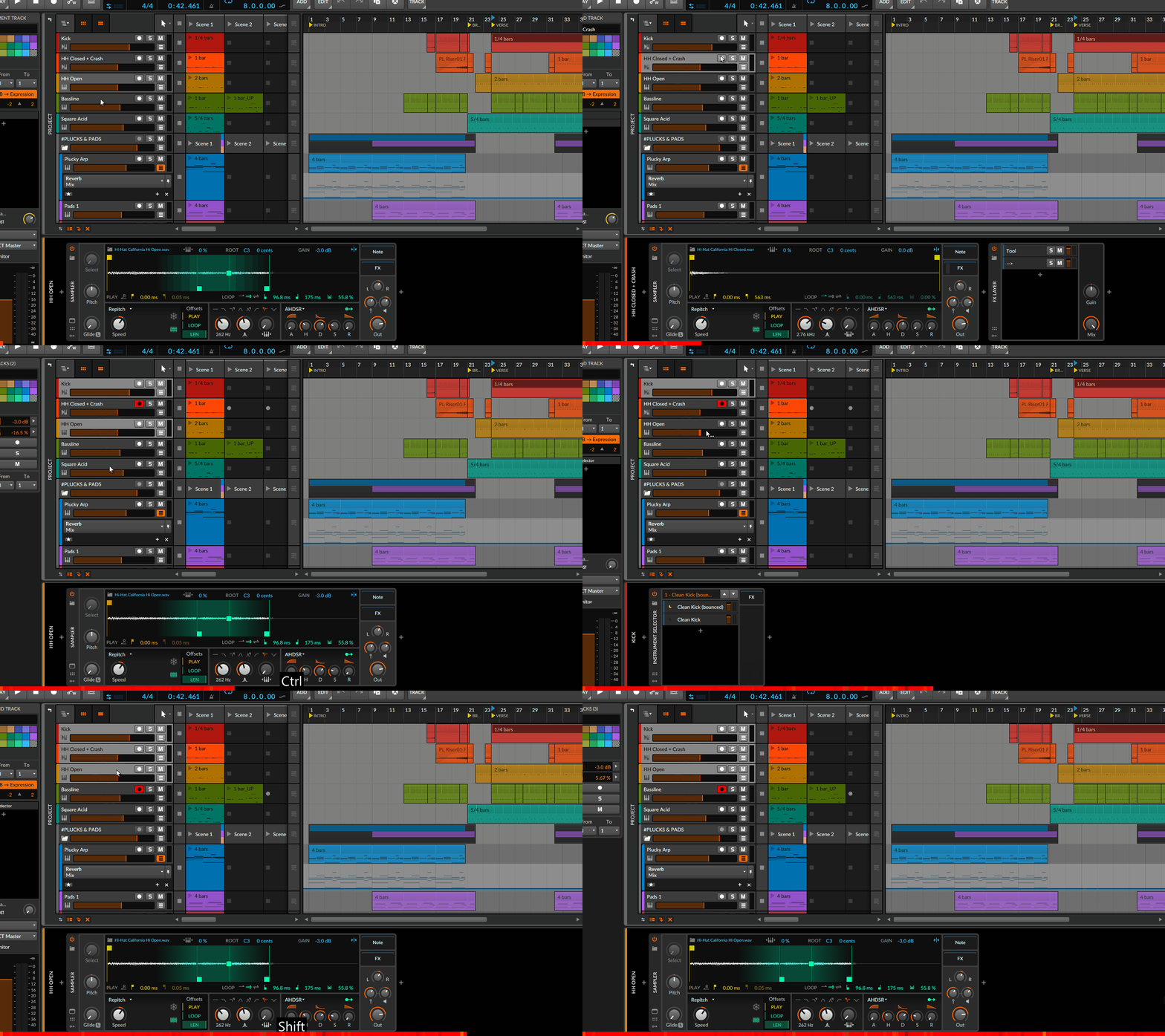
machinesworking wrote: Thu May 06, 2021 9:08 pm...we should be able to at least select another track in the Edit window...
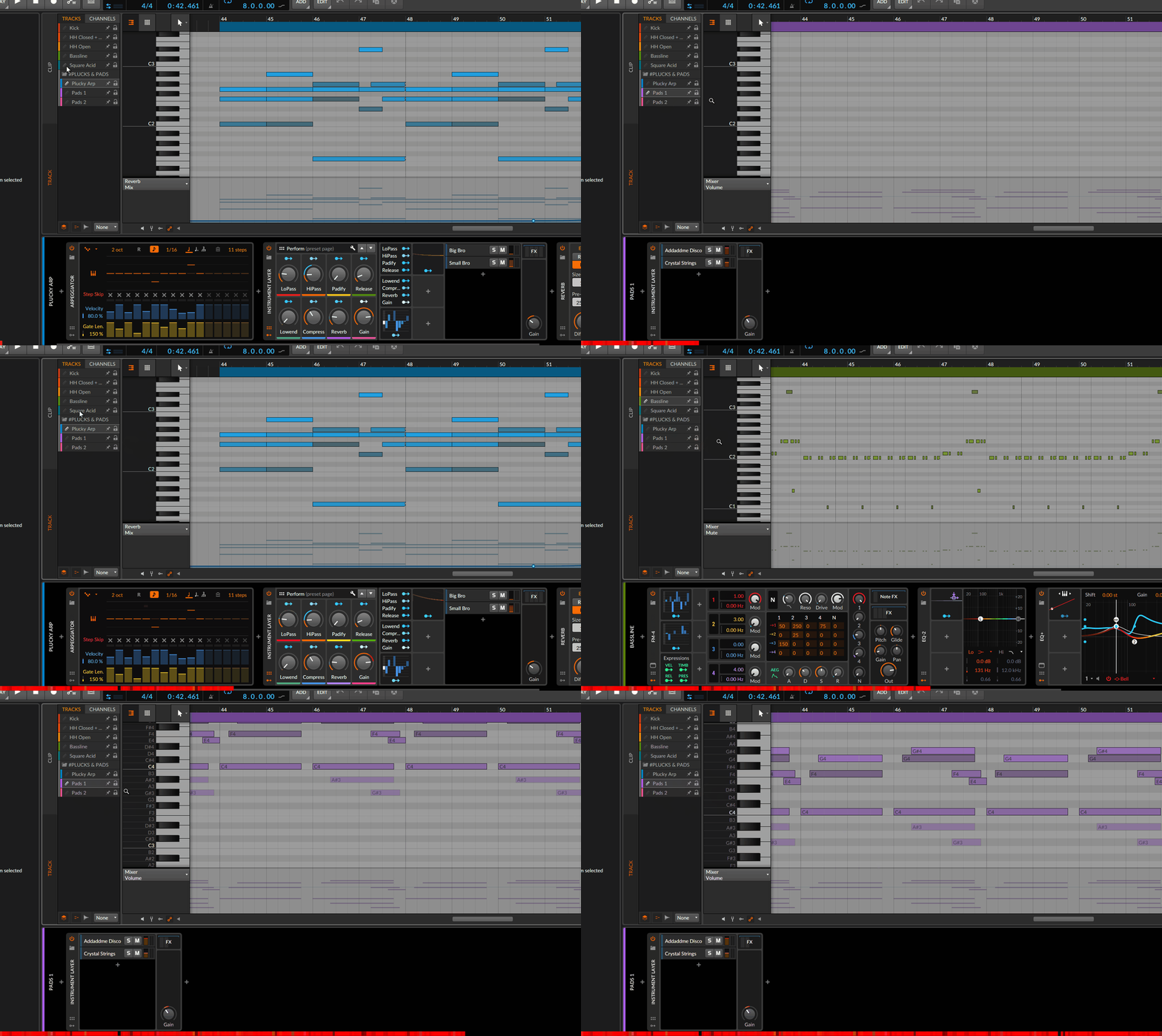

machinesworking wrote: Thu May 06, 2021 9:08 pm...I would bet that messes with multiple record armed setups as well...
machinesworking wrote: Thu May 06, 2021 9:08 pm...we should be able to at least select another track in the Edit window...

Oh cool thanks! I wonder what I was doing that was hiding the Tracks? Maybe clips doesn’t have that function? I’ll check when I get back to Bitwig later this evening..
Yes, when you're in clips mode it will only list the tracks where cureently selected clips wereplaced on.machinesworking wrote: Thu May 06, 2021 11:56 pmOh cool thanks! I wonder what I was doing that was hiding the Tracks? Maybe clips doesn’t have that function? I’ll check when I get back to Bitwig later this evening..
Layered editing mode was turned off, that's what had me confused.antic604 wrote: Fri May 07, 2021 12:17 amYes, when you're in clips mode it will only list the tracks where cureently selected clips wereplaced on.machinesworking wrote: Thu May 06, 2021 11:56 pmOh cool thanks! I wonder what I was doing that was hiding the Tracks? Maybe clips doesn’t have that function? I’ll check when I get back to Bitwig later this evening..
ThisMegaPixel wrote: Mon Apr 19, 2021 1:07 pm it feels like it's random, its usually always zoomed in incorrectly on either axis. Then another double click and it sometimes gets it, then another double click and if it doesn't get it then I do the zoom myself.

It's actually already improved compared to before, e.g. now it doesn't get disabled when you zoom in. Personally I think it's good now - I hate it in some other DAWs when I scroll the view and it insists on centering around the playhead. Maybe Bitwig isn't perfectly smart in this, but I prefer having to reenable it (I've it under 'F') than to "fight" with my DAW over control of the screenkukident-youth wrote: Wed Jul 14, 2021 9:50 am Song-follow is deactiving itself under some circumstances! I want this always on/off by hand, not by "circumstances"!

3.3.x and 4.0. Playback following was refined sometime in 3.x "era".kukident-youth wrote: Wed Jul 14, 2021 2:59 pm from what version do you speak???? I have latest 3.3 xy (and i´m happy quiet happy with it- so i can wait for my next 12 month BWS-updateplan until there will be a REAL M1-27-inch-mac (not a funny rainbow collection of old ones) which i can REALLY use (get REALLY more-worth behind the the show) (Apple/OSX will offer a REAL REASON for me.... BWS and its "comp"/fancy-inspector... is not a reason... so far! more-worth since new number.... i´m ok with the "missing features".... since apple will release a REAL M1 imac... not this rainbow-coloered TOY.... so far i´m waiting for my next 12 month.... and its more depending with APPLE, not BWS.... except BWS does not implement a "REAL More-WORTH" like better "readability, faster load, more efficiency for power-users......" ... DONT missget me... BWS is the BEST DAW on the market, but EVEN BWS is lack of so many features/standards/comfort/logic.... its a shame..... in 2021!
Having Undo/Redo in VST's really would be lovely. As I have mentioned before.antic604 wrote: Mon Mar 08, 2021 6:48 amThat's true, but I think Bitwig more often than other DAWs steals keyboard focus from VSTs, so perhaps that is creating this impression?machinesworking wrote: Mon Mar 08, 2021 5:41 amI'm not getting this one. I haven't seen any DAW that can undo changes in a VST? I must be misunderstanding this.

Submit: News, Plugins, Hosts & Apps | Advertise @ KVR | Developer Account | About KVR / Contact Us | Privacy Statement
© KVR Audio, Inc. 2000-2026
