i didnt realise what you meant, just tried it and it kind of worked with zebra but i could hear the super fast volume jumps, which vsts do you do it with?
 But using it to send MIDI means you can use the trick with other synths outside the Grid as well. Sometimes with unexpected results.
you could always feed a vst into the fx grid and do it that way
i didnt realise what you meant, just tried it and it kind of worked with zebra but i could hear the super fast volume jumps, which vsts do you do it with?


I just tried it with a midi clip -> Note Grid -> VST Instrument and that works.zengel wrote: Mon Feb 21, 2022 12:09 pm Ok simple question .
If i put on a track :
a clip that "play" a CC 20 from 0 to 127 on a 1 bar duration like "/"
A grid note with a CC 20 IN on channel 1 and a CC 20 OUT on channel 1
And i put a HW inst behind this to go out of bitwig
why it does not send that CC20 out of the grid.
I also deactivated control thru on the note grid module of course.
The CC is coming in the grid but it does not get out.
I certainly does not do the right things .
If i deactivate the note grid the CC get out of Bitwig thru the HW inst.
Then I suppose there is more "complex" thing to do in the grid to let the CC with his value get out of the grid ?
Thanks.
No it does not . Did you uncheck the control thru so that it should be controlled by the note grid ?pdxindy wrote: Mon Feb 21, 2022 2:19 pmI just tried it with a midi clip -> Note Grid -> VST Instrument and that works.zengel wrote: Mon Feb 21, 2022 12:09 pm Ok simple question .
If i put on a track :
a clip that "play" a CC 20 from 0 to 127 on a 1 bar duration like "/"
A grid note with a CC 20 IN on channel 1 and a CC 20 OUT on channel 1
And i put a HW inst behind this to go out of bitwig
why it does not send that CC20 out of the grid.
I also deactivated control thru on the note grid module of course.
The CC is coming in the grid but it does not get out.
I certainly does not do the right things .
If i deactivate the note grid the CC get out of Bitwig thru the HW inst.
Then I suppose there is more "complex" thing to do in the grid to let the CC with his value get out of the grid ?
Thanks.
See if that works for you.


Okay, the first time I did not use Midi learn like you did but rather Control A set to cc#20. Just now I recreated using CC#20, Midi Learn in Diva like you and it works as expected with Control Thru unchecked.zengel wrote: Mon Feb 21, 2022 6:38 pmNo it does not . Did you uncheck the control thru so that it should be controlled by the note grid ?pdxindy wrote: Mon Feb 21, 2022 2:19 pmI just tried it with a midi clip -> Note Grid -> VST Instrument and that works.zengel wrote: Mon Feb 21, 2022 12:09 pm Ok simple question .
If i put on a track :
a clip that "play" a CC 20 from 0 to 127 on a 1 bar duration like "/"
A grid note with a CC 20 IN on channel 1 and a CC 20 OUT on channel 1
And i put a HW inst behind this to go out of bitwig
why it does not send that CC20 out of the grid.
I also deactivated control thru on the note grid module of course.
The CC is coming in the grid but it does not get out.
I certainly does not do the right things .
If i deactivate the note grid the CC get out of Bitwig thru the HW inst.
Then I suppose there is more "complex" thing to do in the grid to let the CC with his value get out of the grid ?
Thanks.
See if that works for you.
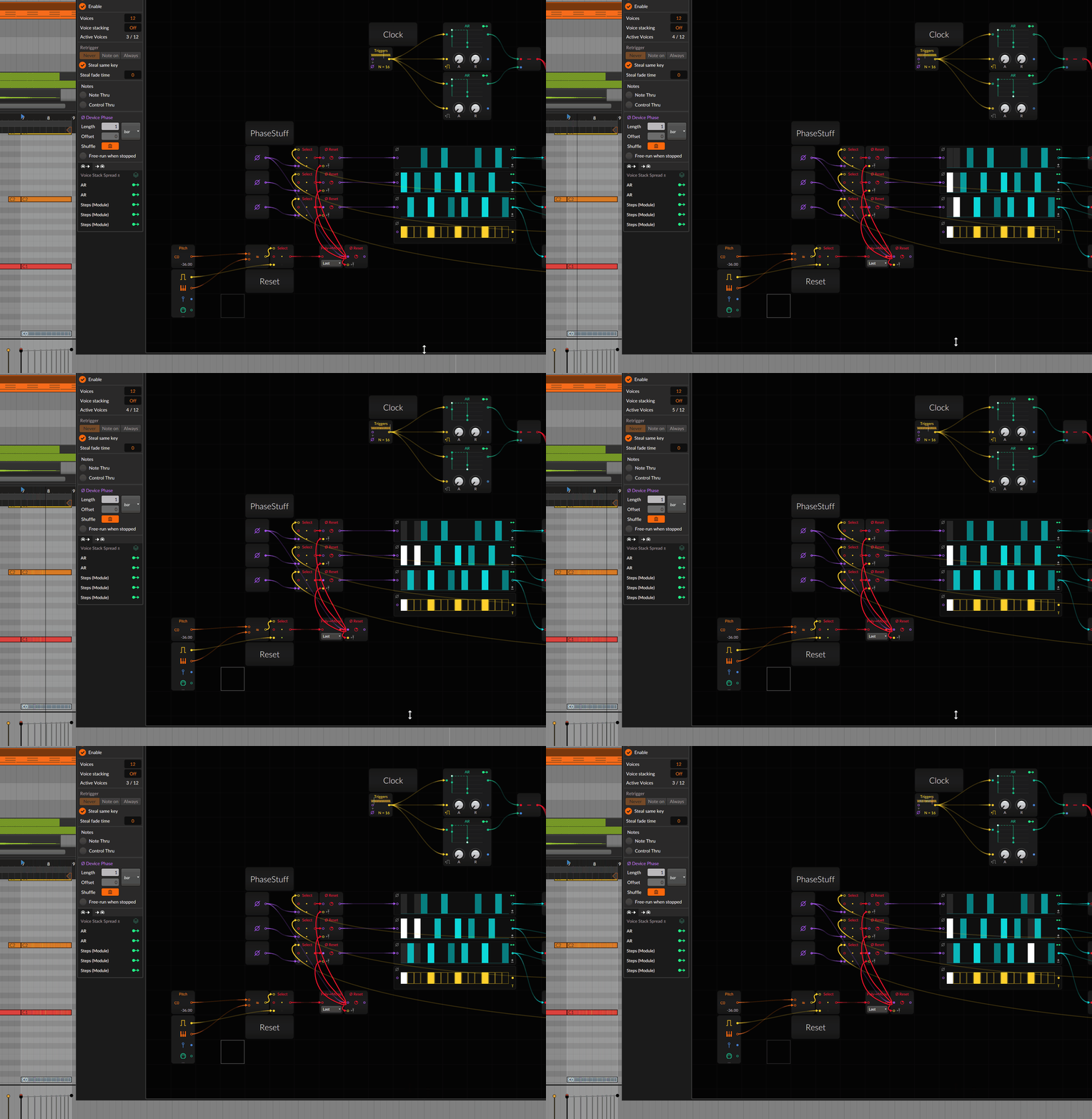
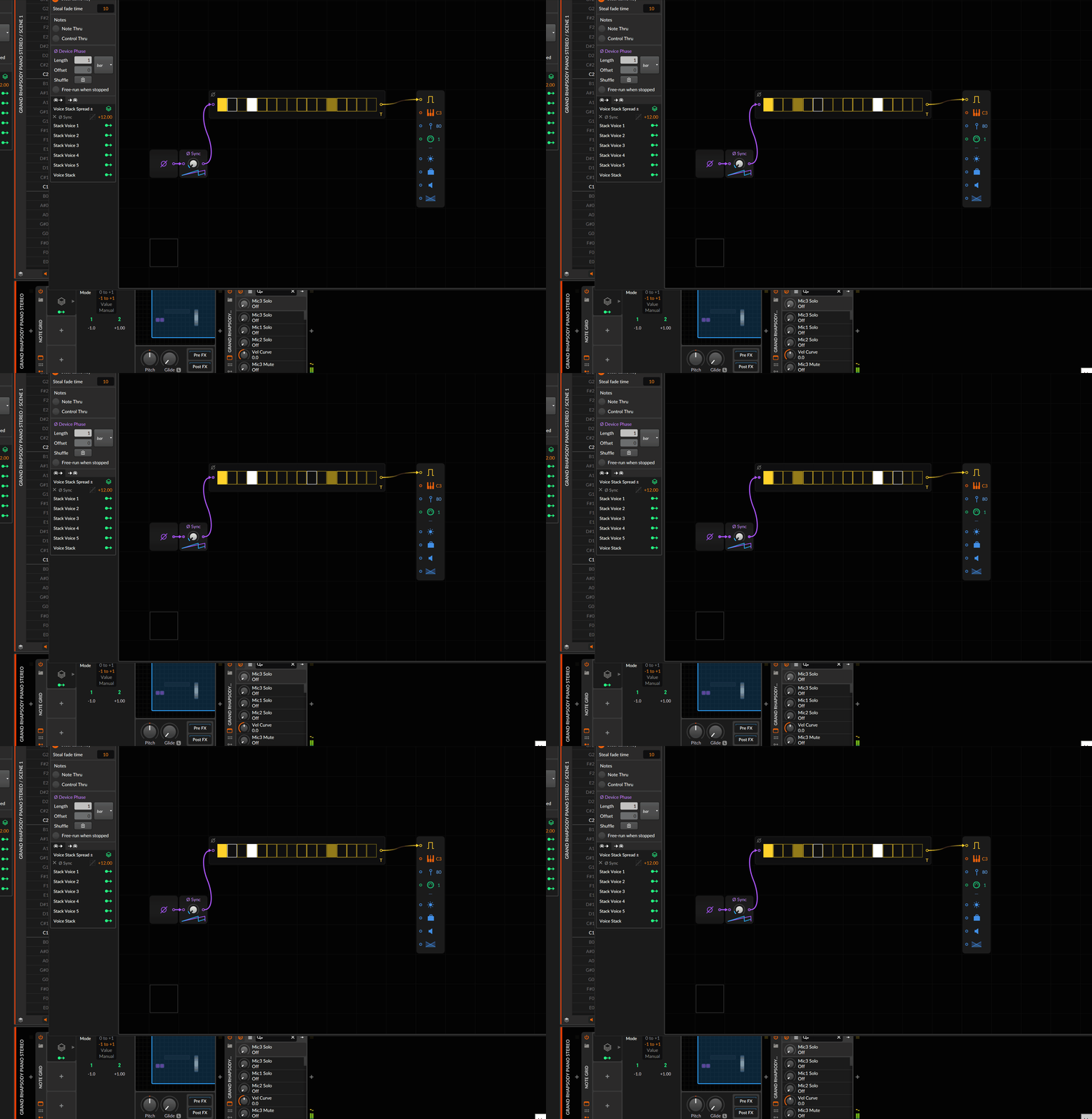
stacking phase sync?SLiC wrote: Mon Feb 21, 2022 7:40 pm Do you think the new MIDI grid stuff could make something like the Fugue Machine (iOS)? It seems simple enough but is so much fun
https://grayarea.org/press/fugue-machin ... sequencer/
Submit: News, Plugins, Hosts & Apps | Advertise @ KVR | Developer Account | About KVR / Contact Us | Privacy Statement
© KVR Audio, Inc. 2000-2026