HIVE 2.1 Dark Future & Silver White Skin Updates- A few Questions

Official support for: u-he.com
RELATED
PRODUCTS

Post

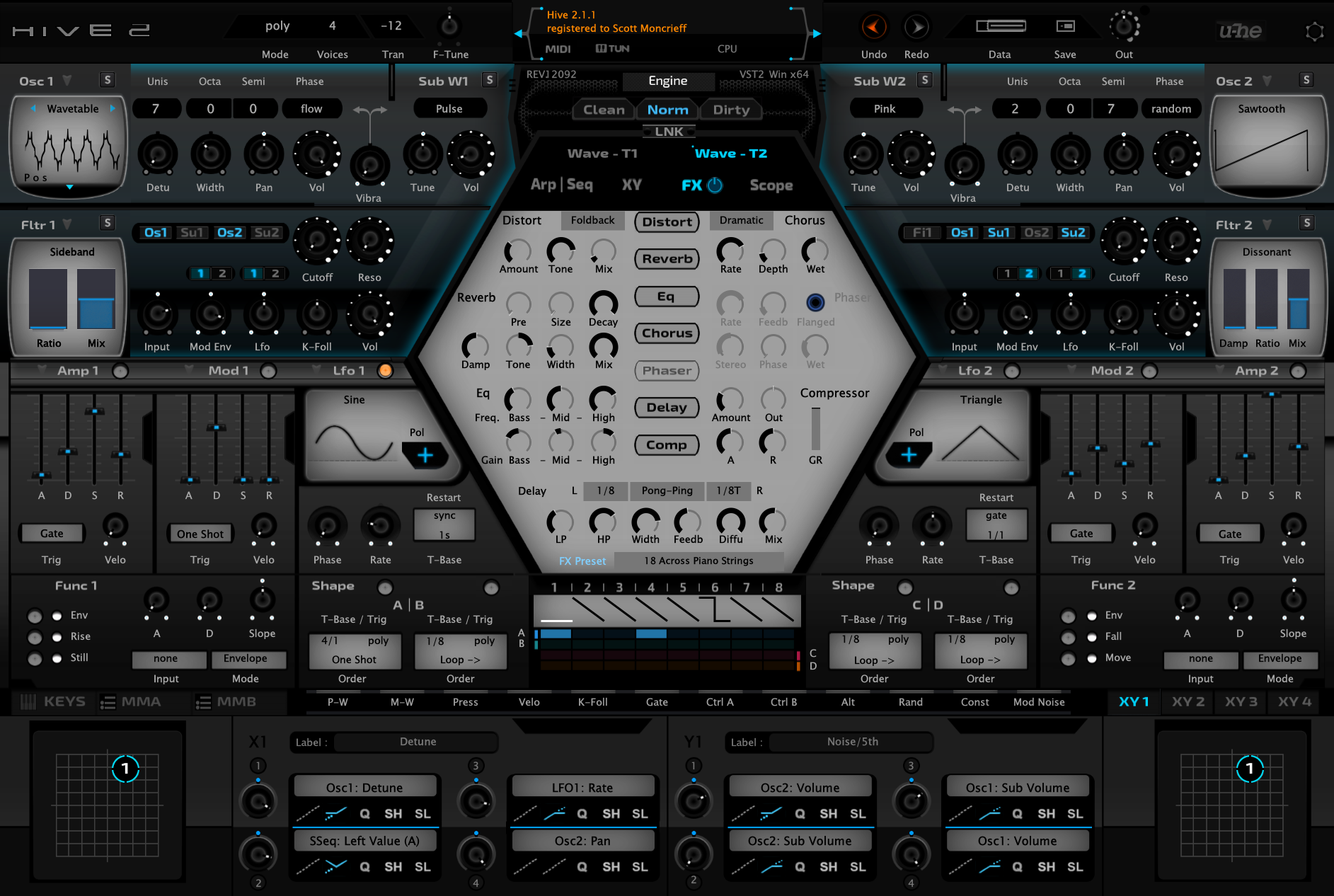
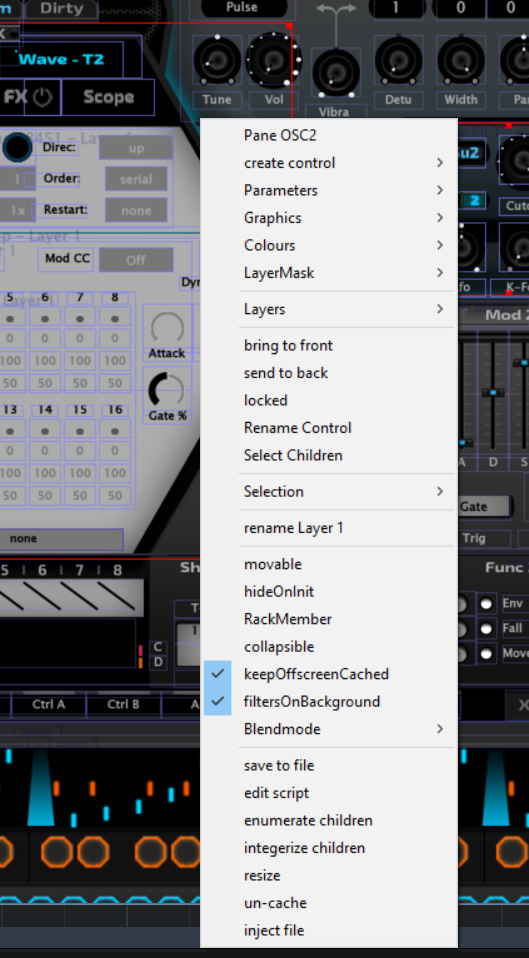
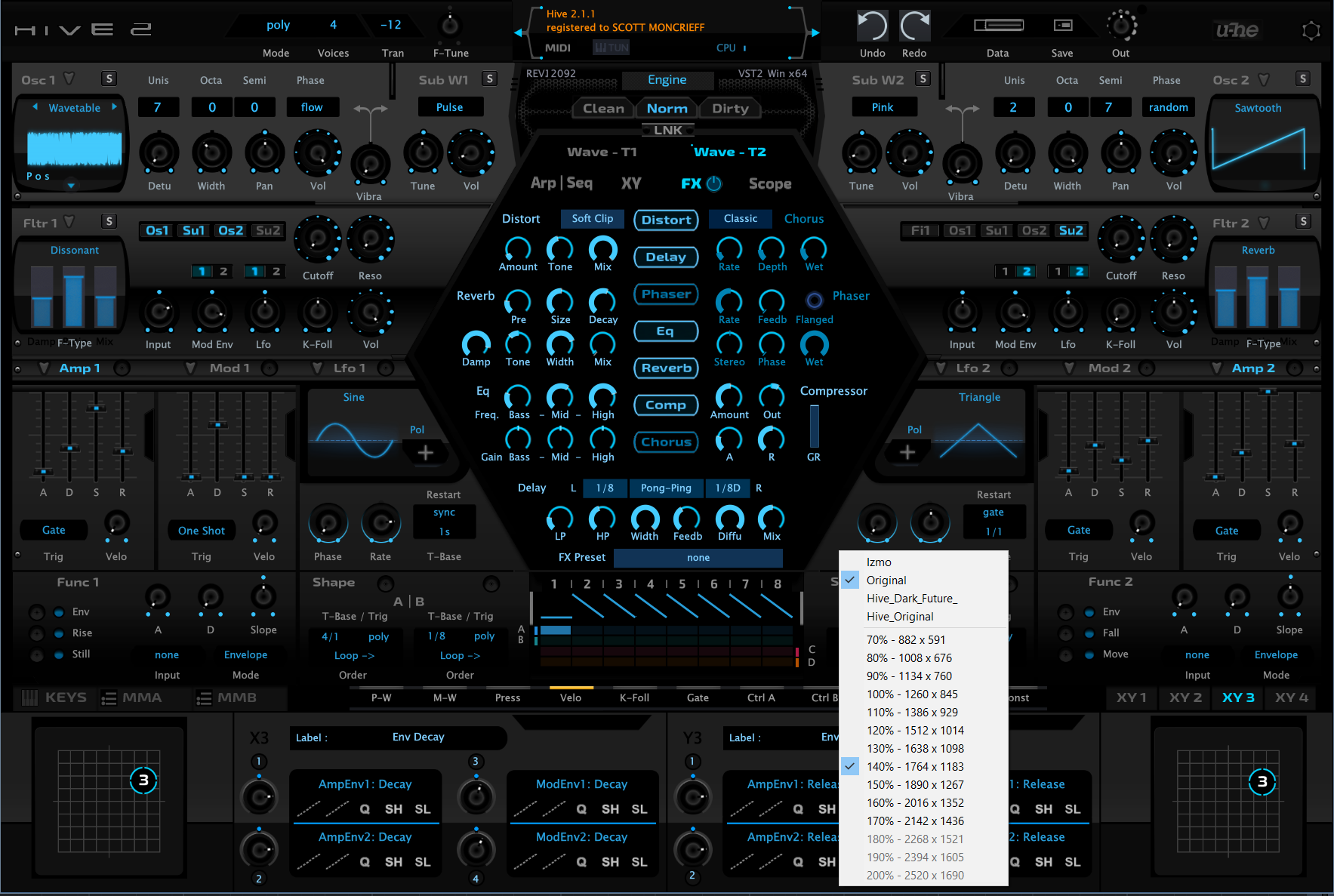
I have managed to successfully merge the latest version of Hive with the skin I created a few years ago by extracting a portion of the new script. As you can see, the new filters that were added are able to be, seen. This new skin replaced the original Hive 2 skins files in terms of graphics and scripts, but I was wanting to add the original U-HE skin so I can cross-check the differences between them so I can adapt any changes to the new skin I've created.

So my question is, what kind of folder structure do you need to stick to, to get the graphics within the folders to link up with the script, so one can switch to different interfaces ? The process in which I've always followed has been to edit the original Hive skins files and script in replacing them.

I can create a link to show the listing in Hive itself, but of course there's no actual data that it can find.

Image
Last edited by THE INTRANCER on Tue May 31, 2022 6:17 am, edited 1 time in total.
KVR S1-Thread | The Intrancersonic-Design Source > Program Resource | Studio One Resource | Music Gallery | 2D / 3D Sci-fi Art | GUI Projects | Animations | Photography | Film Docs | 80's Cartoons | Games | Music Hardware |

Post

I am not sure if I have really understood your question but this could be a possible answer...

You have a folder called "Hive_Dark_Future". This folder itself contains two folders - "Images" and Scripts".
Make sure you rename YOUR script (which is within that "Scripts" folder) to "Hive.txt".

Now, place your "Hive_Dark_Future" in Hive.data/Support/Themes.

If your skin uses a custom font, place that font in Hive.data/Data/Fonts.

BTW, looks good.

Post

e-musician wrote: Wed May 25, 2022 11:51 am I am not sure if I have really understood your question but this could be a possible answer...

You have a folder called "Hive_Dark_Future". This folder itself contains two folders - "Images" and Scripts".
Make sure you rename YOUR script (which is within that "Scripts" folder) to "Hive.txt".

Now, place your "Hive_Dark_Future" in Hive.data/Support/Themes.

If your skin uses a custom font, place that font in Hive.data/Data/Fonts.

BTW, looks good.
:tu:
Thanks, that's been very useful...I got mixed up with the script files of the original installation and didn't realise that I needed to rename the modded file to Hive.txt. For the first time now, I've been able to use the theme folder rather than the default installation one which is great. Now all I have to do is re-adapt the script, so things work and show up correctly.
KVR S1-Thread | The Intrancersonic-Design Source > Program Resource | Studio One Resource | Music Gallery | 2D / 3D Sci-fi Art | GUI Projects | Animations | Photography | Film Docs | 80's Cartoons | Games | Music Hardware |

Post

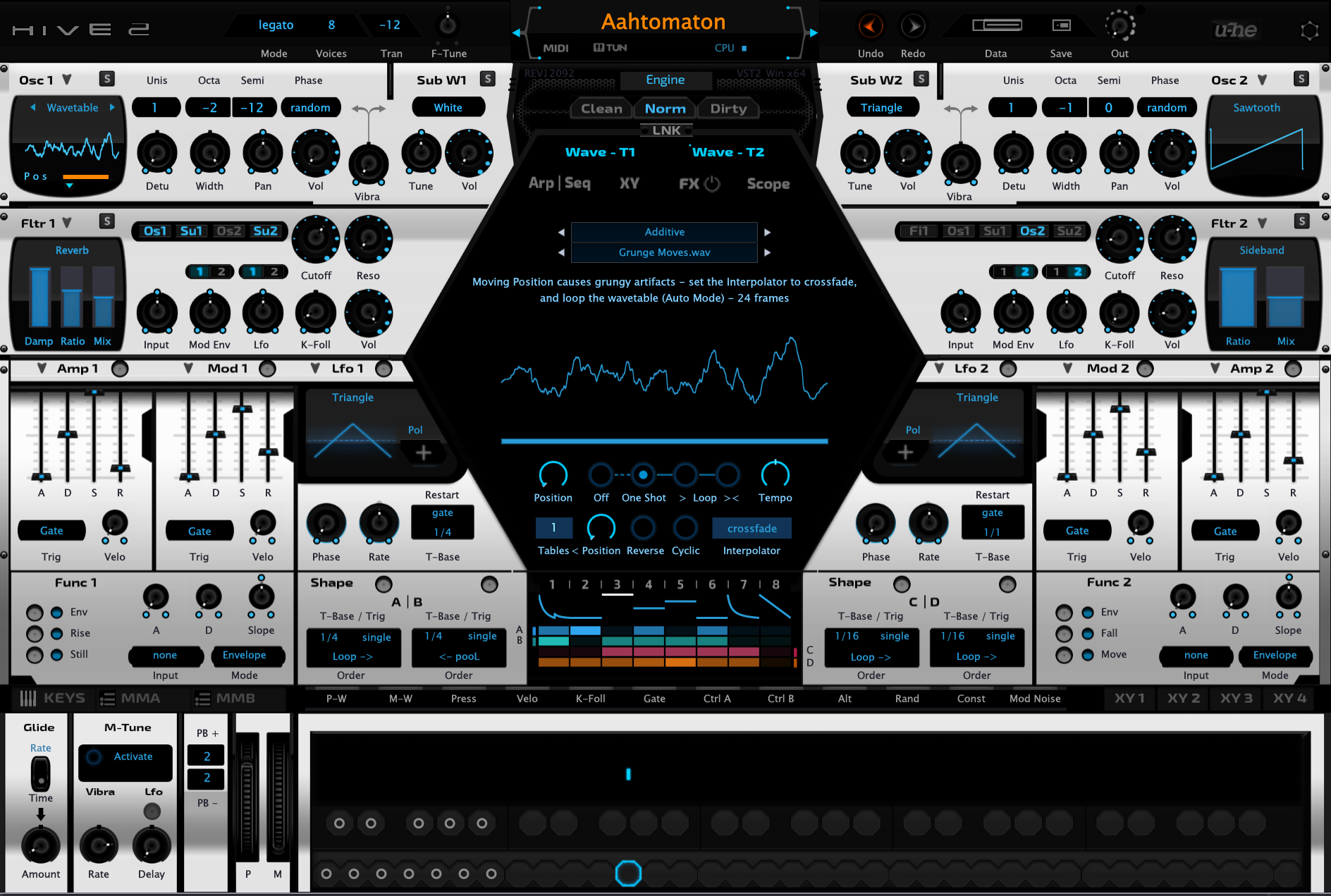
Here's the latest new revamped white metal design. Besides the new design, many things are implemented now and fixed with just one exception to that which I've still to figure out. The Modulation Noise button is now implemeted as well as the new filters. Pitch and Mod Wheel graphics were increated to 100 png's from 70 previously.

Doing this update was akin to doing black magic I think, as I tried to do it the opposite way in trying to adapt my old skin to the new skin. This time I've adapted the new skin to my older skin. Or should that be my using my old script and graphics and applying the new script to it whilst using my own mix of graphics.

Graphics are drawn manually in Photoshop.

Update: Lfo Target added to script and GUI. (M-Tune)


Enlarge

Image
KVR S1-Thread | The Intrancersonic-Design Source > Program Resource | Studio One Resource | Music Gallery | 2D / 3D Sci-fi Art | GUI Projects | Animations | Photography | Film Docs | 80's Cartoons | Games | Music Hardware |

Post

The White Metal skin is aptly named, but sadly, makes we want to go buy some too
expensive hardware synth. I'll study up on Hive instead, a much better use of limited resources. If Hive has any limitations, I'll be the last one to notice :wink:

Both skins are gorgeous promotions for learning and using Photoshop.
Cheers

Post

Here's an evolution of the white skin update, it's more cyberpunk I think....not finished yet though.

Enlarge

Image
KVR S1-Thread | The Intrancersonic-Design Source > Program Resource | Studio One Resource | Music Gallery | 2D / 3D Sci-fi Art | GUI Projects | Animations | Photography | Film Docs | 80's Cartoons | Games | Music Hardware |

Post

Is there an editor for doing Hive skins, other than editing the script file, if so how is this accessed ?
KVR S1-Thread | The Intrancersonic-Design Source > Program Resource | Studio One Resource | Music Gallery | 2D / 3D Sci-fi Art | GUI Projects | Animations | Photography | Film Docs | 80's Cartoons | Games | Music Hardware |

Post

-take a random preset (h2p)
-open it in text editor
-add "!EDITOR=YES" at the beginning of the preset
-rename the preset to default.h2p
Image

Post

Ploki wrote: Mon Jun 13, 2022 6:50 am -take a random preset (h2p)
-open it in text editor
-add "!EDITOR=YES" at the beginning of the preset
-rename the preset to default.h2p
So once you have done that, how are you supposed to open it ? As a patch it won't open in Hive I have found.
KVR S1-Thread | The Intrancersonic-Design Source > Program Resource | Studio One Resource | Music Gallery | 2D / 3D Sci-fi Art | GUI Projects | Animations | Photography | Film Docs | 80's Cartoons | Games | Music Hardware |

Post

you move it into the root factory presets folder
Image

Post

Ploki wrote: Mon Jun 13, 2022 6:27 pm you move it into the root factory presets folder
Yeah, just to add, you have to:

1. Make sure you've got all instances of the plugin in your host closed
2. Copy the default.h2p to the root preset folder for whichever U-he plugin you want to open it on
3. Then load up the plugin in your DAW

When you've got it in the right folder, the plugin will launch in the editor mode. There's no way you can miss it. If it doesn't, you probably didn't put the file in the right folder.

Also, there's no documentation I've found for that editor so expect a lot of trial and error and some initial frustration.

Post

-some- initial frustration. :D
Image

Post

Ploki wrote: Mon Jun 13, 2022 6:27 pm you move it into the root factory presets folder
Thanks I got it working, but saving changes is an issue. There is a save to file option but no popup to indicate where the file being changed is. Changes are not being saved as I expected from the editor upon re-opening Hive.
KVR S1-Thread | The Intrancersonic-Design Source > Program Resource | Studio One Resource | Music Gallery | 2D / 3D Sci-fi Art | GUI Projects | Animations | Photography | Film Docs | 80's Cartoons | Games | Music Hardware |

Post

you have to right-click to root while in edit mode to "save changes" which will save them to the main script.

If you click "save to file", CURRENT SELECTION (pane, knob, whatever) will be saved to a separate file within the scripts folder
You do not have the required permissions to view the files attached to this post.
Image

Post

Ploki wrote: Mon Jun 13, 2022 8:20 pm you have to right-click to root while in edit mode to "save changes" which will save them to the main script.

If you click "save to file", CURRENT SELECTION (pane, knob, whatever) will be saved to a separate file within the scripts folder
When I right click in the pane I see this, which isn't the same and I don't see a save option like in your view.

Image
KVR S1-Thread | The Intrancersonic-Design Source > Program Resource | Studio One Resource | Music Gallery | 2D / 3D Sci-fi Art | GUI Projects | Animations | Photography | Film Docs | 80's Cartoons | Games | Music Hardware |

Post Reply

Return to “u-he”