

Am already half way there as you can see:

If you could help me with testing by sharing any AAF test files from :
Sequoia
Premiere Pro
Pro Tools
DaVinci Resolve
Logic Pro
I hope you guys could help me and Thank you SO MUCH


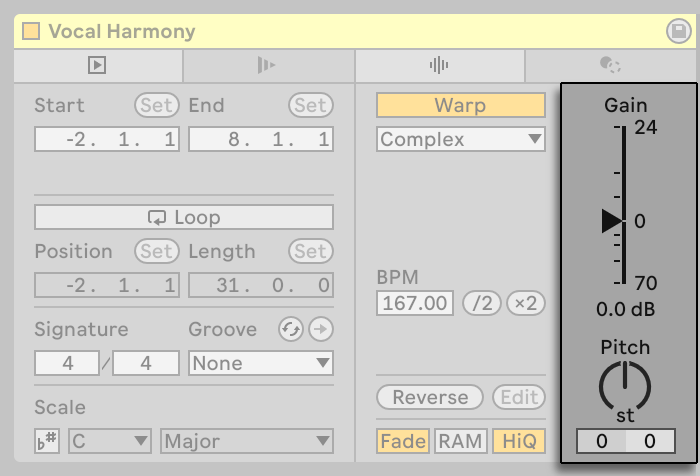
Hey xterminatorapps, to be clear, what I’m referring to is the Clip Gain, that’s in the Clip Detail.xterminatorapps wrote: Mon Jan 12, 2026 5:22 pm Thanks for the interest!
Great to hear you're excited about this! Resolve to live is definitely on the roadmap.
I actually just got Sequoia and Premiere Pro AAF imports working perfectly - clips, timing, fades, and volume automation all transfer correctly to Ableton Live 10 ( Specifically so it can works on Live 10+ ).
Resolve support is next! Since Resolve is free, I can generate my own test AAFs. But if anyone has real-world Resolve projects exported as AAF, that would really help me ensure it works with complex timelines.
Edit :
About the automations: it will have an option to choose where volume automation goes:
Track Volume Fader (now is the default) - as it comes from the source
Or Utility - keeps the fader free
Will share updates as I make progress ...
It's been just 17 hours since you posted your request.

Thanks for noticing that .


send me a Private message and i'll tell you .kraster wrote: Fri Jan 16, 2026 6:47 pm I'm not sure how to give you the files.
I can give you Pro Tools AAF files.
Personally I'd be more interested in the other way around. AAF from Ableton to Pro Tools.
Submit: News, Plugins, Hosts & Apps | Advertise @ KVR | Developer Account | About KVR / Contact Us | Privacy Statement
© KVR Audio, Inc. 2000-2026
