Except that's not the f**king claim, is it? The claim is that the SMPTE standard works. All those applications are simply offered as proof. But of course, I'm sure you know far more about it than the Society of Motion Picture and Television Engineers, the companies who are guided by it's standard and able to charge hundreds of thousands of dollars for their products, as well as the professionals who have been using their products for 30+ years in every big budget film ever made.Tiles wrote: Mon May 25, 2026 5:51 amSo the claim “low contrast is good because these tools use it” is already a category error.
Consumer level utilities, not even proper applications. If that's the best you have, you've not got a leg to stand on.For more modern examples of where this actually goes wrong: Notion in Dark Mode, Apple Notes in Dark Mode, parts of Windows 11 Settings, and a lot of SaaS dashboard templates.
See, this is where you lose the track. Those things should not be more important in a professional application that other considerations, for several reasons. Most obvious is that when you know a piece of software, you don't need to look for things. Muscle memory and hotkey combinations see to that. To use the Toxik screenshot as an example, do you understand why the node tree is displayed over the viewport? It's so that you don't have to look away from the thing you are working on, where most other application of it's type would have the node tree displayed on a second monitor (which is, of course, also possible with Toxik). And you invoke it with possibly the least intuitive hotkey I've ever encountered - the tilda key. When I got the first beta installed, I spend a whole weekend trying to work out how to bring it up without success. But it wasn't meant to be user-friendly or intuitive, the learning curve was never as important.Low contrast in the literal UX sense reduces readability and visual hierarchy and increases search effort.
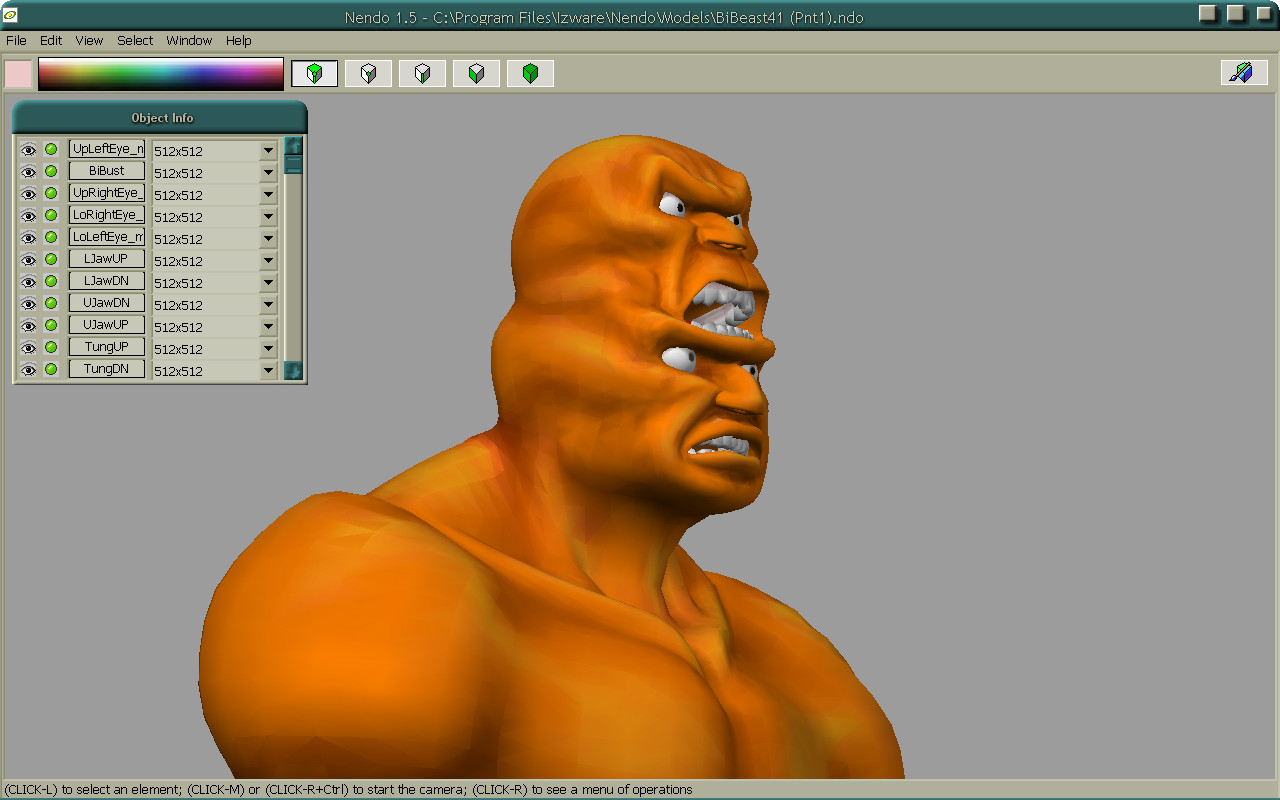
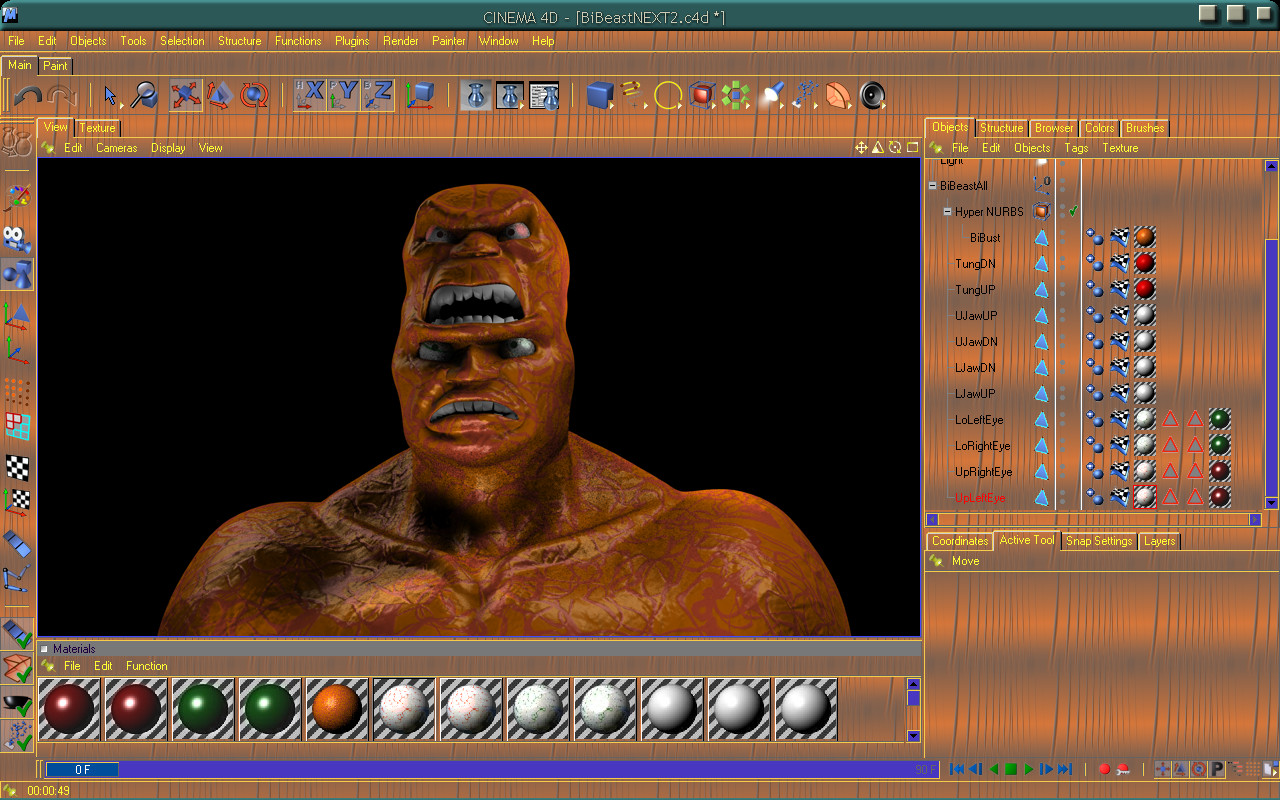
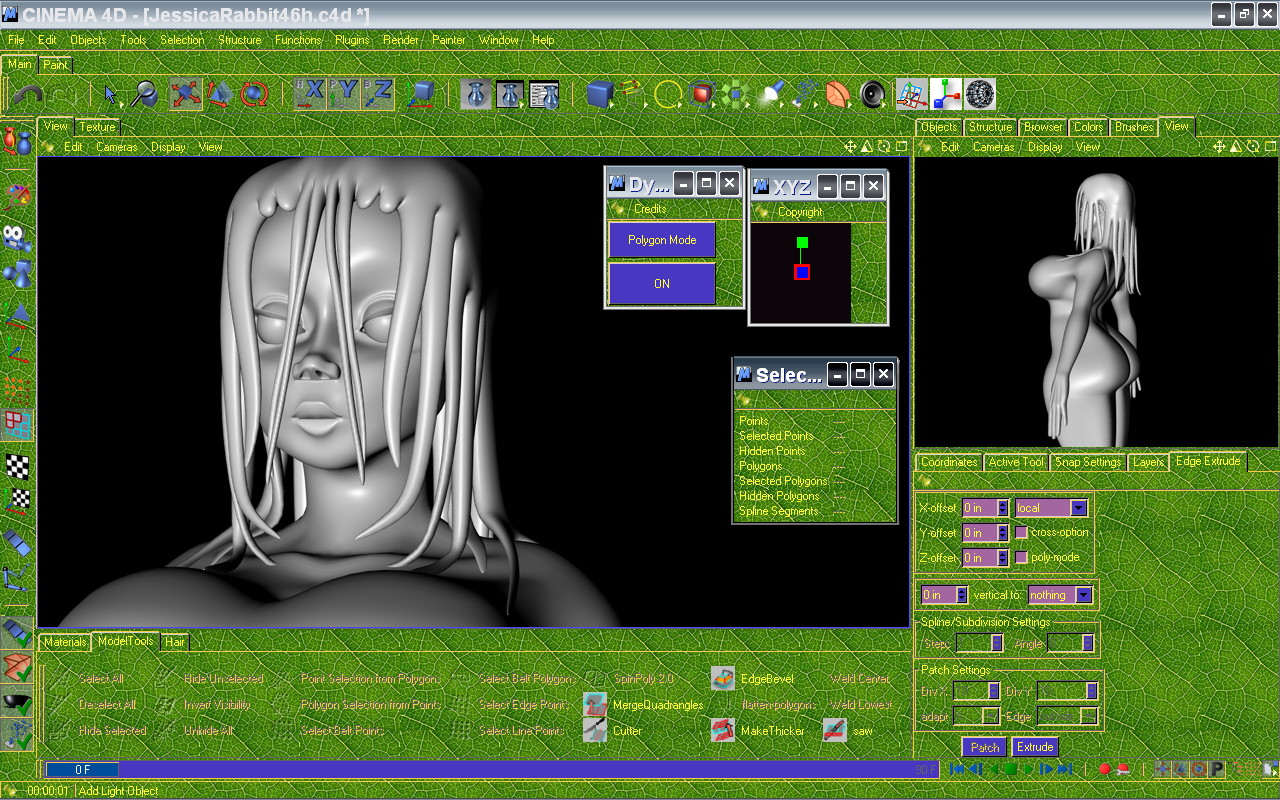
And I'd hardly consider any part of this low contrast -
Quite the opposite, there is too much contrast for low light conditions.
But back to the actual topic, there is still no beating Xara Designer Pro for graphics work. It's Photoshop and Illustrator and Dreamweaver all rolled into a single application with a single workflow. i.e. You don't have a separate area to do your bitmap manipulation, it's all 100% integrated. You create a document and you can publish as a TIFF file, a PDF or as a website with button roll-overs and all the rest of it.