New & Exclusive
Free Download: NI FORM_GUI Display Expansion Set 1
Notes: To access the small compact mode, click on the Edit button and magnify icon next to it to access the left side pane properties. Select the small tick box, then the View tab. Click on the top white section of the ensemble and the properties for the ensemble will show (from there, you will see, A and B tabs and Style as the heading). Click on the B tab and then the field for it to load the interface from the location you have placed the GUI interface set which ideally should be in the directory next to Form. Once you have opened the GUI, click OK in the popup image window. Before saving the ensemble which you need to do to continue using the new GUI, do make a backup of the Form instrument ensemble, as you can quickly restore to the original version, and refresh the image listing Reaktor stores as you load and save different GUI's.
_______
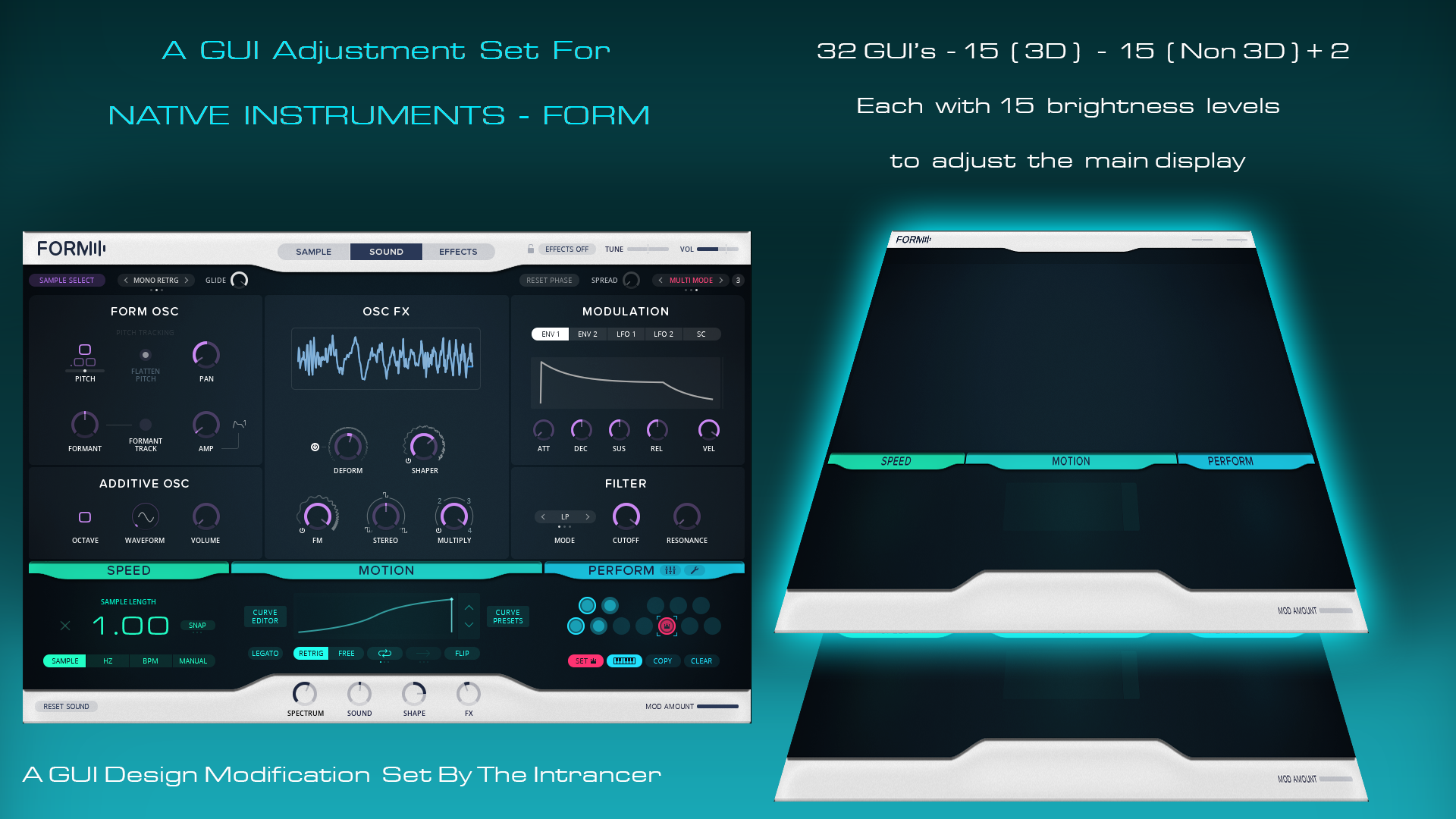
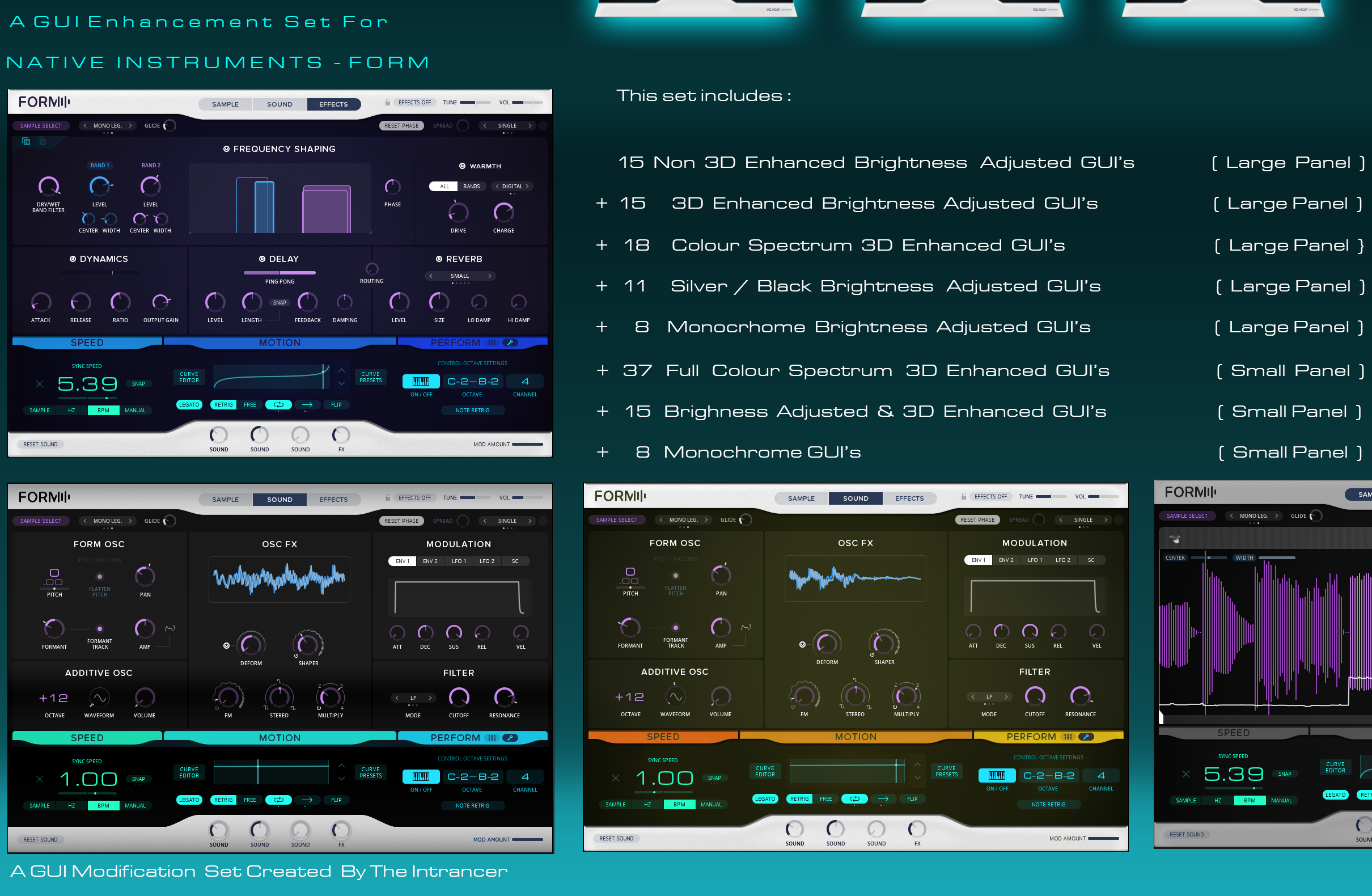
This set has been designed to give greater brightness control over Native Instruments - powerful sample manipulation instrument Form (Ensemble).
To use them, extract the rar folder and place it in the directory where the ensemble Form resides. Within Reaktor (Stand alone or within the DAW you have Reaktor set up in). Open the Edit panal, click on the top white section of the ensemble instrument Form, then click the View tab, and in the field directly below STYLE, click 'Open from File' and navigate to the location where you put the folder. Once you have selected one of the GUI's, click OK in the lower right of the window.
Before you save the ensemble with the new interface (so you can keep using it), I would recommend that you create a backup of the original 'Form' ensemble file as this is a clean file you can use to revert any changes you have made to the ensemble. Image references will be stored in the ensemble image listing.
Note: You do not need to click the unlock padlock to select the top part of the GUI.
The aim of the set was to make the main display of Form darker than the default level, because the white glowing glare effect was too bright on my own screen.
Minus 100 to minus 150 (10 percent incremented) works well for night viewing, minus 50 to minus 100 works fine for daytime use.
The 3D display set has a very subtle bevelled effect to add more depth to it's GUI, over the default flat look. This is apparent around the edges and coloured name fields.
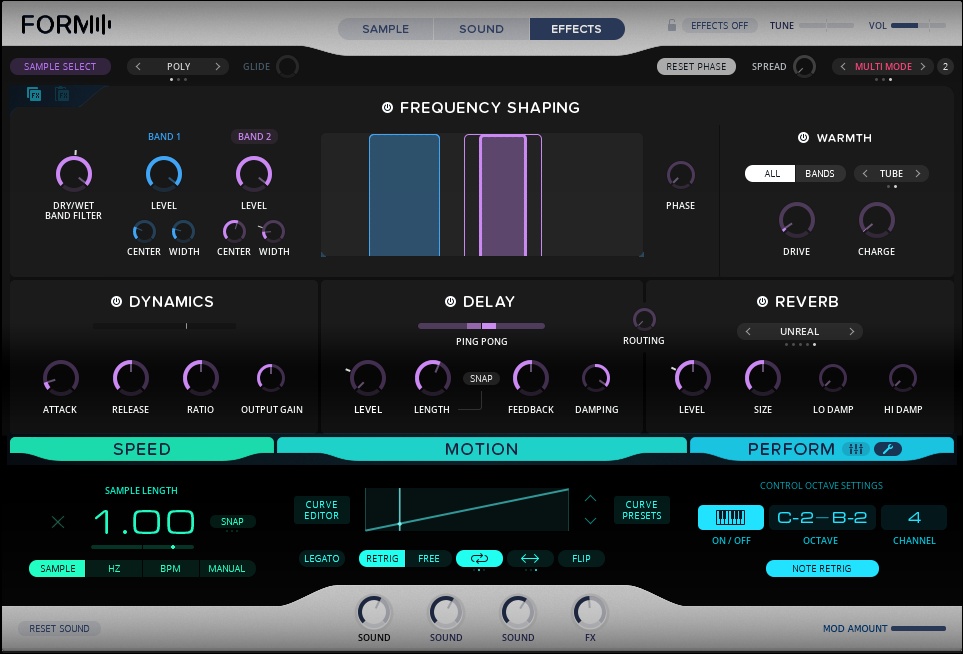
Screenshot below is minus 100.
Free To Download From Here