




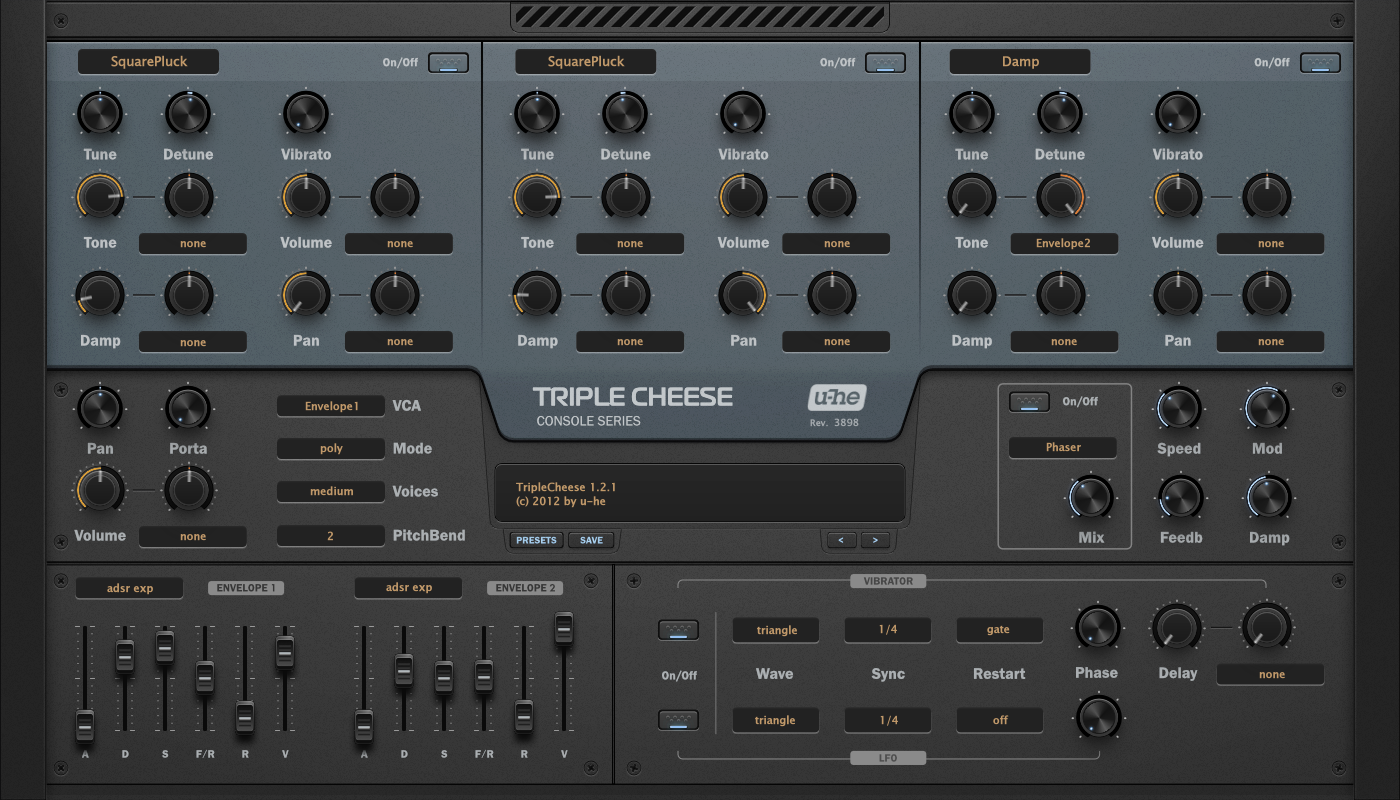
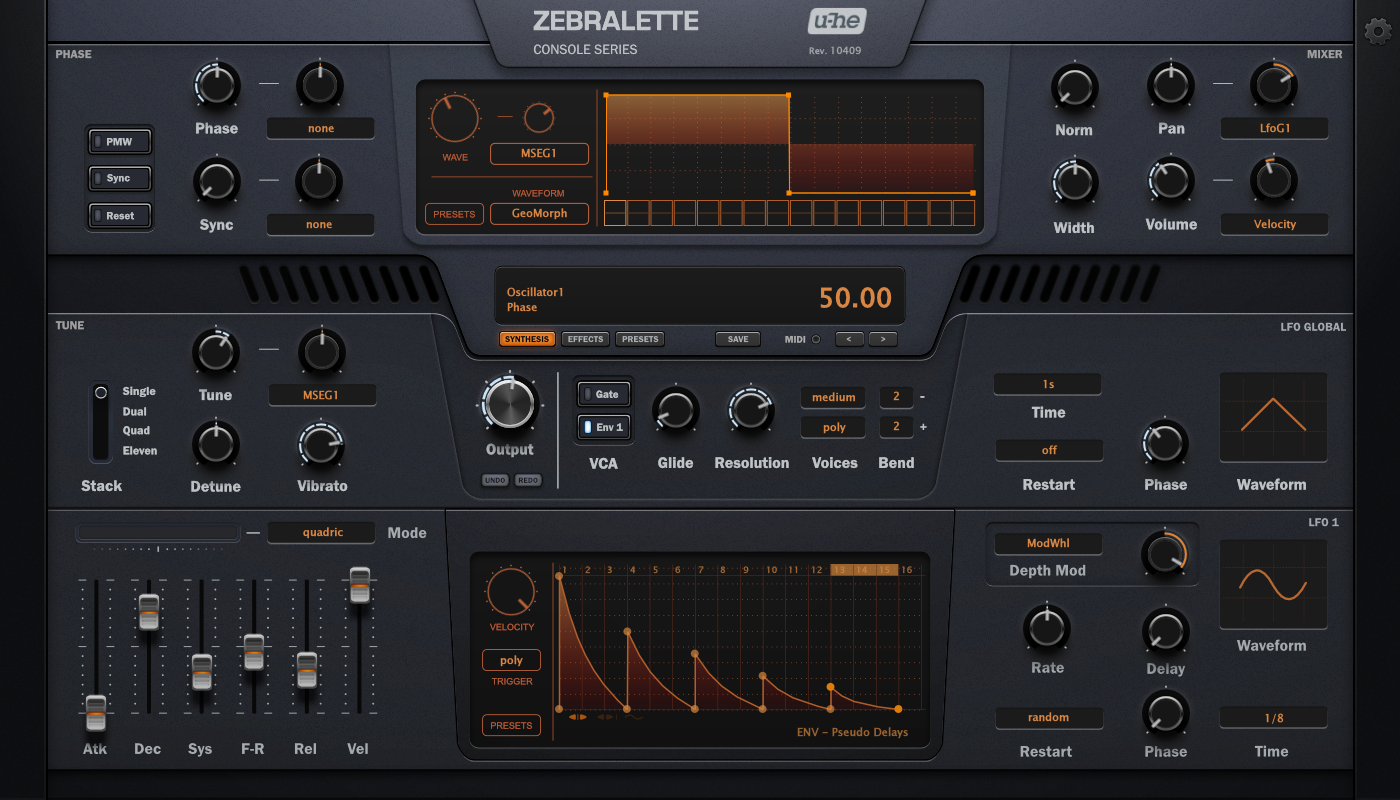
Download: https://u-he.com/PatchLib/skins.html


It's just a name. nothing more

Probably I agree with this feeling.bpblog wrote: Tue Feb 16, 2021 2:02 pm Old-school Winamp vibes in that Zebralette skin (I mean that in the best way possible).


That's not how you do it. Put the skin in Support\Themes folder of course. Let's say the skin is named Console.mesamask wrote: Tue Feb 16, 2021 8:23 amEDIT: Nevermind, got it working. I replaced the original skin files under C:\VstPlugins\u-he\TripleCheese.data\Data with the Hoverland files and that's working.
Code: Select all
THEME name='Console'Submit: News, Plugins, Hosts & Apps | Advertise @ KVR | Developer Account | About KVR / Contact Us | Privacy Statement
© KVR Audio, Inc. 2000-2026
