


332 KVR members have added Waveform Pro 13 to 17 MyKVR groups 415 times.
Download KVR Studio Manager (FREE)
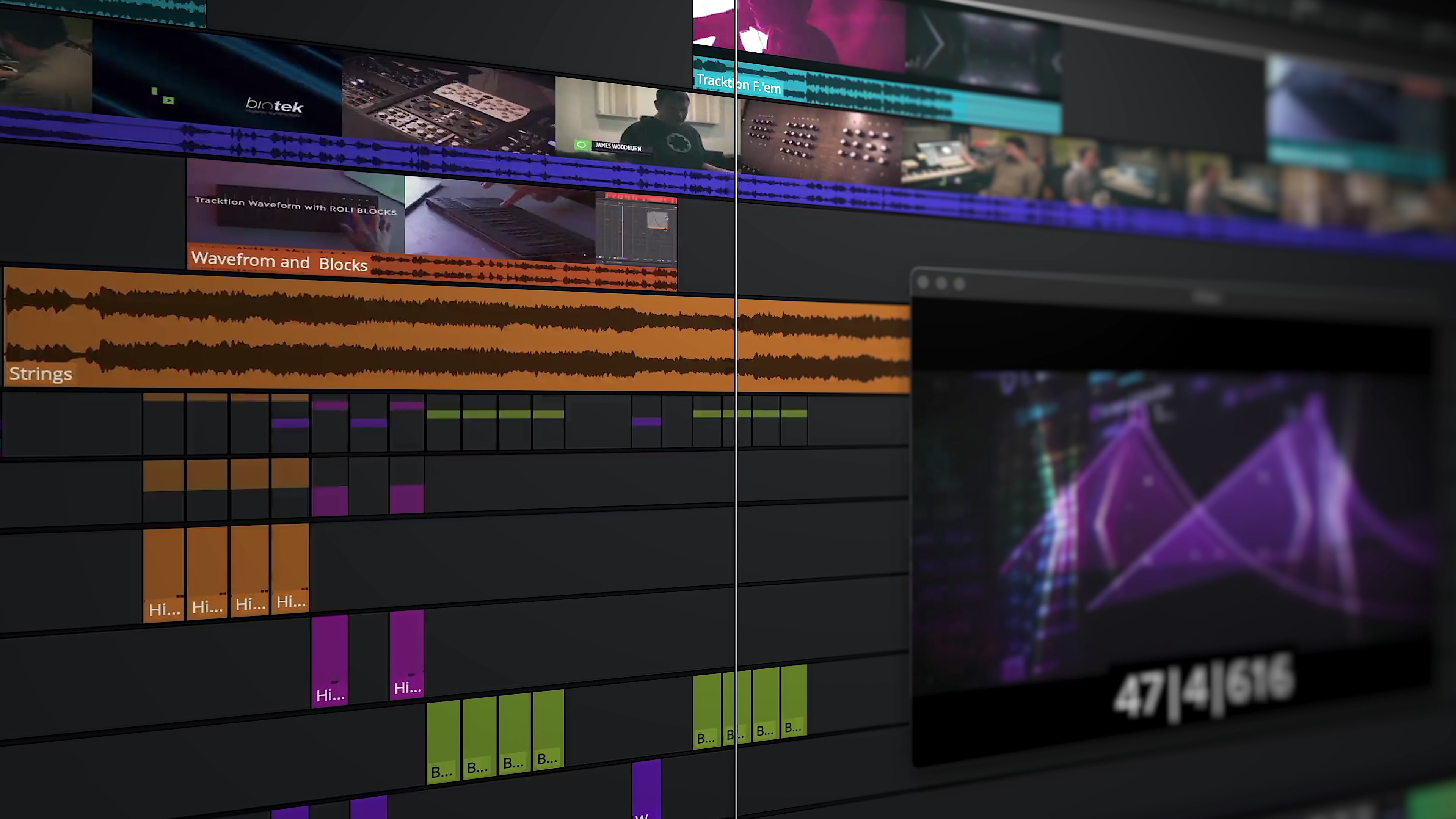
Say hello to a new, inspiring workflow. Whether you're looking to break out of a creative rut, embark on a live performance or quickly sketch out ideas the new clip launcher has you covered. Simply drag MIDI, Step or Audio clips into the grid or choose to record directly into a slot while getting visual input feedback in the clip.
Sequence actions can be used to quickly build complex arrangements algorithmically. Choose from the list of actions, stack them and adjust the probability of each for human-like variation or wild, unpredictable sequences.
Sometimes you'll want to capture these rich sonic performances and happy accidents; enter Performance Recording. Performance Recording prints the performance to the arranger window providing the opportunity to edit, mix and further arrange your ideas later on.
Waveform 13 supports a range of popular launchpad style controllers right out of the box. Zero configuration is required - simply plug in and enjoy pre-mapped pads, pots and buttons. Javascript API has been added for additional controller configuration plus support for Ableton Link. Supported controllers:
:
Wavetable is a powerful synthesizer with flexible modulation and a huge sound! It features two wavetable oscillators, plus a sub and noise oscillator. There are 150 wavetables included, plus you can create your very own by simply dragging and dropping a .wav file onto an oscillator. Serum format wavetables are also supported.
The flexible dual filter module can be set in either serial or parallel configuration and clicking the FX button toggles the panel to reveal 5 powerful effects which can be dragged and positioned as you please. You'll find: Trance Gate, Chorus, Distortion (10 types), Reverb (plat and natural), EQ, Limiter and a Filter.
The modulation sources include: 4 LFOs, 3 envelopes, 4 macros, MPE pressure timbre and bend, MIDI note number, Velocity, MIDI pitch, mod wheel and all the MIDI controllers. Simply drag and drop a modulation source to a parameter and its assigned! You can choose to draw your own LFO shapes or choose from a list of carefully crafted and highly useful shapes.
:
Waveform 13 further refines its look and feel with a fresh palette of colors, a selection of new schemes to choose from, plus the option of creating and saving your OWN schemes.
Managing automation is made much easier with new, vibrant, color-matched lanes and general UI responsiveness has been optimized, especially within larger projects.
You spoke and we listened. Waveform Pro 13 includes some of your most requested features including:
Record without having any inputs armed for easier punching
Option to "Mute track contents whilst recording" aka "Tape Style"
Auto-monitor record mode monitors when inputs are armed
Start flag where playback can optionally start from
Improved Ableton Link support with option to sync start/stop + option for manual offset.
Waveform Pro 13 ships with a wealth of new content from prolific sound design team Mode Audio. Including exclusive content created just for Waveform users you'll find drums, basses, synths and more in a range of popular contemporary styles. Perfect for use with Waveforms new clip launcher! Included:
Reviewed By stippenstoh [all]
September 25th, 2025
Version reviewed: 13 on Mac
The Clip Launcher, new in 13, makes this a completely new experience, similar to Ableton, Bitwig ect. I loved Waveform's simplicity for many many years but it always felt a little bit behind, not anymore in my opinion. It's the DAW I get results the fastest.
Reviewed By tommyzai [all]
October 17th, 2023
Version reviewed: 12.5 on Mac
DISCLAIMER
This user review will not be comprehensive; It will be my impression and reaction to the evolution of Tracktion. .. and my journey with this DAW.
THEN
Tracktion Waveform Pro 12 is the most recent version of a DAW that has been around since 2002, initially developed by a cat named Julien in the UK. I first bought a copy when Mackie took it over. I loved it, mainly for the one-screen, straightforward, transparent layout. It seemed way ahead of its time at the time. Eventually, it became a bit buggy, and updates were infrequent (one word). I moved on to other DAWs (a story in itself).
Years later, Tracktion reappeared! The original developer reacquired the software and resurrected it from the ashes like a phoenix. I kept an eye on development and occasionally launched it. I even reviewed a version along the way with an add-on synth called BioTek. Although I did not entirely switch back to Tracktion, it remained special and unique, standing apart from competitors due to its one-screen layout and Workflow.
NOW
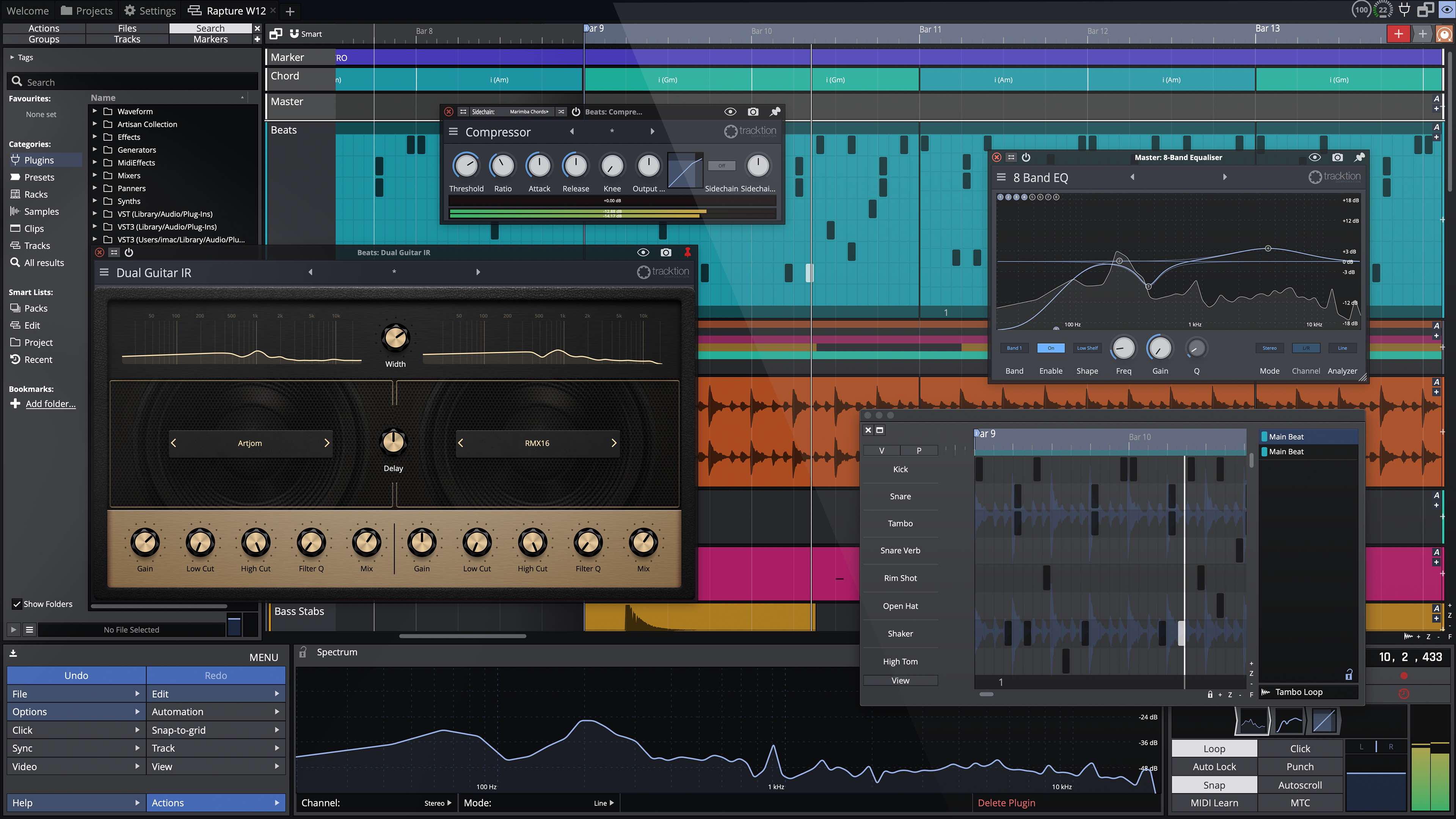
Wow! Traction Waveform has evolved into a workstation beast! This DAW is designed to be fast, efficient, and creative. It delivers all the tools needed for music production, especially when working in electronic music. I realize we are dealing with audio, but it helps when the software looks good and Waveform looks marvelous. It is crisp and clean but not bloated and cluttered. Much work went into the interface to provide users easy access to tools without sacrificing the streamlined approach.
MY FAV Features:
SUMMARY
Tracktion Waveform does what other DAWs do but uniquely. It has a sleek, ultra-modern IU and provides a slick workflow. For music producers who are new to DAWs, they will be able to dive in, explore, learn, and make music. Music producers migrating from another DAW must be more patient as this software behaves differently. They may need to adapt before uncovering the wonder of Waveform's Workflow. I highly recommend this workstation for anyone in electronic music production who is tired of the usual big box offerings and wants something ultra-modern, inspirational, and musical. The Price is relatively cheap for what it offers, and the free version has many features and no track limitations. Users can start with the free version and then add features they need for a reasonable price.
Reviewed By anli [all]
January 6th, 2023
Version reviewed: 12.1.8 on Linux
No visual noise.No prison feeling (as with Bitwig). No dinosaur feeling (as with Reaper UI).A little dated but very friendly user manual.
No CLAP support. Broken updates.
Pro is in use.
Reviewed By ImagineMovieScores [all]
September 25th, 2022
Version reviewed: 12 on Windows
It's a great DAW, I have tried it and change from my old DAW to wave form 12. There are some things that I would improve to make it perfect, but as it is, it's really great.
Reviewed By Frontface [all]
May 17th, 2022
Version reviewed: 11.5 on Windows
I started recording in 2020. After purchasing an audio interface, mic, and some monitors, I researched DAWs. Having spent years in broadcasting I was familiar with a lot of the concepts used in DAWs so I decided to try as many free products as I could find.
My first download was Audacity. When I found that I couldn't use third-party VSTs, that was the end of that. I downloaded and started playing with Reason and Studio One but finally decided to go with the leader, Pro Tools. It took me about two minutes to realize that I would never be happy with any Avid product. It did, however, give me a frame-of-reference.
There were other, lesser-known DAWs that I downloaded and tried. Finally, I downloaded the free version of Traction Waveform.
I immediately got a "good vibe" from the product.
It made sense to my brain. It was more intuitive than anything I had tried.
So I stuck with Waveform.
The longer I used it, the more features I discovered and the more I was able to do.
After about six months I purchased Waveform Pro and discovered a bunch of great virtual instruments. I love the fact that their "left-to-right" architecture is so simple and so efficient. No rack-wiring or convoluted set-up. As fast as you can re-arrange plug-ins, you can hear the changes.
I'm all in with Tracktion Waveform. I can't imagine an easier-to-use, more feature-packed, DAW.
 25%OFF$149.00Bitwig Studio Producer24%OFF$75.00Bitwig Studio Essentials25%OFF$299.00Bitwig Studio 6
 $579.99Cubase Pro 15

Hi there! I wanna start a recording hobby, i bought mackie profx 8 mixer together with tracktion 3 basic bundles. im using windows 7 and the program was installed successfully, but the problem is when i'll start recording a track after I have imported an instrumental wav file (track 1), whenever I arm the track (track 2) where I will record my vocals, and then I'll press record, the instrumental on track 1 is also recorded in the track 2 where Im recording the vocals. Can anyone help me please? Thanks!
DO you have the monitors speaker on and registering on you mike?
If you want to hear the instrument an sing at the same time you need to have earphones and the output to the monitors off .
THIS POST HAS BEEN REMOVED
Many x64 plugs aren't supported on Tracktion x64, but their x32 versions work fine on Tracktion x32 -- Ignite's The Anvil and TSE's x50 come to my mind immediately. ISTR it's something about the plug devs fudging the spec a bit. Maybe it's this issue. To tell, go for an x32/x32 system -- if said plugs work, it's said bug rearing its ugly head. (Maybe heads; it's more hydra than dragon!)
Most of us either stick with x32, find alternate plugs or load the x32 plugs in a bridge. A lot of people seem to like jBridge, but its (admittedly miniscule) cost exceeds my means, so I wouldn't know.
Hey All, .
ok, I have searched for an answer but I haven't found one so .... Using Waveform 9 in DEMO mode (want to try it out) and I am trying to find out why it is not loading any of my plugins. They are all in 64-bit (Maschine, Addictive Keys, NI Komplete 11 Selective, Positive Grid Bias Amp, Melodyne 4, Izotope (a stack of them) and more)., it sees them and says that they won't load. Any suggestions (besides I might be an idiot.... :-)) ????
Oh windows 10 64-bit, i5 (4 core 6th gen), 6 GB RAM. I have recently updated Maschine to Maschine 2 and have update all programs. It works fine in Tracktion 6 but .... ??
THIS POST HAS BEEN REMOVED
Can i extract groove/swing from audio?
Please log in to join the discussion
Submit: News, Plugins, Hosts & Apps | Advertise @ KVR | Developer Account | About KVR / Contact Us | Privacy Statement | Sell @ KVR | KVR Marketplace Terms & Conditions
© KVR Audio, Inc. 2000-2026

