6 KVR members have added asterism to 3 MyKVR groups 7 times.
Download KVR Studio Manager (FREE)
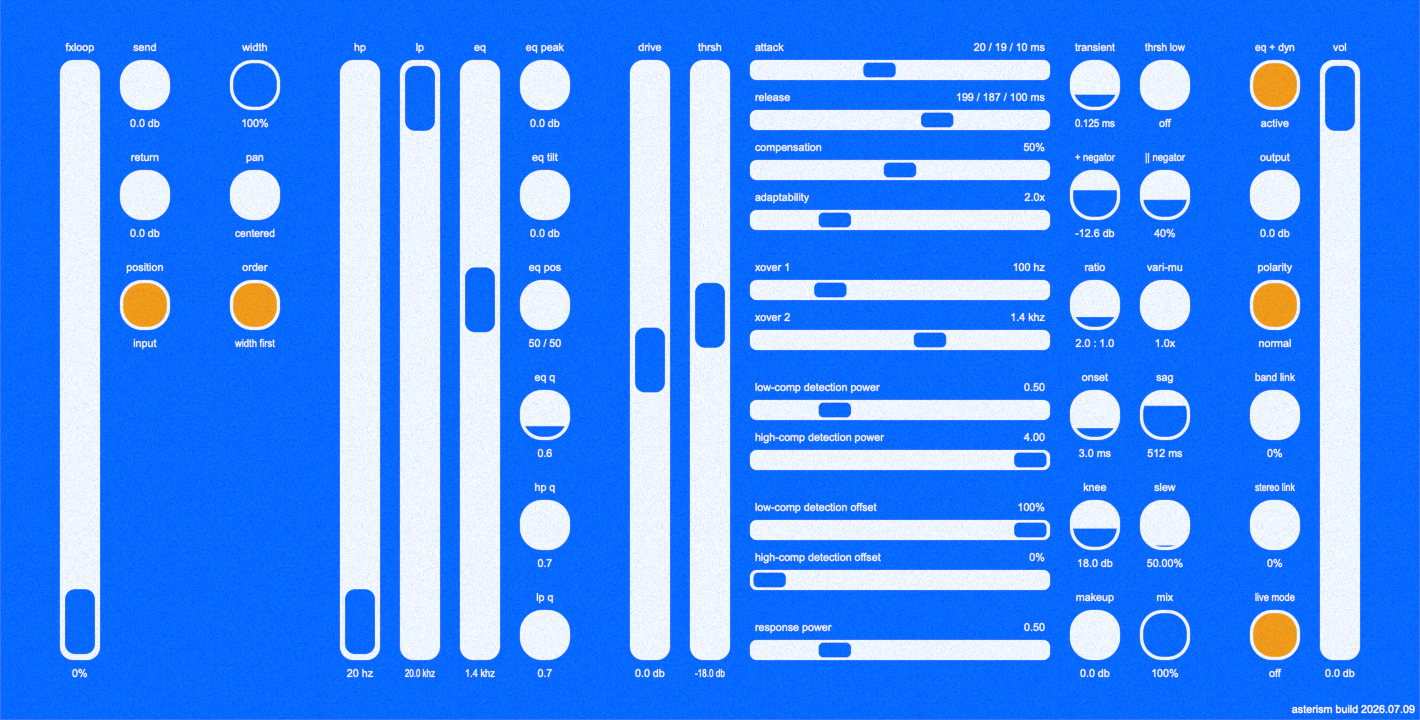
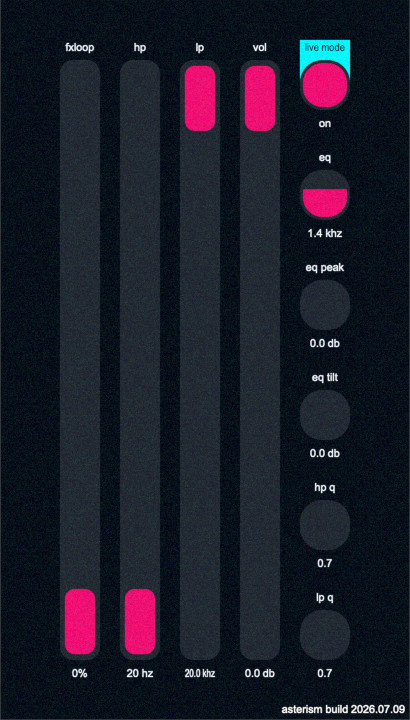
asterism is a channel strip centered around a multiband compressor and oriented towards live performance.
Latest update:
Signal flow is from left to right. Explanations for controls are below.
Allows outboard or other plugins to be blended in:
Controls for spatial positioning:
Standard high- and low-pass filters with Q controls:
A standard peak filter and non-standard tilt filter centered around the same frequency and using the same Q factor:
A multiband dynamics processor with minimal per-band controls for ease of configuration.
It contains three bands, each consisting of four stages: an upwards compressor, downwards compressor and negator in series, and a negator in parallel. Negation is used here to mean a ratio of -1:1, distinct from negative downwards compression and negative upwards expansion in that it reduces dynamic range with a target that maintains, rather than reduces or increases, dynamics. In practice, the envelope affects dynamics regardless.
Some of the settings here allow for blending between values depending on the amount of compression occurring. These are indicated by the "low-comp" and "high-comp" prefixes:
Transient controls how quickly the compressor smooths transients during detection.
Onset controls how quickly the compressor smooths gain changes after detection.
Sag controls the amount of time over which the effects of sag occur. Sag weakens changes to dynamics as compression increases.
Knee sets the knee width in dB of each stage of dynamics processing.
Slew controls the percentage of attack and release times affected by slew-rate limiting.

Please log in to join the discussion
Submit: News, Plugins, Hosts & Apps | Advertise @ KVR | Developer Account | About KVR / Contact Us | Privacy Statement | Sell @ KVR | KVR Marketplace Terms & Conditions
© KVR Audio, Inc. 2000-2026