
0 KVR members have added AudioCentral - Mac Sound Control to 0 MyKVR groups 0 times.
Download KVR Studio Manager (FREE)
AudioCentral covers OS-level sound utilities from volume control, mixing and output routing to advanced audio features like equalizers and speech isolation.
Designed for audiophiles, audio engineers, producers, musicians, DJs, composers, sound designers and streamers. AudioCentral offers a convenient, set-and-forget way to control target curves and modes for each app and device.
AudioCentral works directly with macOS - No kernel extensions, no reboots, no audio-stack surgery — just a clean, native experience built around the system you already use.
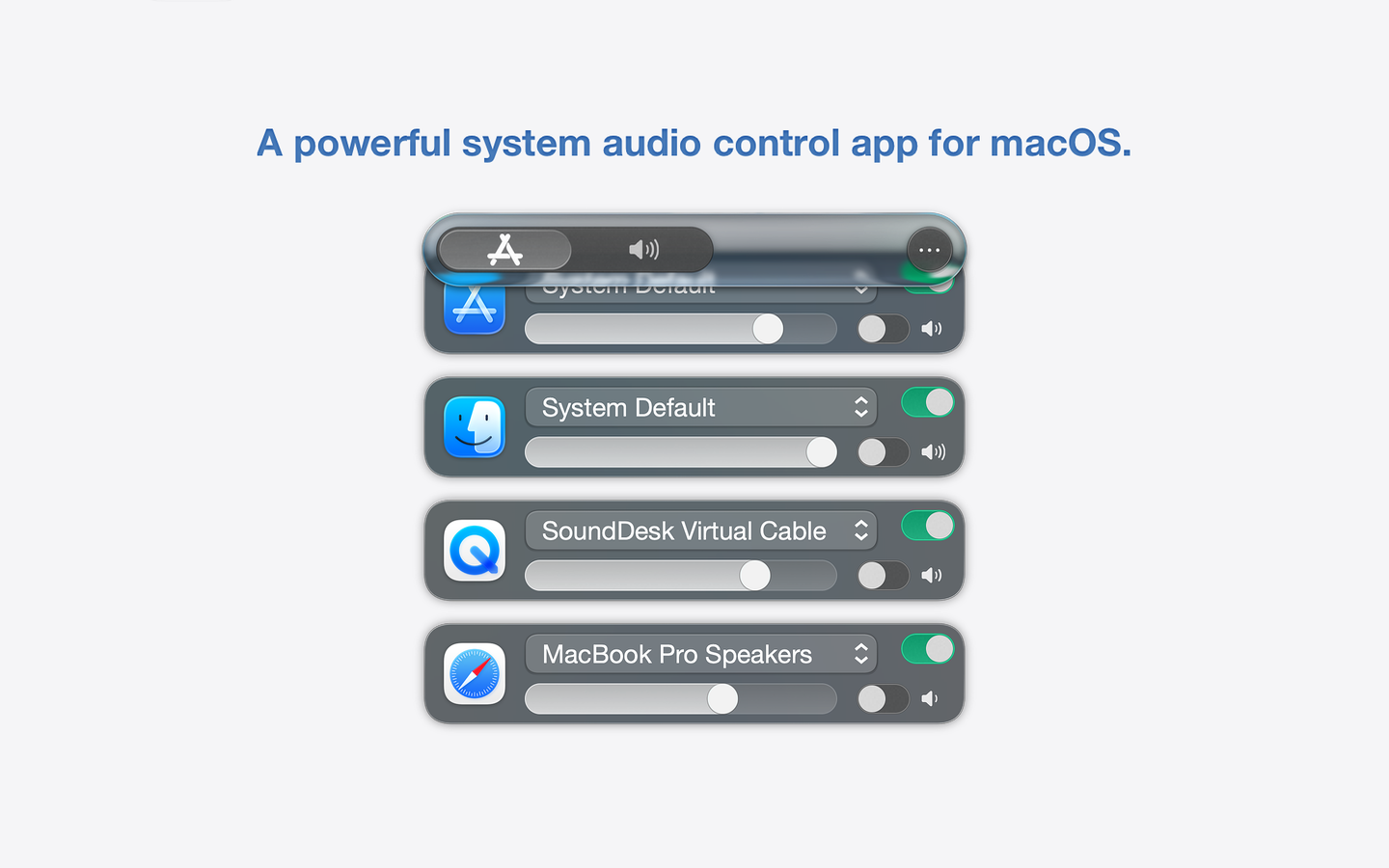
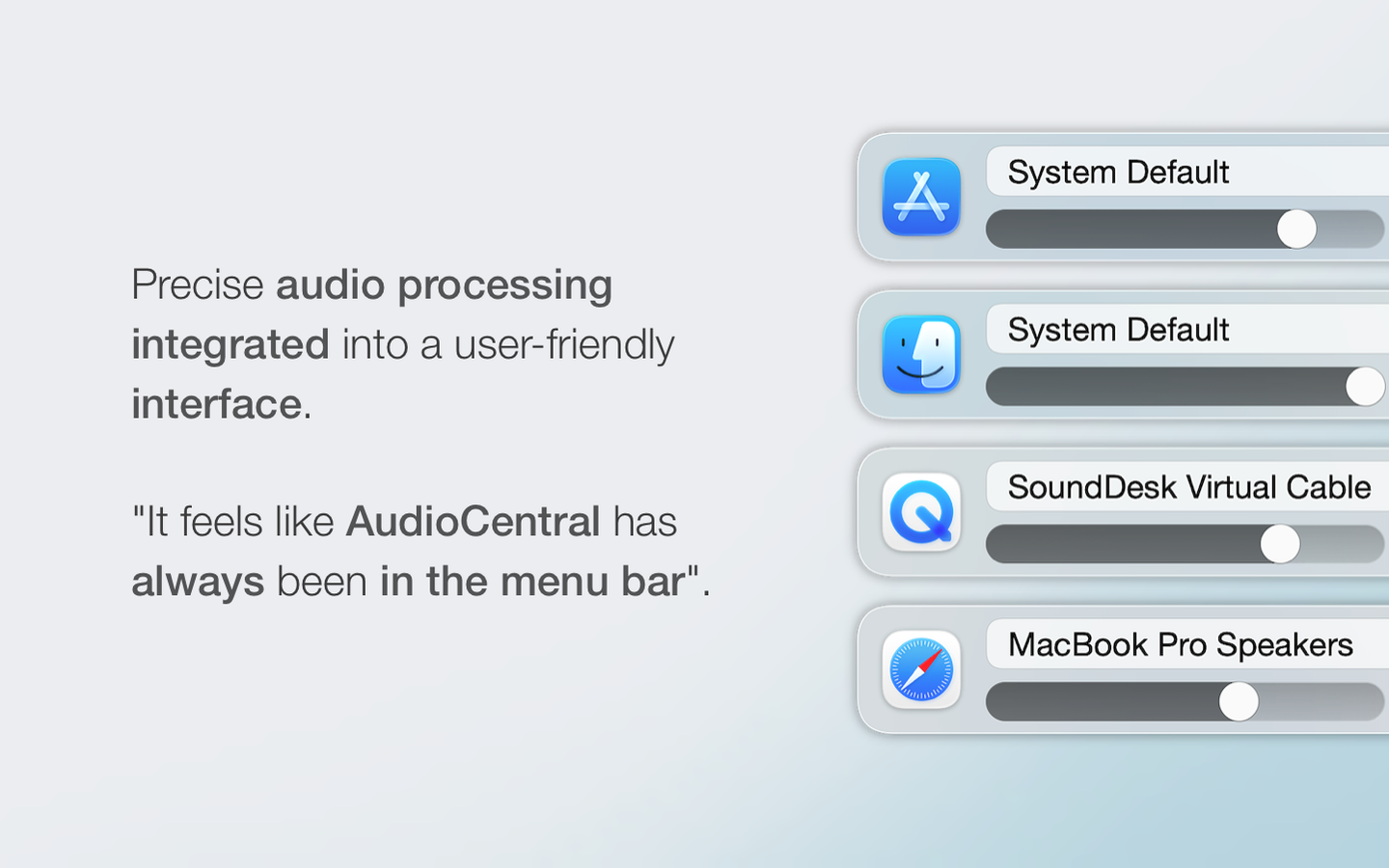
Independent application control that allows you to mix and route any application audio to any device stream, even if the app does not provide the feature.
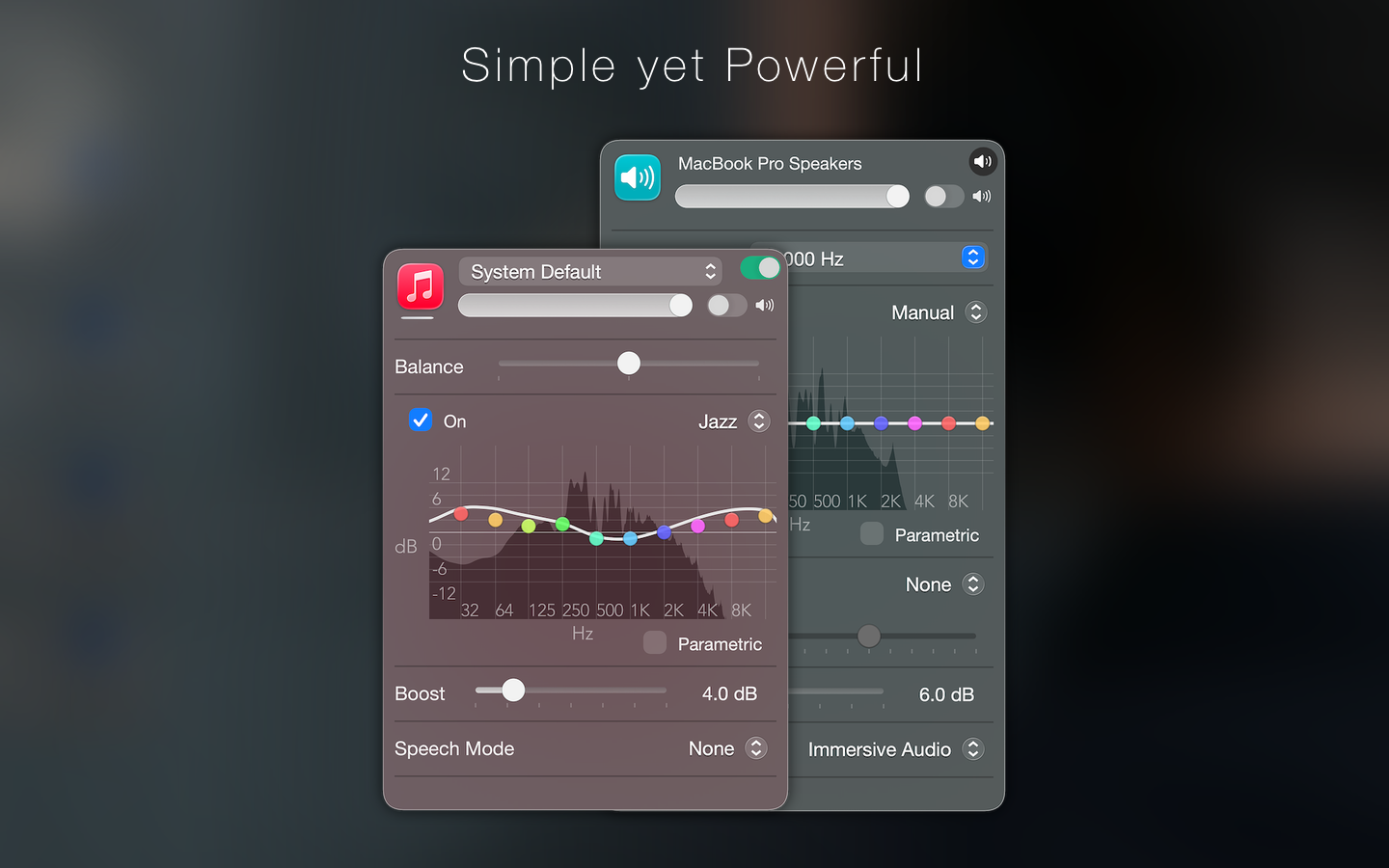
• Control per Application volume, mute, balance, boost, equalization, and speech isolation.
• Adjust per Device volume, mute, equalization, boost, and spatial profiles.
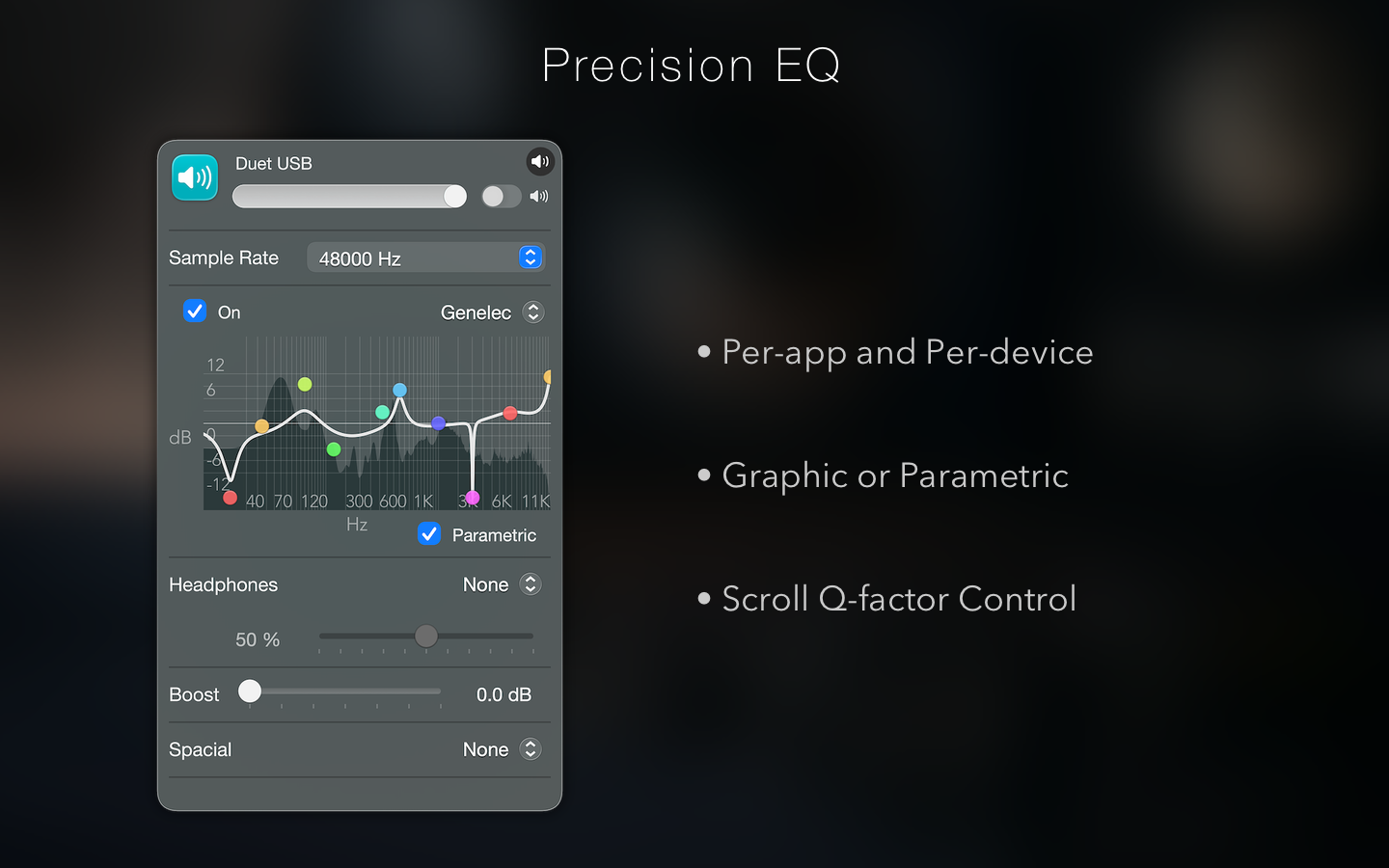
• Per-app and Per-device.
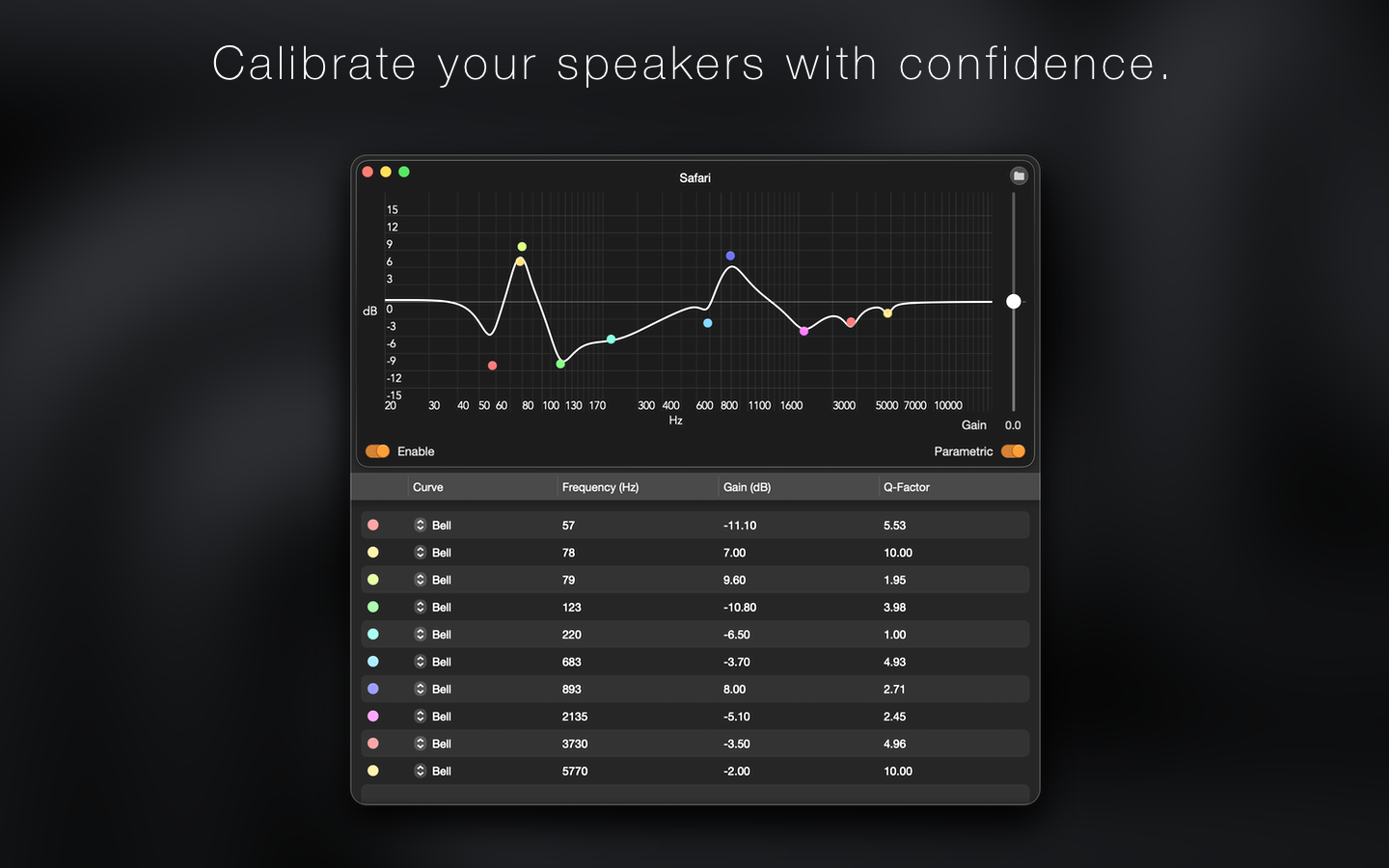
• Graphic or Parametric EQ.
• Scroll Q-factor Control.
• Preset Recall.
We've all been in a situation where in-ears or headphones are the only option.
AudioCentral has got you covered with a wide range of spectral calibration profiles and a binaural converter packed with a selection of virtual rooms.
Other Features:
• Immersive audio option for small speakers.
• Boost/Limiting transparency control.
• 64-bit audio processing.
• Keyboard navigation.

Please log in to join the discussion
Submit: News, Plugins, Hosts & Apps | Advertise @ KVR | Developer Account | About KVR / Contact Us | Privacy Statement | Sell @ KVR | KVR Marketplace Terms & Conditions
© KVR Audio, Inc. 2000-2026

