2 KVR members have added Bitwig Connect 4/12 to 2 MyKVR groups 2 times.
Download KVR Studio Manager (FREE)
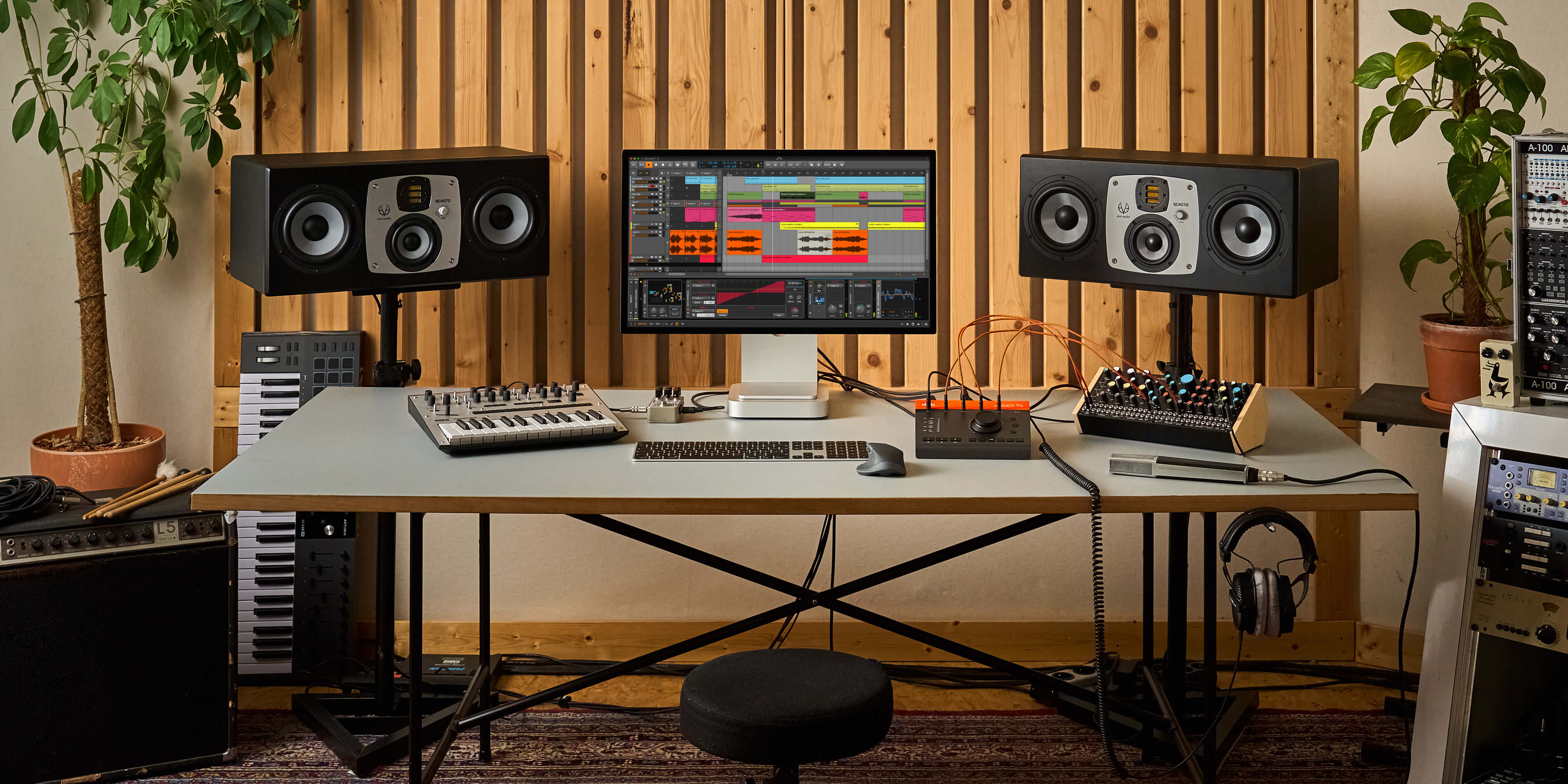
Bitwig Connect 4/12 is more than an audio interface – it's a class-compliant, 4‑in/12‑out CV and MIDI-enabled audio interface with monitor- and DAW-control functionalities and a unique Bitwig Mode. As a bridge between software and external gear, Bitwig Connect is the perfect device.
Key Features:
The Story Behind Bitwig Connect 4/12.
The concept behind Bitwig Connect was driven by two key goals: to create an audio interface that seamlessly integrates hardware and software, and to offer a way to physically interact with Bitwig Studio.
Bitwig Connect bridges your hardware devices, like synths and modular systems, and Bitwig Studio's comprehensive Hardware Out tools (CV in/out, Analog Clock, MIDI CC, etc.). Its bidirectional CV capabilities extend Bitwig Studio's unique modulation system and The Grid to your hardware, and vice versa. Bitwig Connect makes this powerful connectivity effortless with plug-and-play simplicity and visual feedback.
The second idea is embodied in the high-resolution main dial, which offers precise control over everything in Bitwig Studio. Designed to complement your mouse, keyboard, and other MIDI controllers, this intuitive dial delivers a tactile, haptic experience.
Combined Audio Devices in Bitwig Studio 5.3.
Bitwig Studio 5.3 adds major improvements to the program's audio settings, such as auto-configuration and Combined Audio Devices. The latter option allows macOS and Linux users to integrate Bitwig Connect into their existing audio routing setups by combining multiple interfaces.
{See video at top of page}

Please log in to join the discussion
Submit: News, Plugins, Hosts & Apps | Advertise @ KVR | Developer Account | About KVR / Contact Us | Privacy Statement | Sell @ KVR | KVR Marketplace Terms & Conditions
© KVR Audio, Inc. 2000-2026