
3 KVR members have added Calibra to 7 MyKVR groups 9 times.
Download KVR Studio Manager (FREE)
A complete headphone calibration, phase-control and monitoring plugin for your DAW.
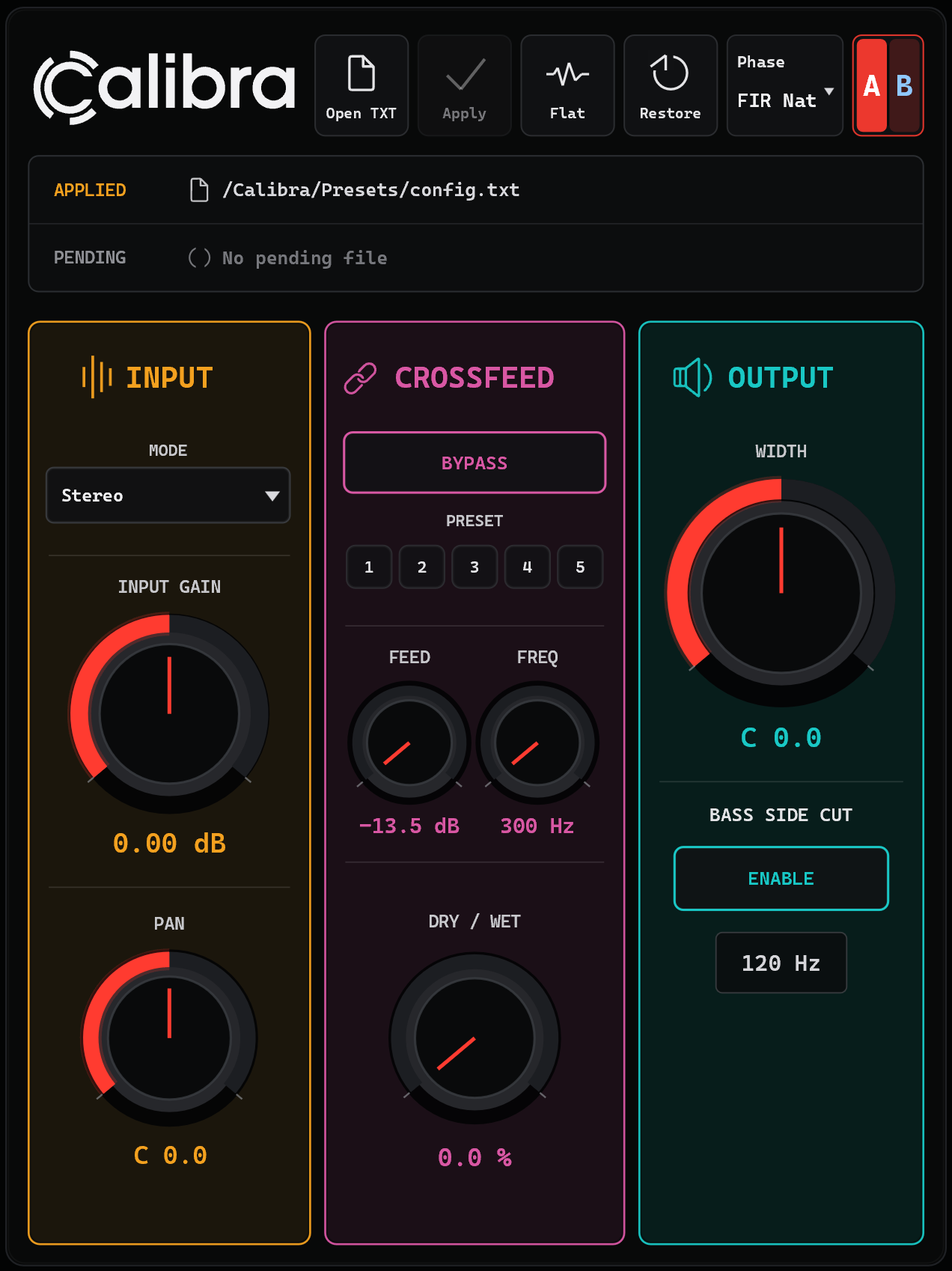
Calibra is a VST3 plugin for Windows and macOS designed for users who want full control over headphone correction, phase behavior, calibration workflow and monitoring tools inside the DAW.
Not a closed headphone-profile system.
Calibra lets your correction file define the response.
Load your own TXT correction files, work with measured or AutoEQ-style data, choose between IIR and FIR correction modes, compare calibration setups with A/B slots, and keep your headphone monitoring chain clean, flexible and repeatable.
Headphone calibration is not always just "apply an EQ curve".
Different workflows need different compromises between latency, phase response, ringing behavior, correction accuracy and monitoring comfort.
Calibra was built to give you direct control over those choices:
| Mode | Best for | Behavior |
|---|---|---|
| IIR Minimum Phase (0 Latency) | Everyday monitoring | Low-latency minimum-phase correction. |
| FIR Minimum Phase (0 Latency) | Immediate FIR-based correction | FIR correction behavior with zero reported latency. |
| FIR Natural Phase | Balanced headphone correction | A more natural compromise between phase behavior, ringing and latency. |
| FIR Linear Phase | Critical checks | Linear-phase FIR correction with host-compensated latency. |
Calibra is designed around text-based correction files.
Instead of locking the user into a fixed profile database, the correction file defines the response.
Supported correction-file elements include:
PreampFilterGraphicEQIncludeThis makes Calibra suitable for AutoEQ-style correction, custom measurements, personal target curves and manually edited headphone calibration files.
Calibra has been tested against Equalizer APO-style correction workflows with null-test oriented validation for supported TXT files.
The goal is to reproduce supported correction files inside the DAW with measurable and repeatable accuracy, instead of approximating the curve by eye.
Supported TXT elements include Preamp, Filter, GraphicEQ and Include.
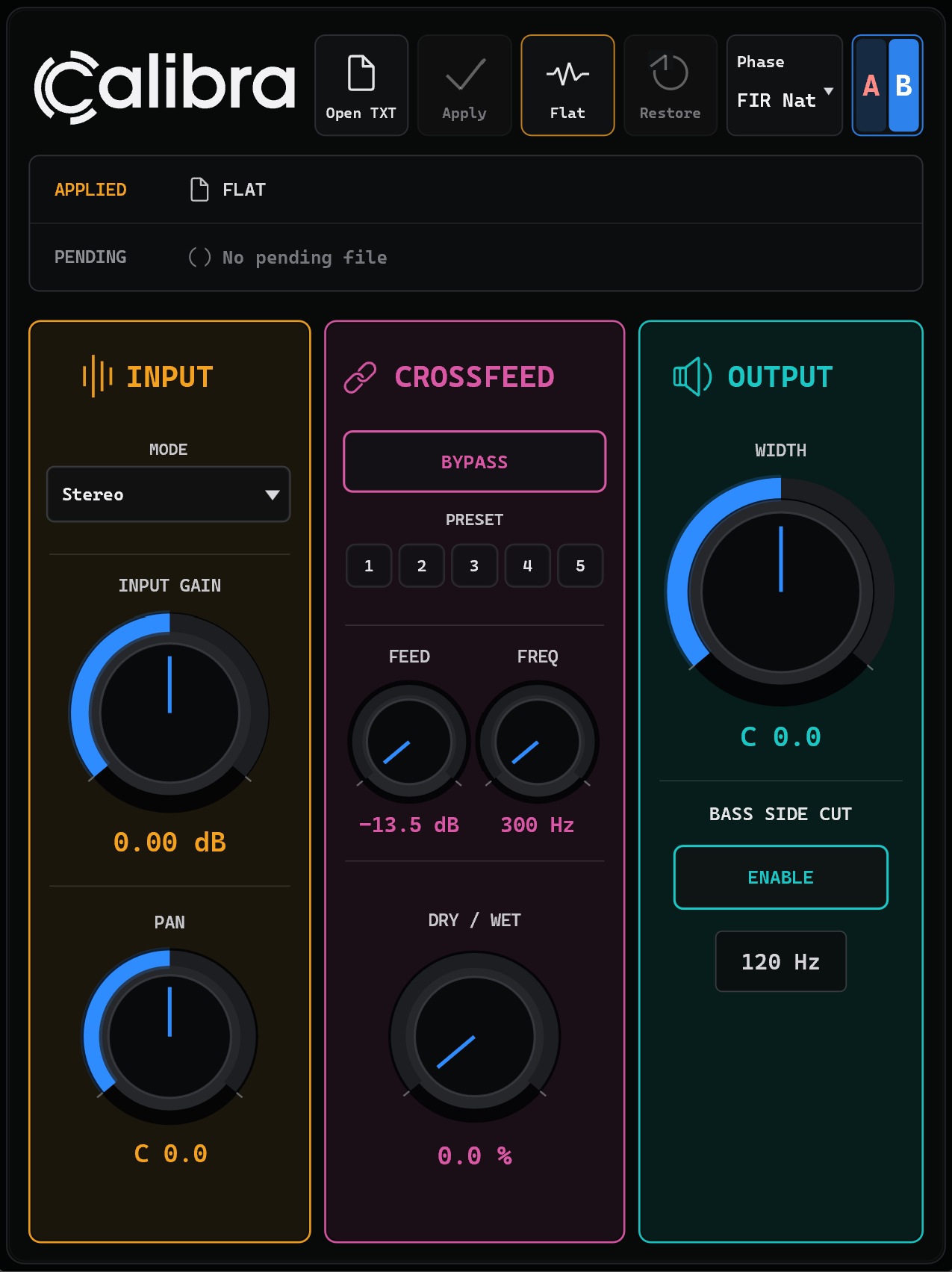
Calibra includes two calibration slots: A and B.
Each slot can store its own correction file, monitoring parameters and correction snapshot.
Use A/B slots to compare:
A/B switching uses a smooth crossfade and FIR warmup behavior to avoid abrupt monitoring changes.
Calibra includes five hardware-style headphone crossfeed presets plus custom controls.
Crossfeed can help reduce extreme left/right separation when working on headphones.
It is not designed to create a fake room or exaggerated stereo effect. It is designed as a controlled monitoring tool for headphone calibration, mixing and long listening sessions.
Calibra can save the applied correction snapshot inside the DAW project.
This means a session can recall the calibration even if the original TXT file has been moved, renamed or is no longer available.
This is useful for long-term projects, mastering revisions, client recalls and headphone-specific monitoring setups that need to remain consistent over time.
Place Calibra on your headphone monitoring chain, monitor FX slot, control-room bus or dedicated headphone output path.
Use it for:
Do not export your final mix through Calibra unless you intentionally want to print the headphone calibration into the audio.
Calibra requires online activation on first launch using your itch.io download key.
An internet connection is needed for the initial activation.
Offline activation via a signed license key is available on request for systems that cannot connect to the internet.
A demo mode is available: the plugin is fully functional with a periodic silence when unregistered and no saving it's possible.
Early access release.:
*Disclaimer.
Third-party headphone names and trademarks.
Calibra is an independent plugin and is not affiliated with, endorsed by, sponsored by or officially supported by any headphone manufacturer.
Any headphone brand names, model names or trademarks mentioned in presets, correction files, documentation or examples are used only for identification and compatibility/reference purposes.
Correction files and presets are user-loadable and may be based on third-party measurements, personal measurements or manually edited target curves. They should not be considered official manufacturer profiles unless explicitly stated by the original rights holder.
All trademarks and product names remain the property of their respective owners.

Please log in to join the discussion
Submit: News, Plugins, Hosts & Apps | Advertise @ KVR | Developer Account | About KVR / Contact Us | Privacy Statement | Sell @ KVR | KVR Marketplace Terms & Conditions
© KVR Audio, Inc. 2000-2026

