
3 KVR members have added Calibra to 7 MyKVR groups 9 times.
Download KVR Studio Manager (FREE)
Open headphone calibration for your DAW.
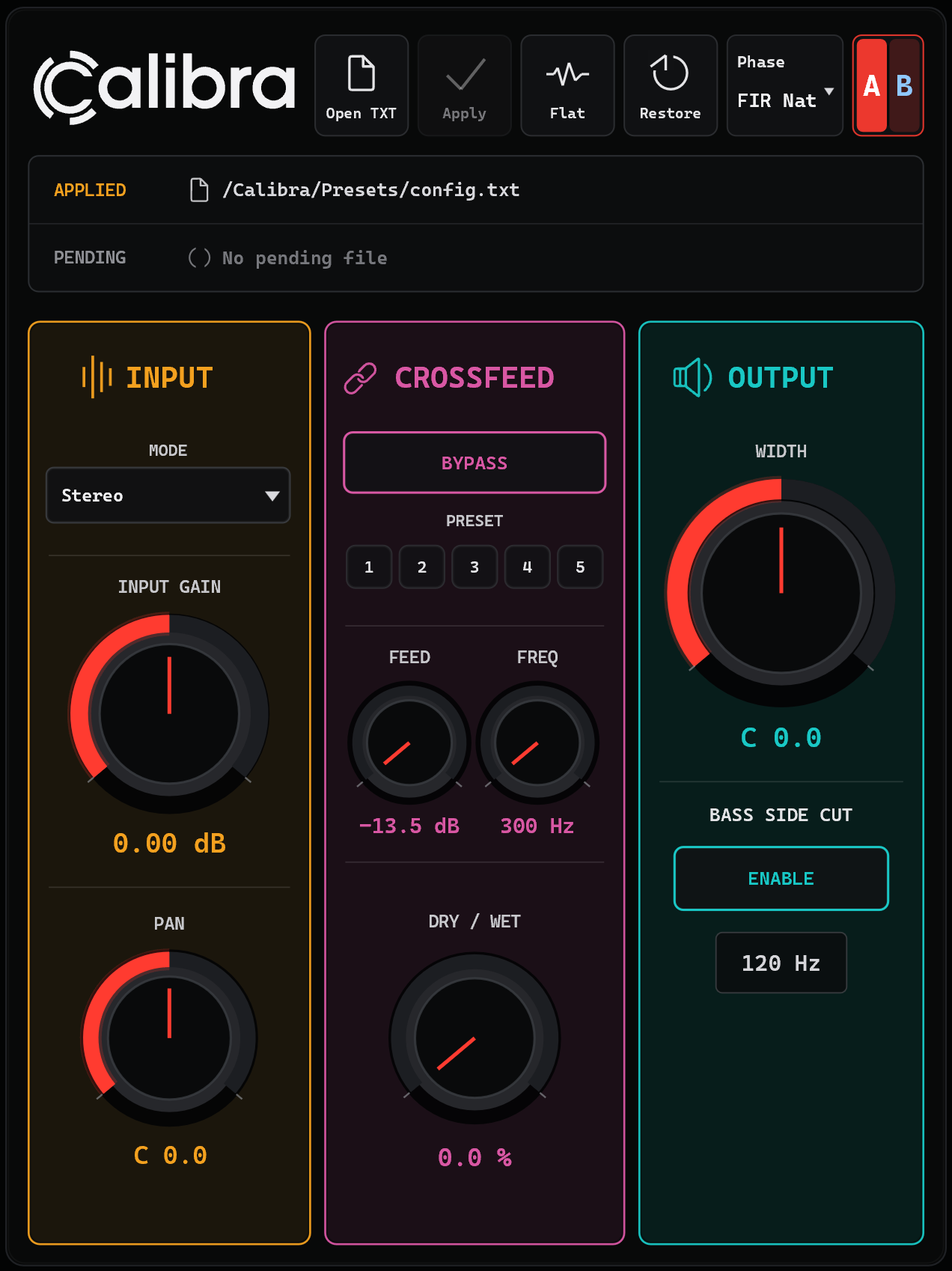
Calibra is a VST3 plugin for Windows and macOS that lets you load your own correction files and monitor through a controlled headphone calibration chain directly inside your DAW.
Not a closed headphone-profile system.
Your correction file defines the response.
Load TXT correction files, work with measured or AutoEQ-style data, import and export FFP presets, choose between IIR and FIR correction modes, compare setups with A/B slots, and use practical monitoring tools such as crossfeed, width, pan, Mid/Side and Left/Right checks.
Try the demo first. The demo includes the full calibration engine and monitoring tools, with periodic short silence and saving/exporting disabled.
Preamp, Filter, GraphicEQ and Include.Calibra is designed for users who work with custom headphone correction files, measurements, AutoEQ-style data, personal target curves or manually edited calibration files.
Supported TXT elements include:
PreampFilterGraphicEQIncludeSupported Equalizer APO-style TXT files are tested with a null-test oriented workflow, with the goal of reproducing compatible correction files inside the DAW in a measurable and repeatable way.
| Mode | Best for | Behavior |
|---|---|---|
| IIR Minimum Phase | Everyday monitoring | Low-latency minimum-phase correction. |
| FIR Minimum Phase | Immediate FIR-based correction | FIR correction behavior with zero reported latency. |
| FIR Natural Phase | Balanced headphone correction | A compromise between phase behavior, ringing and latency. |
| FIR Linear Phase | Critical checks | Linear-phase FIR correction with host-compensated latency. |
These modes are useful because headphone calibration can involve different tradeoffs between latency, phase response, ringing behavior and correction accuracy.
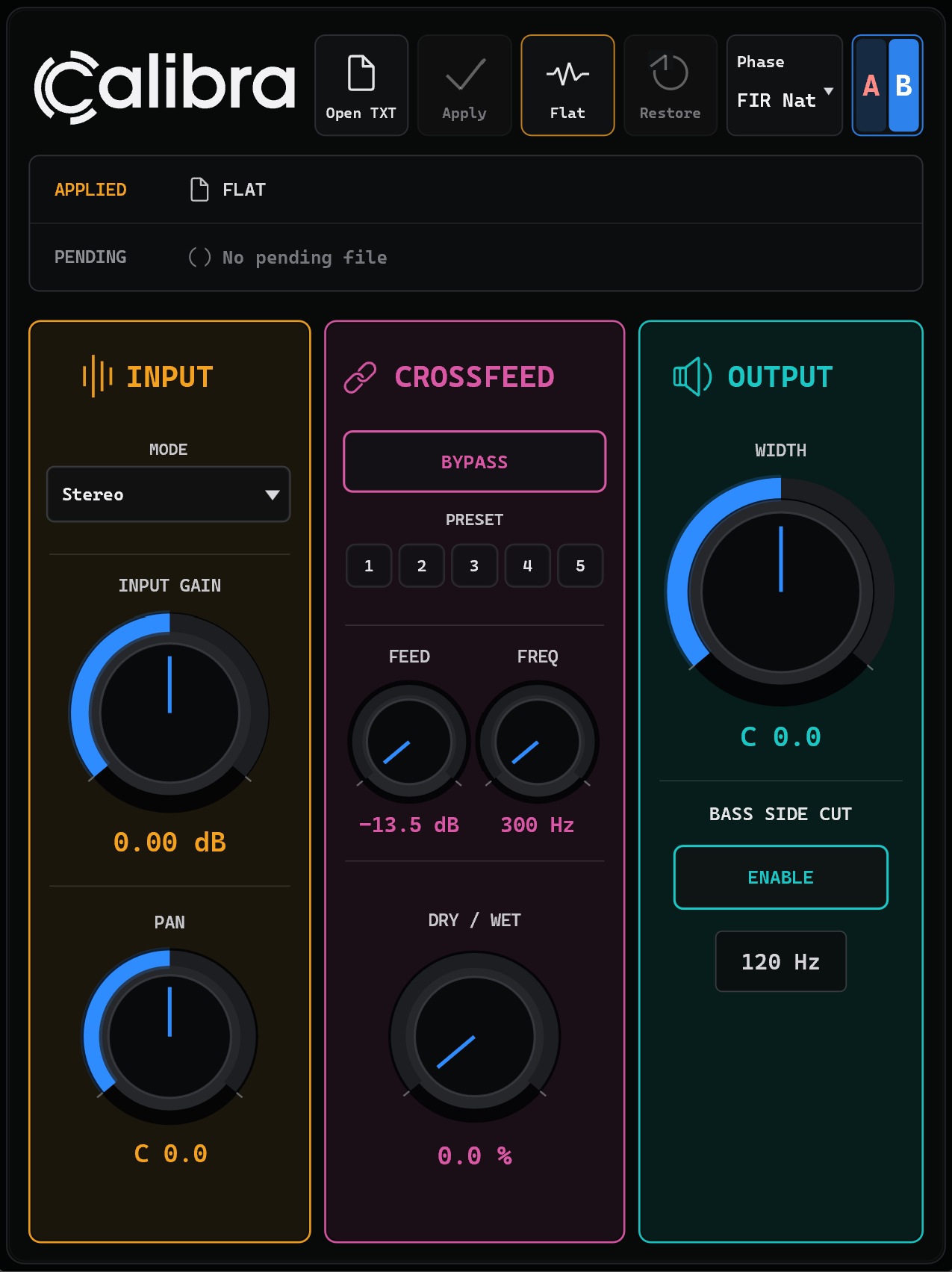
Calibra includes two calibration slots: A and B. Each slot can store its own correction file, correction snapshot and monitoring settings.
Use A/B slots to compare two headphones, two correction files, measured vs AutoEQ-style correction, different target curves, different phase modes or subtle vs stronger correction.
Monitoring tools include:
Do not export your final mix through Calibra unless you intentionally want to print the headphone calibration into the audio.
A free demo is available.
The demo includes the full calibration engine, correction-file loading, IIR/FIR modes, A/B slots, crossfeed and monitoring tools.
Demo limitations:
The full version removes these limitations and unlocks normal project use.
Calibra requires online activation on first launch using your itch.io download key. An internet connection is needed for the initial activation.
Offline activation via a signed license key is available on request for systems that cannot connect to the internet.
Calibra is currently available as an early access build.
This version is intended for compatibility testing, workflow validation and early user feedback. Please test it in your own DAW and monitoring setup before relying on it in critical production work.
Bug reports, host compatibility notes and workflow feedback are welcome.
Early access release.:
Third-party headphone names and trademarks
Calibra is an independent plugin and is not affiliated with, endorsed by, sponsored by or officially supported by any headphone manufacturer.
Any headphone brand names, model names or trademarks mentioned in presets, correction files, documentation or examples are used only for identification and compatibility/reference purposes.
Correction files and presets are user-loadable and may be based on third-party measurements, personal measurements or manually edited target curves. They should not be considered official manufacturer profiles unless explicitly stated by the original rights holder.
All trademarks and product names remain the property of their respective owners.

Please log in to join the discussion
Submit: News, Plugins, Hosts & Apps | Advertise @ KVR | Developer Account | About KVR / Contact Us | Privacy Statement | Sell @ KVR | KVR Marketplace Terms & Conditions
© KVR Audio, Inc. 2000-2026

