Log InCreate An Account
  1. Plugins
  2. »
  3. M Media Audio
  4. »
  5. Curve Control
  6. »
  7. Details

Curve Control

Mastering EQ Plugin by M Media Audio
MyKVRFAVORITE1WANT3
Curve Control
Curve Control Curve Control Curve Control Curve Control Curve Control Curve Control
Curve Control by M Media Audio is a Virtual Effect Audio Plugin for macOS, Windows and Linux. It functions as an Audio Units Plugin and a VST 3 Plugin.
Product
Version
1.0.0
Product
Version
1.0.0
Product
Version
1.0.0
Effect
Formats
Copy Protection
Online Activation

MyKVR: Groups, Versions, ...

3 KVR members have added Curve Control to 3 MyKVR groups 5 times.

Download KVR Studio Manager (FREE)

Not In Your MY KVR Groups
(or group limitation prevents versioning)
+3 in private groups

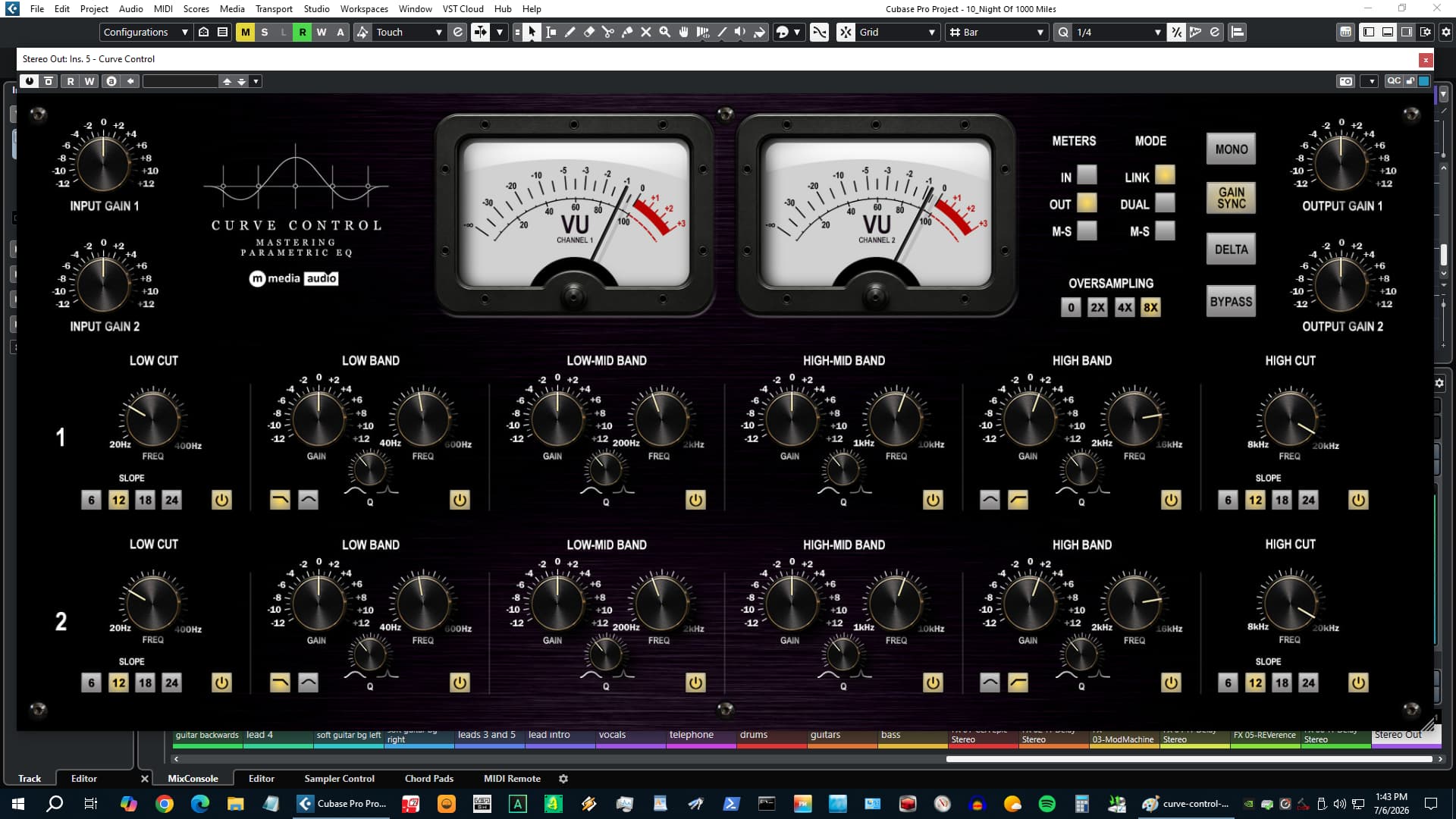
Dual-Channel. Twelve Bands. Hardware Weight.

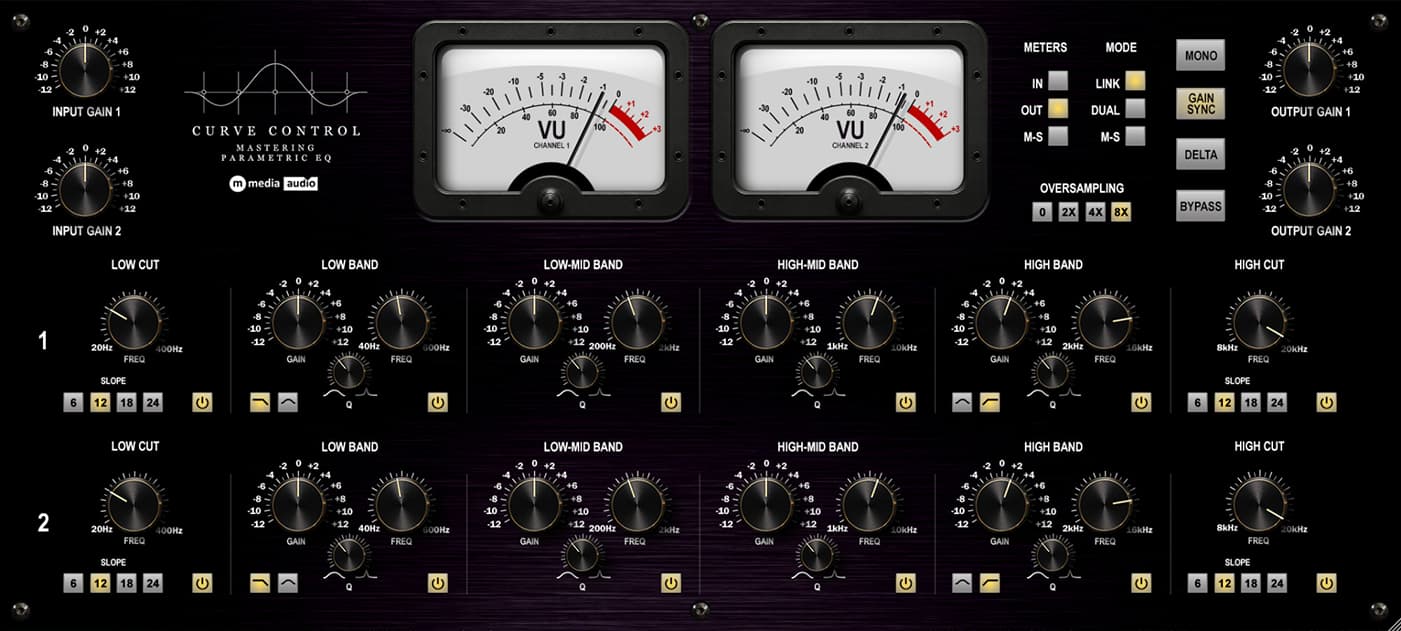
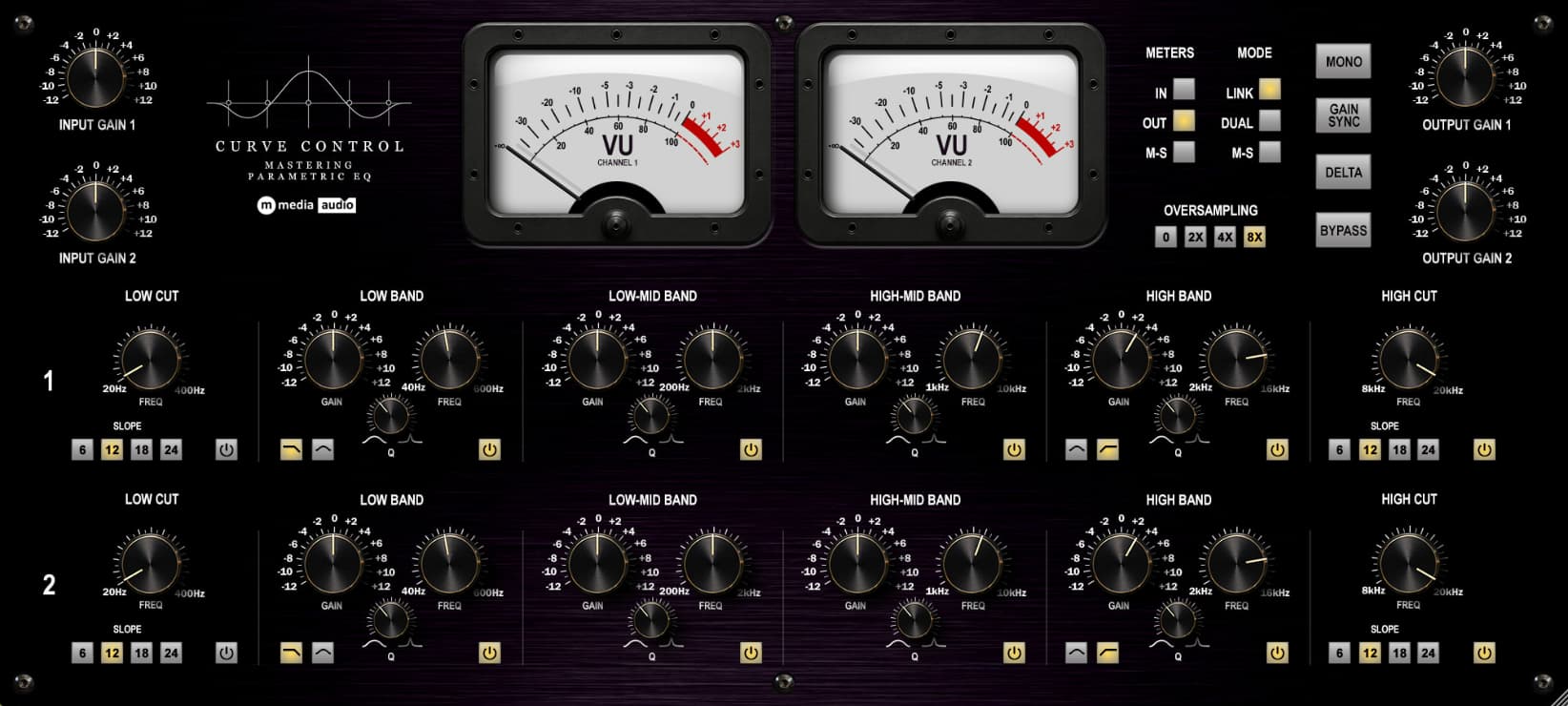
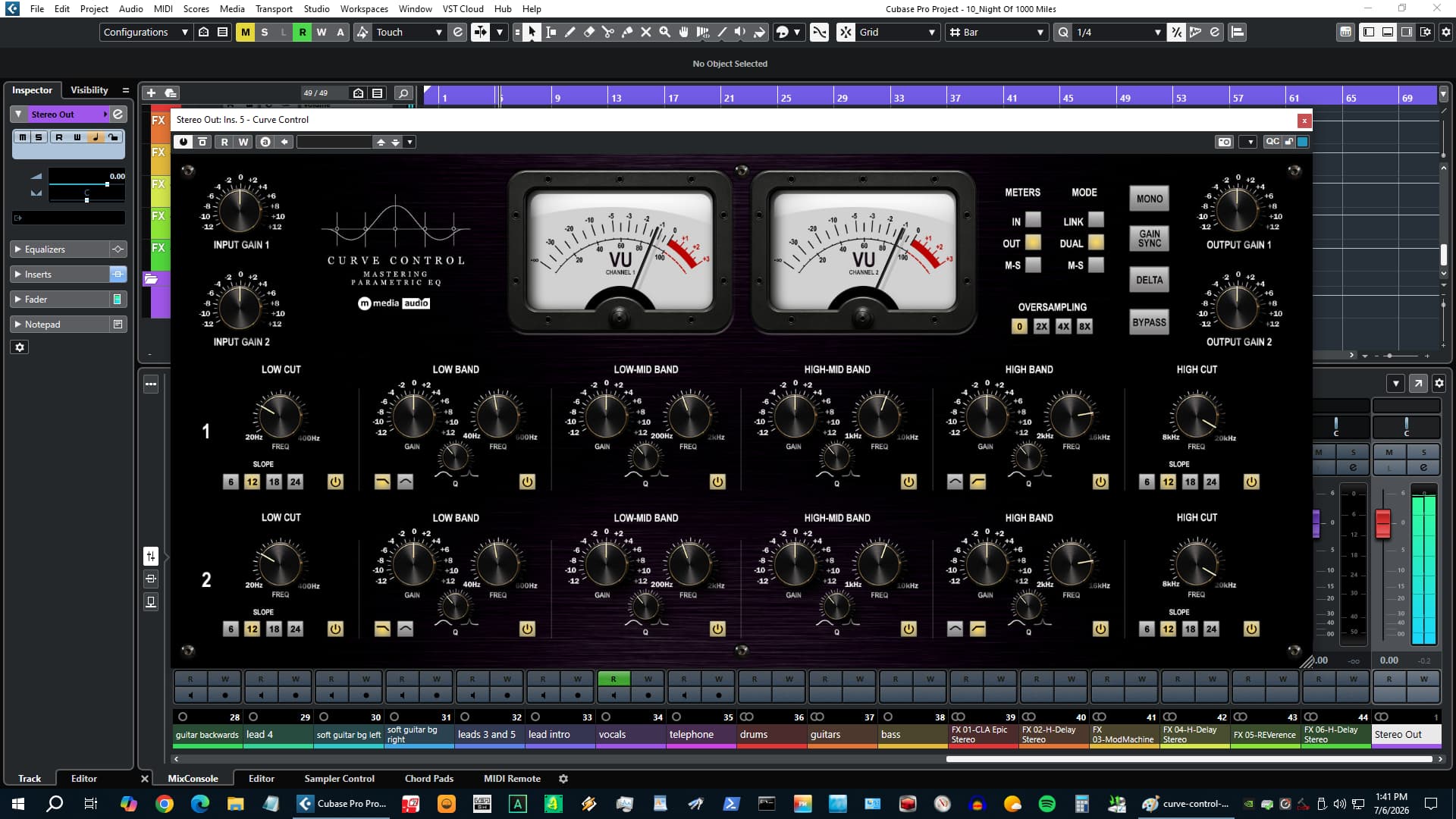
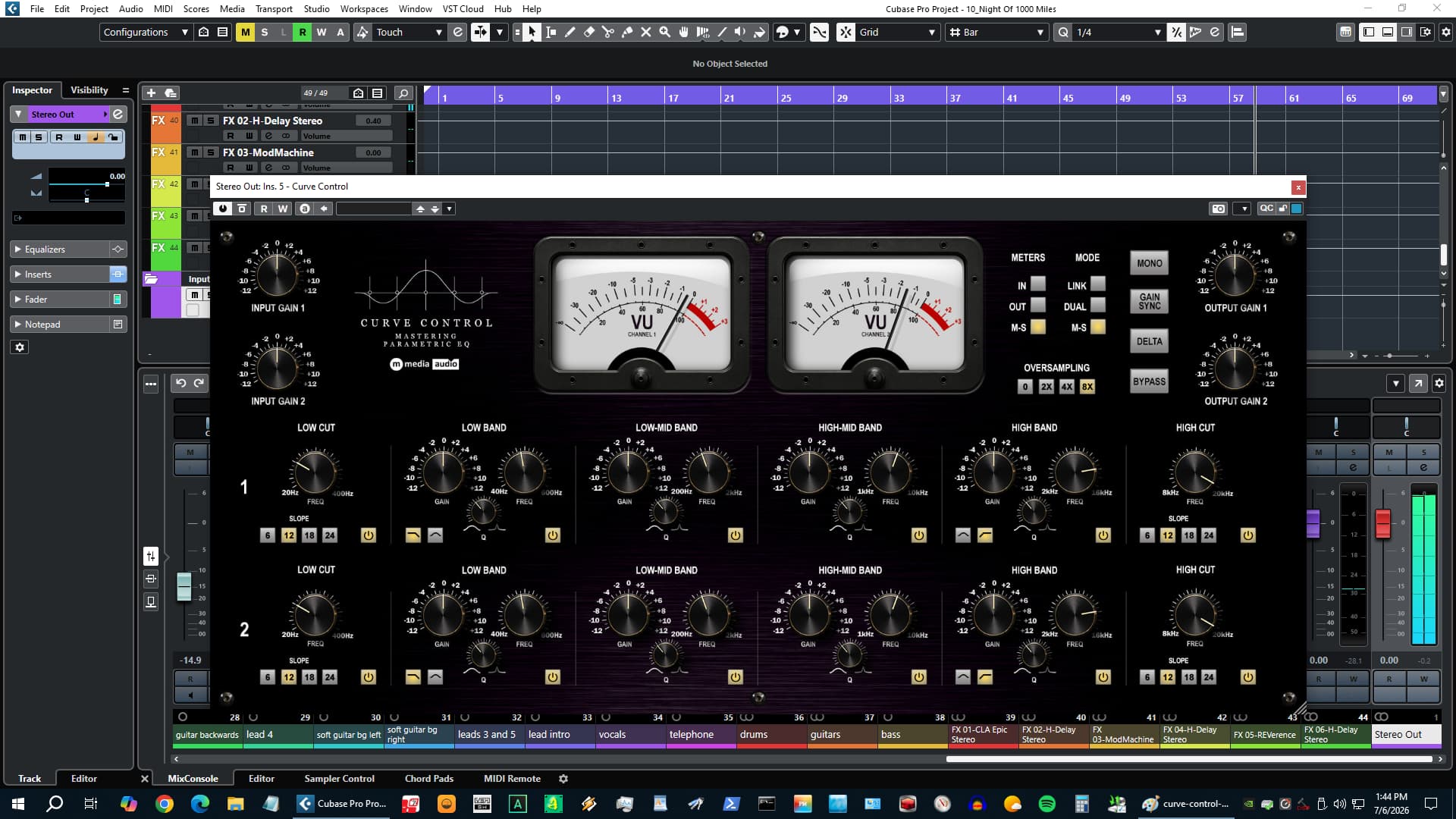
Curve Control is a mix and mastering parametric EQ with six fully parametric bands per channel and three channel modes: linked stereo, fully independent L/R, or M/S with each channel running its own separate curve. Always-on level-dependent saturation adds 2nd harmonic weight at the output of each channel. Two large VU meters with switchable source give real-time level feedback on Input, Output, or Mid/Side. Delta, Gain Sync, and Mono monitoring built in. Oversampling up to 8x. VST3 on Windows, macOS, and Linux. AU on macOS.

Six Bands Per Channel

Band 1: high-pass, 20-400 Hz, 6/12/18/24 dB/oct. Bands 2 and 5: shelf or bell, independent Q, low and high end. Bands 3 and 4: fixed bell, low-mid and high-mid. Band 6: low-pass, 8-20 kHz, 6/12/18/24 dB/oct. Every band has frequency, gain, Q, and independent enable. In Dual and M/S modes all 12 bands are fully independent.

Three Channel Modes

  • Link - Both channels ganged. Standard stereo EQ.
  • Dual - Fully independent L/R curves. Per-side surgical correction.
  • M/S - Channel A shapes Mid (L+R). Channel B shapes Side (L-R). Re-encodes to stereo at output.

Hardware Weight

Level-dependent soft saturation after the EQ on each channel. 2nd harmonic bias. Not a user control - no knob, no bypass. Oversampling at 2x, 4x, or 8x wraps this stage only, keeping added latency minimal.

Monitoring Tools

  • Delta - Isolates what the EQ is adding or removing. Near-silence on a flat curve.
  • Gain Sync - Output tracks inverse of input gain for loudness-consistent evaluation.
  • Mono - Collapse to mono for translation checking.
  • Meter Source - VU meters switch between Input, Output, and M/S.

Platform Support

  • Windows - VST3 (64-bit), Windows 10 / 11.
  • macOS - VST3 + AU (64-bit Universal Binary, Intel + Apple Silicon), macOS 11 Big Sur or later. Signed and notarized - no Gatekeeper warnings.
  • Linux - VST3 (64-bit), Ubuntu 22.04+. Tested with Reaper for Linux.

All three platforms in a single download.

System Requirements

  • 64-bit VST3-compatible host (Windows, macOS, Linux) or AU host (macOS).
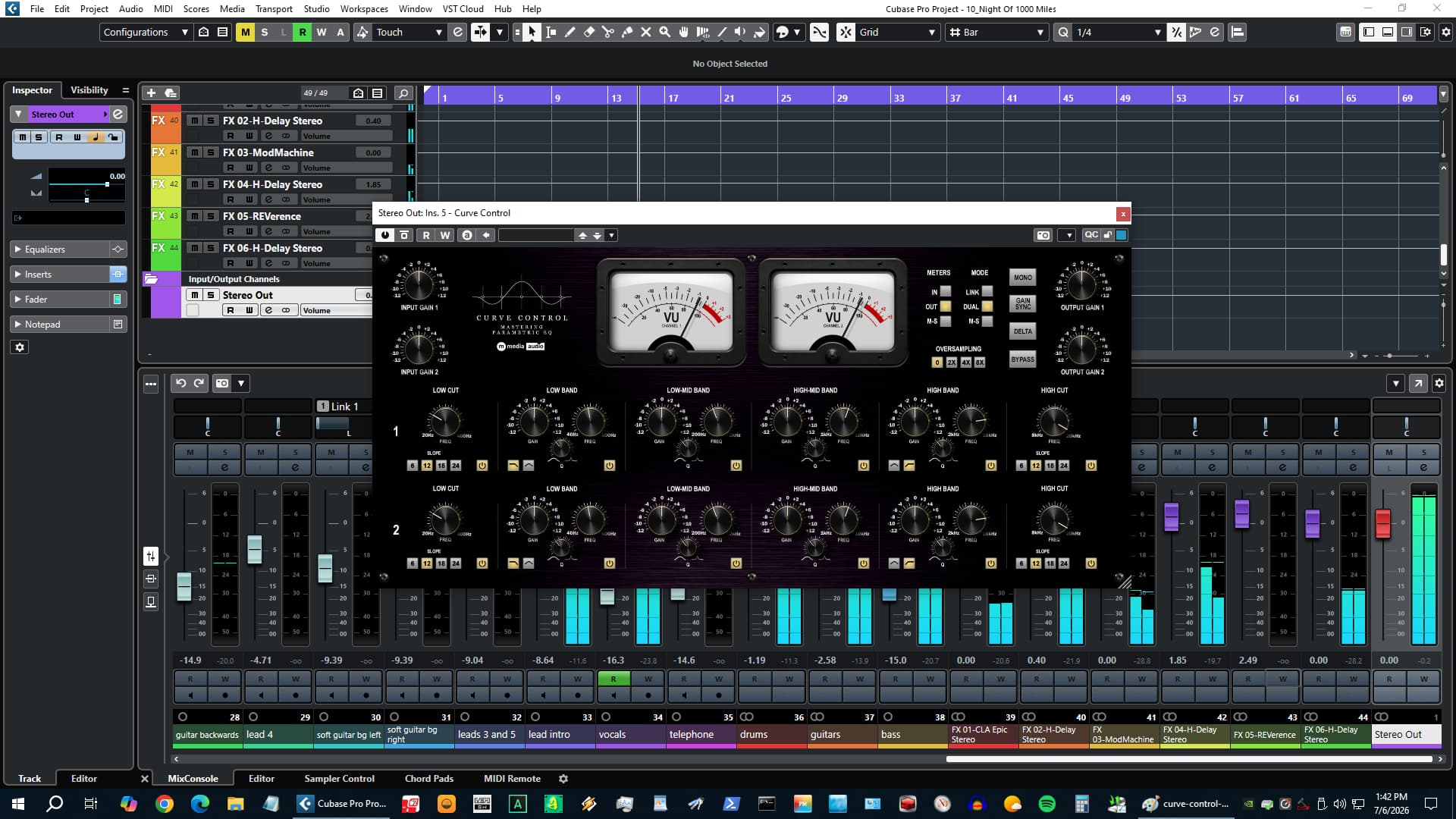
  • Compatible with Reaper, Cubase, Studio One, Ableton Live, FL Studio, Bitwig Studio, Nuendo, and others; AU format for Logic Pro, GarageBand, and MainStage on macOS.

License

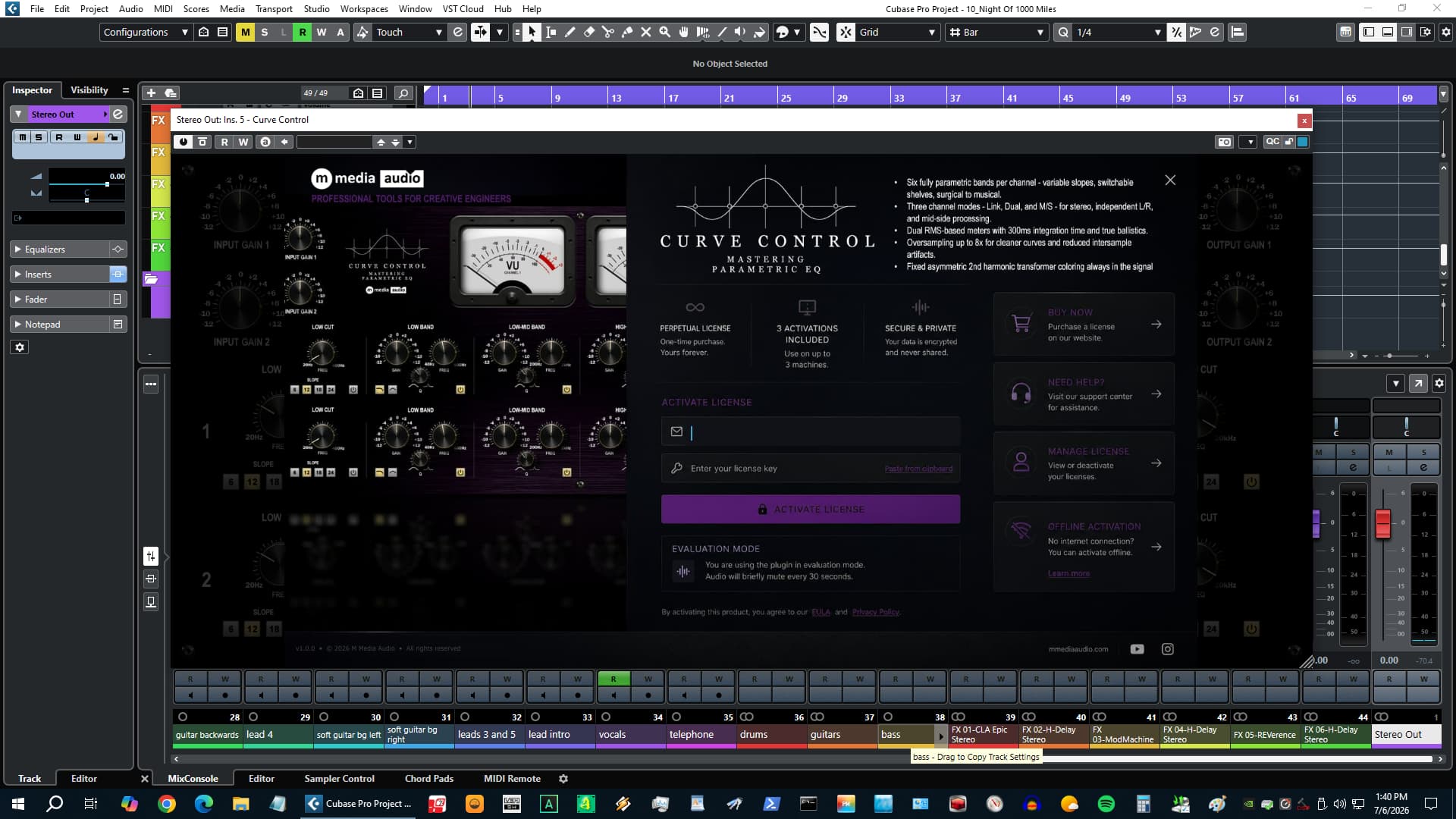
$49. Perpetual license - one purchase, yours forever. No subscription, no renewal, no cloud dependency. 3 simultaneous activations. Activation over HTTPS, then fully offline. No telemetry. Nothing phoning home during your session.

Free demo mode included - fully functional with a brief silence every 30 seconds. No account required to try it.

Download and demo at mmediaaudio.com.

Latest User Reviews

Average user rating of 0.00 from 0 reviews

Products similar to Curve Control...

Comments & Discussion for M Media Audio Curve Control

Discussion
Discussion: Active

Please log in to join the discussion

Log In To KVR Audio
