
8 KVR members have added Hyper Boost - Clipper Effect to 6 MyKVR groups 8 times.
Download KVR Studio Manager (FREE)
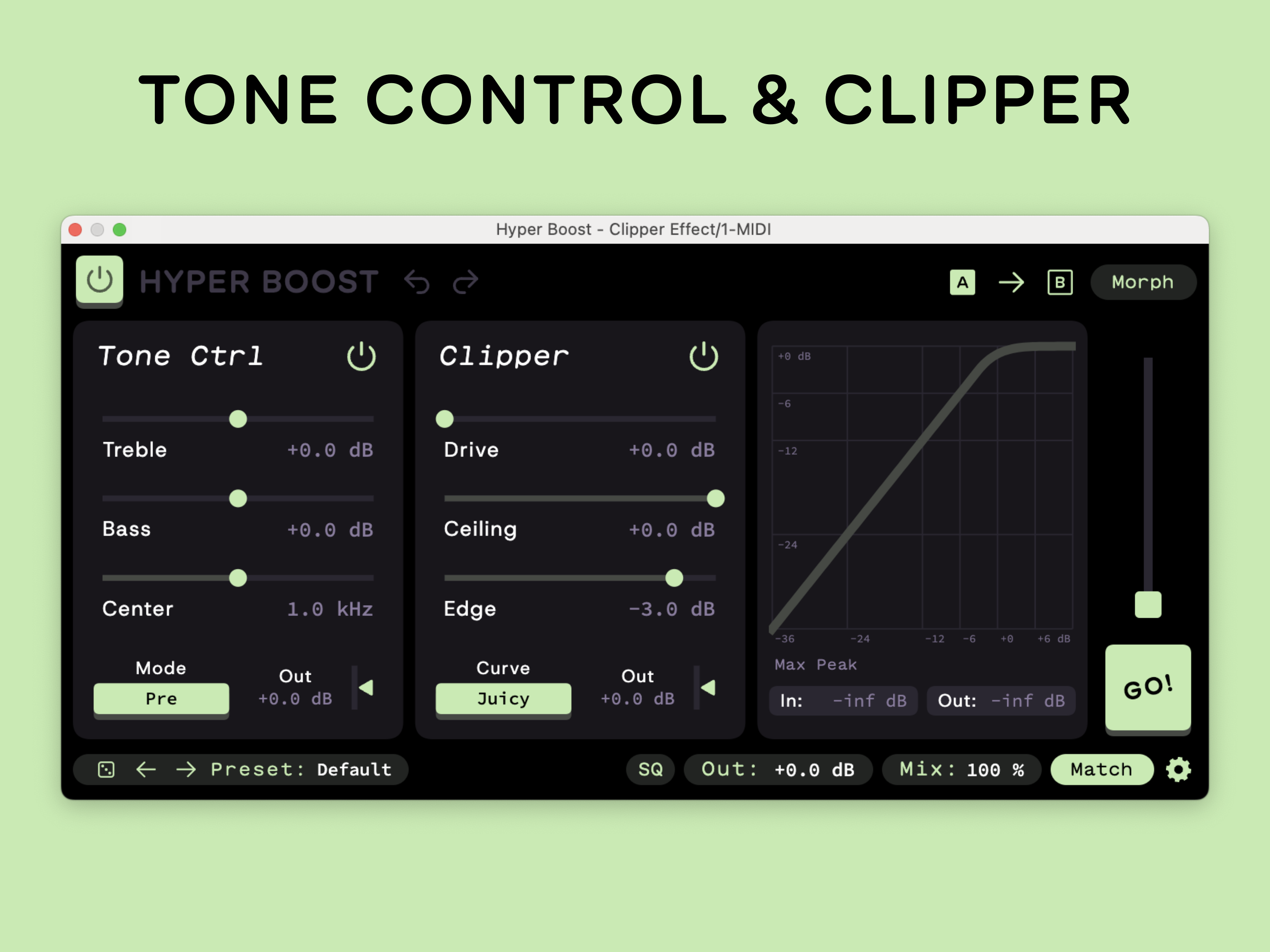
Simple, but deadly. Hyper Boost combines a two-band tone control with a hard-hitting soft clipper. Use it early in the chain as a bold saturation effect or throw it on late for subtle, precision mix adjustments. A power-up for your sound.
Tone Control.
- Retro-inspired treble and bass tilt filters — gentle, not surgical.
- Adjustable center frequency.
- Three configurations: Pre (EQ before clipper), Post (EQ after clipper), Emphasis (saturate a frequency band while keeping flat response overall).
- Output trim.
Clipper.
- Drive input up to +36 dB.
- Adjustable ceiling and edge for precise control over the clipping curve.
- Three clipping algorithms:
- Juicy: reproduces an infamous stock clipper.
- Tight: adapted from a classic soft-knee limiter.
- Hardest: loud and brash hardware-style clipping.
- Real-time curve visualizer with max peak metering.
Core Features.
- Single license across all platforms: iOS, macOS, and Windows.
- Desktop formats include AAX, AU, CLAP, and VST3 — built natively for each.
- Morph Settings for smooth transitions between two complete configurations.
- Auto Bypass saves CPU when input is silent.
- AB settings comparison.
- HQ mode with 4x oversampling and ADAA.
- One-click loudness matching.
- All parameters automatable with precise playback.
- Light and dark interface modes.
- Internal undo/redo.
- Auto gain.
- Standalone app includes support, manual links and in-app purchase options for license purchase.
Two-week trial included, one-time purchase for full unlock. License activates on five devices across all supported platforms. An account at sketchaudio.com is required to activate on all platforms. If you don't want to create an account you can purchase your license as an in-app purchase from the standalone app.
Read the manuals: https://sketchaudio.com/manuals/

Please log in to join the discussion
Submit: News, Plugins, Hosts & Apps | Advertise @ KVR | Developer Account | About KVR / Contact Us | Privacy Statement | Sell @ KVR | KVR Marketplace Terms & Conditions
© KVR Audio, Inc. 2000-2026

