
3 KVR members have added LowfiDojoVinylSim to 3 MyKVR groups 5 times.
Download KVR Studio Manager (FREE)
The Lowfi Dojo Vinyl Simulator has been updated to version 1.1, introducing several improvements across all supported platforms. This update is available at no additional cost for existing users.
The plugin continues to support iOS, macOS (both Apple Silicon and Intel), and Windows operating systems, ensuring users can work with their preferred platform.
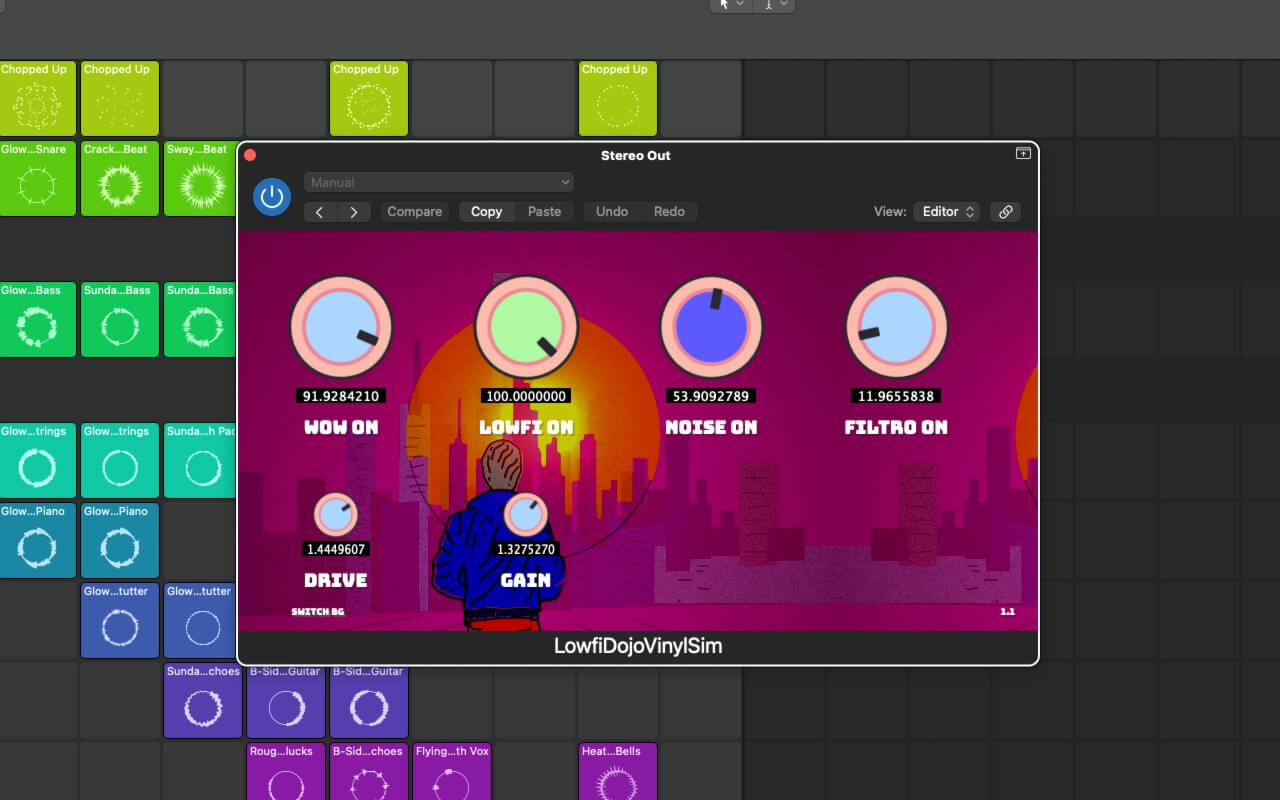
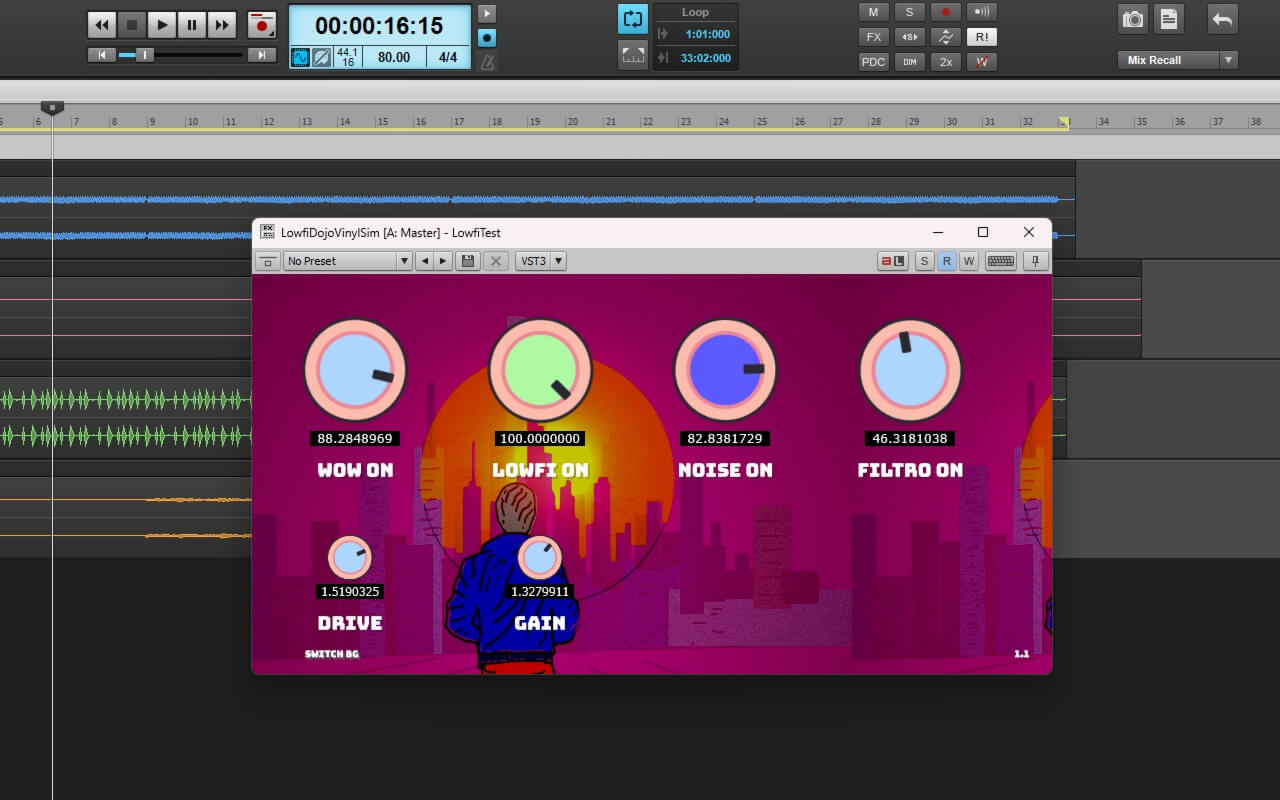
The Lowfi Dojo Vinyl Simulator processes audio through four main stages:
1. WOW Modulation: Simulates the pitch variations found in vinyl playback systems. The parameter range allows for both subtle and more pronounced effects.
2. LOWFI Processing: Applies tape saturation and resampling to create vintage audio characteristics. This stage helps achieve the warmth associated with analog systems.
3. NOISE Generation: Produces vinyl surface noise and artifacts. The noise characteristics adjust dynamically based on user settings.
4. FILTRO System: Features a dual-filter design that transitions between low-pass and combined low-pass/high-pass modes, with an optimal balance point at the 50% position.
Two main parameters provide additional control over the signal chain:
- DRIVE Parameter: Adjusts input gain from 0.1 to 2.0, affecting the intensity of the lowfi processing and filtering stages.
- OUTPUT GAIN: Controls the final output level from 0.1 to 2.0 for proper mix integration.
The update includes six interface designs to choose from. Users can also access linear slider control by holding Alt/Option (macOS) or Command (Windows) for more precise parameter adjustments.
The Lowfi Dojo Vinyl Simulator v1.1 can be useful for:
- Adding vintage character to audio productions
- Lo-fi music production
- Sound design
- Audio post-production.
The v1.1 update adds new features while maintaining the plugin's established cross-platform compatibility, providing users with additional tools for adding analog characteristics to digital productions.
 $49.00Filter SEM$49.00Filter M12
Please log in to join the discussion
Submit: News, Plugins, Hosts & Apps | Advertise @ KVR | Developer Account | About KVR / Contact Us | Privacy Statement | Sell @ KVR | KVR Marketplace Terms & Conditions
© KVR Audio, Inc. 2000-2026

