Log InCreate An Account
  1. Plugins
  2. »
  3. OCTO8R
  4. »
  5. Pulcher
  6. »
  7. Details
Pulcher
Pulcher by OCTO8R is Soundware (samples or presets that load into other products).
Product
Version
1.0
macOS 10.9 through 11.0.1
Windows 7 through 10
Soundware
Formats
NKI papreset
Copy Protection
None

MyKVR: Groups, Versions, ...

1 KVR member has added Pulcher to 1 MyKVR group 1 time.

Download KVR Studio Manager (FREE)

Not In Your MY KVR Groups
(or group limitation prevents versioning)
+1 in private groups

KVR Rank

Overall: 16308   2270

30-Day: 28996; 7-Day: 31988; Yesterday: 35442

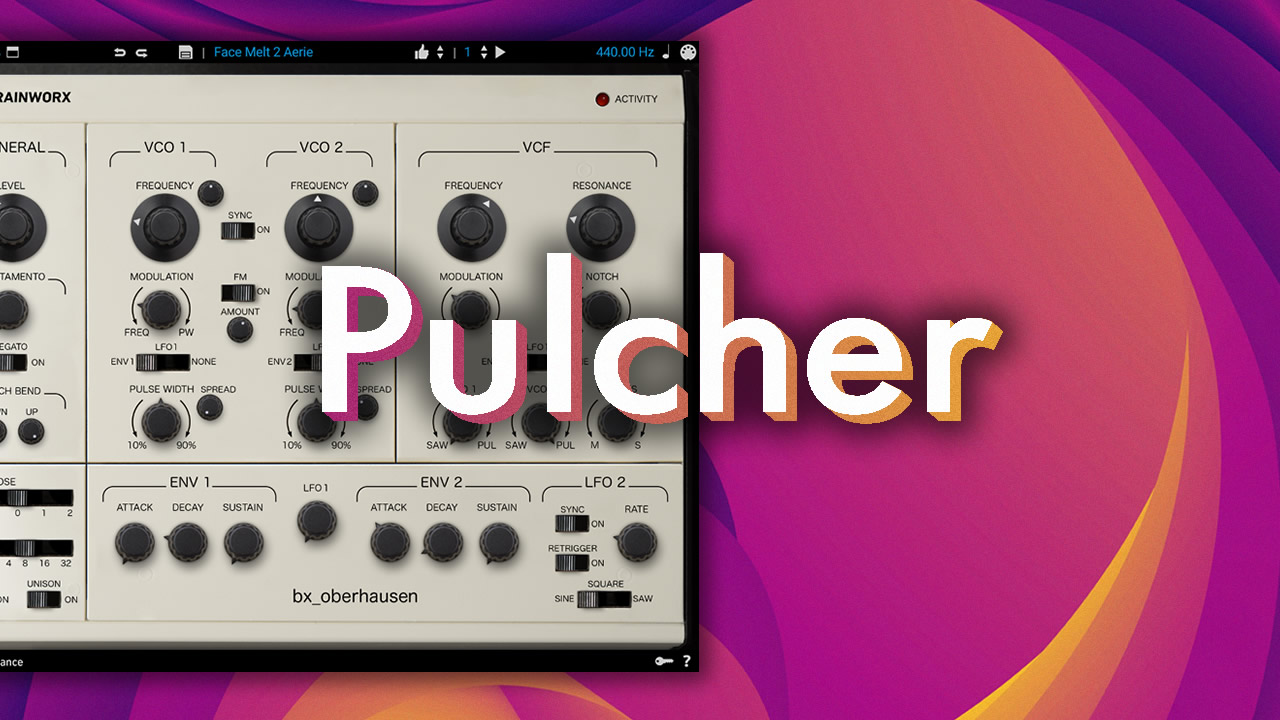
The Oberhausen is capable of pristine analog tone but the Pulcher explores what happens when you let it breathe, drift, and decay. Inside some of presets I tried to implement that unmistakable DX7 shimmer, but through a lo-fi lens and aged vibes.

Presets include:

• Arps - 10
• Basses - 15
• Keys - 13
• Leads - 14
• Pads - 14
• Plucks - 16
• Sequences - 9.

Install:

  1. Run your Oberhausen plugin into your DAW.
  2. Open Preset Menu in Oberhausen in top left corner.
  3. In down right corner choose "File". Then "Import/Import NKSF".
  4. Choose all the files from downloaded folder.
  5. To see Imported presets choose "Bank" in a third column of the Presets Manager and choose "Face Melt 2".
  6. Enjoy.

!Requirements:
BX_Oberhausen plugin in AAX Native, AU, VST2 or VST3.

Demo:

{See video at top of page}

Latest User Reviews

Average user rating of 0.00 from 0 reviews

Products similar to Pulcher...

Comments & Discussion for OCTO8R Pulcher

Discussion
Discussion: Active

Please log in to join the discussion

Log In To KVR Audio