
1 KVR member has added Silverdaw to 2 MyKVR groups 2 times.
Download KVR Studio Manager (FREE)
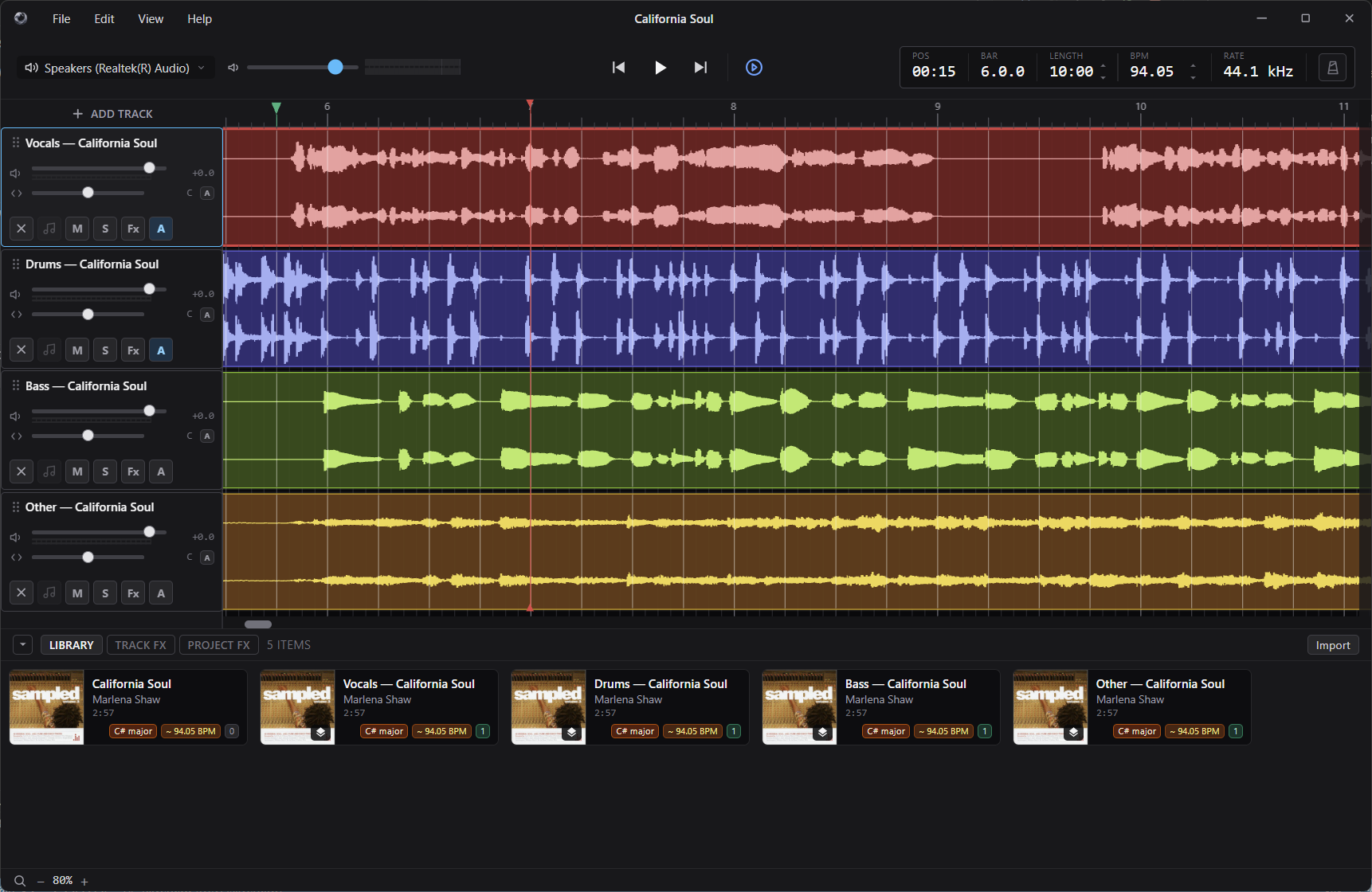
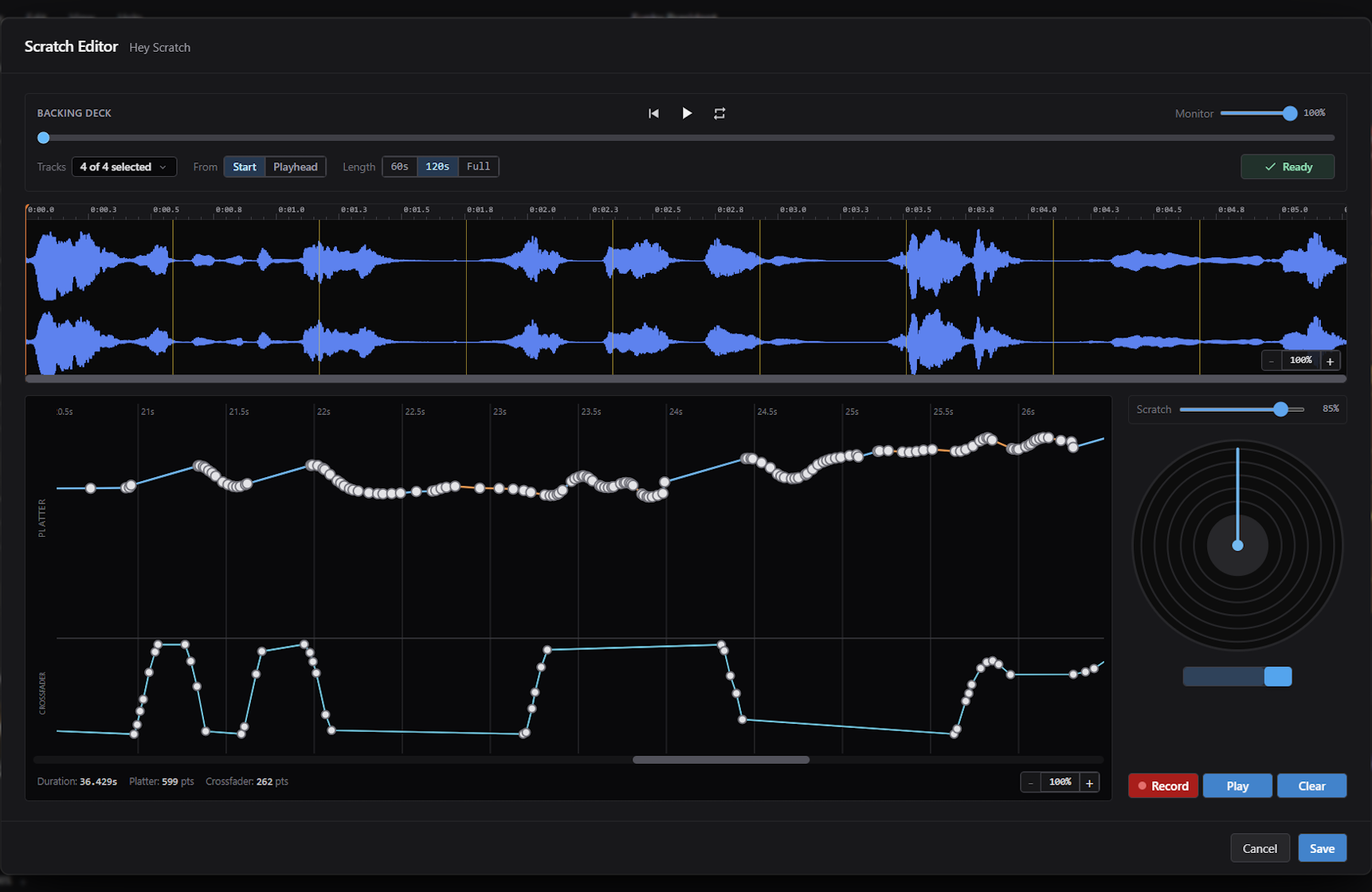
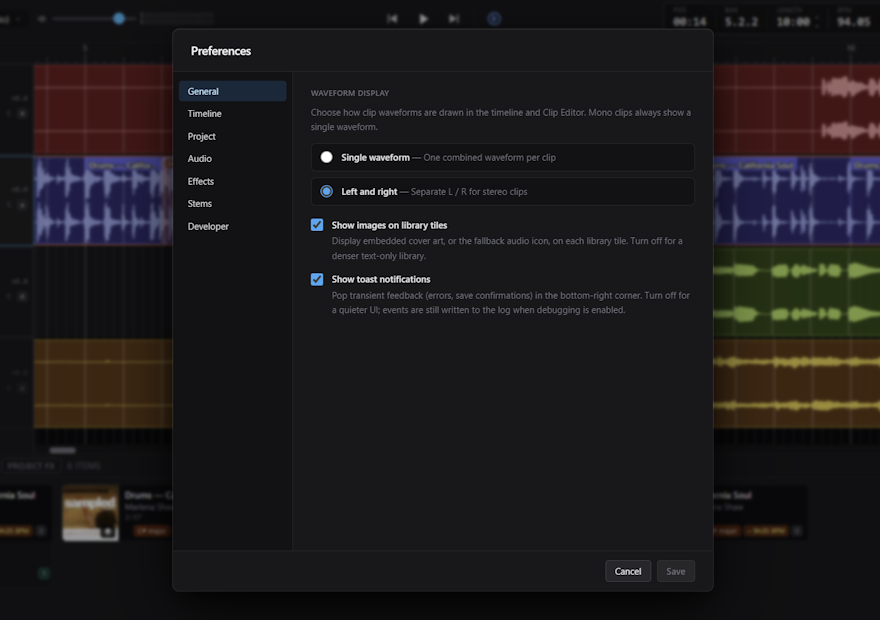
Silverdaw is a free open-source digital audio workstation for remixing, mashups, and sample-driven music making. Import your songs, loops, vocals, and samples, drop them onto a timeline, and arrange, trim, re-pitch, and tempo-match them into a finished mix. Support for MIDI DJ decks for controlling timelines and vinyl-style scratching. It's built for bedroom DJs, producers, and mixers who want to create — quickly and without a steep learning curve. Everything is built around one idea: arranging audio should be simple. Drop a clip in and it's ready to play. Analysis and waveforms happen in the background and never get in your way. Your original files are never altered — tempo, pitch, trim, fades, and volume shaping are stored as clip settings, so every edit is non-destructive and undoable.
WHAT YOU CAN DO.
• Build tracks on a multi-track timeline — move, split, duplicate, cut, copy, paste, trim, colour, and delete clips, with beat-grid snapping and a modifier for fine placement.
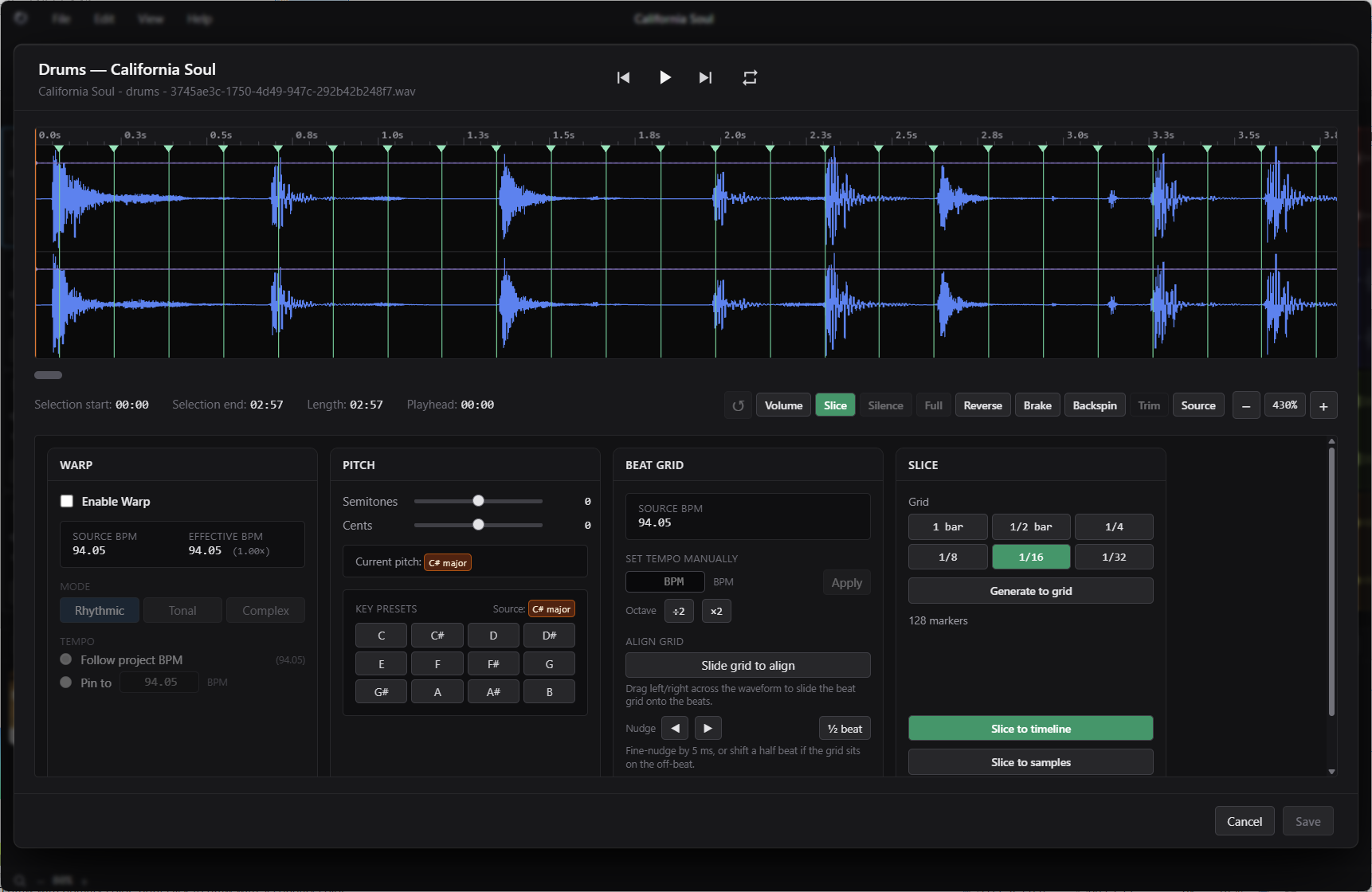
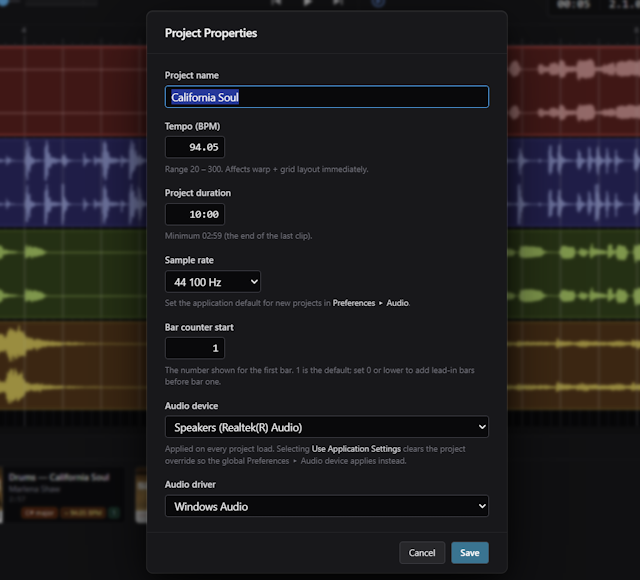
• Automatic analysis — imported audio is analysed for key, tempo (BPM), and beat positions so clips line up musically. Set a BPM by hand and slide the beat grid when you want manual control.
• Tempo and pitch — clips can auto-match the project tempo and be pitch-shifted independently, without changing the source file.
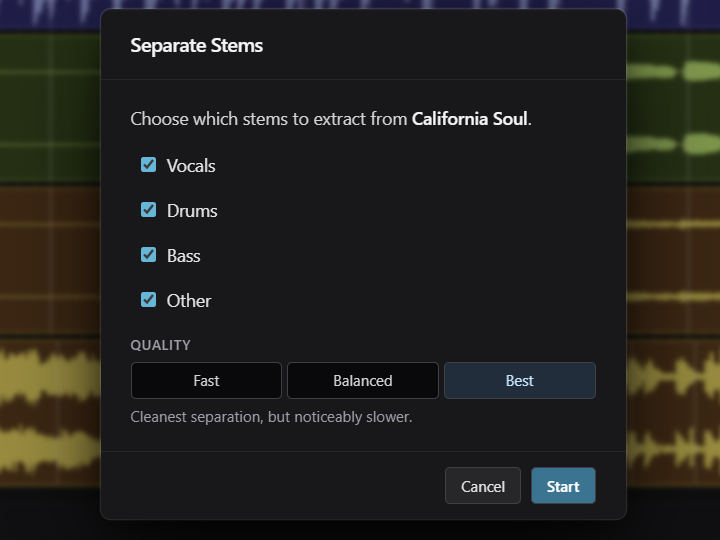
• Stem separation — split a track into vocals, drums, bass, and other parts and drop each onto its own track, with optional GPU acceleration and high-quality AI models.
• Loop slicing — chop a clip on a bar/beat grid or with hand-placed markers, then rearrange the slices or save them as samples.
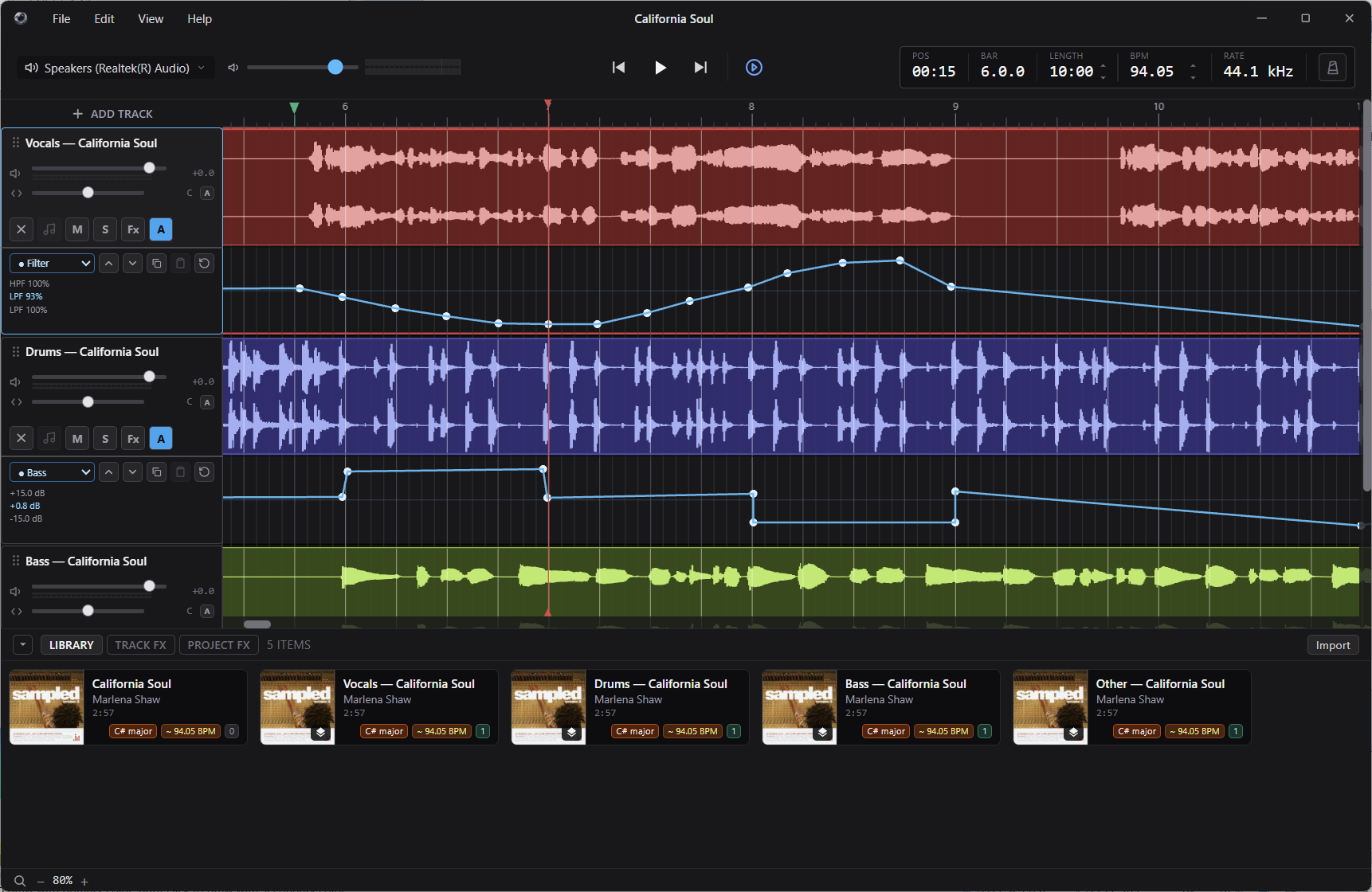
• Mixing toolkit — per-track volume and equal-power pan, a Tone EQ, a DJ-style Filter sweep, a single-knob Compressor, and project-wide Reverb and Delay sends, plus a master output with live metering.
• Automation — draw breakpoint curves to automate filter, pan, tone, sends, and level over the timeline.
• Per-clip volume shaping, clip reverse, and turntable Brake and Backspin tail effects — all non-destructive and carried through to export.
• A per-project library of clips and samples, portable projects that move between machines, autosave and crash recovery, and full undo/redo.
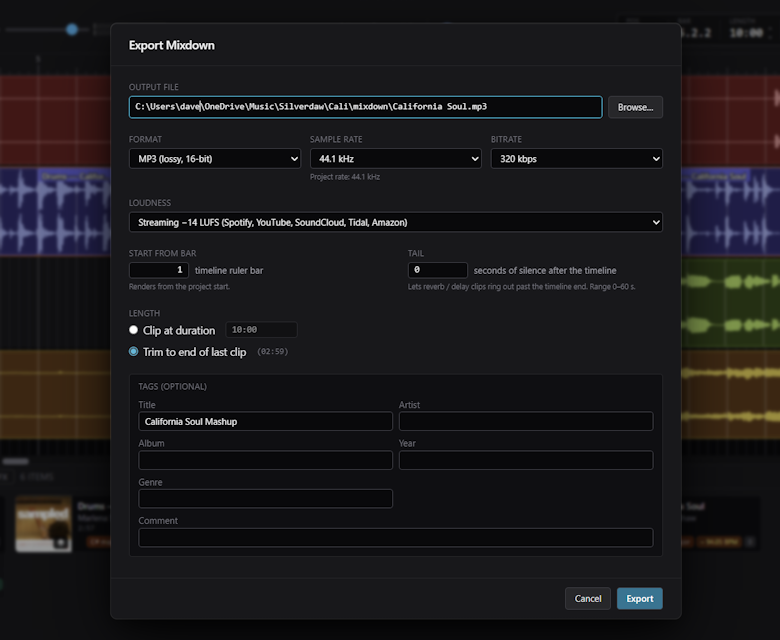
• Mixdown export to WAV, FLAC, AIFF, or MP3, with optional loudness normalisation.
SUPPORTED AUDIO.
Import WAV, AIFF, FLAC, MP3, AAC / M4A / MP4, and Windows Media audio. Export WAV, FLAC, AIFF, and MP3. Audio is processed internally in 32-bit floating point end to end, so your files are never quantised while you edit.
PRIVATE BY DESIGN.
Silverdaw runs entirely on your computer. It collects no personal data, has no accounts, telemetry, or tracking, and never uploads your files or projects. It's also open source.
 $329.99Cubase Artist 15
 25%OFF$149.00Bitwig Studio Producer$99.99Cubase Elements 15
Please log in to join the discussion
Submit: News, Plugins, Hosts & Apps | Advertise @ KVR | Developer Account | About KVR / Contact Us | Privacy Statement | Sell @ KVR | KVR Marketplace Terms & Conditions
© KVR Audio, Inc. 2000-2026

