
3 KVR members have added SlowWave to 3 MyKVR groups 5 times.
Download KVR Studio Manager (FREE)
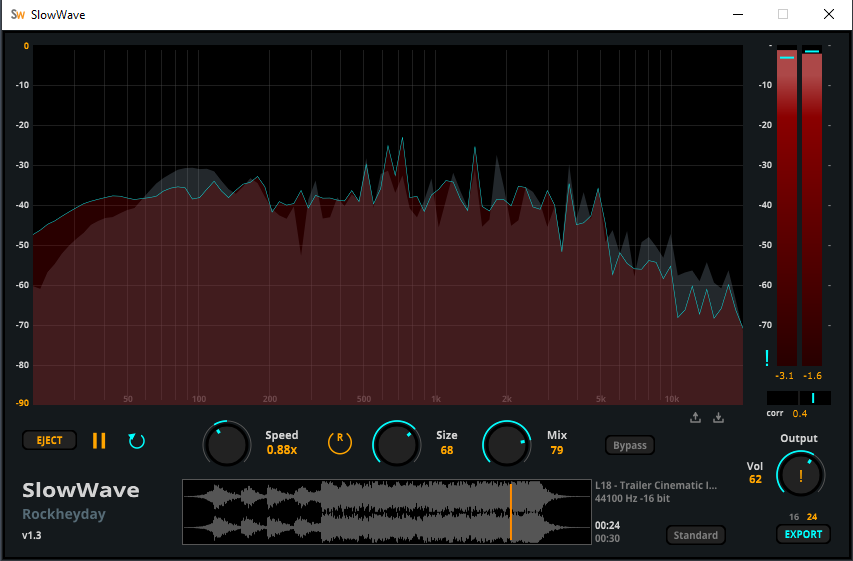
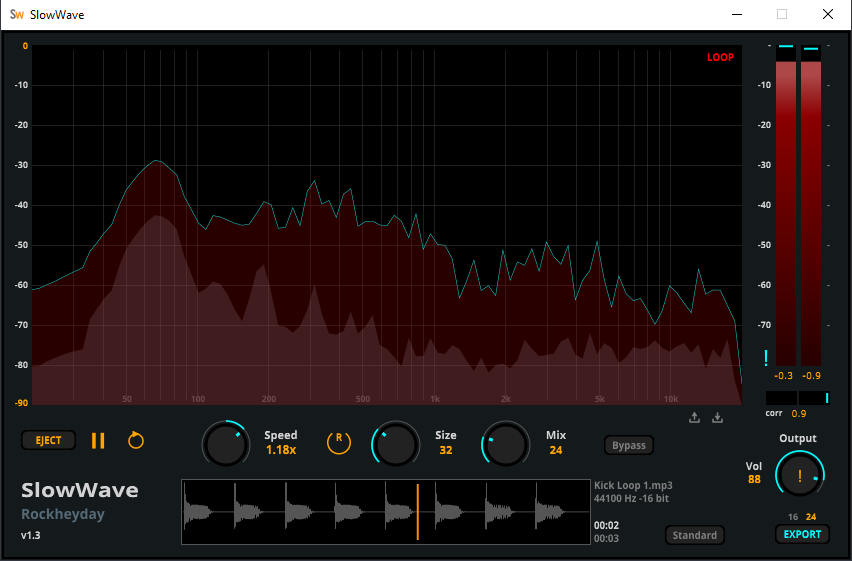
SlowWave is a creative slow-playback and reverb transformation tool that lets you stretch audio between 0.5x and 1.5x while shaping ambience with "Size" and "Mix" controls. It includes LR peak meters, stereo correlation, and dual-layer FFT for detailed visual feedback.
Drag, slow down, and loop audio instantly — perfect for learning tricky musical passages or creating atmospheric slowed-down textures.
"Fully coded DSP & GUI — optimized for CPU efficiency. No images, no SVGs, no skins. Pure signal."
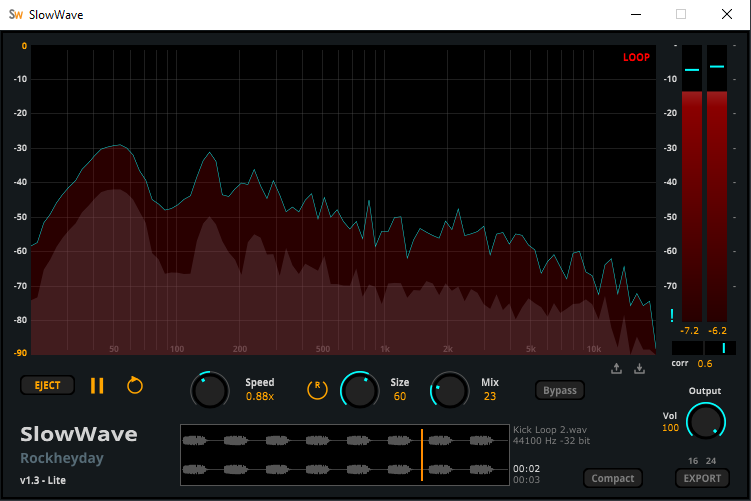
"Download the lite Standalone version to explore SlowWave and see if it fits your vibe."
Key Features
• Engine: Slow Playback & Reverb Processing Engine.
• Speed Control: Variable 0.5x to 1.5x playback rate.
• Reverb: Size and Mix controls for spatial enhancement.
• Processing: Smooth real-time DSP with zero-latency architecture.
• Utility Controls: Bypass for instant A/B comparison, Size toggle (Compact / Standard UI).
• Analyzer: High-resolution real-time spectrum display (dual-layer dry/wet FFT).
• FFT Engine: 4096 / 8192-point resolution with Blackman window.
• Response Model: Internal 4.5 dB tilt and 350 ms ballistic decay.
• Metering: Dual-layer LR peak meters (input + output overlay).
• Stereo Tool: Correlation meter for phase monitoring.
• Safety: Output trim control.
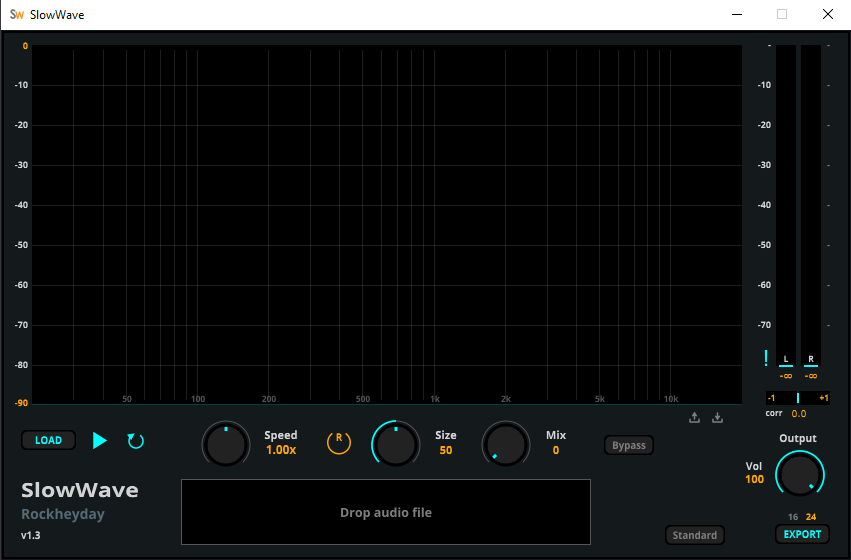
• Playback: Drag & drop loading with loop support.
• Export: Render processed audio to WAV (16-bit / 24-bit).
• Precision: 32-bit floating-point processing.
• Sample Rates: 44.1–96 kHz support.
Standalone Architecture
The standalone architecture enables instant loading, looping, and analysis of audio files without requiring a DAW. It's designed for fast, focused audio work—whether checking references, making precise adjustments, or performing detailed evaluations.
CPU-Efficient Processing
Each tool is engineered with highly optimized DSP and lightweight graphics, ensuring stable, low-latency performance—even under heavy analysis or high sample rates.
File Management & Export
Flexible Loading:
Audio Export (Disabled in Free Version)
SlowWave allows exporting processed audio files for offline use:
Audio export is intended for reference renders, comparison, and archiving.
Version History
v1.3 - June 2026
• Added preset save/load system.
• Added UI size toggle (Compact / Standard).
• Improved knob precision and mouse interaction (wheel + drag responsiveness).
• Removed reset button (replaced by double-click-to-reset behavior).
v1.2 - May 2026
• Enhanced dual-layer spectrum colors and display resolution.
• Optimized spectrum processing performance.
• Optimized peak meter performance.
• Minor UI refinements for improved visual consistency.
v1.1 – February 2026
• Improved Correlation Meter alignment for more accurate visual feedback.
• Disabled native maximize button to prevent standalone UI layout issues.
• Optimized standalone UI performance and reduced CPU usage during export.
v1.0 – Initial Release
• First public release of SlowWave.
 $79.00Rev SPRING 636

honestly, i find the idea of a playback slowing combined with reverb kinda neat.
I like "multi effects" which combine effects you normally would not think of to combine. if there is a 0,5x, 0,25x, 2x etc i see this also for musical approaches on its own, not only sound design.
Slappling this on a singular sample in the track to play with one items time instead of the whole timecolumn is appreciated.
sadly i'm kinda blockaded by now but i bookmarked your webpage and will this and your other 2 freebies a try aswell.
thank you.
You are very welcome. I collect user feedback at this stage. I have other products in the line for release. After them, I will improve SlowWave in the way of users' needs. In that short period, downloads are quite good. As you said, people think it in a musical way. Plus, SlowWave has a solid standalone architecture and its drag drop feature surpasses DAW loading time.
Thanks.
Please log in to join the discussion
Submit: News, Plugins, Hosts & Apps | Advertise @ KVR | Developer Account | About KVR / Contact Us | Privacy Statement | Sell @ KVR | KVR Marketplace Terms & Conditions
© KVR Audio, Inc. 2000-2026

