
3 KVR members have added Speaker Splitter Pro to 2 MyKVR groups 3 times.
Download KVR Studio Manager (FREE)
Speaker Splitter Pro
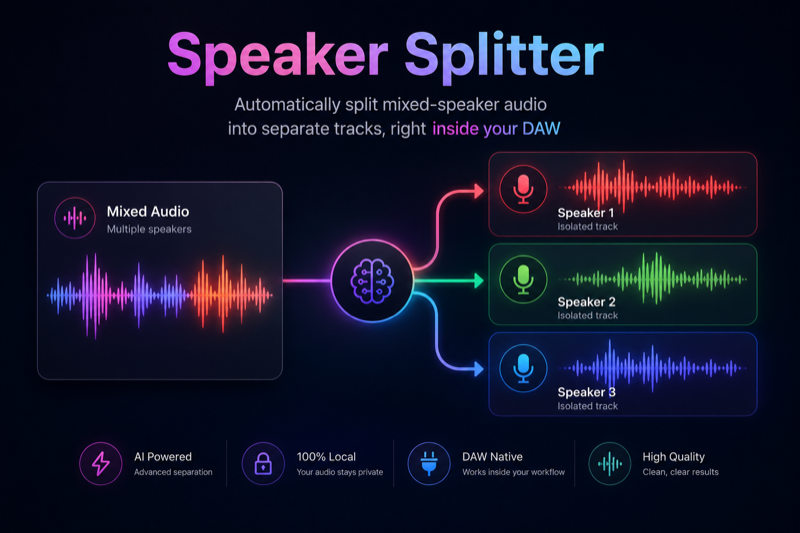
Automatically split mixed-speaker audio into separate tracks, right inside your DAW
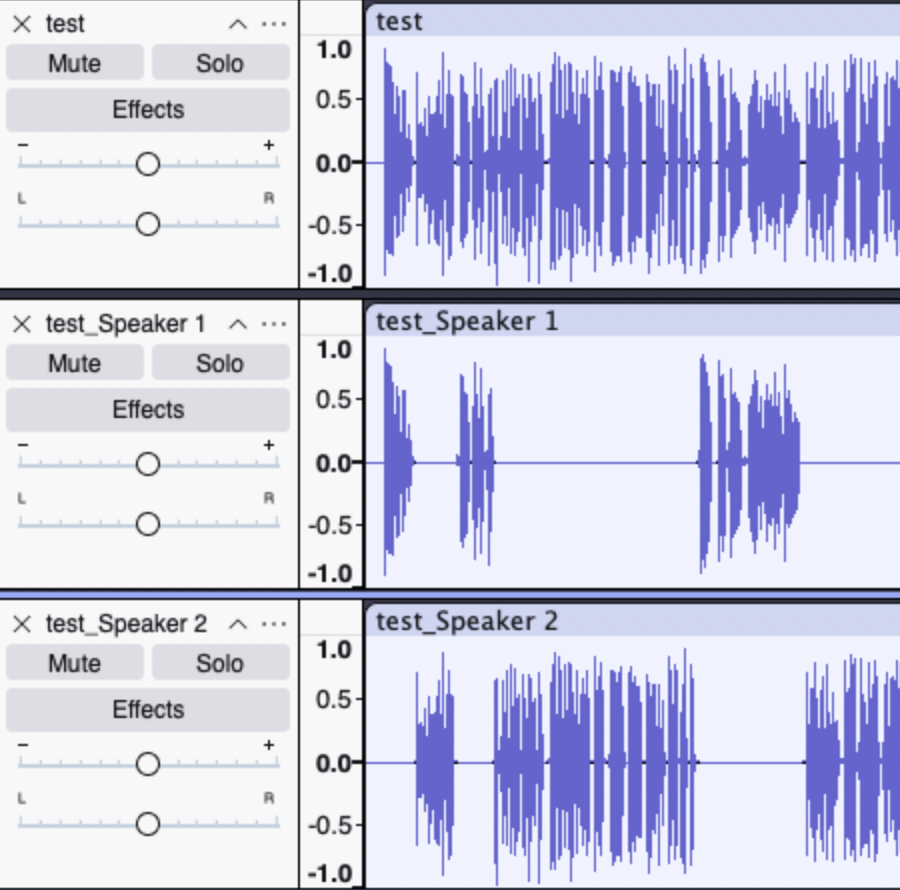
Transform any mono or stereo recording into isolated speaker stems, subtitles, and timeline files for podcasts, interviews, post-production, and research workflows. With a single plug-in instance, Speaker Splitter Pro uses embedded diarization model assets to detect speaker boundaries and export per-voice outputs, saving hours of manual editing.
Pro uses a modern neural speaker-identity engine, delivering stable diarization quality on difficult.
multi-speaker recordings.
GPU Acceleration (Pro Exclusive)
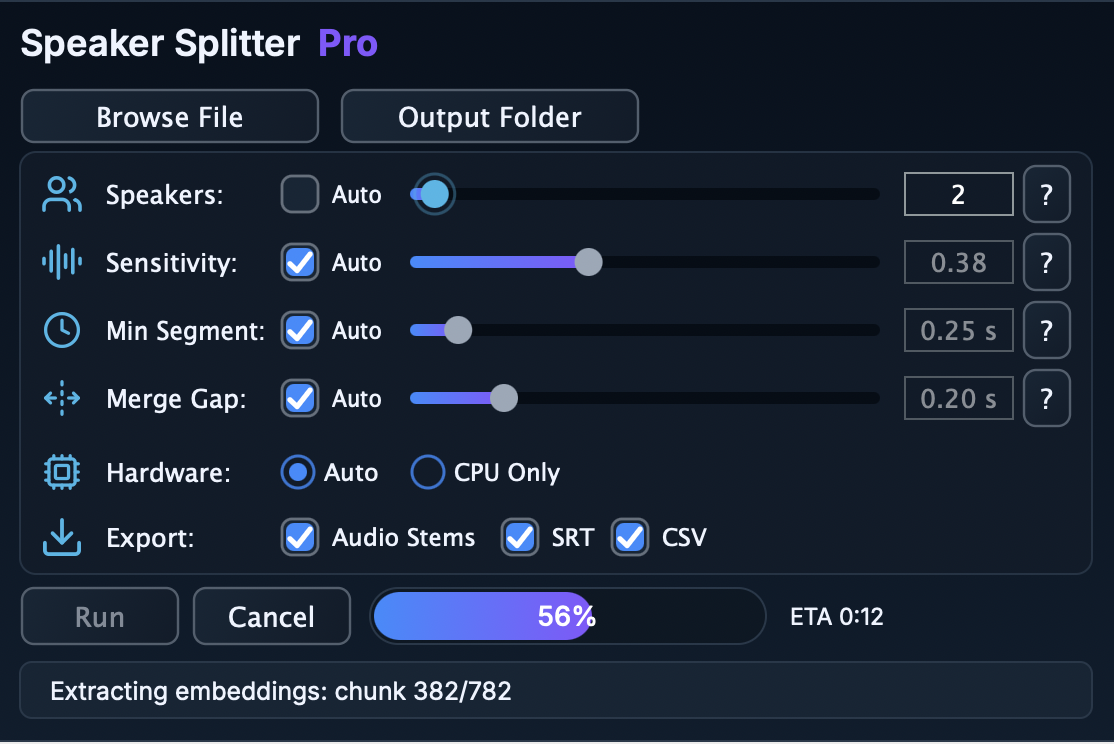
Auto hardware mode accelerates speaker-embedding extraction on GPU (CoreML on macOS,
DirectML on Windows) with automatic CPU fallback, or force CPU-only mode. Basic runs on CPU.
only. On Linux, processing always runs on CPU.
Cross-Platform
VST3 on Windows (x64 & x86), macOS (Intel & Apple Silicon), and Linux (x86_64 & arm64).
Fully tested in Adobe Audition, REAPER, Ableton Live, Logic Pro, Cubase, Audacity, and more. For.
Linux be aware that sandboxed (Flatpak/Snap) Audacity cannot load third-party VST3 plug-ins.
Pro vs Basic (Quick Contrast)
Capabilities | Basic | Pro
Input formats | WAV only | WAV, MP3, AIFF/AIF, FLAC, OGG
Max speakers | up to 10 | up to 20 (+ Auto mode)
Hardware | CPU only | GPU Auto mode + CPU (Win/macOS)
Exports | WAV stems | WAV stems + SRT + CSV
1) Install (copy) your Speaker Splitter Pro folder to the system VST3 folder:
C:\Program Files\Common Files\VST3\
/Library/Audio/Plug-Ins/VST3/
~/.vst3/
Or if you specifically pinpoint you DAW application to the plug-in root folder.
2) Open the Speaker Splitter Pro plug-in in your DAW program.
3) Browse your recording file (WAV, MP3, AIFF/AIF, FLAC, or OGG) and set speaker count.
4) Adjust sensitivity, minimum segment length, merge gap, and hardware mode as needed.
5) Run processing and export selected outputs automatically.
Speaker Splitter Pro.vst3 (Windows x64; macOS universal — Intel + Apple Silicon; Linux x86_64 or arm64).
Take your podcast, interview, and post-production workflow to the next level. Use Speaker Splitter Pro and stop manual chopping — let AI do the hard work.
All sales are final, and no refunds will be issued for this product due to its digital nature. If you encounter any issues or need assistance, feel free to contact me at: pr.germux@gmail.com. I'll be happy to help resolve any questions or concerns.

Please log in to join the discussion
Submit: News, Plugins, Hosts & Apps | Advertise @ KVR | Developer Account | About KVR / Contact Us | Privacy Statement | Sell @ KVR | KVR Marketplace Terms & Conditions
© KVR Audio, Inc. 2000-2026

