
0 KVR members have added UPISketch4 to 0 MyKVR groups 0 times.
Download KVR Studio Manager (FREE)
Version 4.0 is a major update that delivers a significant improvement in sound quality as well as powerful new creative tools. Whether you're designing complex pitch curves or experimenting with live performance automation, this update is definitely worth it.
NEW CREATIVE TOOLS
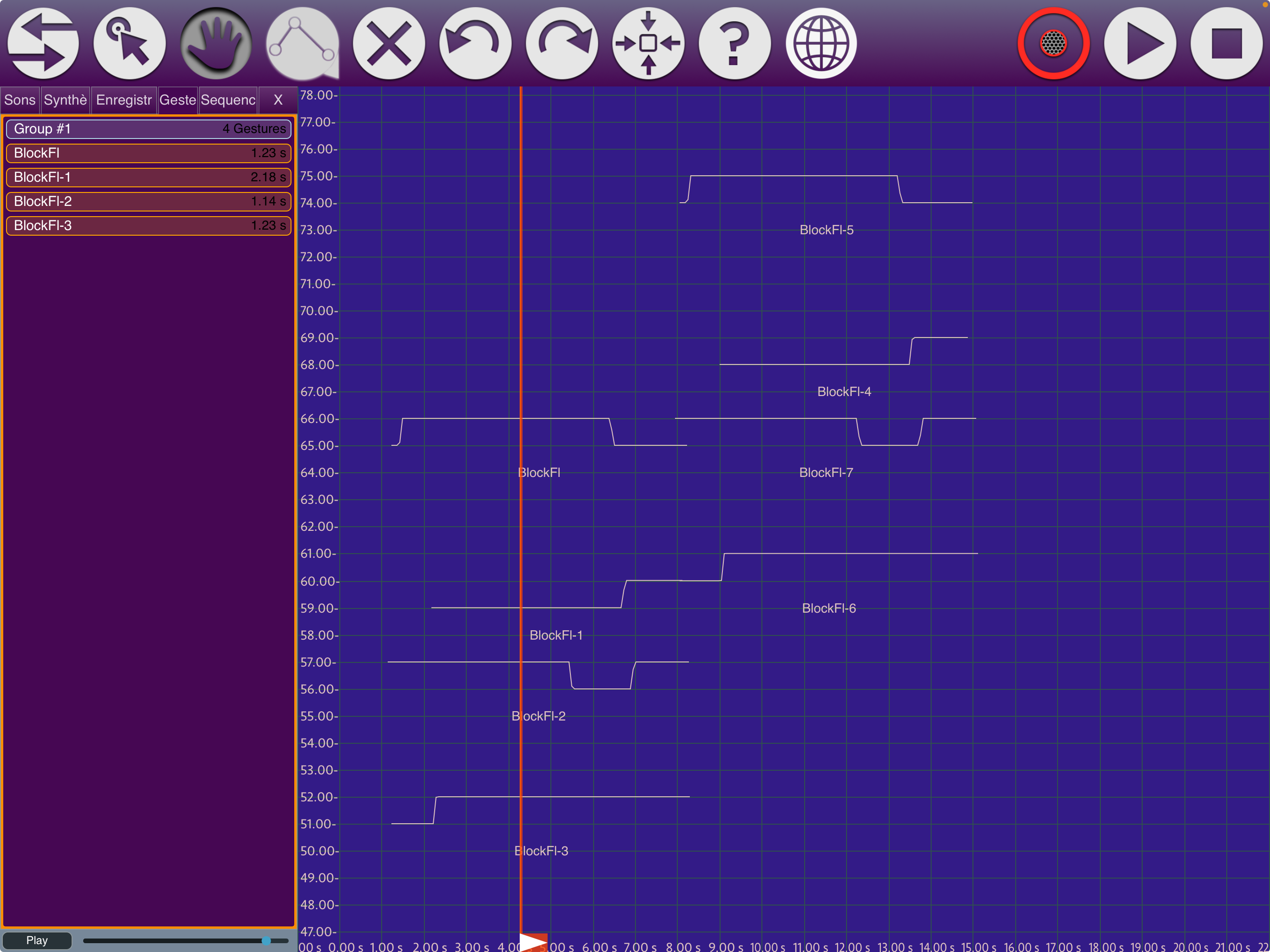
Sequence Recorder (Playhead Automation): A new Sequences tab lets you record, loop, and replay hand-performed playhead movements. These movements are saved as playable clips.
Snap to Grid: Pitch curves now snap to the grid, which also allows for experimenting with alternative scales (cf settings for octave division) in an easier way.
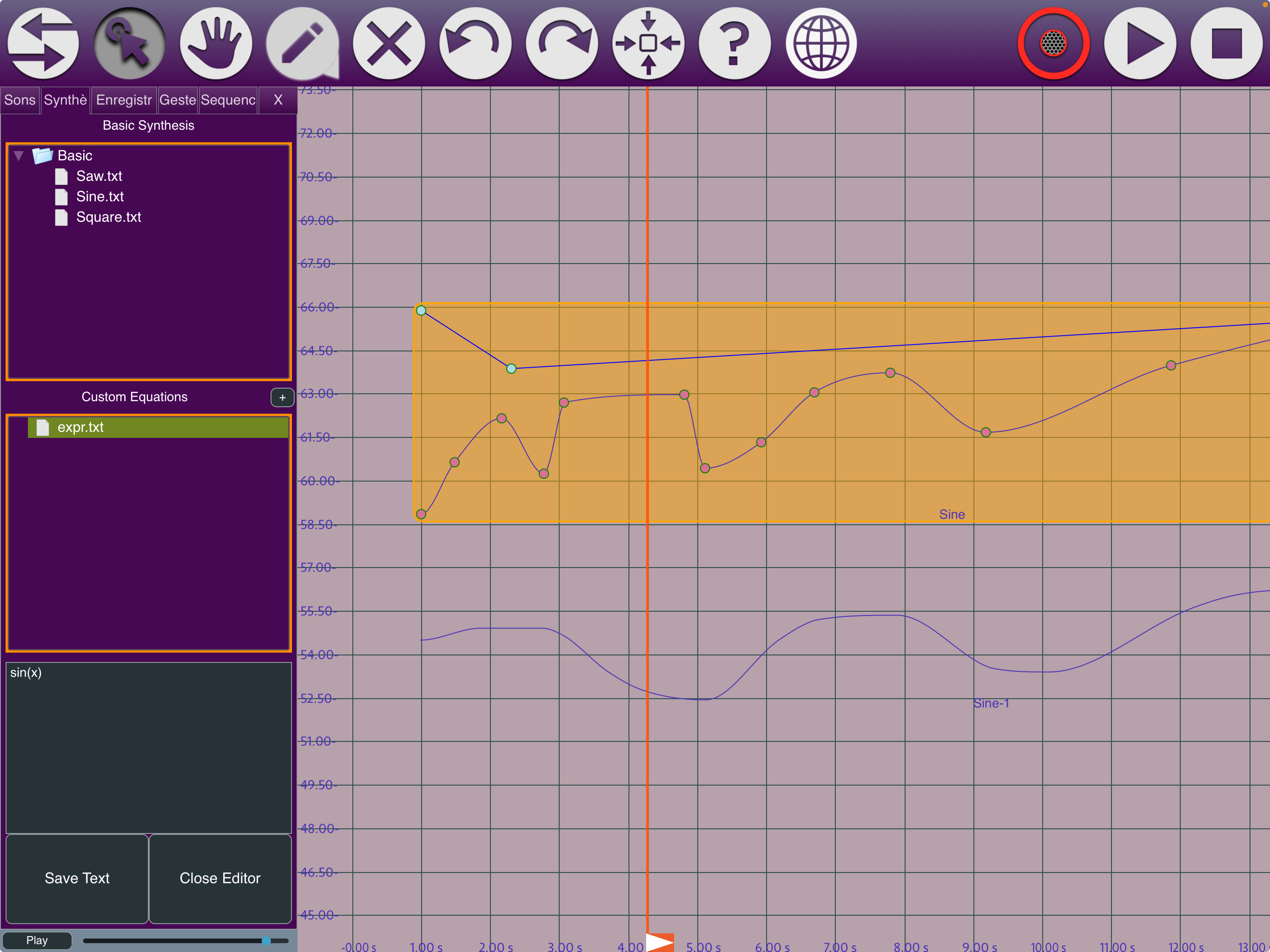
Smarter Drawing & Editing: The Pen tool now creates smooth splines, while the Line tool handles precise linear glissandi. Copy/paste gestures (Cmd+C/V) and Alt-drag to duplicate multiple selected gestures at once.
SOUND QUALITY UPGRADES
Synthesis Engine: Pitch shifting now uses Pitch-Synchronous Overlap-Add, with a hybrid approach beyond ±1 octave.
Transient-Preserving Time Stretch: Attacks, pizzicato, and percussion are now detected and preserved during time stretching.
Improved Pitch Detection: A completely rewritten pitch detection algorithm improves coherence across the entire pitch range.
Click-Free Boundaries: Fades and improved crossfades remove clicks and pops at gesture edges.
INTERFACE & USABILITY
Drag & Drop from File Tree: Drop audio files directly from the sidebar onto the canvas to create gestures at the drop position, showing the pitch of the original signal.
Redesigned Settings Window: added color swatches for pitch curves and backgrounds.
Persistent Display Settings: Grid density, zoom level, colors, and view position now save with your project—what you see is what you get when you reopen.
Improved Playhead & Zoom: The playhead scrolls the view when dragged near edges, and pinch-zoom syncs with the plugin parameter X-axis.
Group Renaming & Selection: Gesture groups are now renameable, and selecting a single gesture highlights its entire group.

Please log in to join the discussion
Submit: News, Plugins, Hosts & Apps | Advertise @ KVR | Developer Account | About KVR / Contact Us | Privacy Statement | Sell @ KVR | KVR Marketplace Terms & Conditions
© KVR Audio, Inc. 2000-2026

