


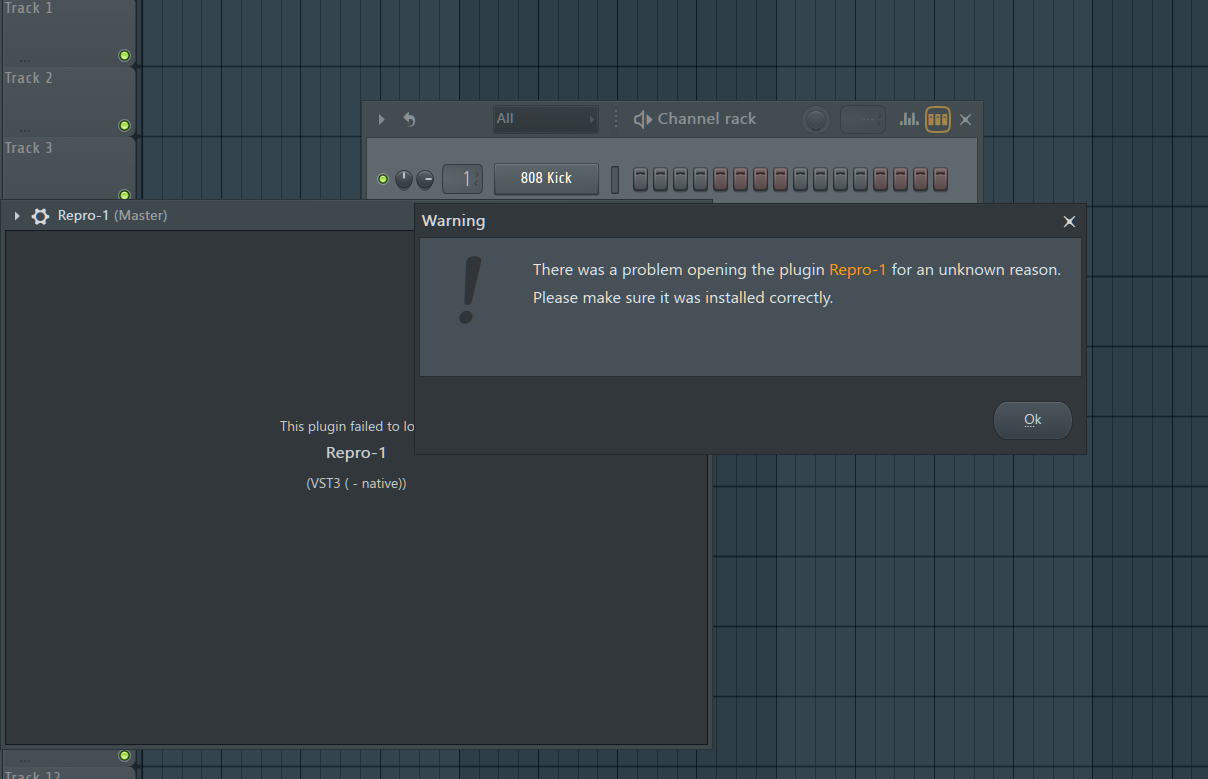
 anyone can help me?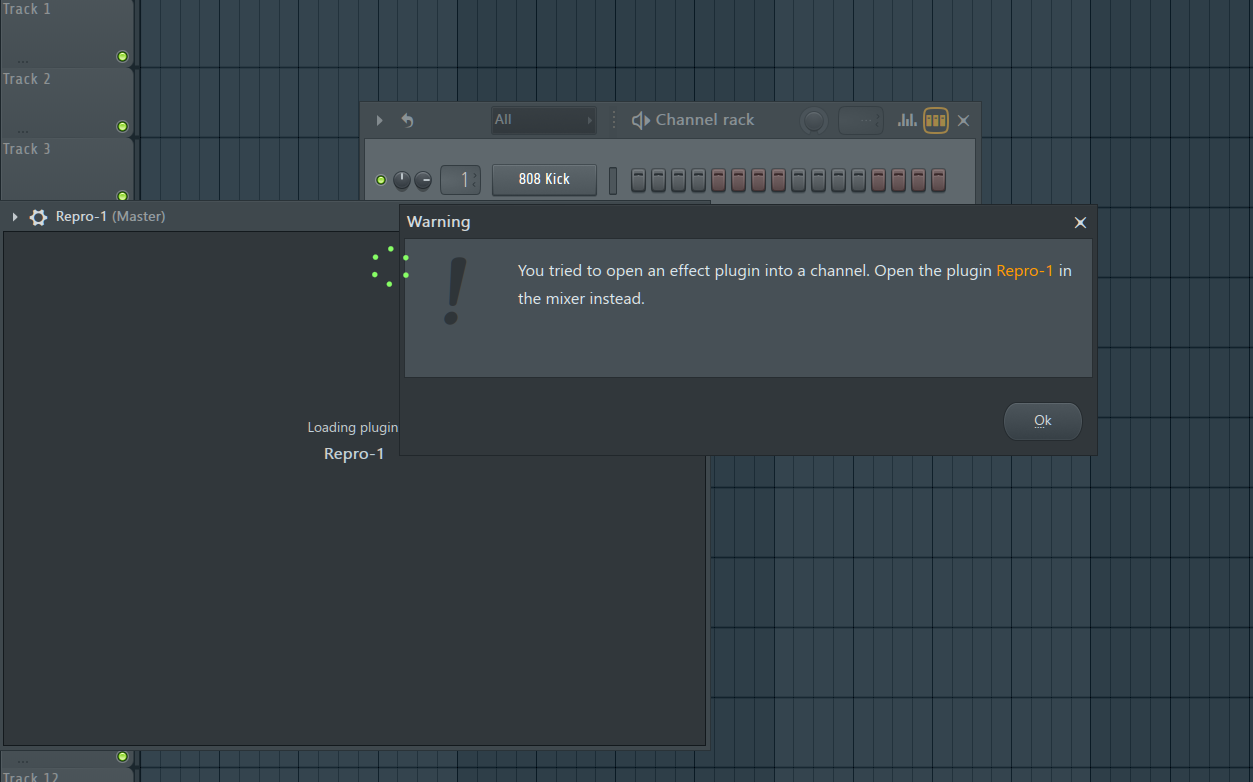
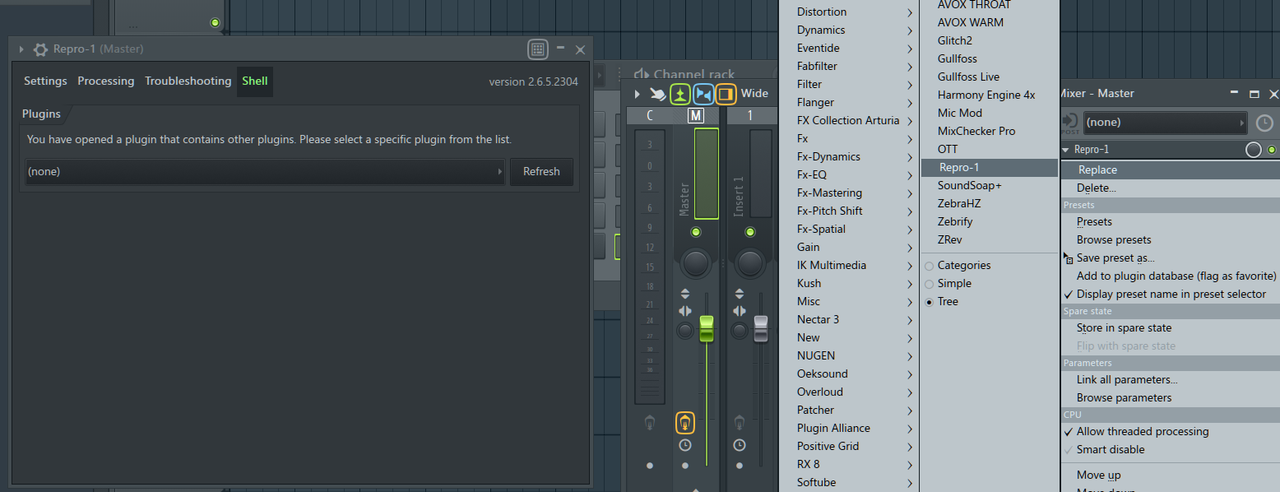
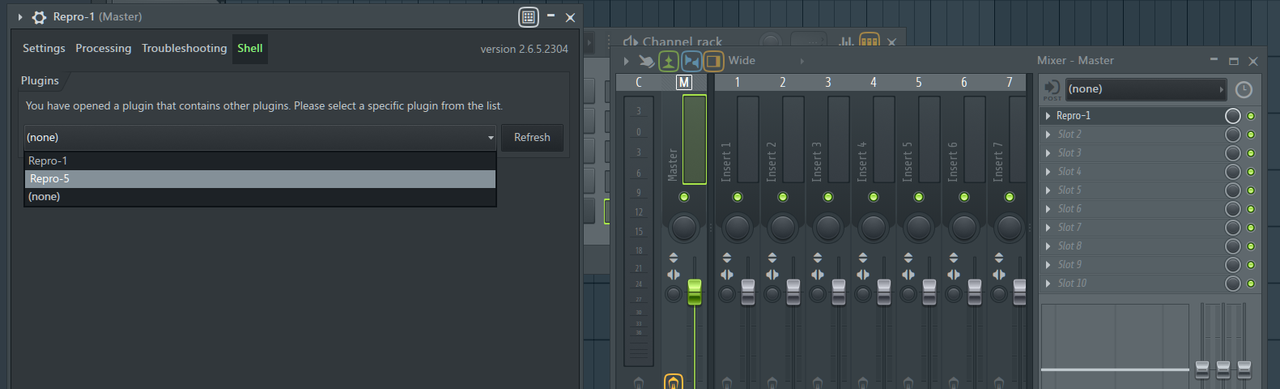
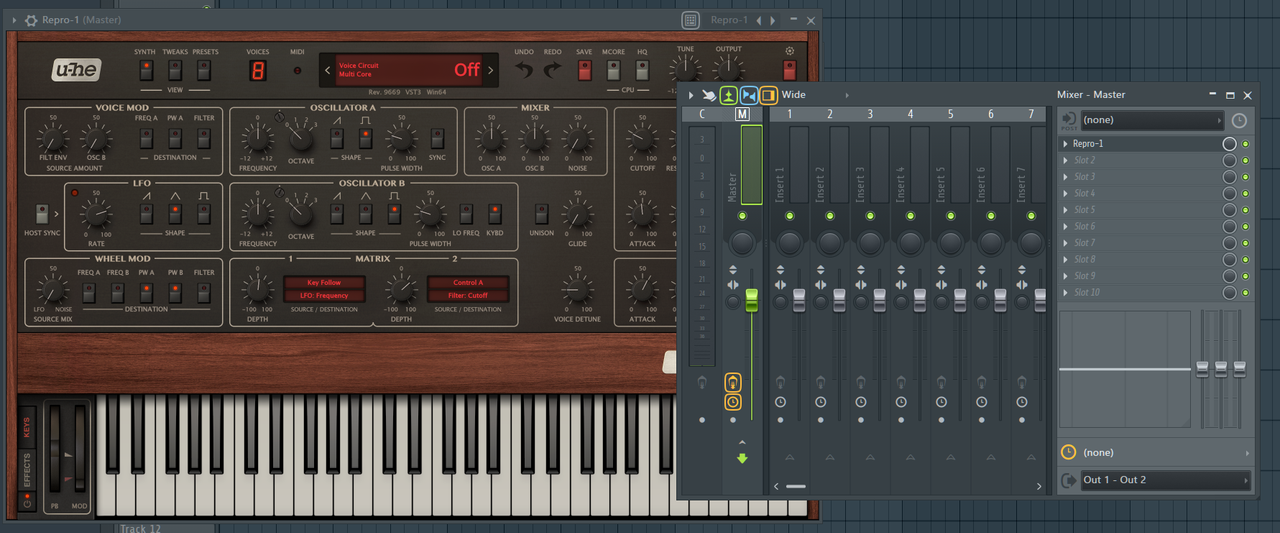
tasmaniandevil wrote: Mon Jun 07, 2021 8:43 am FL Studio sometimes recognizes plugins wrongly, if they are plugins that contain multiple plugins.
I.e. there is only one Repro VST3 plugin that contains both Repro-1 and Repro-5.
That's nothing we can fix on our side, unfortunately.
There are a few things you could try:
1 - Update FL Studio to the latest version, if you're still using an older version.
2 - Try the VST2 version and see if FL Studio recognizes them correctly.
3 - In FL Studio's plugin settings, there used to be an option to let the user manually define the plugin as FX or Synth. I am not sure if that option is still available, though.
4 - FL Studio saves a small file for each plugin. Find and delete that file for the Repro VST3 plugin, and then let FL Studio do a rescan of the plugins.
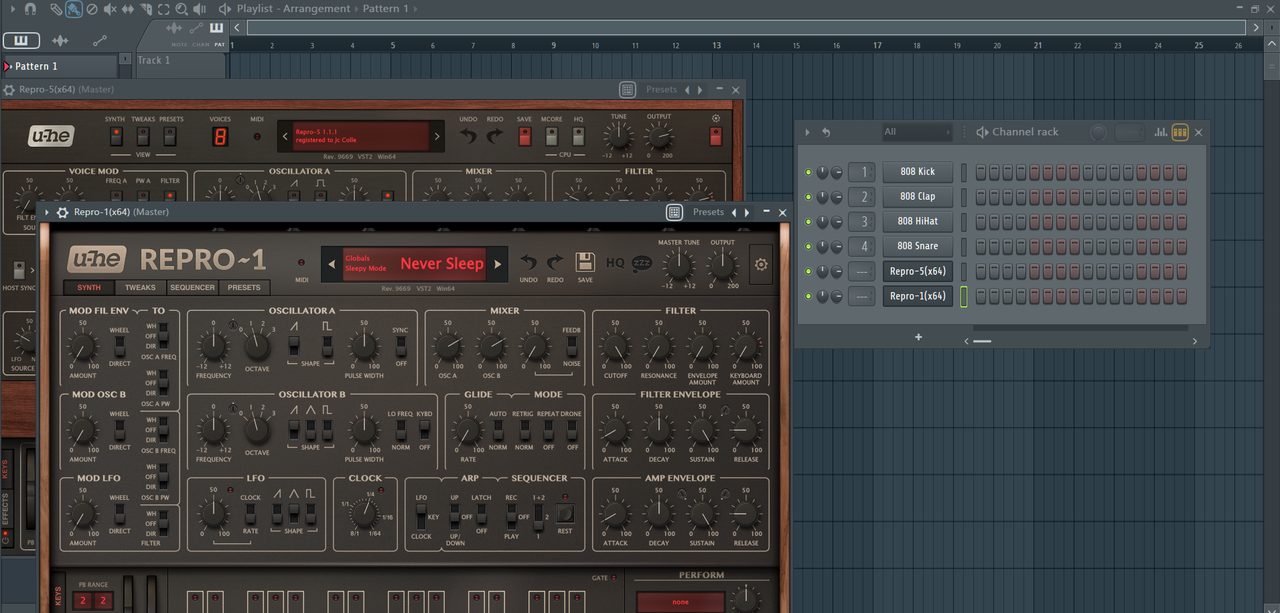

This does not work if there was previously an "effect" behaviour before. If this opens the plugin for you, it opens the VST2 version for sure, not the desired VST3.CRAFTMATIX wrote: Thu Jun 10, 2021 12:25 am For future reference just to clarify and eliminate a little frustration... In the browser of FLS in the plugin database many if not most plugins will show up in both the effects and generators folder's list which is kind of silly and has been this way for a looooong time. So if by chance you choose the effects folder and then choose to load Repro for example you will get that 1st error that you screenshot everytime. However if you go into generators, things will work as expected. If you have already noticed this or I have misunderstood your problem please ignore
Submit: News, Plugins, Hosts & Apps | Advertise @ KVR | Developer Account | About KVR / Contact Us | Privacy Statement
© KVR Audio, Inc. 2000-2026