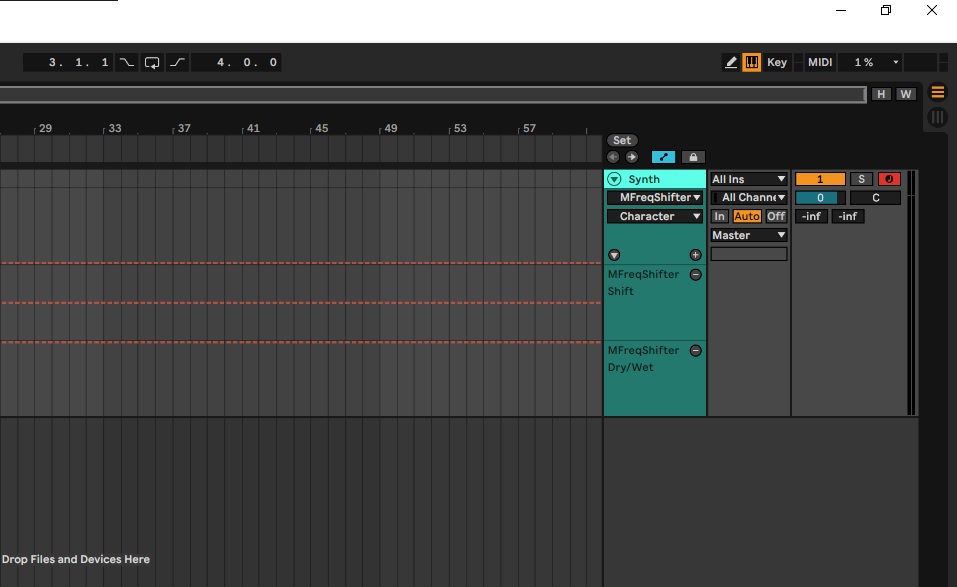
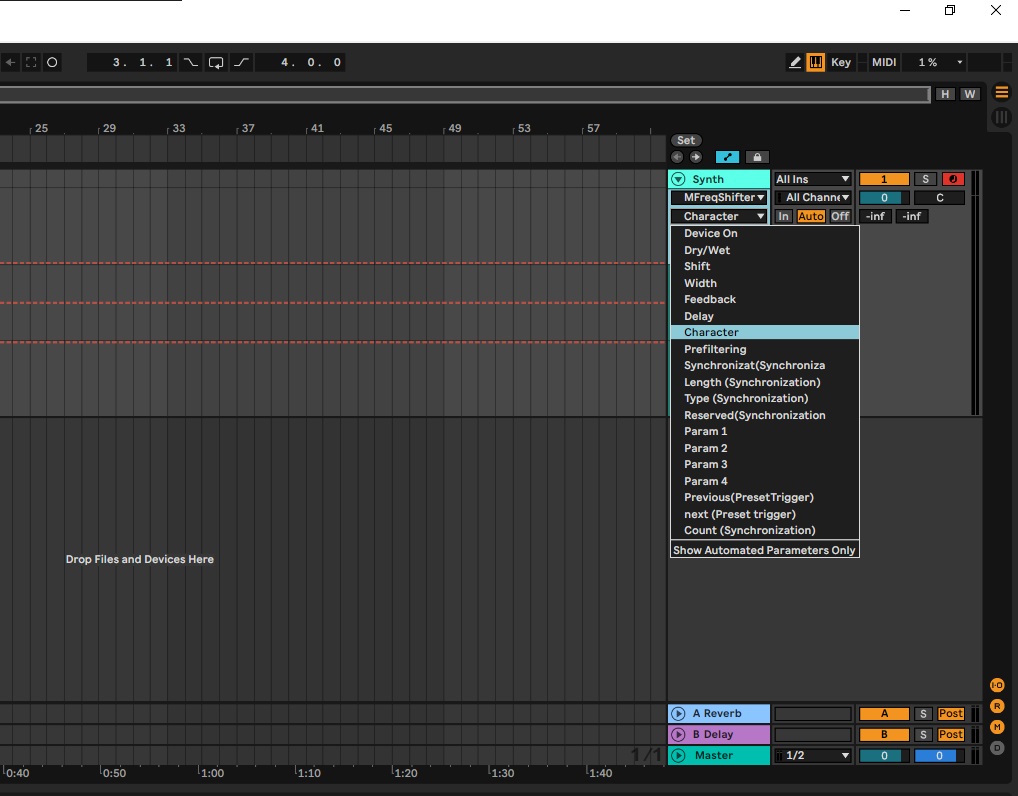
See screenshot.
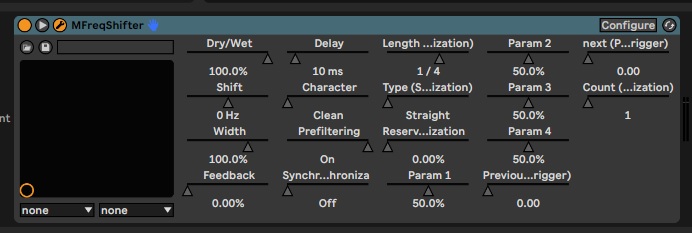
So these parameters can be automated easily.
There are some other parameters I want to control/automate, but they don't show up. Usually with Ableton its easy, you click on "configure" (top right corner), then move any parameter within the VST GUI (in this case Melda Frequency Shifter Paramter "Step") and then it instantly pops up in the configure window and can be automated, nothing else needed.
Why does it not work here for Melda Frequency Shifter "Step" Parameter?
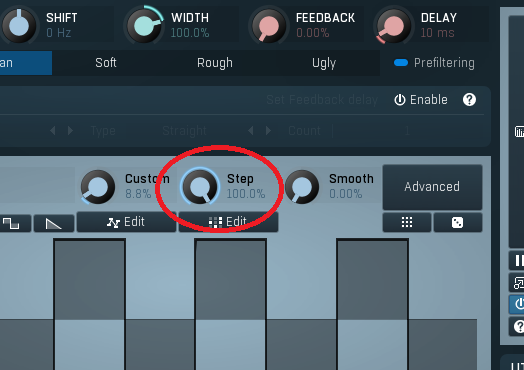
I tried out some stuff in Meldas Midi settings, i right clicked the "Step" parameter and then tried some of the "midi learn" or "midi settings" stuff... but i am overwhelmed, no idea what im looking at.
Please help, thanks.
EDIT, I am a step further.
When I right click the "Step" parameter and then click "MIDI learn" and then move a fader from my controller, it is assigned to this fader and i can record and automate it.
It shows up in Ableton as "16 General Purpose 1"... so this parameter can be controlled, but why cant I just automate it live while recording with my mouse? or manually draw in an automation?
every time now I have to connect my hardware controller first and use meldas internal midi learn function before i can automate this parameter...