
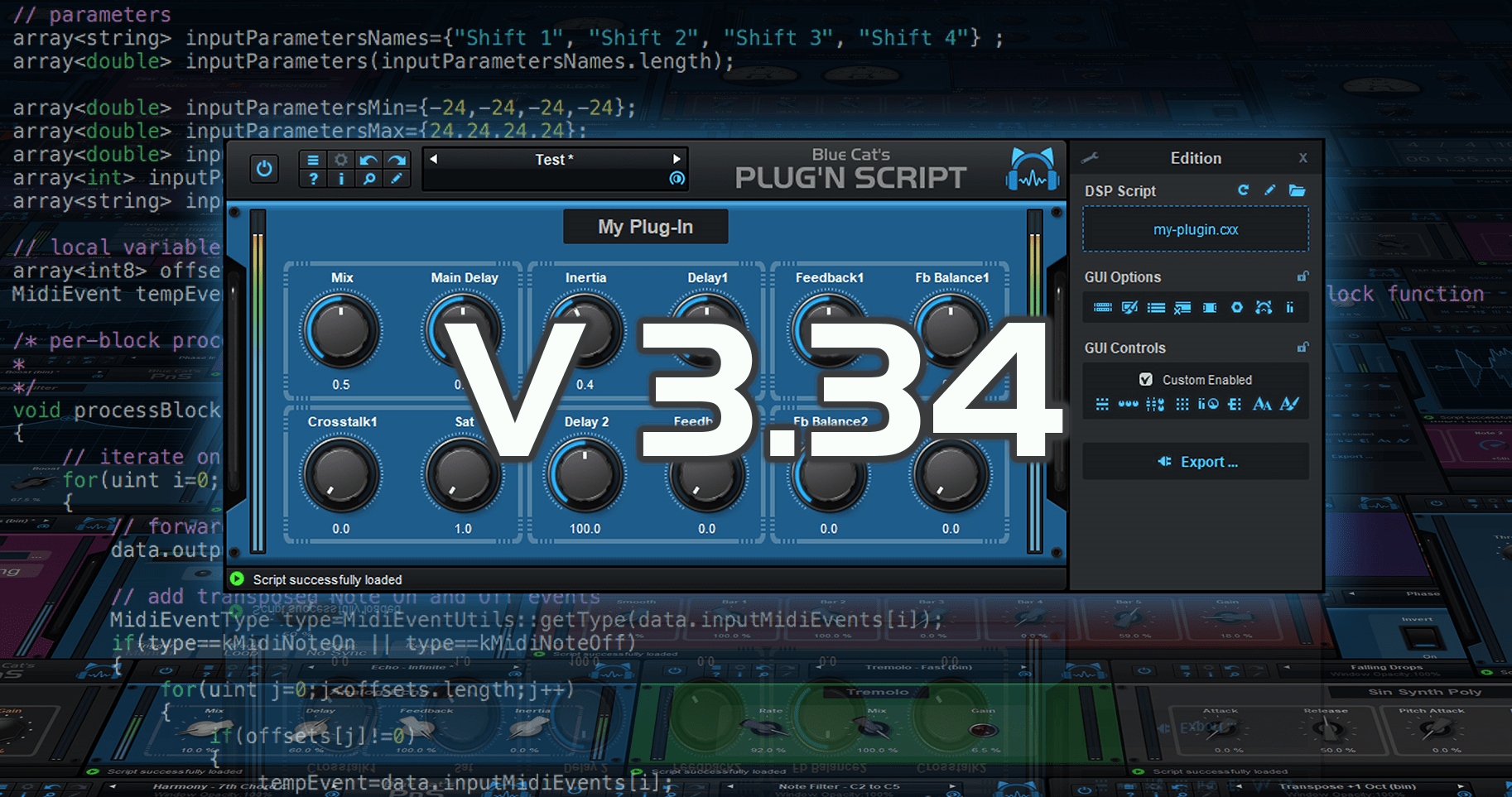
Blue Cat's Plug'n Script 3.34 Released!

Official support for: bluecataudio.com
RELATED
PRODUCTS
Plug'n Script$99.00Buy

Post

After a couple of previews in the past year, the long-awaited official update for Plug'n Script is finally here, check it out!

Image

What's New
- Extended user interface programming capabilities with KUIML 2.7.4 support (User Interface programming language).
- Scripting engine update, with improved performance.
- Unlimited parameters: for plug-ins developers, you can now configure the number of i/o params and string via a configuration file.
- Offline processing status (non-realtime rendering) is now available from the processBlock function.
- AAX plug-in now reports the recording status (in recent versions of Pro Tools that support it).
- Fixed missing floatToString,intToString and uIntToString functions for dsp scripts on Apple M1.
- AAX Atmos format is now available for exported plug-ins too.
- Graphical user interface refresh performance improvements.
- Improved resampling when the application starts streaming audio as a network server with Connector.
- Fixed a couple of issues with undo/redo.
- Ableton Live 11: Fixed VST3 MIDI input not detected.
- Fixed drag and drop that did not work within a 2 pixels margin at the border of drag source widgets.
- Fixed file drag and drop issues on Mac when using system::filepath applicative type.
- Mac: Fixed negative values not properly sent to DSP when entering them in text box after double clicking on a knob.

Post

is it within the scope of plug'n script to make a VST3 wrapper that can load other VSTs? I have the idea to make wrappers for different instances of the same VST, so you can load up the wrapper into nektarine, with the VST inside it, and nektarine will recognize each wrapper individually with their own nektarine mappings

Post

It is a bit out of scope for PnS, although you could probably work on something using the native version. However plug-ins hosting is a huge amount of work!

Post

Idle thought/question - if someone makes a plugin with PnS, can they sell it? If so, do the various VST licenses require them to apply to Steinberg to sell?

Post

I'd still love to know the answer to this...

Post

Sorry for the delay. Yes, as stated in the FAQ you you can sell your plug-ins. However it does not prevent you from having to sign the Steinberg agreement to be allowed to distribute a VST2 plug-in. The same applies for AAX plug-ins with AVID.

Post

Super thanks!

Post

Scaling/Retina is working great in v3.34 (thank you!), but...
I've encountered a different behaviour with gui.zoom in v3.34 - in the past, changing the gui.zoom automatically changed the window size as well as scaling the images within the skin. With v3.34, the images rescale, but the plugin window doesn't resize. If the plugin window is 500x500, say, it remains 500x500 no matter the gui.zoom setting, even though the images within the skin do scale correctly. Is there something new I need to do? This is an example of how I'm using to control gui.zoom:

Code: Select all

<INVISIBLE_PARAM_MENU_BUTTON param_id="gui.zoom" positions_count="14" h_position="10" v_position="10" width="20" height="20" cursor="system::hand" />

Post

This is strange, do you mean that this is the actual size that you see on the screen? Because the reported sizes inside the GUI code are indeed not scaled (on purpose).

Post

So, the images scale but not the plugin window - please see the attached screenshots showing 70%, 100%, and 200% zoom (in v3.33, the plugin window would resize along with the contents). I should also confirm that this is purely a gui.zoom test, and nothing to do with my desktop resolution or scaling factor. My default.xml file looks like this:

Code: Select all

<?xml version="1.0" encoding="utf-8"?>
<SKIN background_color="#333333" width="500" height="500" right_click_action="" font_face="Tahoma" font_size_mode="character" font_size="12" text_color="#FFFFFF">
	<IMAGE image="bg.png" image_scaling="0.5" h_position="0" v_position="0" />
	<KUIML_WIDGET background_color="#222222" h_position="150" v_position="100" width="200" height="50" >
		<INVISIBLE_PARAM_MENU_BUTTON param_id="gui.zoom" positions_count="14" width="100%" height="100%" cursor="system::hand" opaque_mouse_mask="true" >
			<TEXT value="CLICK TO TEST ZOOM" />
		</INVISIBLE_PARAM_MENU_BUTTON> 
	</KUIML_WIDGET>
    <IMAGE_PARAM_KNOB image="knob.png" image_scaling="0.5" h_position="202" v_position="202" images_count="55" pixel_range="256" param_id="dsp.input1" cursor="system::hand" opaque_mouse_mask="true" />
</SKIN>
You do not have the required permissions to view the files attached to this post.

Post

Which host application and plug-in format are you using? It looks like a communication problem with the host. Do you have the same issue with the standalone application?

Post

It happens with VST3 (Plugin Doctor and Cubase 13) and AU (Logic). Your PnS application itself works just fine, either the standalone or plugin. Interestingly, when I change the zoom on your PnS application/plugin, there's a slight delay like it's completely redrawing the window, but with my exported VST3/AU plugin it instantly resizes the images but not the plugin window. If you want, I can send you the exported plugin to your support email?

Post

3.34 is not the latest version, and I cannot seem to be able to reproduce this with V3.4 at all (exported plug-ins do scale fine in whatever host I have tried). Have you tried with the latest build? Also, have you tried to clean up the export directory before exporting your plug-in? Sometimes the binary is still in use by another app and it may end up producing very strange behavior.

Post

(Sorry, I meant v3.4! Yes, I have tried clearing the export folder between builds.) For now, I have found a solution :party: If I remove the width and height attributes from the SKIN tag, and then encapsulate everything inside a CELL with the width and height attributes, gui.zoom works. This is definitely new behaviour, however, as plugins exported with v3.33 resized correctly even with fixed width/height attributes in the SKIN tag. So, my current solution for v3.4 looks like this:

Code: Select all

<?xml version="1.0" encoding="utf-8"?>
<SKIN background_color="#333333" right_click_action="" font_face="Tahoma" font_size_mode="character" font_size="12" text_color="#FFFFFF">
    <CELL width="500" height="500">
	<IMAGE image="bg.png" image_scaling="0.5" h_position="0" v_position="0" />
	<KUIML_WIDGET background_color="#222222" h_position="150" v_position="100" width="200" height="50" >
		<INVISIBLE_PARAM_MENU_BUTTON param_id="gui.zoom" positions_count="14" width="100%" height="100%" cursor="system::hand" opaque_mouse_mask="true" >
			<TEXT value="CLICK TO TEST ZOOM" />
		</INVISIBLE_PARAM_MENU_BUTTON> 
	</KUIML_WIDGET>
    <IMAGE_PARAM_KNOB image="knob.png" image_scaling="0.5" h_position="202" v_position="202" images_count="55" pixel_range="256" param_id="dsp.input1" cursor="system::hand" opaque_mouse_mask="true" />
    </CELL>
</SKIN>

Post

Ah ok, thanks for the precision, this could explain why I wasn't able to reproduce. Will look deeper into this!

Post Reply

Return to “Blue Cat Audio”