



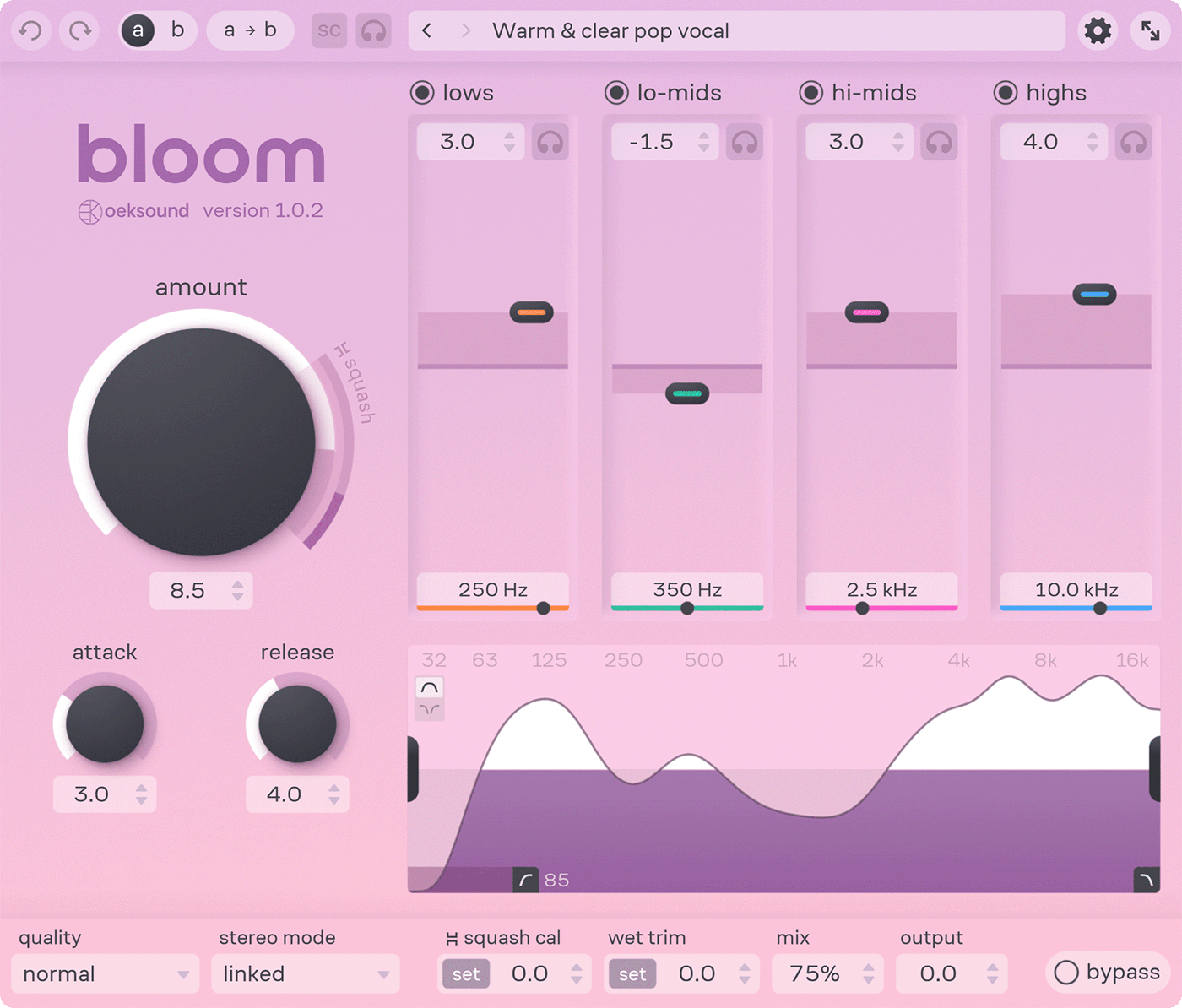
 oeksound recently updated bloom, the adaptive tone shaper plugin, to v1.1.0.
Changes:
- Improved preset menu:
- Saving and editing preset info.
- Marking presets as favorites.
- Changing category for user presets.
- Pinning any preset as the user default.
- Added the option to show user preset folder using Finder (Mac) or File Explorer (Windows).
- Added the option to lock Quality mode and Squash Cal when changing presets.
- Expanded character set support for user preset names, allowing for broader use of special characters.
- Optimized CPU performance on Windows.
- Added new factory presets.
- Various UX enhancements and bug fixes:
- Text input: improved the most common text editing shortcuts.
- Up and down arrow keys can now be used to browse presets in the menu.
- Return/enter/esc can be used to close the preset menu.
- Added a button next to the text field to clear the search input.
- Presets are now alphabetically ordered when using the search function.
- The keyboard focus automatically moves to search field when opening the preset menu.
- Added an asterisk (*) character to represent edited preset.
- Mitigated glitching when dragging the GUI across dual displays (Windows).
- Fixed delay when browsing categories in the preset menu.
- Fixed an issue where double-clicking on input values did not work if the GUI wasn't active.
- Clicking the same preset again with no changes no longer adds an undo item.
- Fixed an issue where copying A/B state also copied the undo history.
- Fixed a bug where the frequency graph "forgot" the mix value when idling.
- Small tooltip fixes.


 Other Related News