



Stacktune, the browser-based platform for audio collaboration and versioned mix feedback, has released version 5.1.0. This update focuses on refining the review workflow with several usability enhancements - many of them driven directly by user feedback.
New in Stacktune 5.1:
Clickable links & timestamps in comments
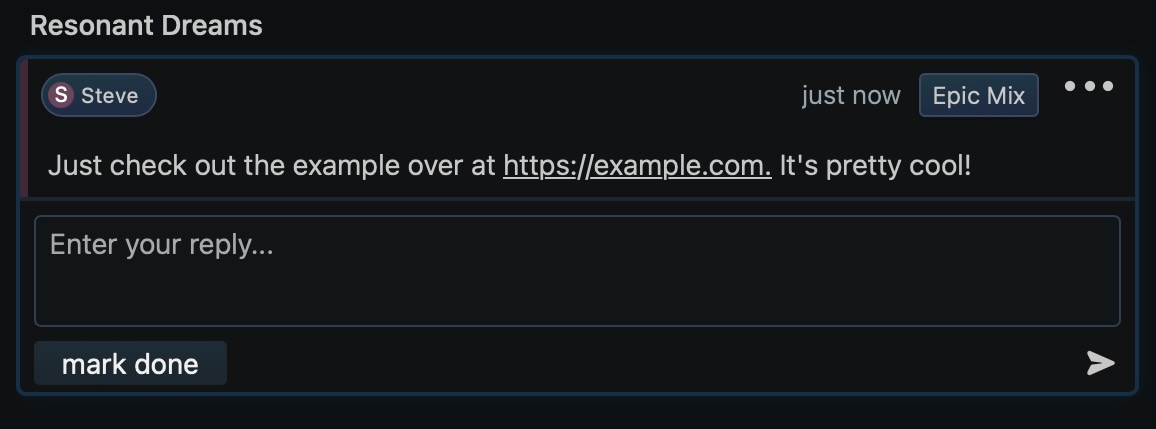
Links and time markers in comment text are now interactive - users can click to open a webpage or jump directly to the corresponding moment in the track.
Improved comment layout with author color highlights
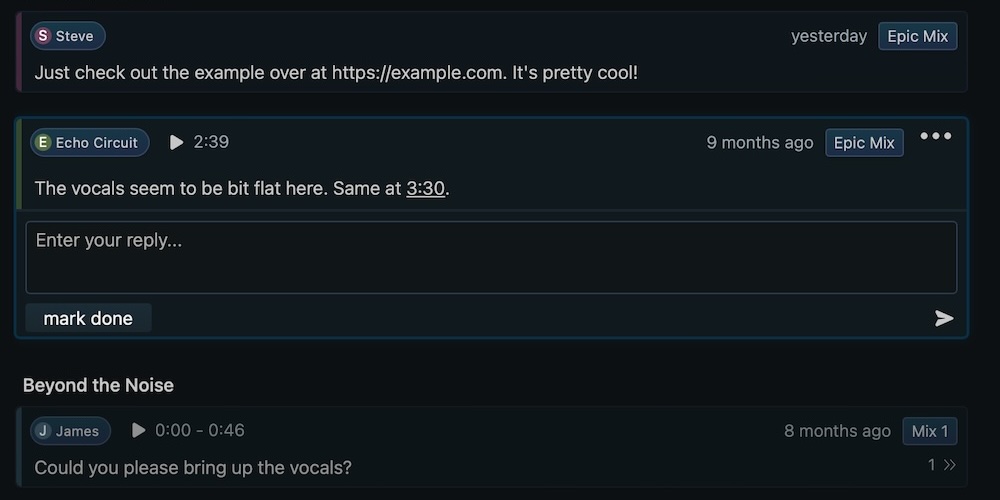
Each comment now features a subtle border color based on the author, making discussion threads easier to follow. The comment header has also been restructured for clarity, with the username on the left and the version title on the right.
More keyboard shortcuts
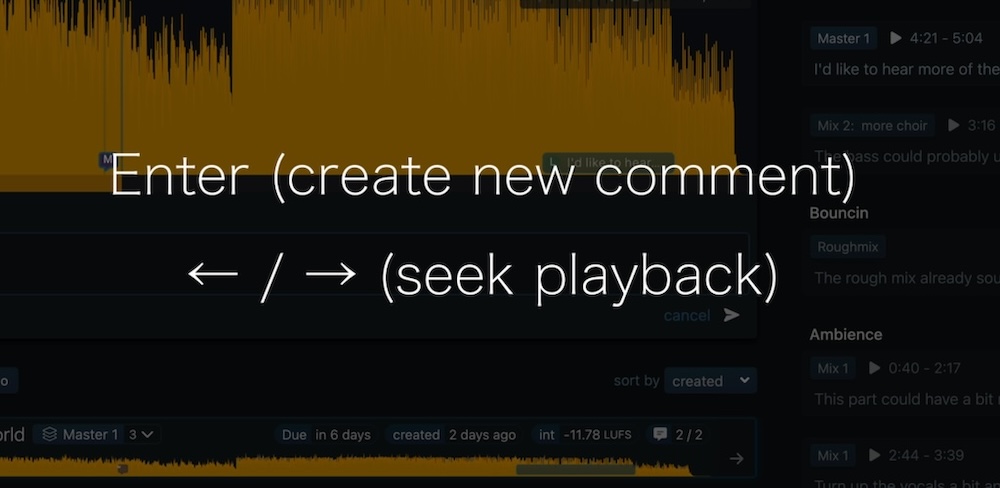
Pressing Enter now submits a comment, while the left/right arrow keys can be used to skip backward or forward by 3 seconds during playback.
Download button with clearer permissions feedback
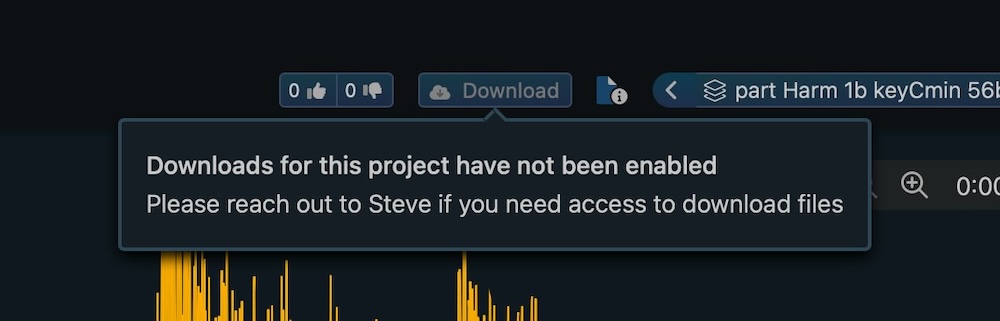
When download access is restricted, the button still appears in a disabled state. Clicking it shows a short explanation, helping users understand why the option is unavailable.
Visual refinements
Several parts of the interface have been polished for clarity and smoother workflows:
- Version notes are easier to read and better aligned.
- The share modal has been redesigned for faster link creation.
- The Projects page received updated styling for better task visibility.
Stacktune is available at stacktune.com, where users can explore the new release and share feedback on future improvements.
