1 KVR member has added Alegre to 1 MyKVR group 1 time.
Download KVR Studio Manager (FREE)
We recorded the Alegre in its homeland Colombia, the second instrument of our New World Collection, capturing its organic and authentic sound. The Alegre is a traditional conical drum from the north coast of Colombia, a region in the Caribbean and South America. We have designed this sample library to be easy to play and to offer you a variety of ways to use it. In short, you get one multi-sampled Alegre, two mixes of six mics, 191 loops, 275 MIDI grooves, 51 sound design elements, effects, advanced loop editor and more.
FULL version of Kontakt 6.8 or later is required (no Player).
Alegre Summary
Content:
Loop Editor (Looper):
Sequencer (Groover):
Mixes:
FX:
Info/Support:
Patterns, Loops, Grooves & Sound Design
Colombian rhythms are vibrant, unique and contagious. Alegre includes 191 traditional loops and rhythm patterns, some previously unknown to music industry audiences. You can stretch the loops at will to match them to the desired tempo and edit the loop range in the Loop Editor, plus they run in sync to your DAW. It also comes with 275 grooves, fully editable in the sequencer (seven sequencers to load different grooves, activated by key switches). And you can also export your grooves as MIDI files to your favorite folder and by drag and drop to your DAW.
To go beyond the traditional palette, Alegre comes with a collection of 51 sound design elements, stretchable and routable to all effects and mixes. Use them in your cinematic tracks.
See the List of Patterns & Loops, Sound Design and Grooves elements below.
Mixes, Effects & Performance
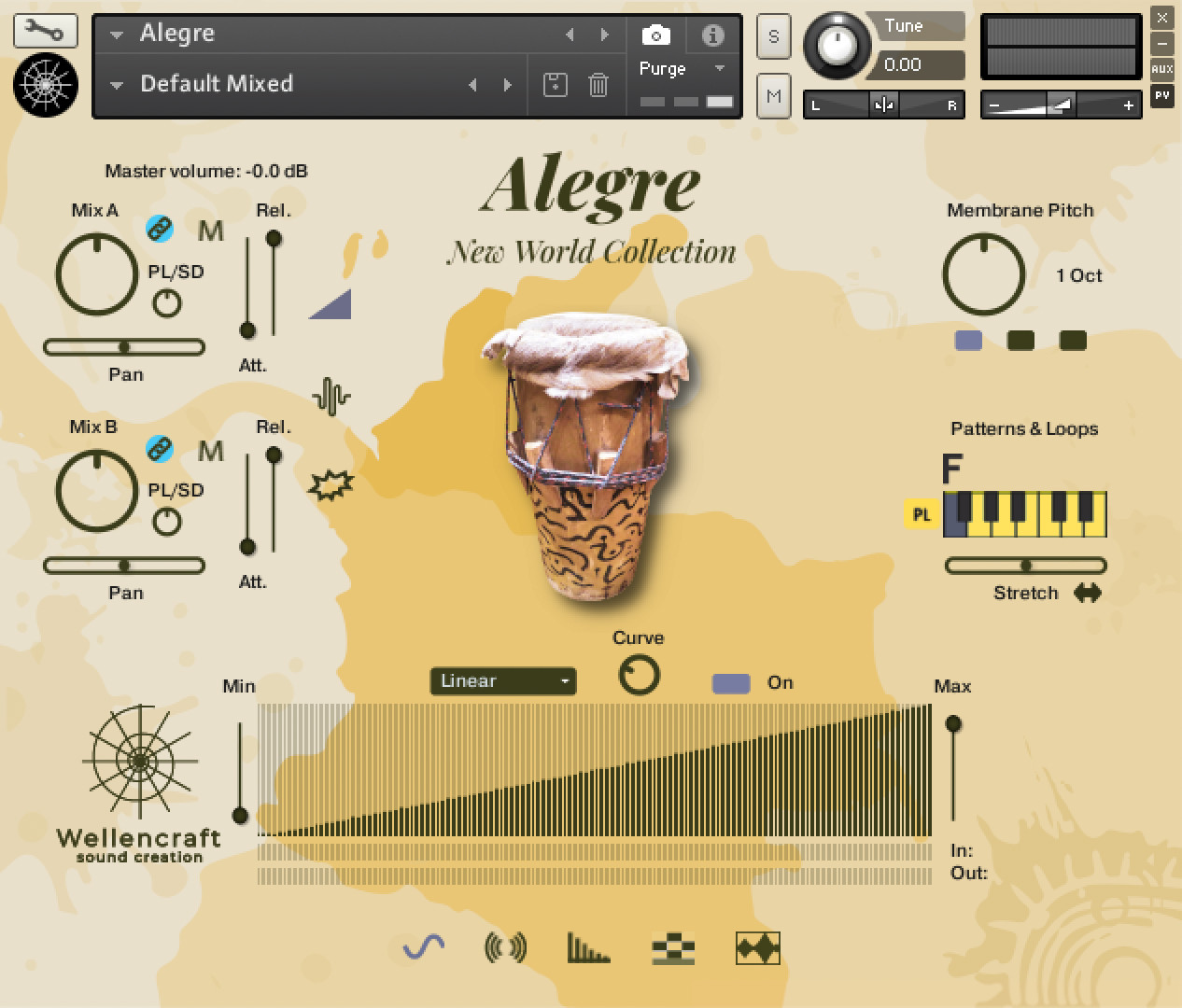
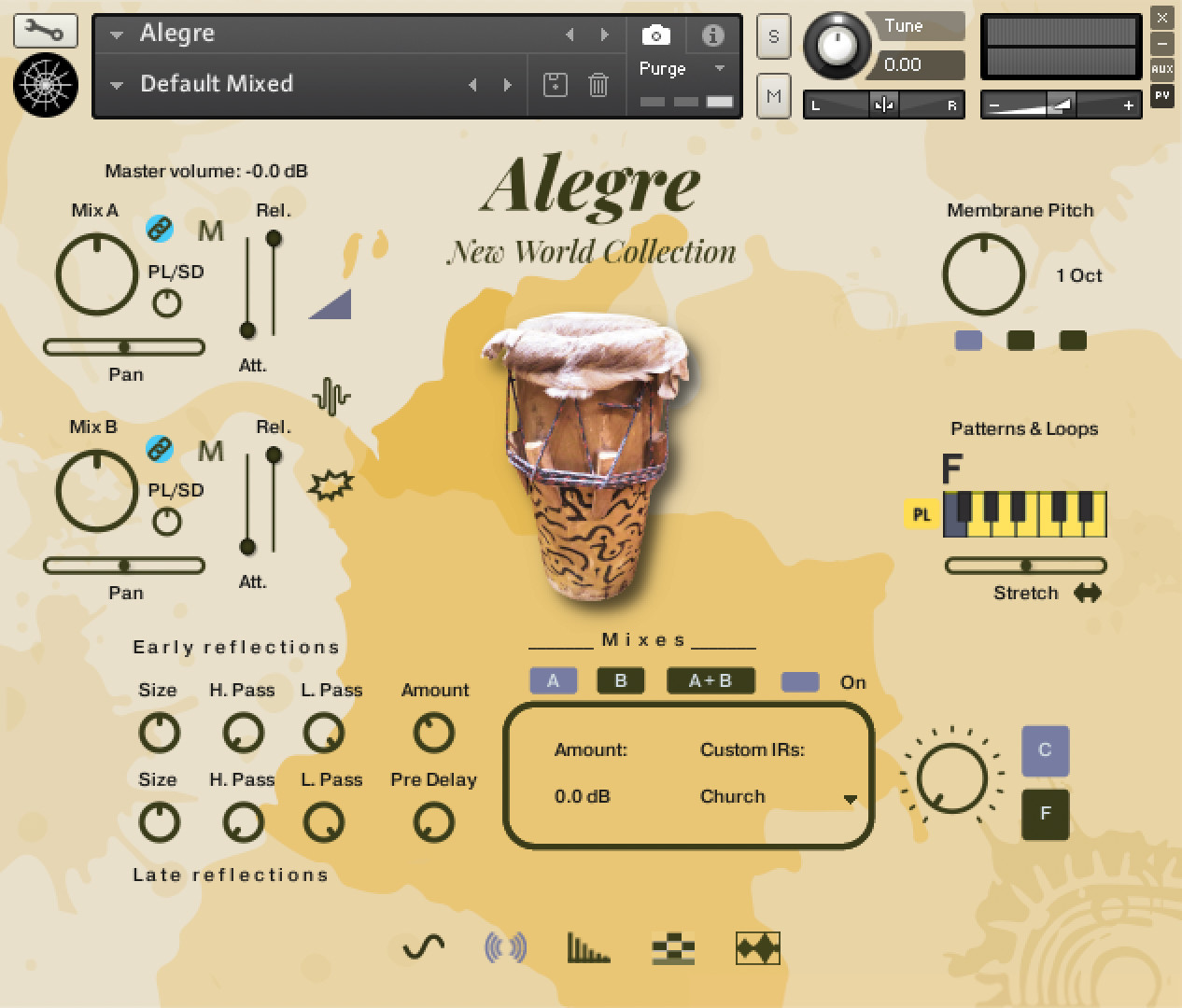
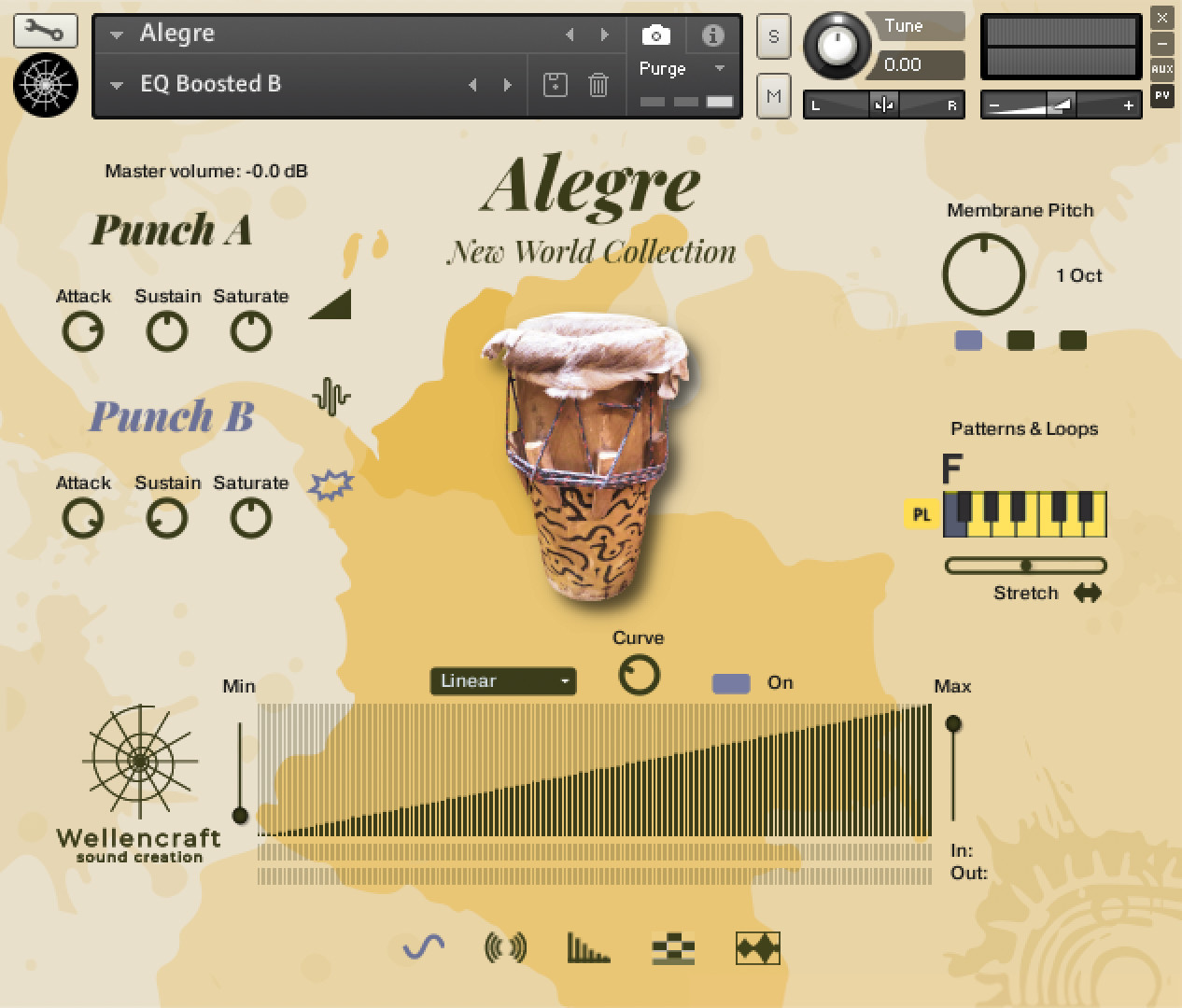
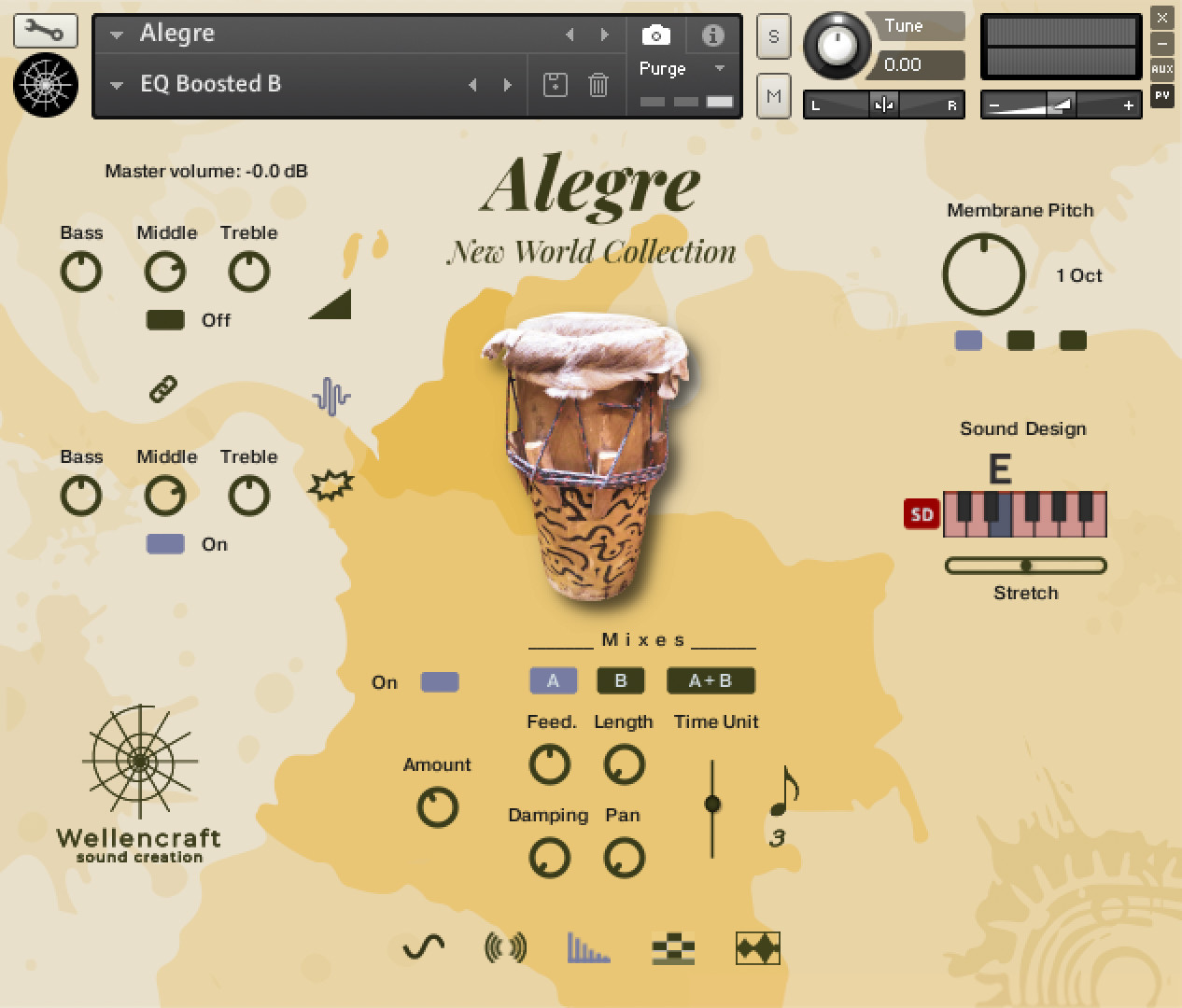
The two mixes (A and B) allow you to find the desired sound in your composition. Mix A is a stereo mix recorded with six microphones (three pairs – near, mid and far) that capture the depth and space of the recording hall. Mix B is a tight mix of spot mics (two membranes and a wood side). With the help of EQ and built-in FX (punch, delay, convolution) the desired sound is at your fingertips. Additionally Alegre has a membrane pitch function with a range of up to three octaves in both directions (treble and bass) allowing you to generate different drum sounds.
The velocity response tab allows you to adjust and customize both your MIDI controller and your playing, facilitating the proper pressure of your hand on the keyboard. You can also choose a velocity range to play the Alegre in defined dynamic zones, e.g. piano only or fortissimo only.
Loop Editor(s)
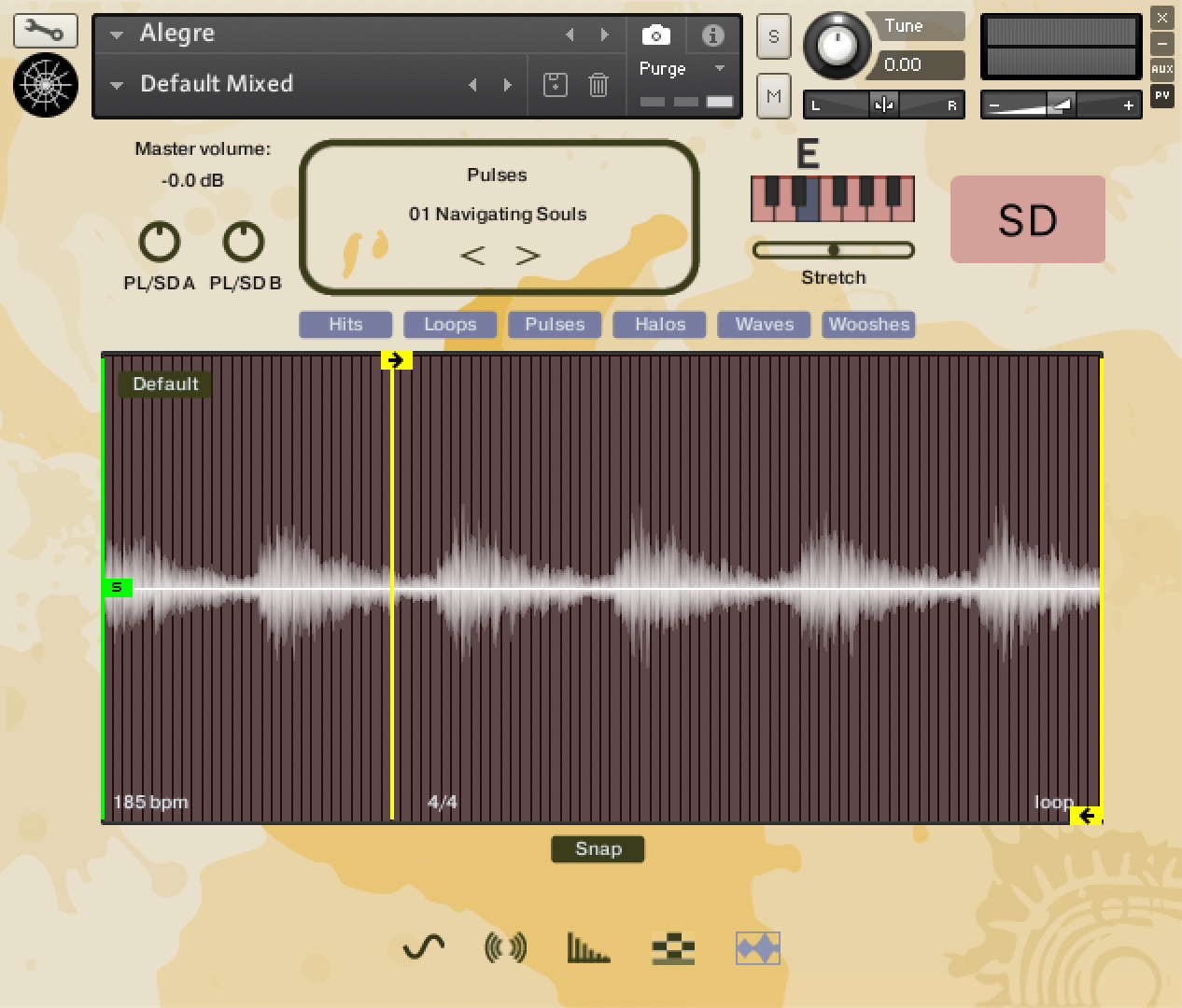
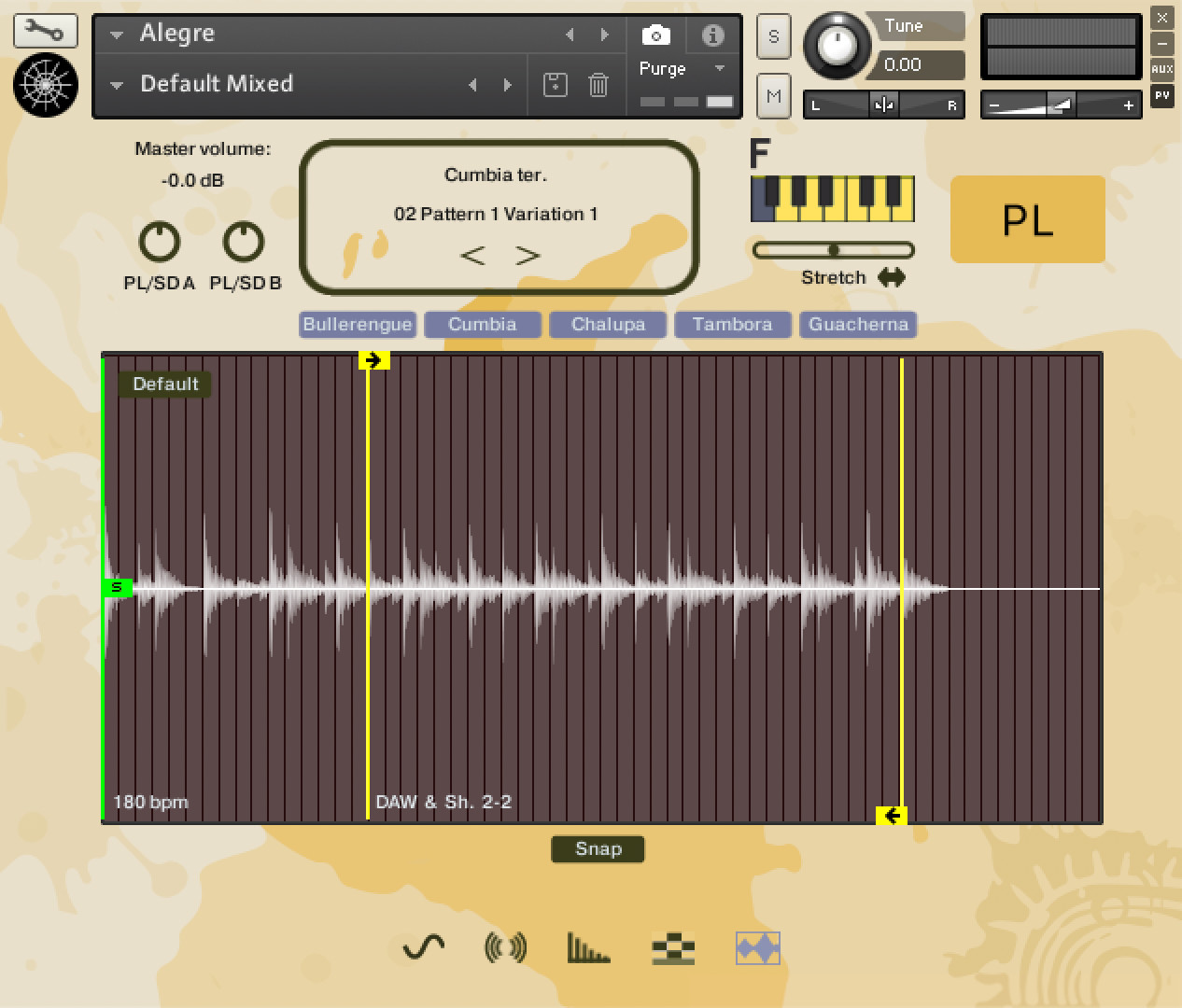
The Loop Editor allows you to edit the loop section and sample start of Alegre loops. Our Loop Editor serves as a central hub for your loop settings. Here you can define where to place the Sample Start, Loop Start and Loop End markers. Each Pattern and Loop is displayed with an underlying slices grid, which you can use as a reference to decide where to place the desired loop markers. The Snap Button activates the magnetic marker behavior, which helps you to place the markers on a slice start/end position. And you can return to Wellencraft's default settings by pressing the Default button on the loop editor's display. Within the slices grid you can see the number of slices of the loaded samples and the loop editor's display shows you their BPM (beats per minute), signature (2/2, 6/8, etc.) and sample mode (loop, one-shot).
Loop Editor features:
– Sample Start, Loop Start and Loop End markers for manual setting
– Default Button for resetting loop points to Wellencraft original settings
– Snap Button activates the magnetic marker behavior, which helps you to place the markers at a slice start/end position
– Works in Pattern & Loops and Sound Design samples
– Stretch and Auto Stretch.
Sequencer(s)
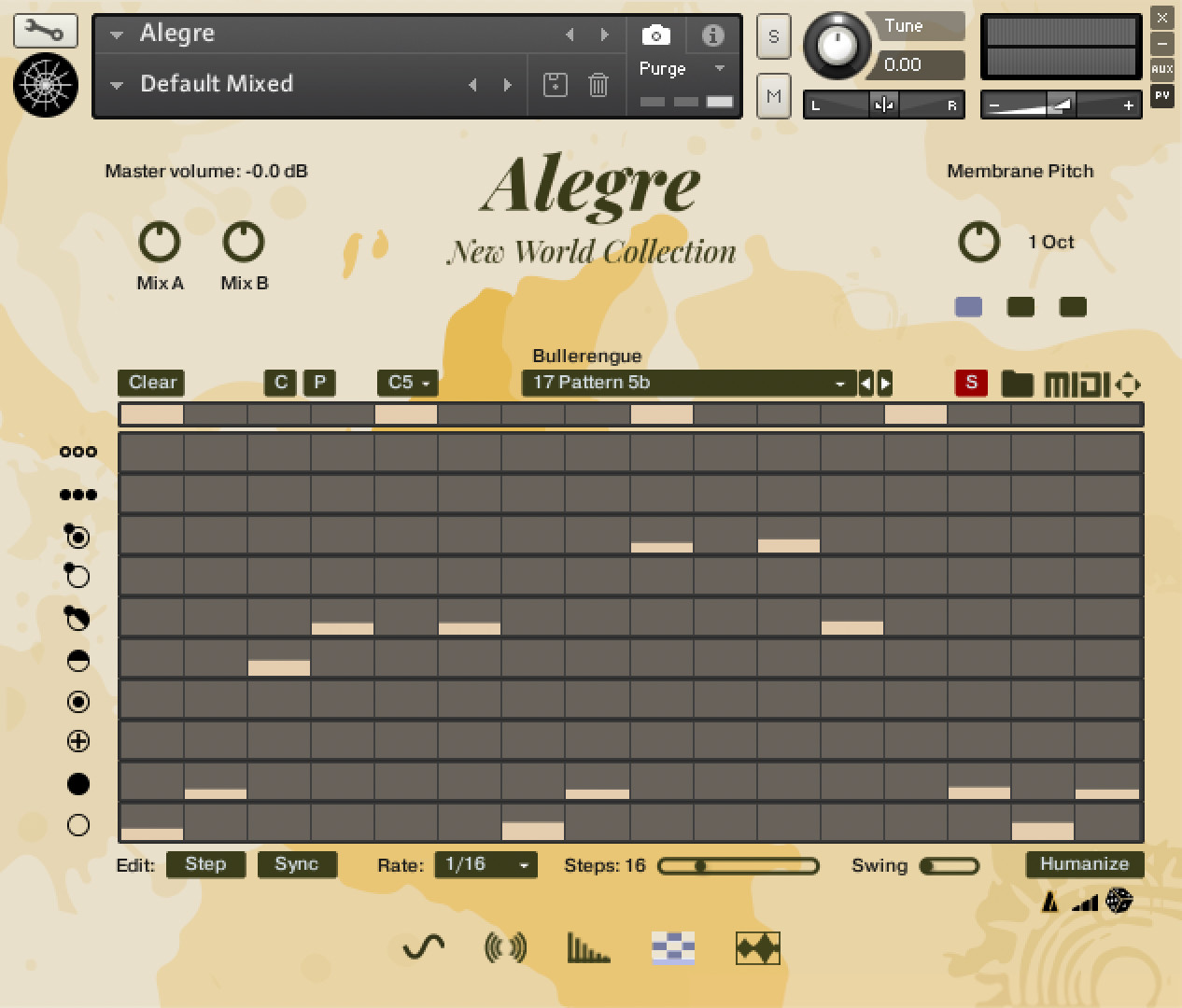
Our sequencer is fun and easy to use. You can enter your own rhythmic creations in three easy editing modes: manual, step or sync. You can copy/paste grooves between the seven sequencers, drag and drop MIDI to the DAW, save MIDI to a custom folder, and save grooves to the user preset banks so you always have your favorite combinations at hand. Humanize your grooves, swing them, apply double time, it's all possible.
The Step Sequencer allows you to play different grooves without having to play them manually, simply by pressing and holding down a green key or triggering it with the same notes as the green keys in the DAW's piano roll editor. You can also load grooves from the groove drop-down menu, which has a large list of varied rhythms, or create them yourself from scratch. The sequencer allows you to set the MIDI velocity of each note and use all of the Alegre articulations in it. There are seven sequencers assigned to the seven green keys, so you can load different grooves at the same time to play them in your project.
Step Sequencer features:
– Manual Edit, Step Edit, Synchronized Edit
– Clear, Copy, Paste, Save (10 user slots)
– Rate, Step and Swing parameters
– Humanize (3 modes)
– Groove Drop-Down Menu (275 grooves)
– Drag & Drop MIDI to DAW
– Save the grooves in MIDI format to desired system path (PC, Mac)
– Crossfade between articulation velocities.
Production
Alegre was proudly played by award-winning Master of Percussion, Alexander Duque and recorded by Grammy sound engineer Jorge Enrique "Kike" Toledo. Read more about them at Artists.
We recorded the Alegre in Dial Music Studios in the city of Cali, getting the true classic warm tones, presence, and punch sound of the highly regarded Trident Series 80B Console and the recording hall where Grupo Niche, Guayacán and other latin artists have recorded.
Audio Demos
https://soundcloud.com/wellencraft/sets/wellencraft-alegre
Videos
{See video at top of page}

Please log in to join the discussion
Submit: News, Plugins, Hosts & Apps | Advertise @ KVR | Developer Account | About KVR / Contact Us | Privacy Statement | Sell @ KVR | KVR Marketplace Terms & Conditions
© KVR Audio, Inc. 2000-2026