
4 KVR members have added Broadcast Foundry to 4 MyKVR groups 8 times.
Download KVR Studio Manager (FREE)
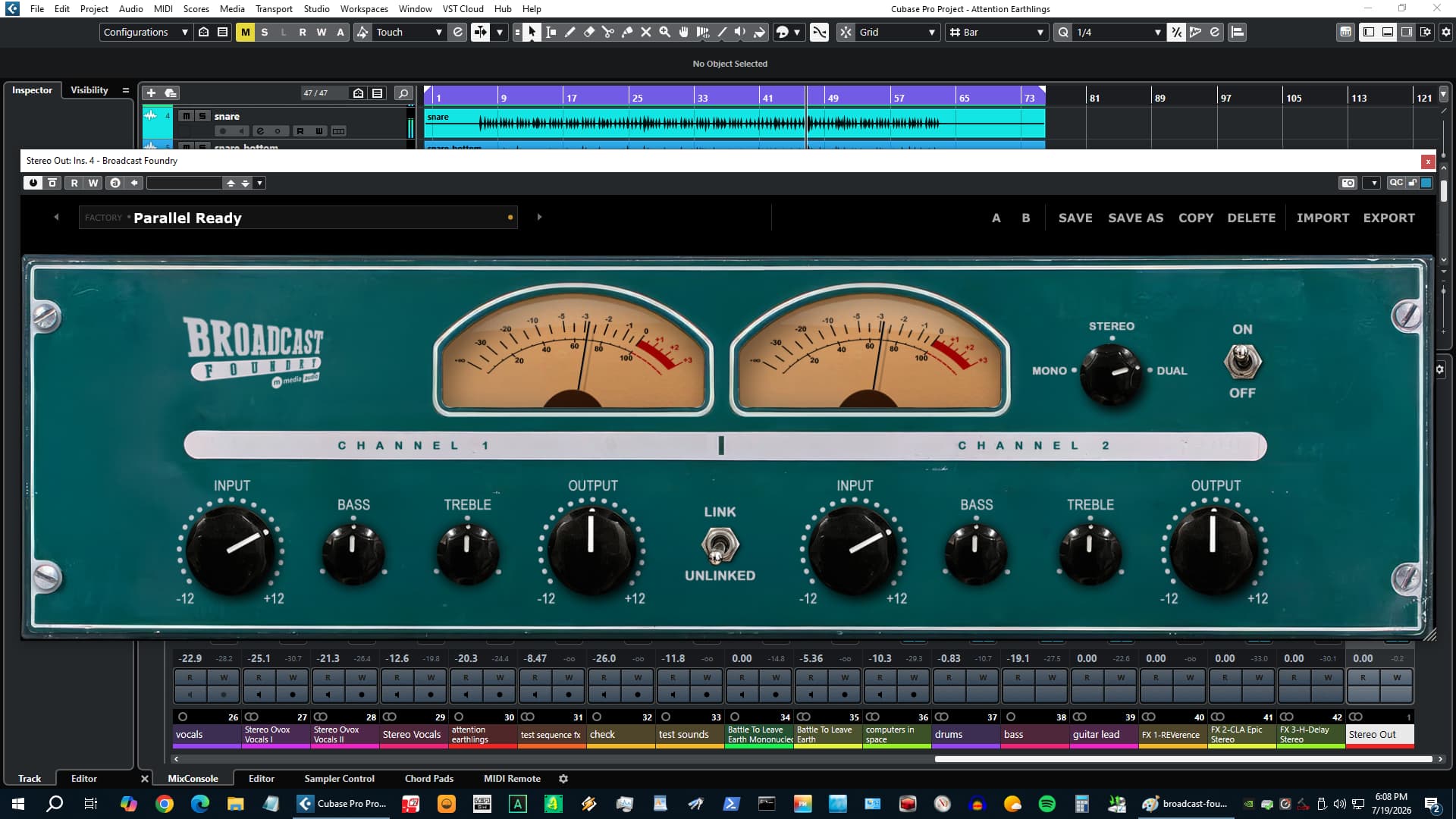
The mix is running, everything is in, sounds correct - and correct is the problem. Correct is digital, and digital sometimes has no weight, no grain, no sense that the signal went through anything real. Broadcast Foundry goes on the bus, and the session stops sounding like a session and starts sounding like a record.
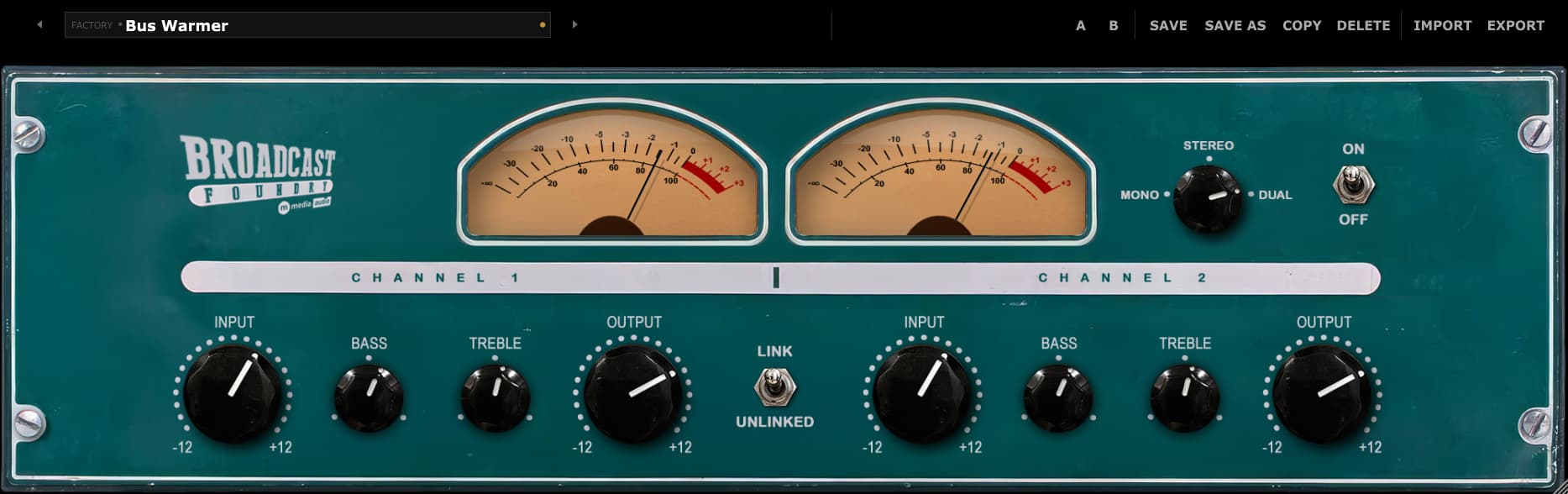
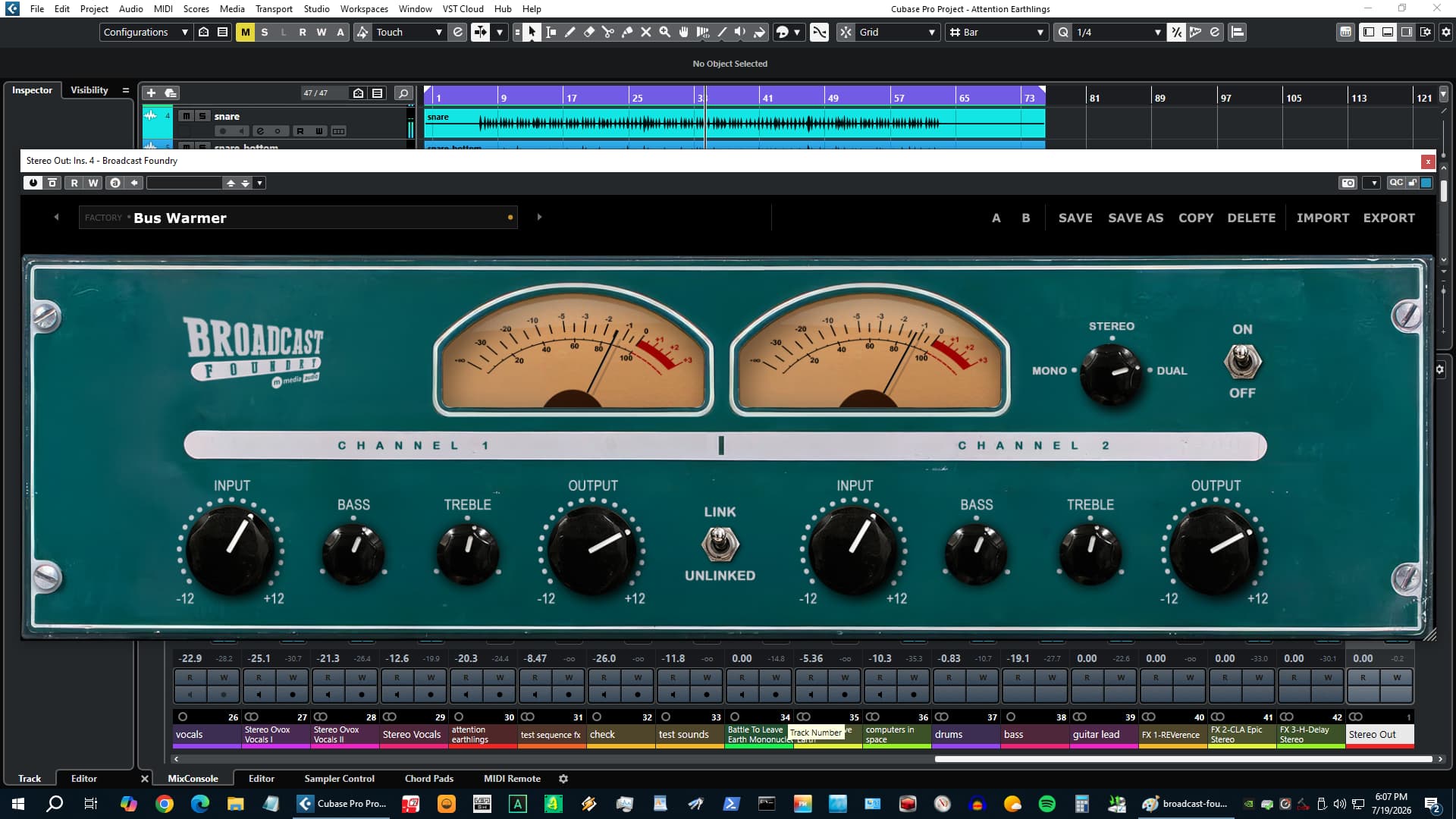
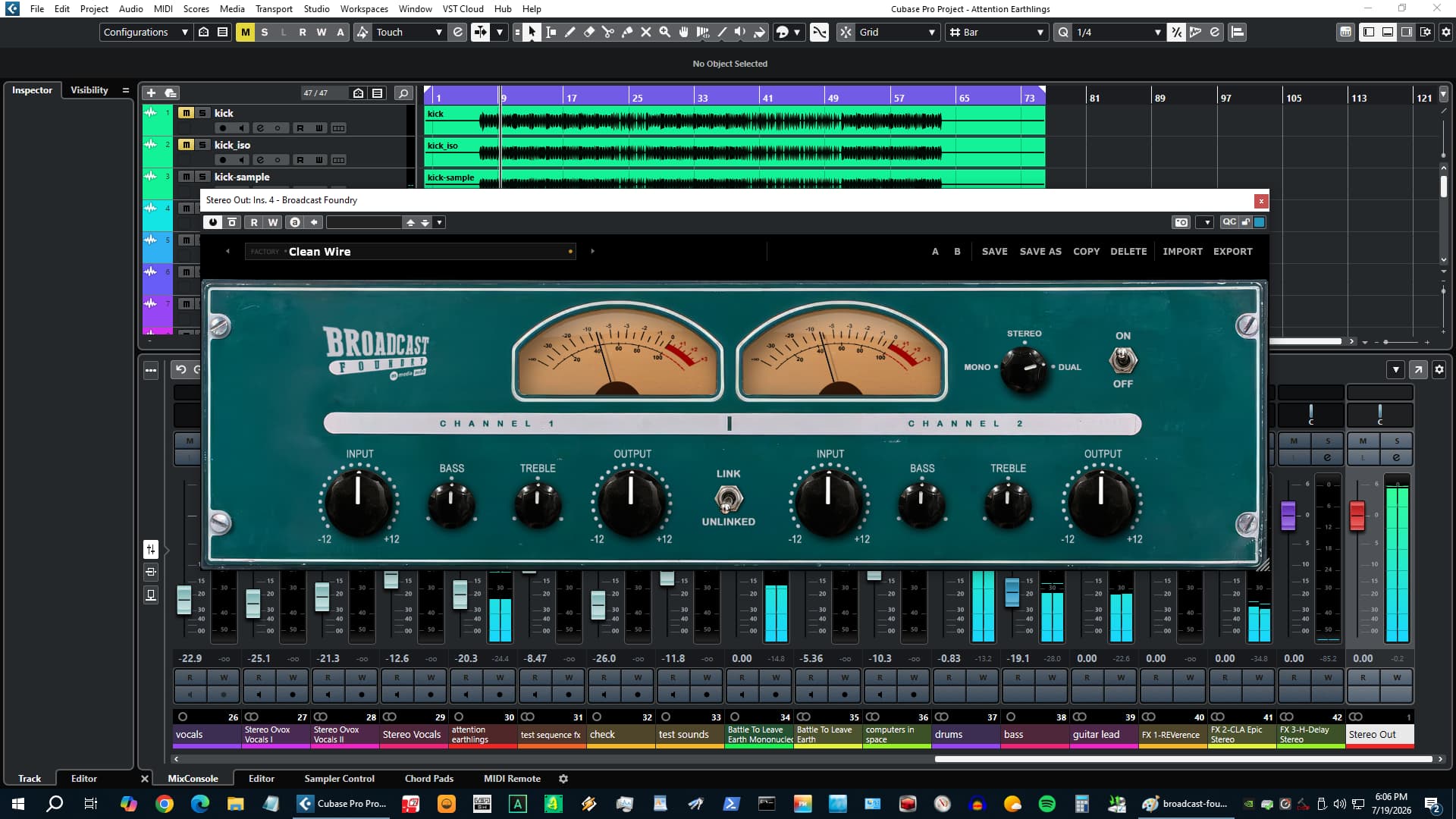
Two independent channels, each with an Input knob that drives an asymmetric tube stage harder as you push it. The saturation adds odd harmonics - the same character that makes analog gear add presence and weight without adding edge. A Bass shelf at 80 Hz and a Treble shelf at 8 kHz let you shape the low end or open the top after the tube stage has already done its work. Output trims back the gain when you've driven it hot. All four controls are per-channel and independent - left and right behave like two separate preamps running in parallel.
Three Channel Modes determine how those two preamps relate. Mono sums both inputs to center - mono compatibility check, or a mono bus where you want both sides collapsing through the same tube character. Stereo links the VCA so both channels compress together as one unit. Dual runs both channels fully independent, no linking, no summing - for M/S processing, for two instruments sharing an insert, for left and right sides of a mix that need completely different EQ and drive.
Ten factory presets cover the main use cases without starting from zero. A VU meter on each channel reads the output level with a +3 dB calibration offset, so the needles land where they should against a well-driven mix. It's the right amount of character - the kind that makes everything sit better without making anything sound processed.
$19 - perpetual license, no subscription. Three simultaneous activations. Demo mode available, no account required. Download and demo at mmediaaudio.com/plugins/broadcast-foundry.
Reviewed By 123sjpe [all]
July 22nd, 2026
Version reviewed: 1.0 on Windows
I have the Black Rooster Altec, Kit Altec, and Soundtoys Radiator and the Broadcast Foundry is the best...beautiful and simple to dial vintage Altec preamp tones, love it...

Please log in to join the discussion
Submit: News, Plugins, Hosts & Apps | Advertise @ KVR | Developer Account | About KVR / Contact Us | Privacy Statement | Sell @ KVR | KVR Marketplace Terms & Conditions
© KVR Audio, Inc. 2000-2026

