245 KVR members have added Monster OctaChord to 161 MyKVR groups 280 times.
Download KVR Studio Manager (FREE)
Fear not, because MONSTER OctaChord is here to save the day.
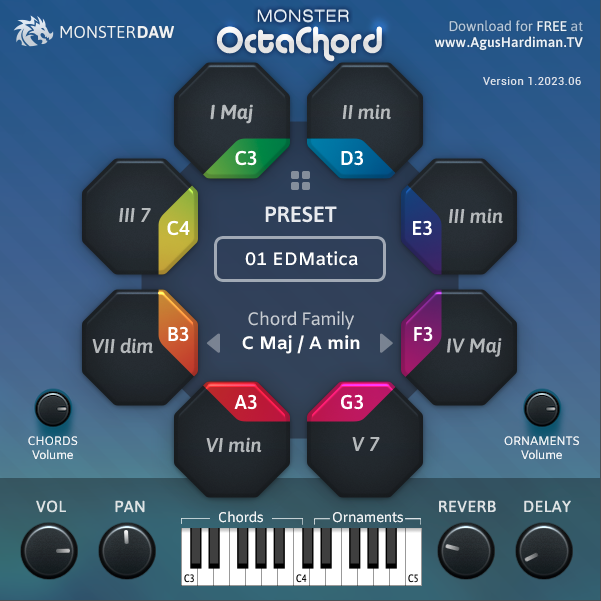
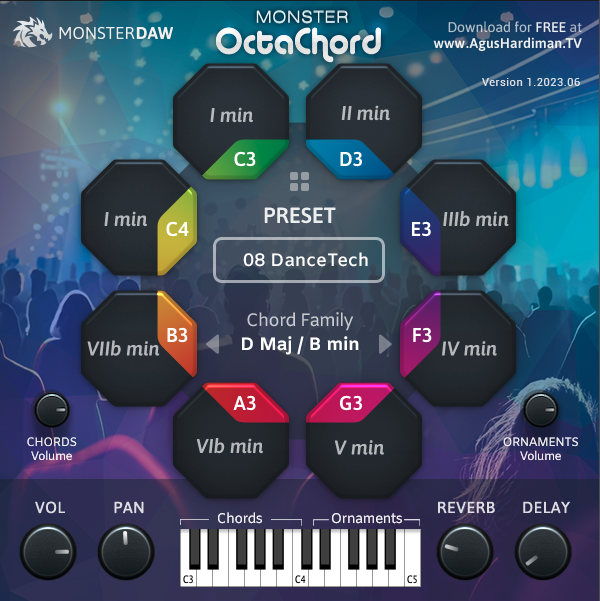
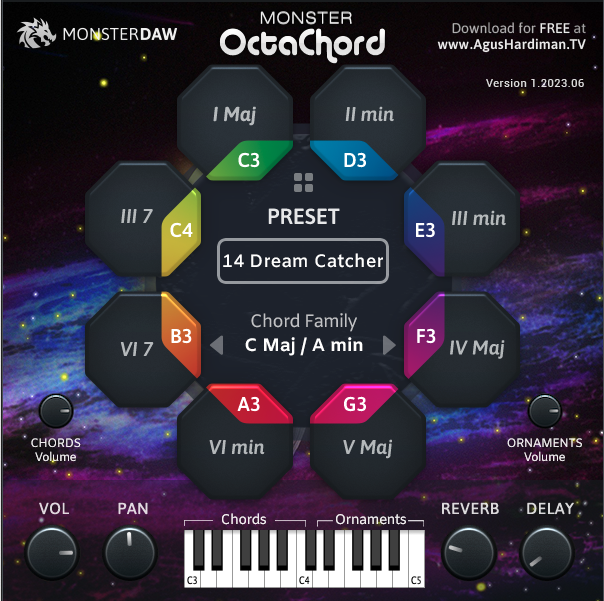
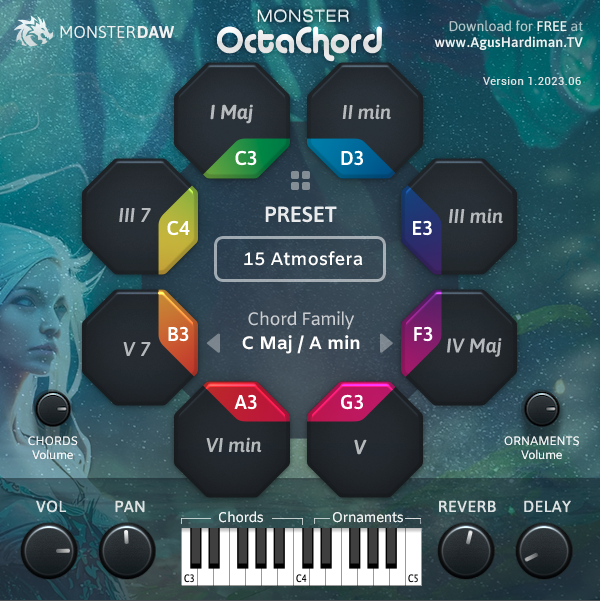
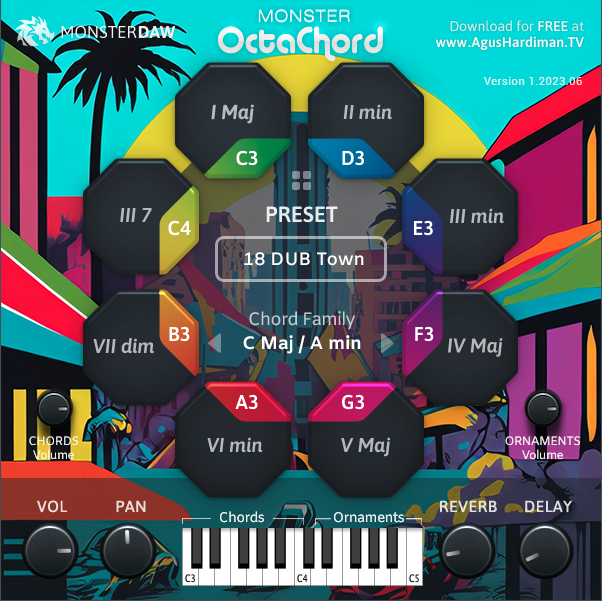
With just pressing a single note, MONSTER OctaChord effortlessly generates complex or simple chords in various genres of your choice. Whether you're into LoFi, Techno, Cinematic, R'n'B, Reggaeton, Pop, or more, this plugin has got you covered.
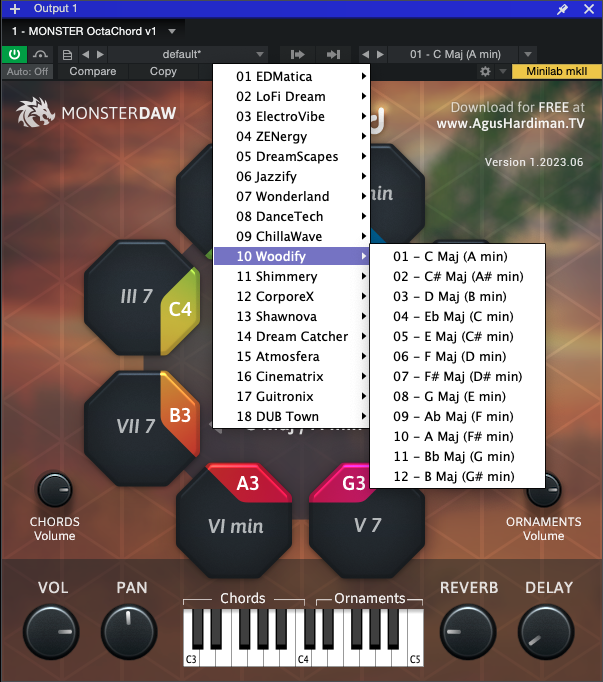
Each preset in MONSTER OctaChord includes a complete set of 12 scales. This means you can choose whether your song is in G Major, D Major, F# minor, B minor, or whatever key you prefer.
To complement the chord sets, MONSTER OctaChord also provides an Ornament set. These ornaments include fill-ins, melodic lines, and sound effects that perfectly match the chords. No matter which keys you play, you'll have the right accompaniment.
Watch this walkthrough of MONSTER OctaChord features and how to use it:
{See video at top of page}
Other features of MONSTER OctaChord are:
Instant Chord Progression for your song, no music theory needed.
Cover many music genres.
New FREE presets will be added continuously in the future.
Master Volume and Master Panning.
Monster OctaChord is a free plugin available in Windows VST2/VST3 64-bit and Mac VST2/VST3/Audio Unit 64-bit formats.
There's no installer so you have to put the file manually. Read and follow these steps:
NOTES: For Mac user, MONSTER OctaChord v1 plugin is not signed yet so if you encounter problem that the plugin is detected as harmful (actually it's not), you can try to googling on "how to install unsigned software on Mac OS X".
Or you can follow the direction in here: wikihow.com/Install-Software-from-Unsigned-Developers-on-a-Mac

Reviewed By JoachimSchmidt1969 [all]
April 7th, 2025
Version reviewed: 1 on Windows
Very nice, little thing.
But there are some restictions, that hopefully will be fixed in the future:
So hopefulle there will be an update soon. :-).
Reviewed By htrois@dr.com [all]
July 27th, 2023
Version reviewed: 1.2 on Mac
Quite fun, handy to make instant "youtube free library music" with 2 fingers. Or when your time schedule is realy tight and the client's budget in under below the low level this could be a solution :).
Response from AgusHardiman from Monster DAW on September 14th, 2023
Thank you for the review .
Reviewed By DaveF1993 [all]
July 25th, 2023
Version reviewed: 1 on Windows
Really nice plugin for hyperchords I like! I wish there was a MIDI output, so I can send the chords to a custom synthesizer.
Response from AgusHardiman from Monster DAW on July 26th, 2023
Hi, thanks for the interest. This is version 1 and I hope in the next version, I can make your suggestion come true. Stay tuned .
Reviewed By dafreelancer [all]
July 23rd, 2023
Version reviewed: 1 on Windows
Like the previous monsters, Monster Octachord gave a natural sound from the original musical instrument. As a content creator Octachord is very helpful to produce music shorter but with excellent quality. Already equipped with PAN, Reverb and Delay, but I haven't tried this feature. I like this monster.
Response from AgusHardiman from Monster DAW on July 26th, 2023
Thank you for spent time to comment, I appreciate it .
Reviewed By odod [all]
July 7th, 2023
Version reviewed: 1.0 on Mac
For me, this thing is the one.
I love the chords voicing, and all the unique sounds.
Very useful, and cool plugin.
The only thing that I want my dear friend Agus Hardiman needs to consider is the monstrous size of the sample.
But again, it's a Rompler in a unique Instrument format.
Thanks for making this one! keep advancing my dear friend.
Response from AgusHardiman from Monster DAW on July 8th, 2023
Thanks for your review. I hope in the next version, I can't solve that big file size problem .
 $149.00Acid V
Please log in to join the discussion
Submit: News, Plugins, Hosts & Apps | Advertise @ KVR | Developer Account | About KVR / Contact Us | Privacy Statement | Sell @ KVR | KVR Marketplace Terms & Conditions
© KVR Audio, Inc. 2000-2026