Log InCreate An Account
  1. Plugins
  2. »
  3. audiodev.blog
  4. »
  5. Orbinator
  6. »
  7. Details

Orbinator

Orbinator
Orbinator Orbinator
Orbinator by audiodev.blog is a Virtual Instrument Audio Plugin for macOS, Windows and Linux. It functions as an Audio Units Plugin, a VST 3 Plugin and a LV2 Plugin.
Product
Version
1.0.0
Tested on Windows 10 and 11
Product
Version
1.0.0
Minimum macOS version: 10.15
Product
Version
1.0.0
Built on Ubuntu 20.04 LTS
Instrument
Formats

MyKVR: Groups, Versions, ...

7 KVR members have added Orbinator to 3 MyKVR groups 9 times.

Download KVR Studio Manager (FREE)

Not In Your MY KVR Groups
(or group limitation prevents versioning)
+3 in private groups

KVR Rank

Overall: 16612   12408   14229   1163

30-Day: 6506; 7-Day: 221; Yesterday: 39

Orbinator is a wavetable synth where the wavetables are not fixed — they evolve.

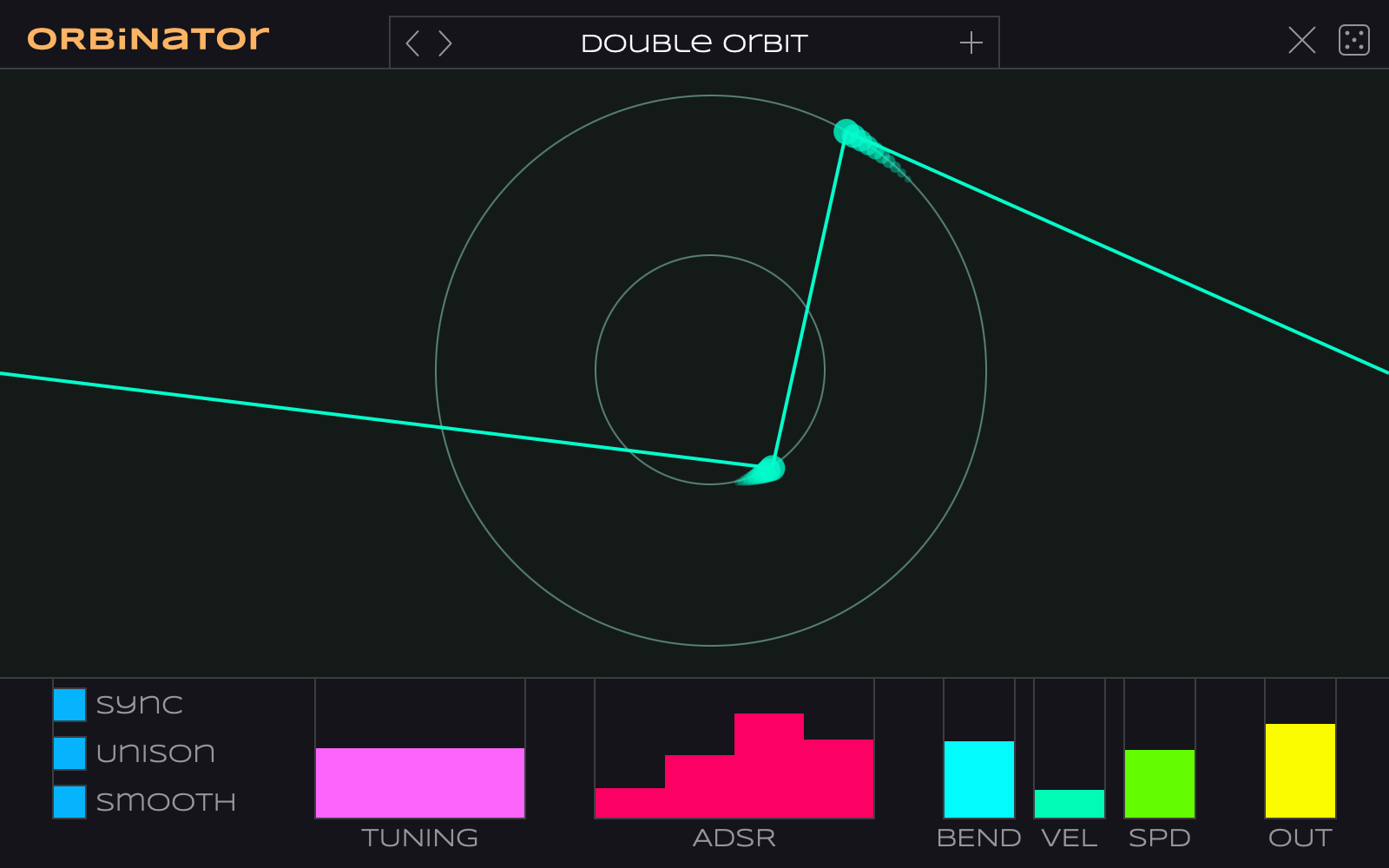
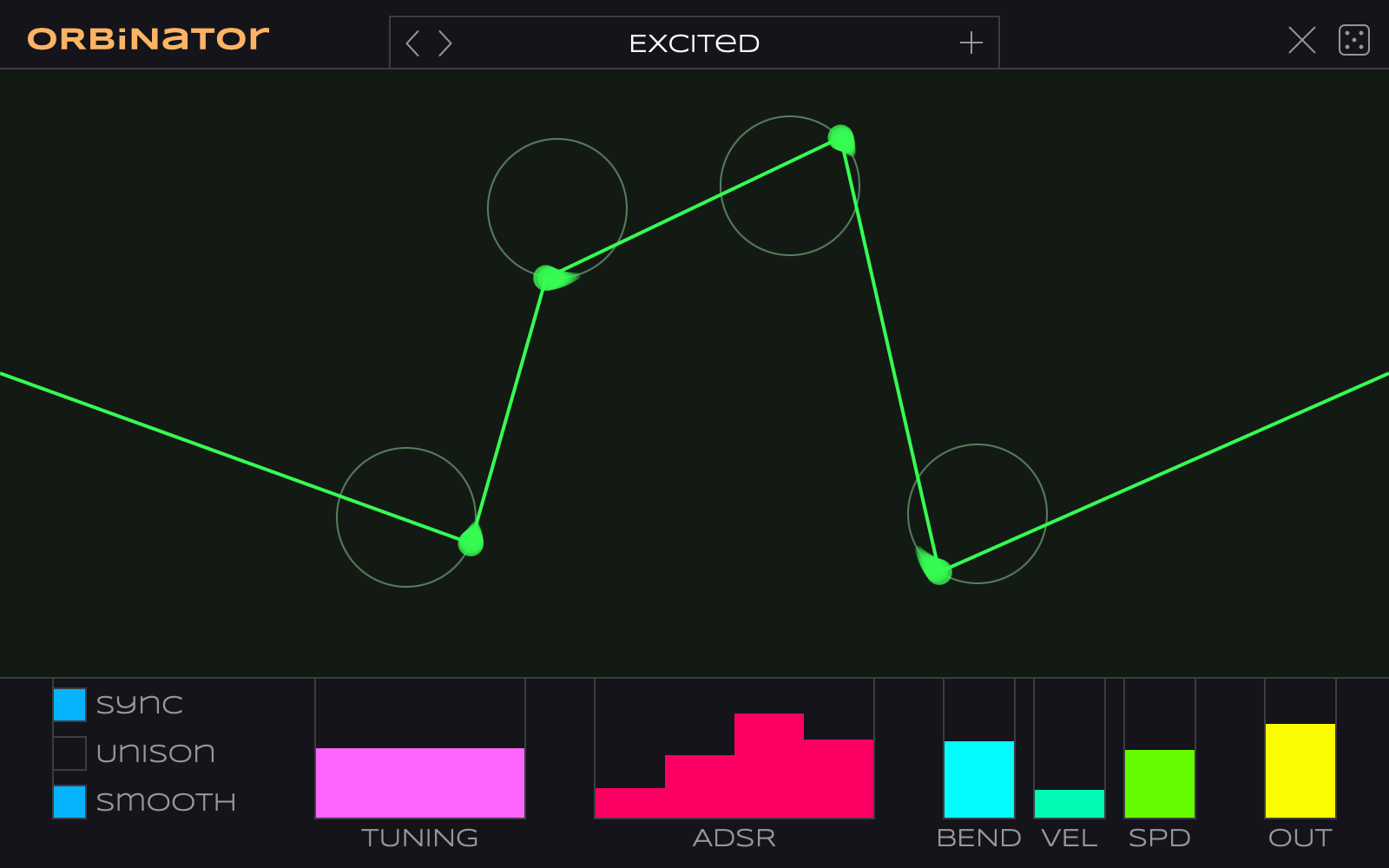
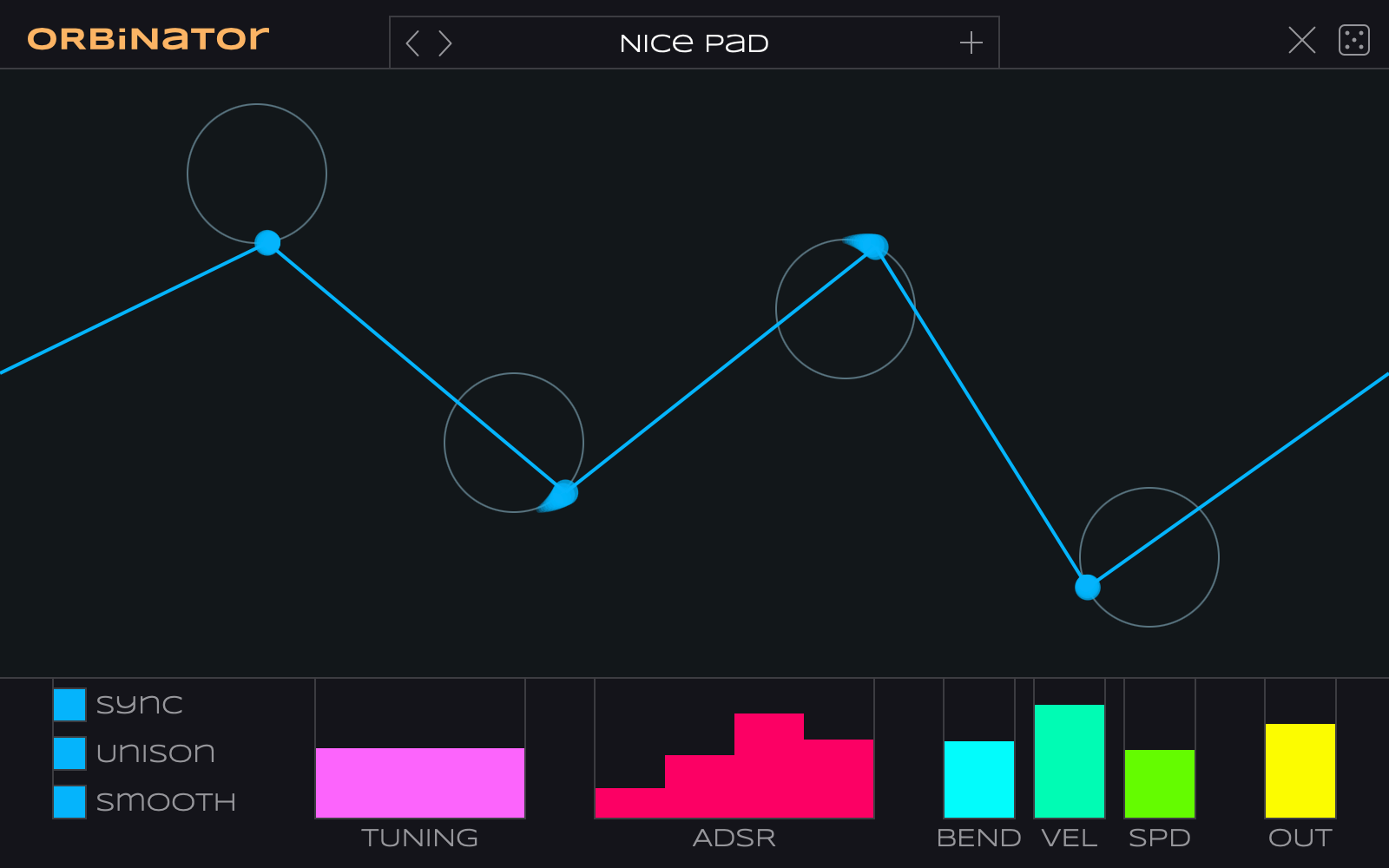
Place one or more orbs and give them a speed, direction and rotation radius. The line that connects the orbs describes a single cycle of the waveform that gets played. Because the orbs move, the wave is always changing shape.

This plug-in was inspired by an obscure method known as scanned synthesis where the wavetable is dynamically generated from a physical model of masses and springs. In Orbinator, the "physical model" consists of dots spinning around circles with an imaginary string between them.

How to use

Double-click anywhere in the window to add a new orb. You can add up to 8 orbs.

Hover near the center of a circle to reveal additional controls that do the following:

  • SPEED Click on the icon and drag up or down to change the rotation speed and direction. Double-click to stop the orb from moving.
  • MOVE Drag to reposition the circle. Double-click to delete this orb.
  • SIZE Drag up or down to change the circle radius. Double-click to restore default size.

Main controls:

  • SYNC If enabled, the rotation speed of the orbs is relative to the BPM. Speeds range from one 1/16th note per revolution (fast!) to 16 bars (slow).
  • UNISON Adds extra detuned voices.
  • SMOOTH If enabled, uses smooth interpolation between the orb positions, otherwise uses linear interpolation. (The UI always shows straight lines even if smooth is enabled.).
  • TUNING Pitch adjustment in octaves, semitones, and cents.
  • ADSR Your typical envelope controls.
  • BEND Amount of pitch bend in semitones, for the pitch wheel.
  • VEL Velocity sensitivity. If off, velocity is ignored.
  • SPD Sets the simulation speed, from 0.1 – 10×. This affects the speed of the orbs. You can also use the mod wheel for this. (Note: The animation speed in the UI doesn't change.).
  • OUT Output level in dB.

Supported platforms

Free download for Mac (AU, VST3), Windows (VST3), and Linux (VST3, LV2).

Made by a human for the KVR Developer Challenge 2026.

Latest User Reviews

Average user rating of 4.00 from 1 review
Orbinator

Reviewed By Warkyuu [all]
July 9th, 2026
Version reviewed: 1.0 on Windows

This one is fun. It is incredibly simple, meaning you will need to bring in your own effects to get the most out of this synth. Because of it's intuitive approach to modulation, you can easily create complex sounds with this despite it's rather substantial limitations.

Read Review

Products similar to Orbinator...

Comments & Discussion for audiodev.blog Orbinator

Discussion
Discussion: Active

Please log in to join the discussion

Log In To KVR Audio