67 KVR members have added Solidus Randy 250 to 67 MyKVR groups 77 times.
Download KVR Studio Manager (FREE)
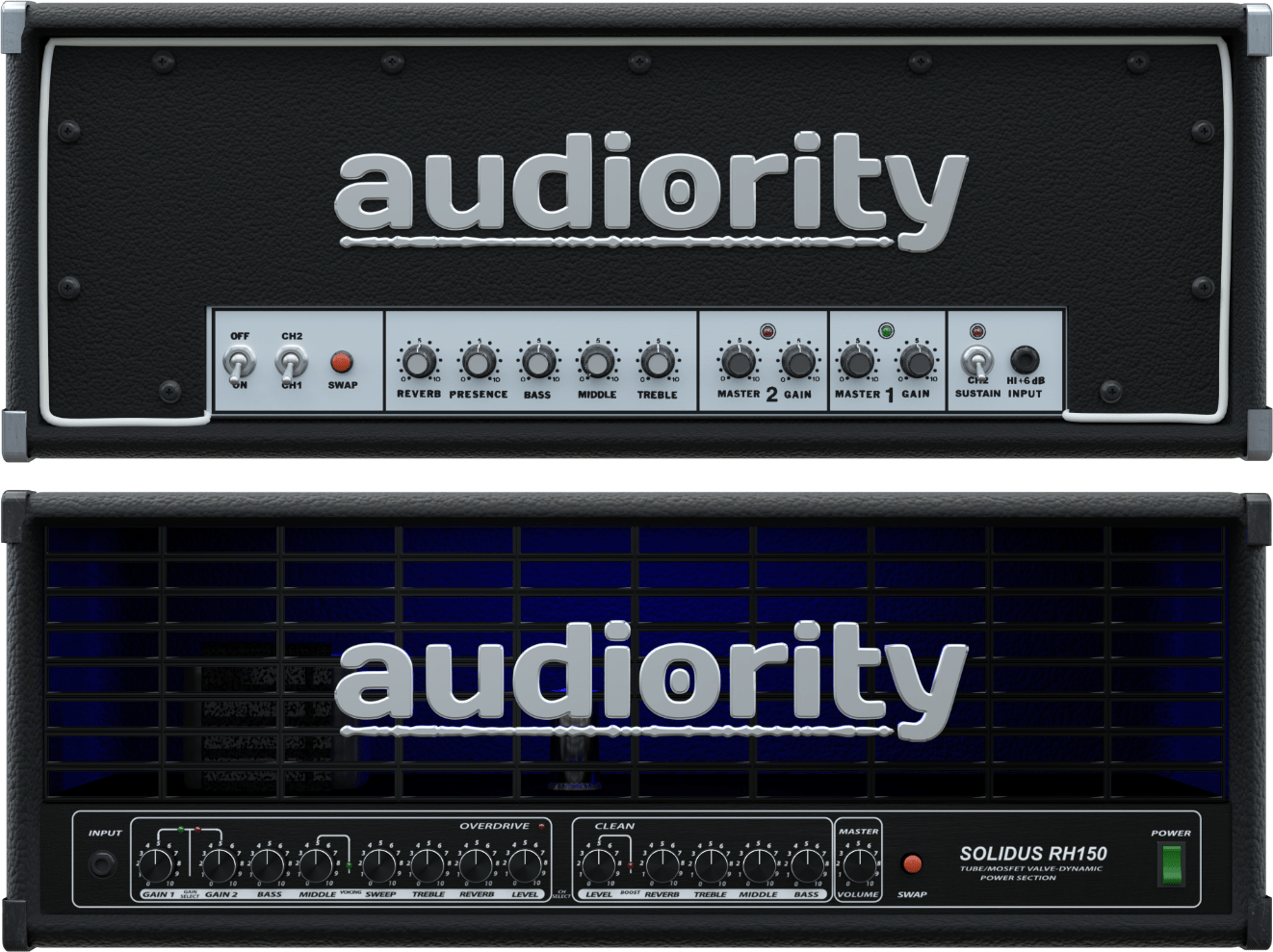
Solidus Randy 250 is an analog simulation of the Randall RG100ES (late '80s) and RH150 (late '00s) solid state amplifiers.
The RG100ES head, produced in the late 80s, has been a remarkable amplifier that defined the sound of some of the greatest metal bands of that time, while the RH150 is a more modern rendition with much more gain. Both amplifiers are renowned for their huge low end and crushing gain.
We carefully modeled the original amplifier and added some goodies to further shape your guitar tone: a noise gate, a modern overdrive, a couple EQs (6 Band Graphic EQ + a 3 Band Parametric), a post-amp 5 band EQ and a Dual Cab Loader.
SPECIFICATIONS:
{See video at top of page}
 $199.99AmpliTube 5
Please log in to join the discussion
Submit: News, Plugins, Hosts & Apps | Advertise @ KVR | Developer Account | About KVR / Contact Us | Privacy Statement | Sell @ KVR | KVR Marketplace Terms & Conditions
© KVR Audio, Inc. 2000-2026