Log InCreate An Account
  1. Plugins
  2. »
  3. EVA Instruments
  4. »
  5. Virtual Stage
  6. »
  7. Details

Virtual Stage

Room Emulation Plugin by EVA Instruments
MyKVRFAVORITE3WANT4
Virtual Stage
Virtual Stage
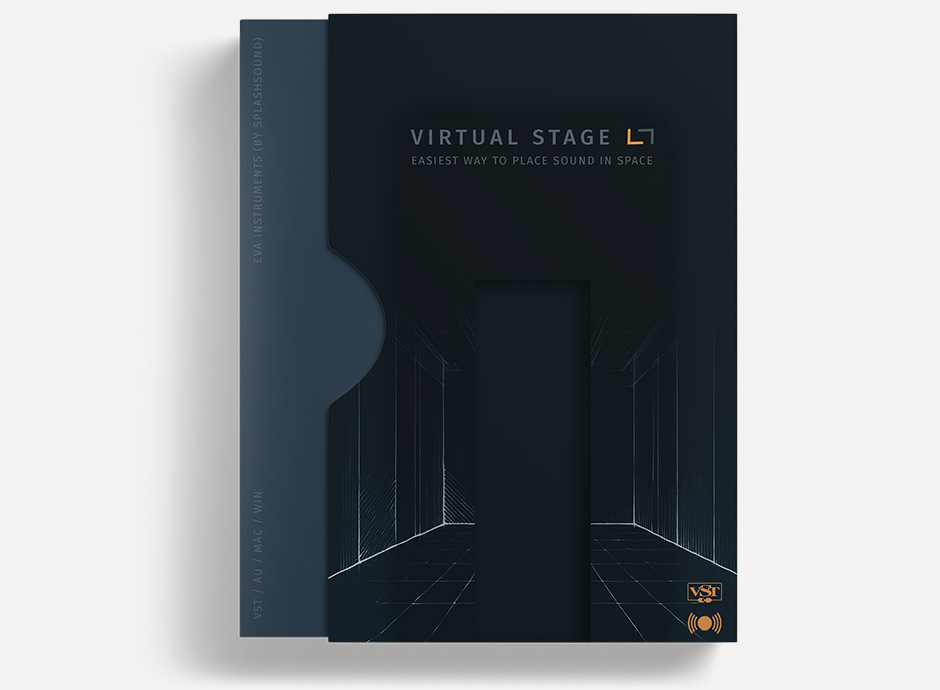
Virtual Stage by EVA Instruments is a Virtual Effect Audio Plugin for macOS and Windows. It functions as an Audio Units Plugin, a VST 3 Plugin and an AAX Plugin.
Product
Version
1.2.0
Windows 7 or newer
Plugin host that supports VST3 or AU (AAX (Pro Tools) is not supported)
Download size: 8,72MB
CPU: Intel / AMD
RAM: 3 GB of RAM or more is recommended
Product
Version
1.2.0
MacOS 10.14 or newer
Plugin host that supports VST3 or AU (AAX (Pro Tools) is not supported)
Download size: 33,36MB
CPU: Intel / Apple Silicon Native
RAM: 3 GB of RAM or more is recommended
Effect
Formats
Copy Protection
None

MyKVR: Groups, Versions, ...

17 KVR members have added Virtual Stage to 15 MyKVR groups 20 times.

Download KVR Studio Manager (FREE)

Not In Your MY KVR Groups
(or group limitation prevents versioning)
+15 in private groups

KVR Rank

Overall: 17716   12830   14598

30-Day: 15968; 7-Day: 9871; Yesterday: 34698

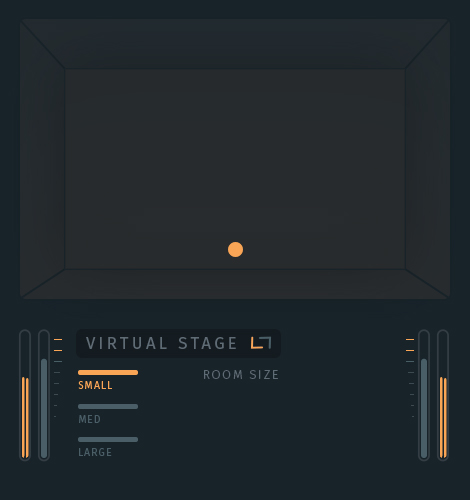
Virtual Stage is a plugin that lets you position any instrument in your mix with a single move. Just drag the controller in the virtual room, and your sound instantly finds its place in the space.

Forget complex routing and endless parameters. Virtual Stage does in one simple move what other plugins require dozens of settings for.

Choose the Right Space for Your Mix.

Three virtual room sizes to shape your sound:

  • Small – for a tight and focused sound.
  • Medium – a versatile choice for most mixes.
  • Large – for spacious, immersive depth.

Unlike expensive alternatives, Virtual Stage is simpler, faster, and more intuitive—without the high price tag. No need to spend hundreds of dollars on complicated solutions. Just install and start shaping your sound.

Latest User Reviews

Average user rating of 0.00 from 0 reviews

Products similar to Virtual Stage...

Comments & Discussion for EVA Instruments Virtual Stage

Discussion
Discussion: Active

Please log in to join the discussion

Log In To KVR Audio
