Log InCreate An Account
Speaker Splitter
Speaker Splitter Speaker Splitter
What is it?
Format(s)
Instrument(s)  
Operating System Availability
Operating System Latest Version
 1.0 
 1.0 
 1.0 
License & Installation Method
No License Required
Tell Me More
For related news items, downloads and more please see the full KVR product page for
Speaker Splitter

Speaker Splitter
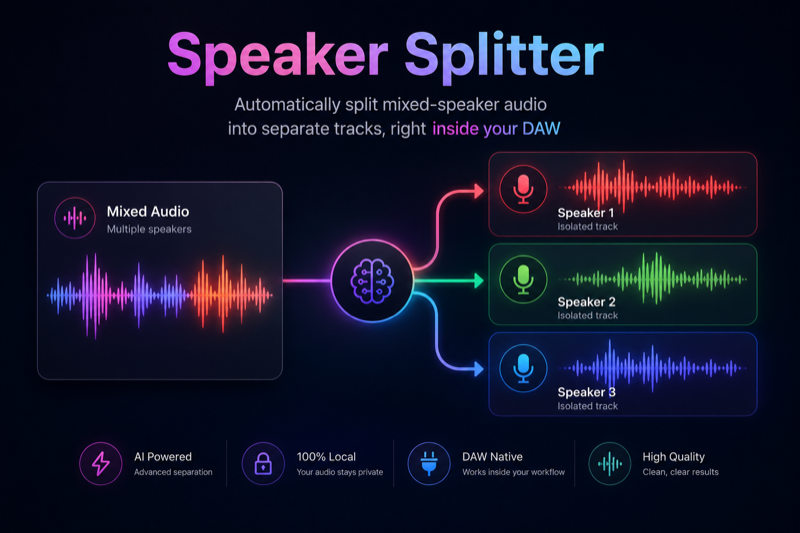
Automatically split mixed-speaker audio into separate tracks, right inside your DAW


Transform any mono or stereo recording into isolated speaker stems — ideal for podcasts, interviews, post-production, and research. With a single plug-in instance, Speaker Splitter uses a lightweight ONNX model to detect speaker boundaries and export per-voice files, saving you hours of manual editing.


Key Features

  • Real-Time Speaker Segmentation.
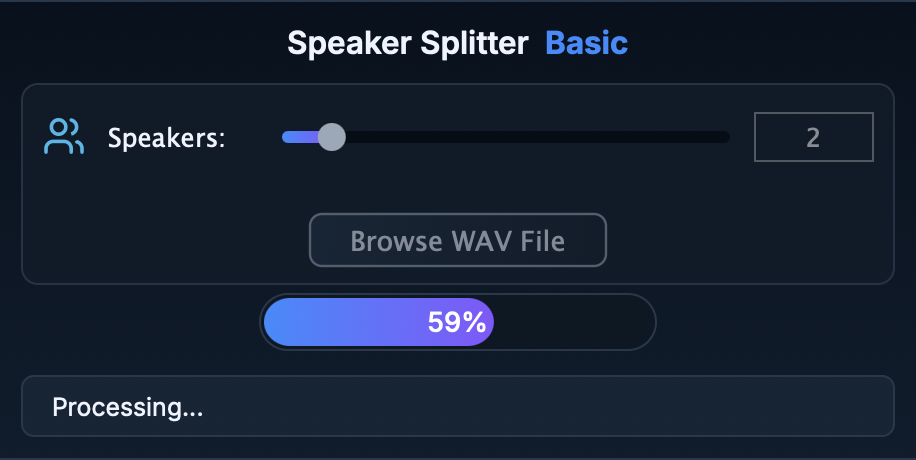
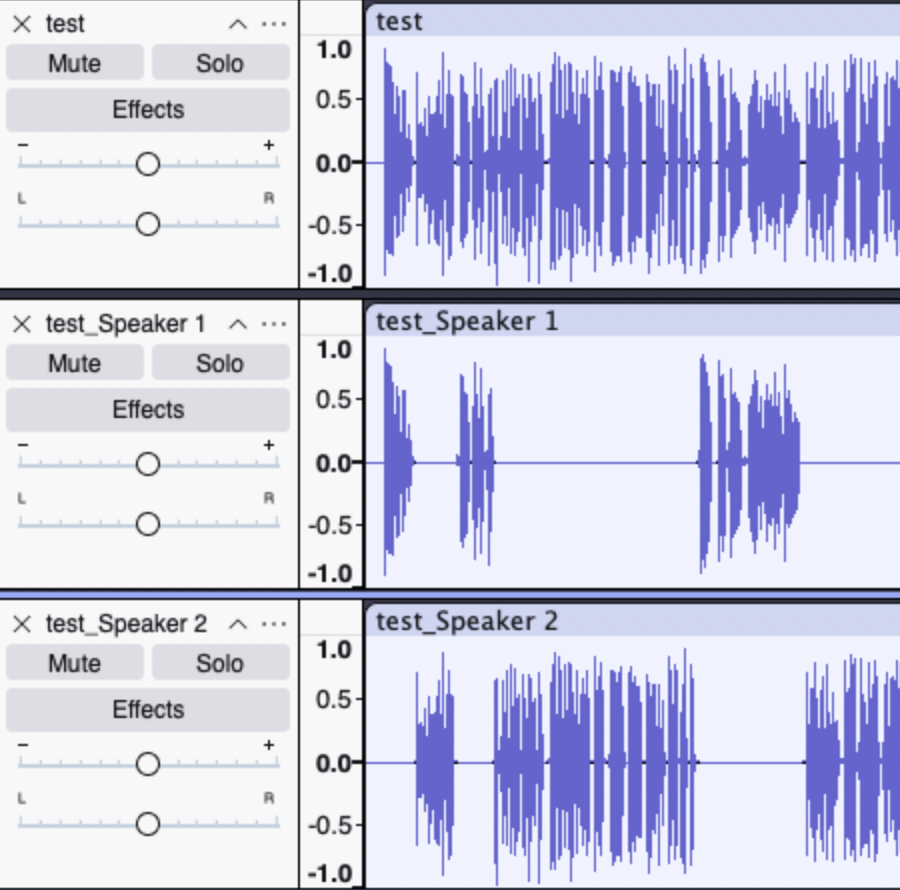
    Runs entirely in your DAW — no round-trip to external apps. Choose number of speakers from 1 to 10 and browse a WAV recording file, wait a little bit, and your speakers will be automatically splitted and exported:
  • Lightweight ONNX Core.
    Ships with a statically-linked ONNX Runtime, so there's nothing extra to install — just drop the .vst3 into your plugin folder:
  • Cross-Platform Compatibility
    VST3 on Windows (x64 & x86), macOS (Intel & Apple Silicon), and Linux (x86_64 & arm64)
    Fully tested in Adobe Audition, REAPER, Ableton Live, Logic Pro, Cubase, Audacity, and more. For Linux be aware that sandboxed (Flatpak/Snap) Audacity cannot load third-party VST3 plug-ins.
  • Zero Dependencies, Zero Crashes

    Everything the plug-in needs is bundled inside — no separate installers and no "missing DLL" nightmares.

How It Works

1) Install (copy) your Speaker Diarizer folder to the system VST3 folder:

  • Windows (64-bit):
 C:\Program Files\Common Files\VST3\
  • macOS:
 /Library/Audio/Plug-Ins/VST3/
  • Linux:
 ~/.vst3/

Or if you specifically pinpoint you DAW application to the plug-in root folder.

2) Open the Speaker Splitter plug-in in your DAW program.

3) Browse your recording in WAV format and choose the number of speakers (1–10).

4) Run processing — speaker stems export automatically next to your recording.

System Requirements

  • Windows 10 or later (64-bit).
  • Linux: modern 64-bit distribution (x86_64 or arm64).
  • DAW supporting VST3 (Audition only supports effects, not instruments).
  • CPU: SSE4.1+ (most CPUs since 2010).
  • ~110 MB disk space for plug-in + model files.

What's Included

  • Speaker Splitter.vst3 (Windows x64; macOS universal — Intel + Apple Silicon; Linux x86_64 or arm64).
  • ONNX model (.onnx) pre-optimized for real-time.
  • Lifetime license with free minor updates.

Licensing & Support

  • Perpetual License: purchase once, use forever.
  • Email support: pr.germux@gmail.com

Take your podcast, interview, and post-production workflow to the next level. Buy Speaker Splitter now and stop manually chopping audio — let AI do the hard work.


All sales are final, and no refunds will be issued for this product due to its digital nature. If you encounter any issues or need assistance, feel free to contact me at: pr.germux@gmail.com. I'll be happy to help resolve any questions or concerns.

User Reviews Average user rating of 0.00 from 0 reviews Add A Review

Customers who like Speaker Splitter also viewed...

Products similar to Speaker Splitter...

More products by Pr.Germux...

Log In To KVR Audio