



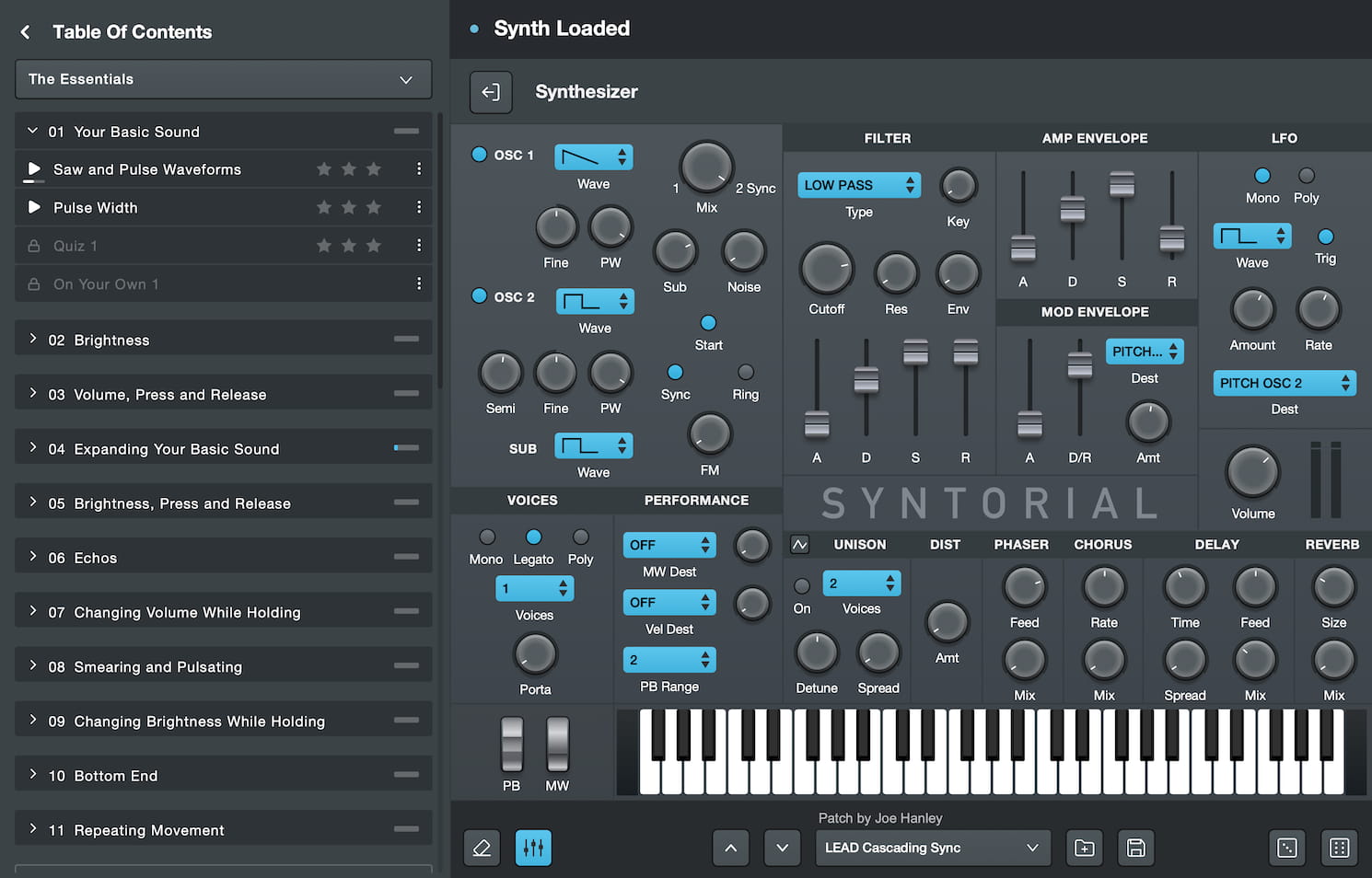
 Audible Genius has released a new update for Syntorial, its synthesizer training software, now available on macOS, Windows, and iOS. This update introduces several new features and improvements aimed at enhancing the user experience across all platforms.
New Features:
-
New Add-On Lessons: New single Add-On Lessons that walk users through the recreation of famous synth patches can now be downloaded from the online account. The first Add-On Lesson is "New Wave Vol 1" covering famous patches from classic New Wave artists like The Cars, Devo, Blondie, and more. More lessons coming soon.
- V1 Challenge Audio Responses: By popular demand, the clapping and cheering audio responses from Syntorial V1 challenges are back, adding a retro motivational boost during exercises.
- Auto-Playback Toggle Button in Challenges: A new button has been added to allow users to toggle automatic playback during challenges to prevent the patch from automatically playing when moving to the next patch.
- Demonstration Video Volume Control: Users can now adjust the volume of demonstration videos separate from the challenge synth.
- QWERTY Keyboard Synth Controls: The QWERTY keyboard can now be used to control the Mod Wheel, Pitch Wheel, and Velocity when operating the synth.
Improvements:
- Auto-Load Demonstration Video Speed: The last speed used for demonstration videos will now automatically load when users begin a new lesson.
- Keyboard Shortcuts for Video Speed: Users can now adjust demonstration video speed using simple keyboard shortcuts (up and down arrows).
- Improved Japanese Subtitles: The quality of Japanese subtitles for demonstration videos has been refined and improved for clarity.
- Various minor bug fixes have been implemented to improve performance and stability across all platforms.
This update is free for all Syntorial users and is available for immediate download.
To access the update, visit your Audible Genius account.
