
2 KVR members have added Autocatalysis to 1 MyKVR group 2 times.
Download KVR Studio Manager (FREE)
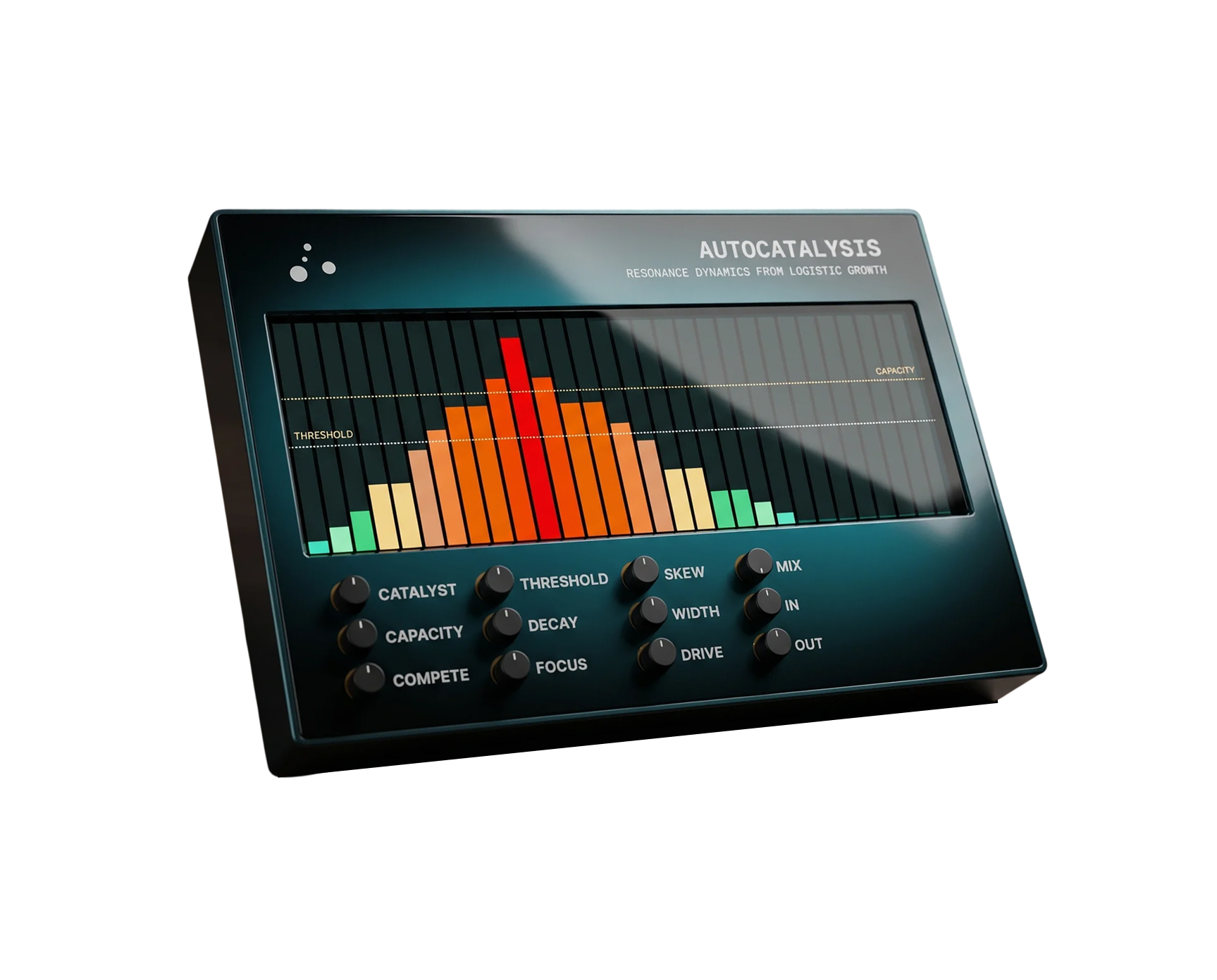
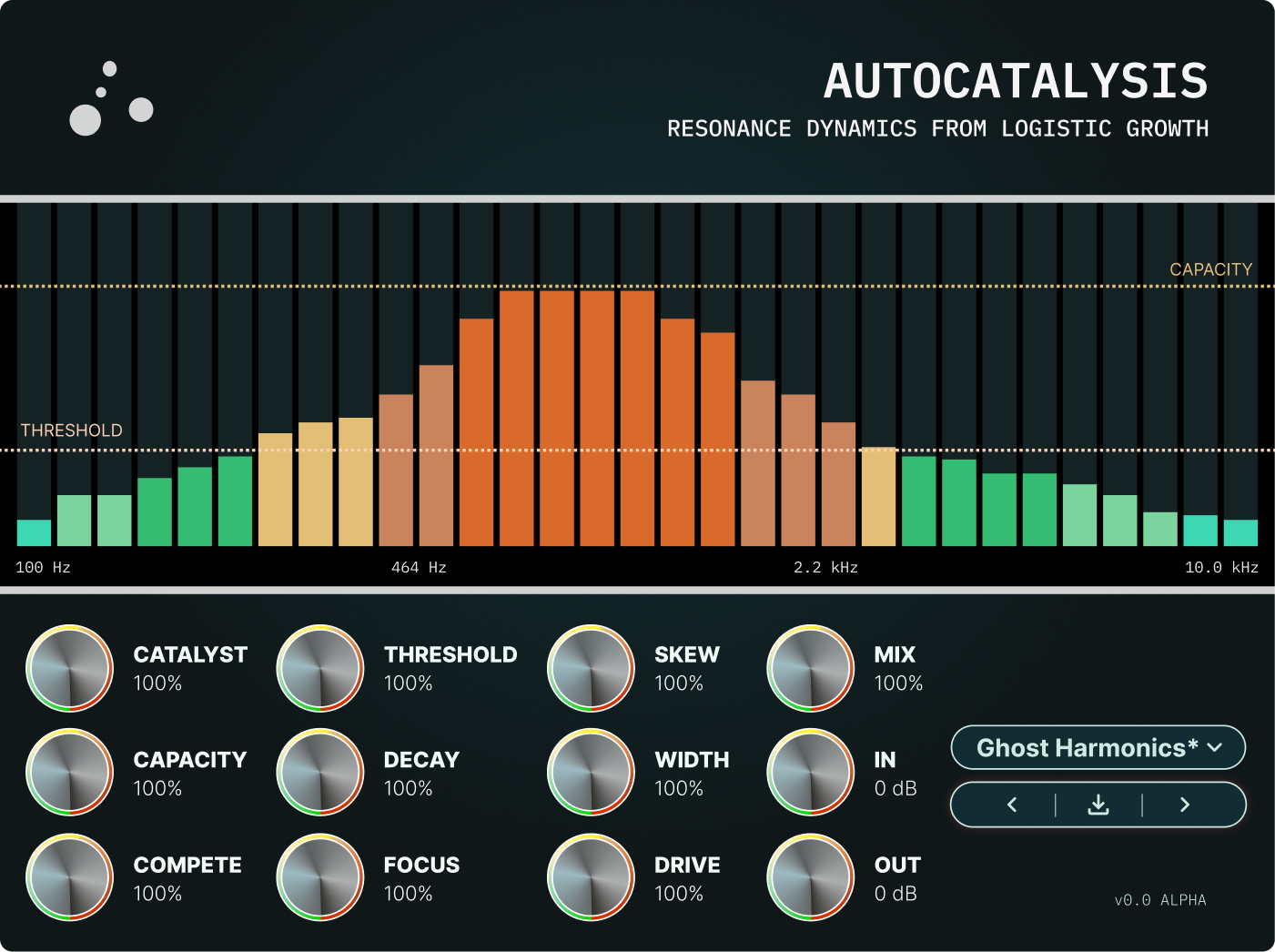
Autocatalysis is a resonant filterbank governed by population dynamics. Sixteen tuned resonators track the harmonic content of your signal; the bands that find their pitch in the source bloom on a logistic S-curve, slowly at first, then explosively, then self-limiting against a shared capacity.
Push the Compete knob past zero and the resonators start taking energy from each other, breathing rhythmically on their own at the extremes — a regime where the plugin behaves as a dynamic system rather than a static EQ.
Sort of, but not really. Sixteen resonators are tuned across the audible spectrum, and as signal enters the system, the harmonic content per 16 frequency bands is processed. When one of the resonators finds its pitch in the source above the Threshold, it begins to grow (at a rate controlled by the Catalyst knob) on the same S-curve that describes bacterial population growth: slow at first, then explosive, then self-limiting against the band's capacity ceiling -- that being controlled by the Capacity knob.
It's a fairly unique resonance saturator crossed with an EQ.
There are three primary parameters: Catalyst sets the rate at which seeded bands grow toward their ceiling, Capacity sets the height of that ceiling, and Compete sets how aggressively bands draw energy from one another. With Compete at zero, every band grows independently — a static, additive harmonic enhancer. As Compete rises, the bands begin competing for a shared resource pool. At higher settings, the system enters a winner-takes-most regime where dominant frequencies suppress weaker ones, and at the extreme, the bands oscillate around equilibrium, breathing rhythmically on their own without an external trigger.
The other controls include Decay, which controls how quickly the resonators fall after the signal falls below the threshold. Focus, which narrows the active spectral region around the dominant frequency band. Skew, for weigthing the effect toward lower or higher frequencies. Width, for stereo decorrelation. and Drive.
The DSP is a real implementation of logistic-growth dynamics, not a metaphor for them. The cap, growth rate, and competition coefficients are the same parameters that appear in the Lotka-Volterra and autocatalytic-reaction equations from chemistry and population biology. What's novel here is mapping those parameters to filter-bank behavior so that a producer can move continuously between gentle harmonic enrichment, aggressive resonance, and self-oscillating regime change.
Autocatalysis works as a saturator alternative on dense material (the per-band cap prevents harshness), as a resonant body for percussion (the bands track transients and bloom from them), and as a self-driven texture generator (high Compete + sustained input produces evolving rhythmic activity).
---
Learn more at https://chiral.audio.

Please log in to join the discussion
Submit: News, Plugins, Hosts & Apps | Advertise @ KVR | Developer Account | About KVR / Contact Us | Privacy Statement | Sell @ KVR | KVR Marketplace Terms & Conditions
© KVR Audio, Inc. 2000-2026

