
3 KVR members have added Iron Deck to 4 MyKVR groups 7 times.
Download KVR Studio Manager (FREE)
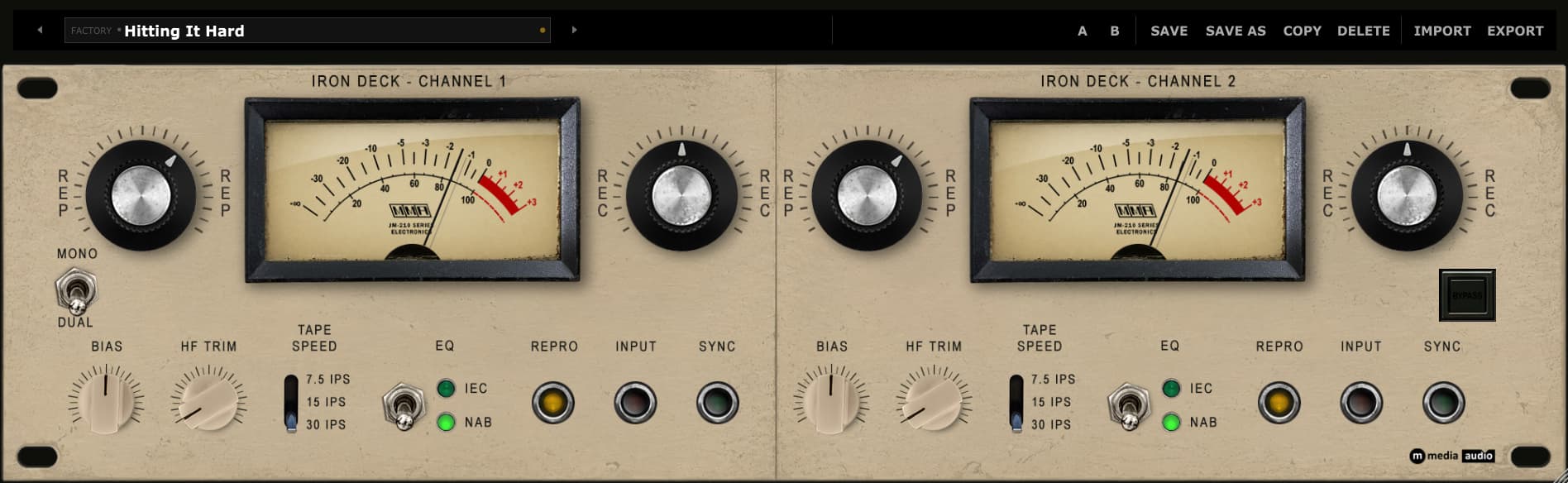
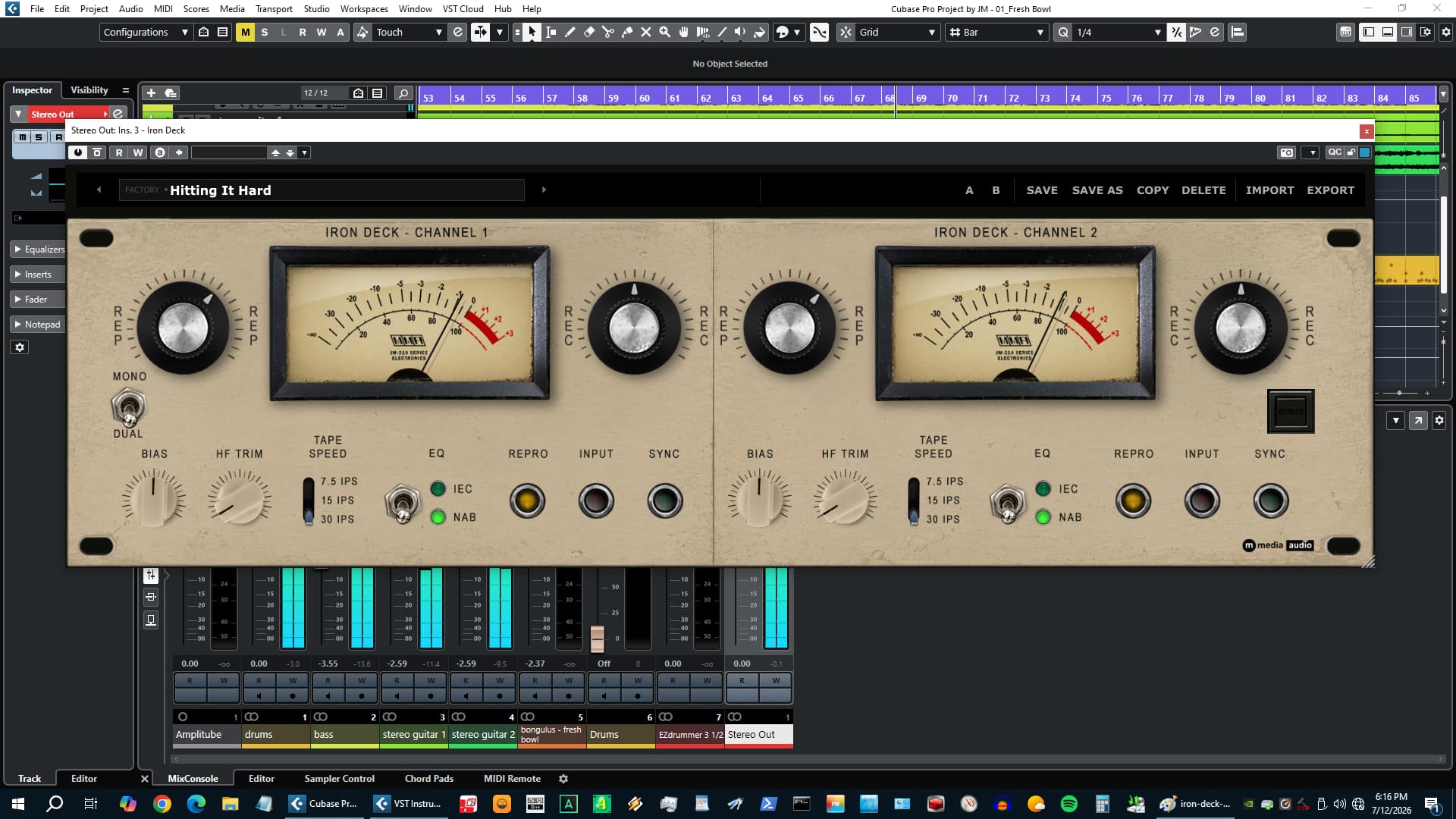
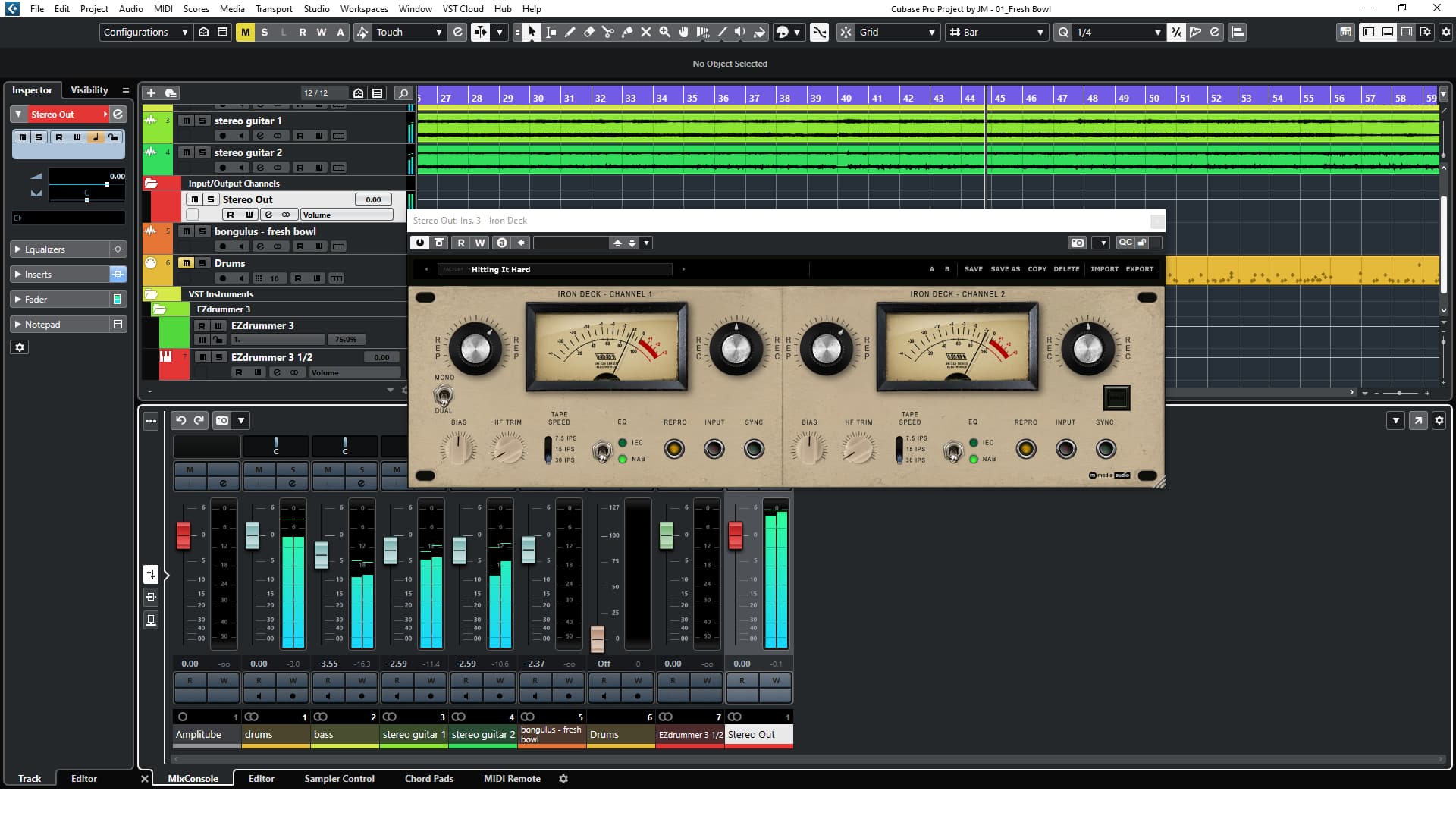
Every Track Gets the Iron. Push the REC and feel it grab. That is what tape does - not just warmth, but weight. Notes get a shape to them. Peaks round off the way physics rounds them, not math. Transients breathe. The whole track sits differently when it has been through iron. Iron Deck puts that on a channel insert. Two fully independent channels. Free.
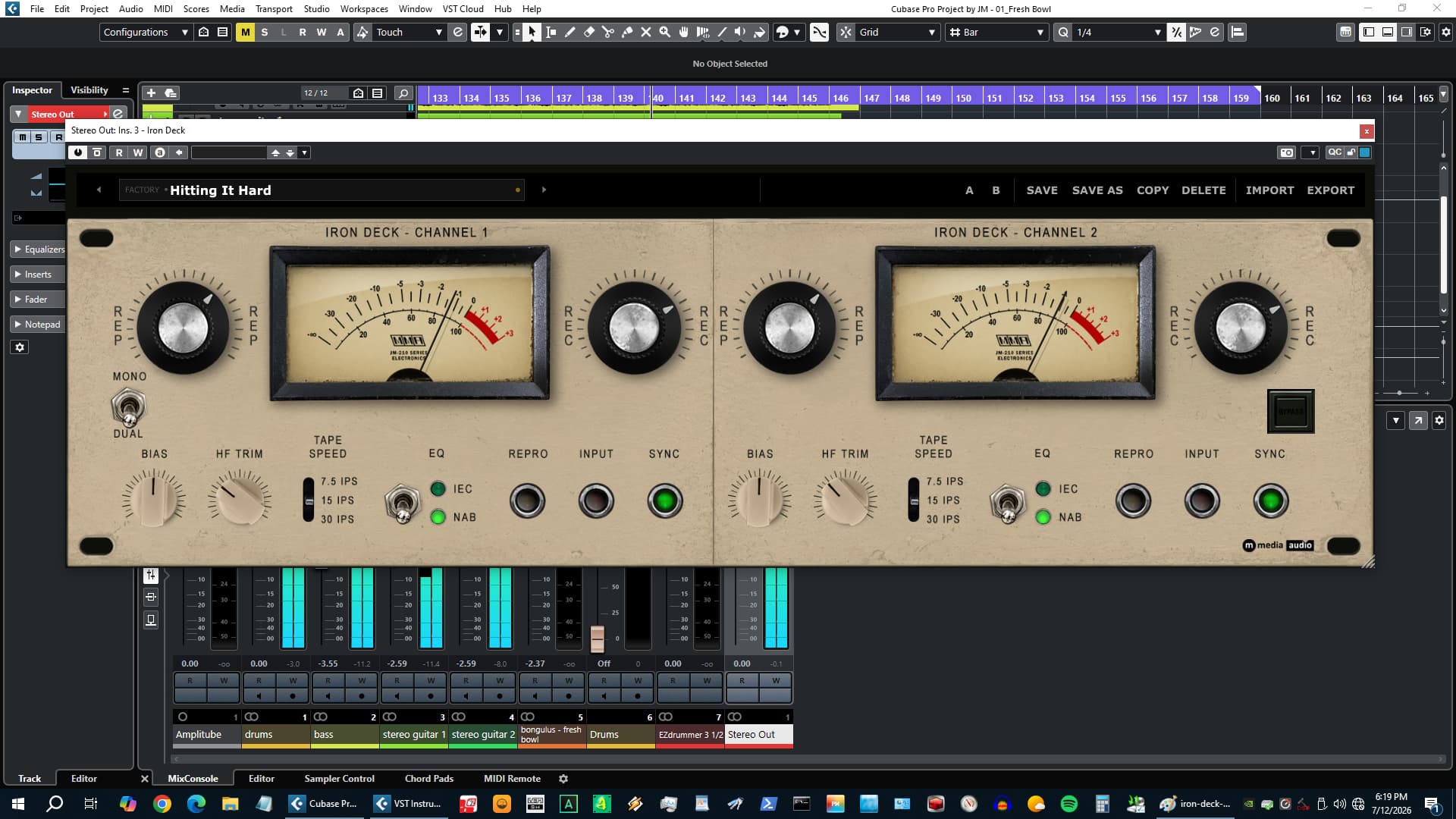
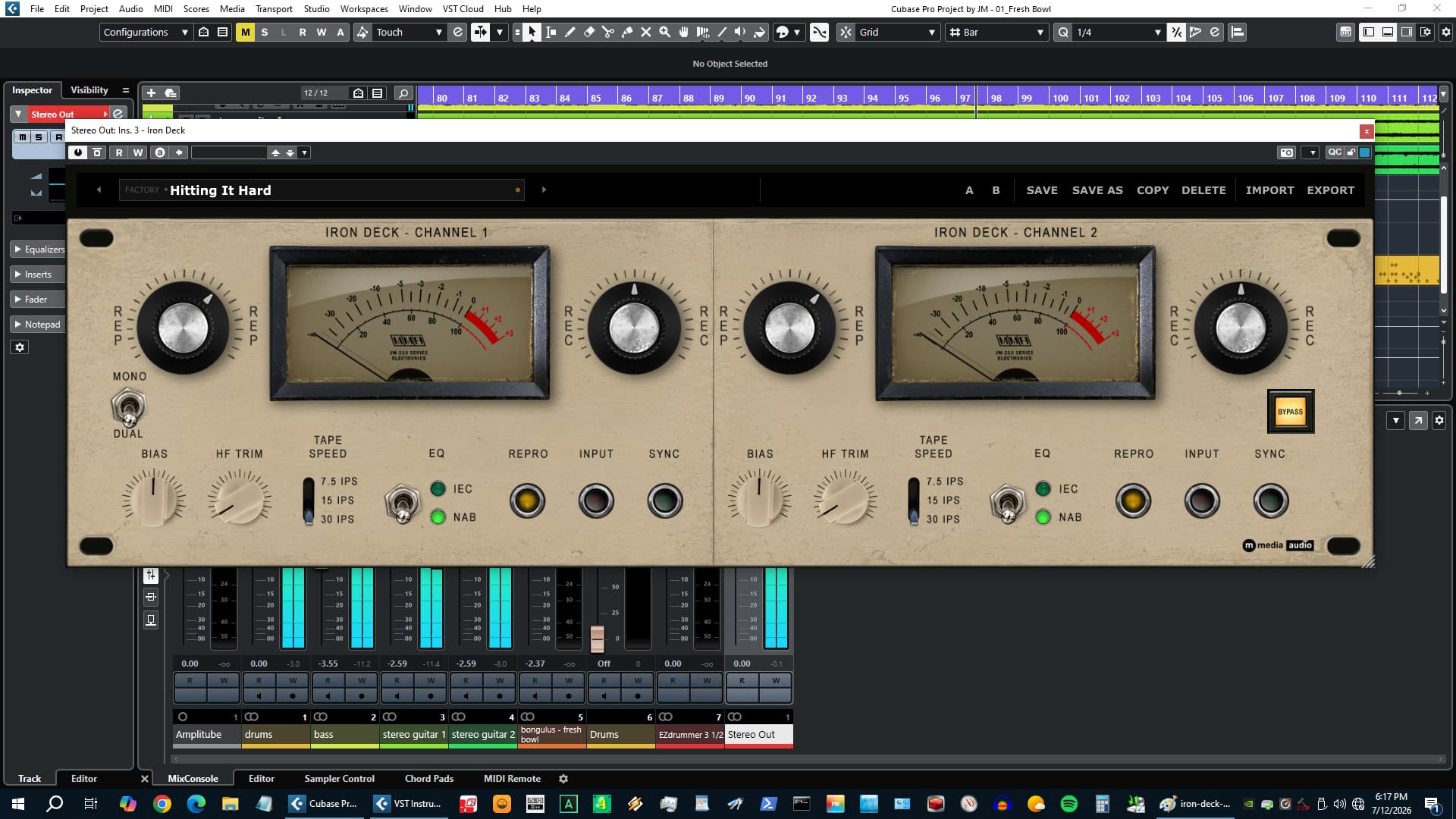
The REC knob is how hard you hit the tape. At 9 o'clock it barely touches the circuit - a light pass of even-harmonic warmth. At noon you hear it grab. Past noon the tanh-based saturation and the soft-knee RMS compressor behind it are both working, and the track starts doing what a track sounds like when it was actually recorded to tape. Odd-harmonic content builds alongside the even-harmonic base. The compression is not an audible compressor effect - it is the natural program-level control the machine exerts when you push it. REP is output level, post everything. Drive the iron as hard as the track can take, then bring it back where it needs to be.
Three signal path modes change the fundamental tonal character. REPRO is the full reproduce head path: IEC or NAB playback EQ active, complete tape coloration from the REC drive. This is the mode when you want the track to sound like it came off a reel. INPUT is the record amplifier path - clean and transparent at moderate drive, only adding subtle character at high REC settings, for sources that need handling without transformation. SYNC captures the sync head monitoring character: a mid-forward EQ curve with slight top-end compression, the sound engineers heard through the sync head while recording overdubs. Each mode has a distinct tonal identity and each one responds differently to the REC drive.
The IEC/NAB switch selects the playback EQ curve across all three modes: IEC for top-end clarity and a leaner low end, NAB for more low-end weight and warmth - the classic American tape character. Tape Speed adjusts LF/HF shelving matched to the IPS setting: 7.5 IPS adds mass and softens the top end, 30 IPS lifts the HF and opens the character up. BIAS trims above and below nominal - counter-clockwise into under-biased territory brightens the character and increases third-harmonic content, clockwise into over-biased softens the top end and shifts the balance toward even-order warmth. HF TRIM is a final independent shelving low-pass that rolls off the top end separately from bias and tape speed.
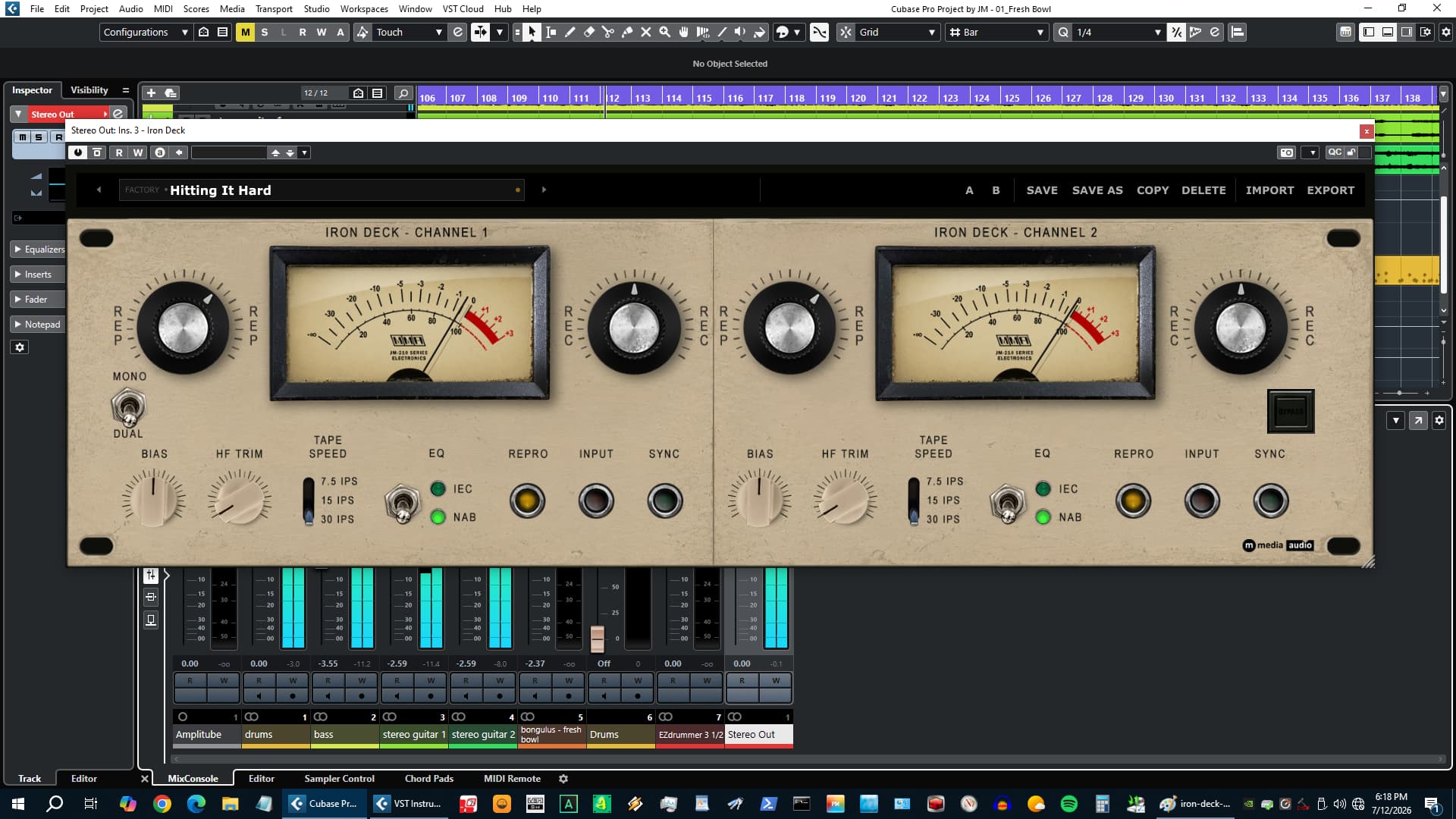
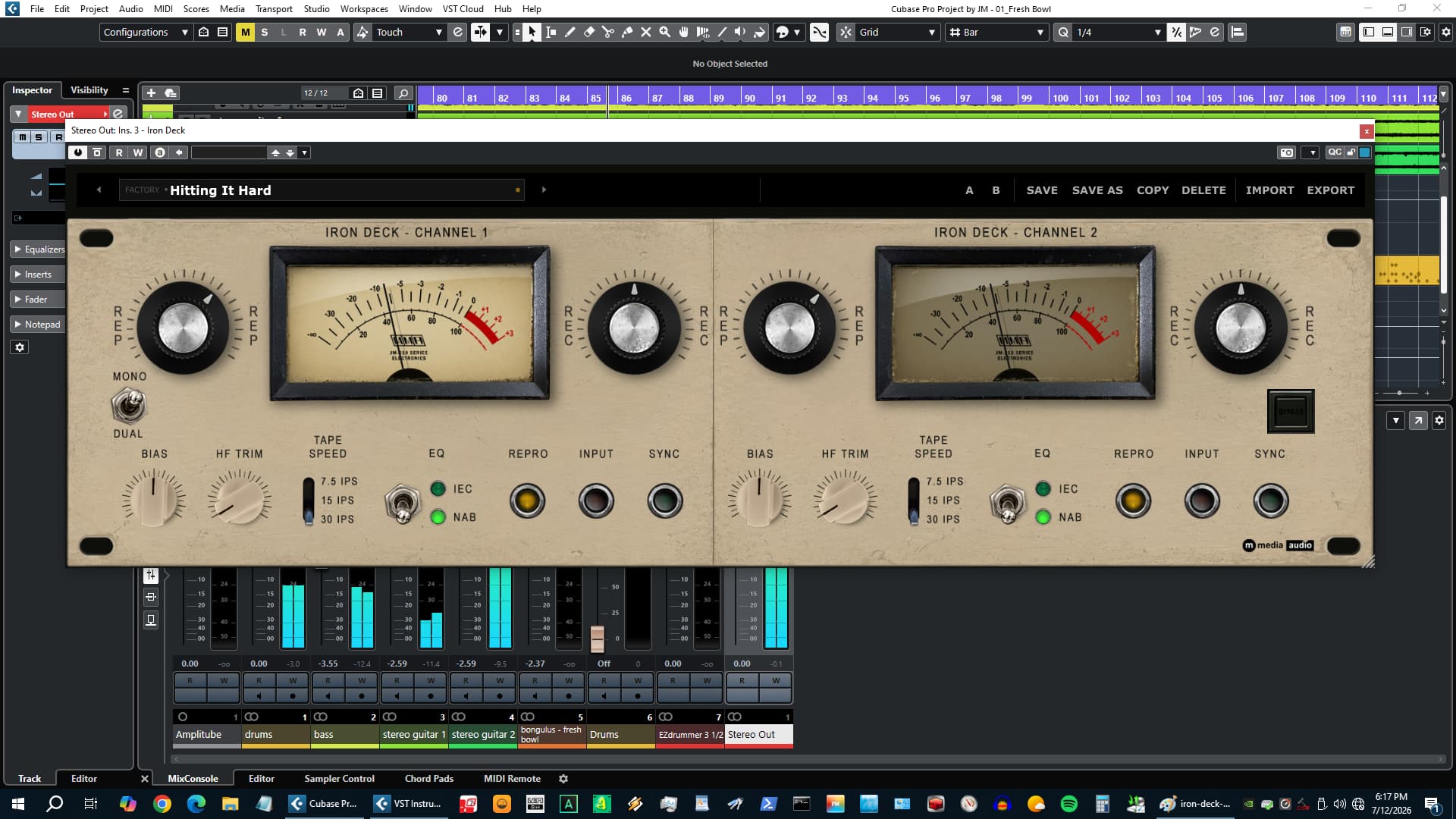
Both channels are completely independent - not just linked stereo, two separate machines that happen to share an enclosure. REC, REP, BIAS, HF TRIM, TAPE SPEED, IEC/NAB, and REPRO/INPUT/SYNC all have their own state and DSP path per channel. Run them identically for a matched stereo pair. Drive one harder than the other. Set channel one to NAB and channel two to IEC. Use SYNC on one side and REPRO on the other. On a mono track the left channel activates and the right panel goes dark - one tape machine, no settings to change. The DAW bus configuration drives the channel count automatically.
Free. No license key, no account, no activation, no expiry. Enter an email address and a download link arrives immediately. Download at mmediaaudio.com/plugins/iron-deck.
 $79.00Tape J-37
Please log in to join the discussion
Submit: News, Plugins, Hosts & Apps | Advertise @ KVR | Developer Account | About KVR / Contact Us | Privacy Statement | Sell @ KVR | KVR Marketplace Terms & Conditions
© KVR Audio, Inc. 2000-2026

