0 KVR members have added GeoBassFlute for GeoShred Studio to 0 MyKVR groups 0 times.
Download KVR Studio Manager (FREE)
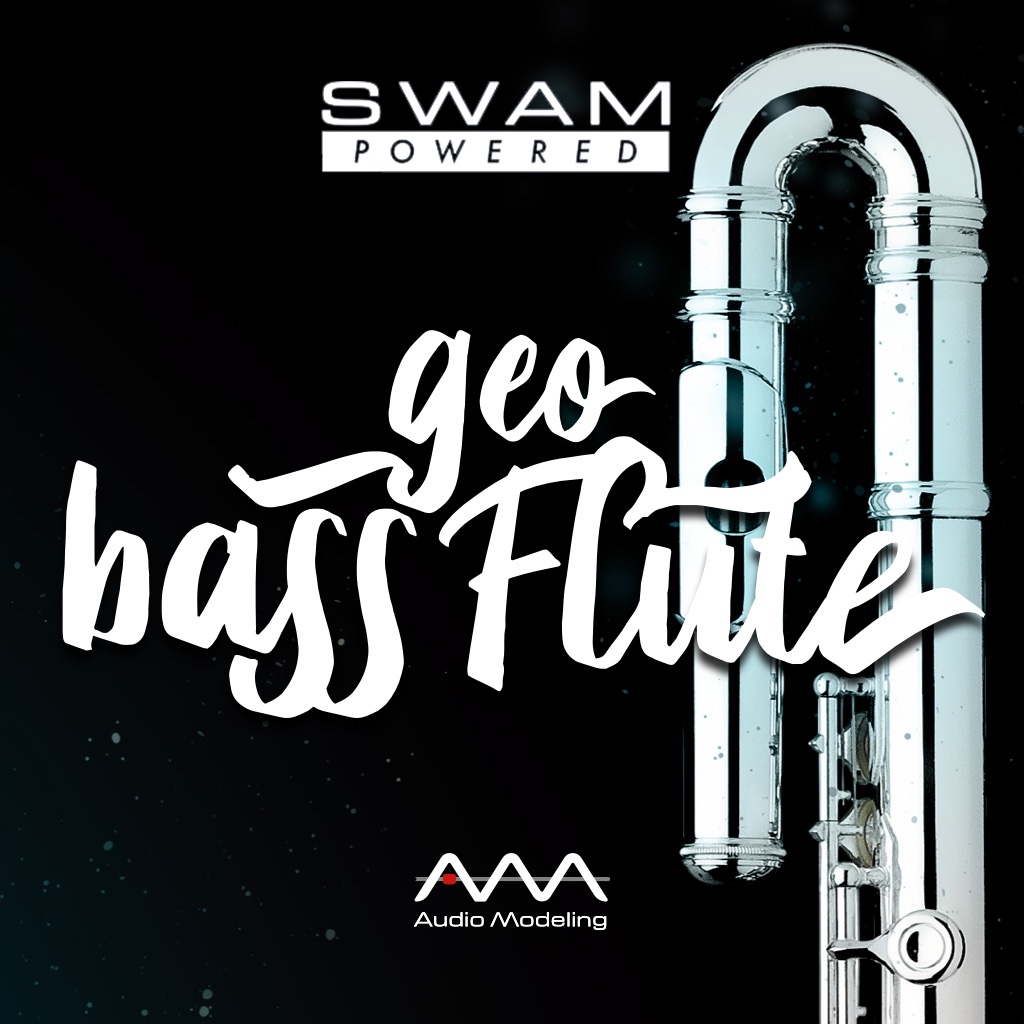
You'll feel it breathe as you play. On GeoShred Studio's continuous pitch surface, the bass flute's dark atmospheric register, breath quality, and flutter tongue respond continuously to your pressure and gesture in real time. One octave below the concert flute, the bass flute's breathy, velvety tone is under direct performance control on the grid.
Works with MPE controllers, wind and breath controllers, and GeoShred Control, a free iPhone and iPad companion app that delivers a multi-touch expressive surface for live performance.
GeoBassFlute runs inside GeoShred Studio, where the bass flute's atmospheric register is accessible through GeoShred's multi-row continuous pitch surface. Press lightly for the instrument's characteristic breathy low-register tone; increase pressure to bring out fuller resonance and overblown harmonics. Flutter tongue and breath-noise character shift continuously with input gesture across the entire range. The SWAM engine models the physics of the large-scale air column and curved headjoint; GeoShred Studio's integrated FX rack delivers reverb, echo, and amp modeling throughout the performance chain.
Pitched one octave below the concert flute in C, the bass flute's low register is inherently soft, and breath noise becomes an organic part of the tone rather than a flaw to eliminate. In recording and film scoring, that breathy atmospheric quality is precisely what the instrument is chosen for: an otherworldly color that sits below the concert flute's clarity and above the bass clarinet's density. In GeoShred Studio, the boundary between breath noise and tone remains fluid, shaped continuously by air pressure and input gesture across the full range.
GeoShred Studio is moForte's professional desktop instrument platform, running as a VST3, AU, or AUv3 plugin or standalone application. Its multi-row isomorphic surface tuned in perfect fourths enables natural melodic and chromatic movement across the bass flute's range. Wind and breath controllers pair naturally with the instrument's breath-driven character and connect directly to GeoShred Studio.
GeoShred Control pairs with GeoShred Studio over USB, delivering a free multi-touch iOS surface for live performance alongside hardware controllers.
{See video at top of page}

Please log in to join the discussion
Submit: News, Plugins, Hosts & Apps | Advertise @ KVR | Developer Account | About KVR / Contact Us | Privacy Statement | Sell @ KVR | KVR Marketplace Terms & Conditions
© KVR Audio, Inc. 2000-2026