



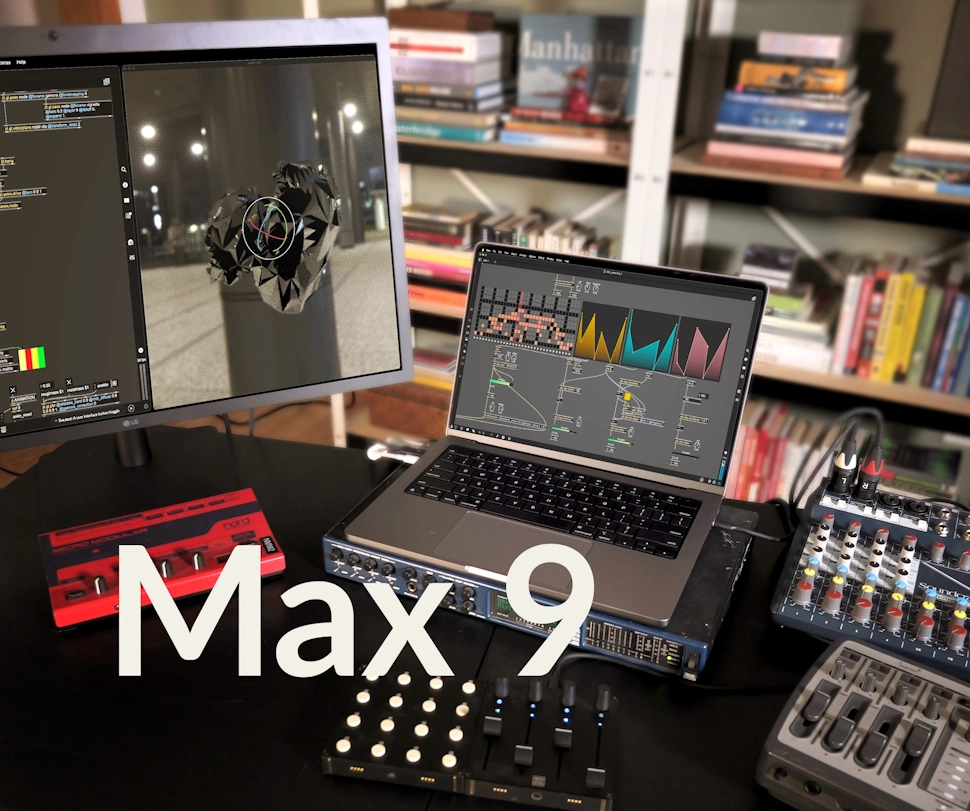
 Cycling '74 recently released Max 9 and has just updated it to v9.0.1.
Max 9 is more direct, more transparent, and full of inspiring new features that will spark your curiosity. Max 9 brings a new collection of audio objects based on Ableton's ABL library, the biggest Jitter update in years, interface improvements, reinvented coding workflows - and much more.
Here are some of the highlights for the Max 9 release. Be sure to check out the changelog for a complete list of improvements.
New Objects and Tools
- Ableton Device and DSP Objects (ABL): The ABL objects wrap both high-level device code and low-level algorithms that Ableton uses in its own products for use in your Max patches and Max for Live devices. The 10 devices include Drift, Roar, Compressor, Limiter, Reverb and more. The 55 DSP objects offer lower level components like oscillators, filters, reverb, distortion, noise, and more.
- Jitter Geometry Objects: The Jitter Geometry objects are a new family of objects for computational geometry. Up until now, geometry in Jitter has typically been processed as a mass of triangles (triangle soup) or grid of primitives, stored in 1D or 2D matrices of 3 plane position data, with additional planes containing other vertex properties. We've managed to build some incredible patches with this matrix representation, but we need a more descriptive way of representing geometry in order to expand what is possible with generative geometry in Jitter. For example: mesh subdivision, mesh smoothing, remeshing (making mesh faces uniform in size), UV generation, face properties (like centroids and area), and other options that require the ability to traverse a mesh by connections.
- Jitter FX Objects (jit.fx): The new jit.fx objects provide a diverse and easy-to-use library of efficient real-time image effects that run on the GPU and integrate easily with your patch. The Jitter FX objects wrap jit.gl.slab, jit.gl.pix, and v8 using the new Define functionality (see below) to more easily navigate the large library of shader based effects Jitter has to offer. In addition to all the shaders available in Max 8, we've added a slew of fun and interesting new ones.
- V8 Javascript Engine: The new v8 and v8ui objects expose modern Javascript (ES6+) to Max through the V8 Javascript engine (same as Chrome and Node.js). This allows for more expressive and more performant Javascript code. The js and jsui objects still use the Mozilla Javascript 1.8.5 Engine (ES5) for legacy compatibility purposes. Save your js right in your patch with the embed attribute.
- Codebox: There are several new codebox variants that are available for use in standard max patchers (not only gen and RNBO as in previous versions). These objects allow in patcher editing of text, and include v8.codebox, node.codebox, dict.codebox, coll.codebox, gen.codebox, gen.codebox~, jit.gen.codebox, jit.pix.codebox, jit.gl.pix.codebox, and osc.codebox.
- Parameter Connect: Connect UI objects in Max to supported object attributes without any patchcords. This feature is currently supported by all ABL, jit.fx, Gen objects, and jit.gl.slab. Javascript V8 object support can be enabled by using the new JS attribute API. To take advantage of this feature in the context of poly~ patchers, the new param object can be used.
- OSC Parameters: New application, patcher, and parameter level settings allow you to automatically communicate parameter values to and from your patch via OSC. You can set a global OSC address and port to use, or on a per patcher. The new param.osc object enables easy monitoring of all parameters in a patch as OSC packets. The new osc.codebox object can be used for easy display of OSC packets as dictionaries.
- New Jitter Passes: Jitter's jit.gl.pass architecture has been improved to better support advanced rendering passes and post processing effects. Max 9 includes several new pass effects that take advantage of the improved capabilities of jit.gl.pass including global illumination (ReSTIR), screen space ambient occlusion (SSAO), depth of field, vignetting and more.
- New Jitter Time Objects: New jit.line, jit.bang, jit.framecount objects to provide reliable timing information both in realtime and non realtime rendering modes (See Jitter Fixed Delta Time below).
- New Jitter Gizmos: A new transform gizmo is now used for jit.world's @auto_handle attribute. The transform mode defaults to rotation, and changes to translate or scale via command and option modifiers. Shift modifier toggles between local and world axes. Additionally there are new gizmos for lights and cameras that can be toggled on via the gizmos attribute of jit.world.
- Jit.ui Objects: Objects to make UI widgets inside jit.world. These objects allow you to create user interfaces elements in the Jitter rendering window, and edit their position and size directly using your mouse and keyboard, and by default they will adjust their scaling based on the render window size.
- Define: Primarily of interest to package developers, this feature enables the use of general purpose host objects like jit.gl.slab, gen~, js, and others through the use of a defined alias, making it look and feel like a unique Max object. The jit.fx.* suite of objects are an example of this.
- Hid: The hid object is a replacement for the legacy hi object. Completely rewritten to be cross platform, it provides more descriptive information about human interface devices, and the ability to take exclusive control of devices on OS X.
- Loudness~: report loudness of a signal according to the EBU R 128 standard. Momentary, short term, and integrated loudness measures are reported in LUFS (loudness units referenced to full scale). Additionally, the signal's loudness range is reported in loudness units, while sample peak true peak values are reported in dB.
- Schedule: like the defer object but for moving any message to the scheduler thread, optionally with a delay to provide similar functionality as the delay object but for any message.
- Jweb~: Render a web page and route the audio through MSP.
- Threadcheck: reports the current thread of execution for an incoming message.
- New Array Objects: including array.expr, array.fill, array.random, array.min, array.max, array.mean, array.median, array.mode, and array.stddev.
- New String Objects: including string.regexp and string.sprintf.
YouTube.com/watch?v=DS-FZ-Un0VQ
YouTube.com/watch?v=IEC33xc_pa0
Object Enhancements
- Preset Interpolation & Display: Connect the nodes object to preset to interpolate between preset states. Assign a name to a preset slot with the new setname message, and use umenu and chooser objects to display a list of saved preset slots.Shadow Alpha / Waveform Drawing: New drawing modes for multislider, function, itable, playlist~ and waveform~. Additionally, the waveform~ object now uses an improved path-based drawing algorithm.
- Embedded Textfile Support: Save the text of v8, node.script, jit.gl.slab, jit.gl.shader, and jit.gl.pass objects right in the patcher with the embed attribute.
- Jitter Geometry Export: We've added the ability to export geometry from any Jitter GL object that draws geometry with the export_geometry message. Currently PLY, STL, and GLTF formats are supported.
- Jitter Transparency Rendering: When the transparency attribute is enabled on jit.world, any objects that have a color transparency (ie a color alpha component less than 1) or blend_enable 1 will be added to a transparency pass and composited with any opaque objects in the scene with proper depth buffering.
- Jitter Shader Enhancements: New shader state uniforms have been added, providing parity with the iTime, iFrame, and iDate built-in uniforms of Shadertoy.
- Jitter Fixed Delta Time: Lock animation objects bound to a jit.world context to a fixed rate with the new jit.world attribute fixed_delta. When non-zero, all animation objects (e.g jit.anim.*, jit.mo.*, jit.time, jit.framecount) will lock their animation update rate to this value. Additionally, all animation objects now have their own fixed_delta attribute, which will override the global (jit.world). This feature allows for non-realtime capture of jit.world output while utilizing jitter-animation objects with zero patching modifications from realtime playback.
- Vst~ Enhancements: Use the drop message to unload the currently loaded plugin, the currentplug attribute to get the currently loaded plugin, and the floateditorwindow attribute to make the plugin editor window floating. Sysex support has been added via the sysexevent message.
New Editor Features
- Object Syntax Coloring: Objects now have their text colored to increase legibility and indicate the difference between object name, arguments and attributes. Use the Syntax Color Theme preference to choose a color set.
- Updated Toolbars: The left sidebar can now be "pinned" to stay open, and a new Patcher List View shows all objects used in the current patcher window. We've also added Jitter FPS metering, a Global Quick Record Button, Multi-Channel Audio Meters, a persistent Clue Bar, and more. In the Max Console, you will find a REPL (Read, Evaluate, Print, and Loop) implementation to send messages to objects and evaluate short bits of JavaScript.
- New Documentation Browser: The reference and documentation browser has been completely overhauled, splitting content into Reference and User Guides, as well as better integration of Package-specific documentation. Many resources have been moved online to a new documentation website, with improved API reference.
- Debugging & Illustration Mode: Illustration mode allows the execution of a patch in slow motion as the messages travel down patch cords, which can be paused or continued. Debugging and Illustration modes are now enabled for individual patchers, not globally as before.
- Preferences: Redesigned for ease of navigation and searchability, the new Preferences window features a two column layout with categories on the left. Audio Settings are now integrated into preferences.
- File Operations: In the File menu, we've added the Revert to Saved option to the File menu to reset the current patch back to the last saved version, and under the Help menu there is a Recent Help Files entry to see all help files that were opened recently. On Windows, the Open and Save dialogs have been modernized.


 Other Related News